
School Athletic Recognition Display View Transitions: A Reduced-Motion Acceptance Checklist
Before any school lobby athletic recognition display goes live, run a view transition reduced-motion test to confirm that the browser’s native animation honors the operating system’s accessibility setting. When a visitor taps an athlete card in a team-grid view and the display animates to the full athlete profile, that animation must either cut or simplify itself automatically for any user whose device is configured to prefer reduced motion. Skipping this step means the recognition display may trigger vestibular discomfort for visitors with motion sensitivities — a gap that contradicts the welcoming purpose of a school hall of fame.
Read More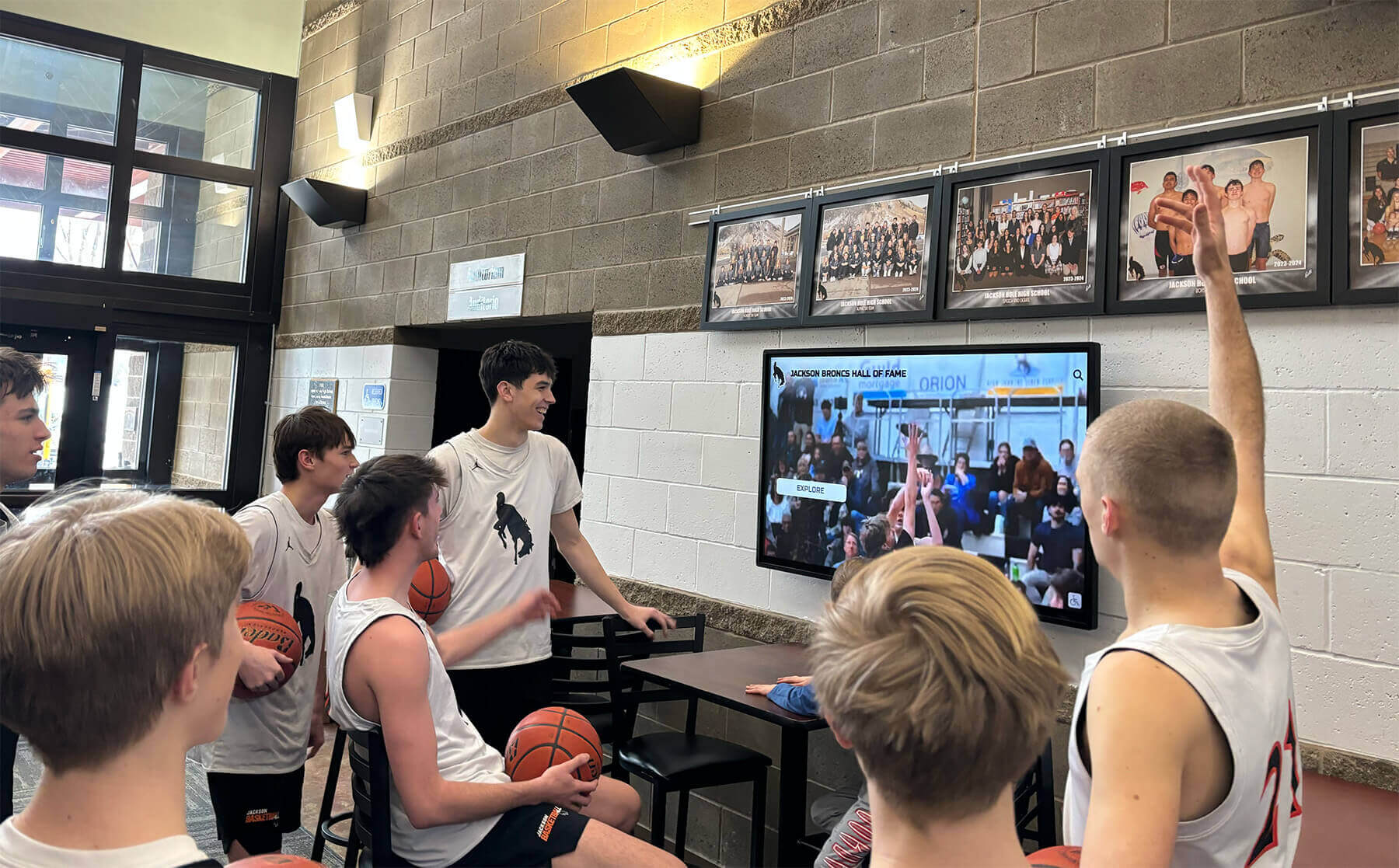
School Lobby Recognition Video: MediaCapabilities Decoding Checks Before Touchscreen Acceptance
Before accepting a school lobby athletic recognition touchscreen for deployment, run a school lobby recognition display MediaCapabilities decodingInfo test to confirm the device browser can decode the specific codec, bitrate, resolution, and framerate used in your recognition videos. The browser’s Web MediaCapabilities API returns three boolean values—supported, smooth, and powerEfficient—for each video configuration you supply. A supported: false result means the device cannot decode the format at all and the configuration must be rejected or replaced. smooth: true and powerEfficient: true indicate browser predictions of smooth, hardware-accelerated playback, but those predictions may initially be optimistic before local playback statistics have accumulated on that device. The API covers unencrypted file configurations only, and physical playback acceptance on the actual installed hardware remains a required separate step regardless of what the API returns.
Read More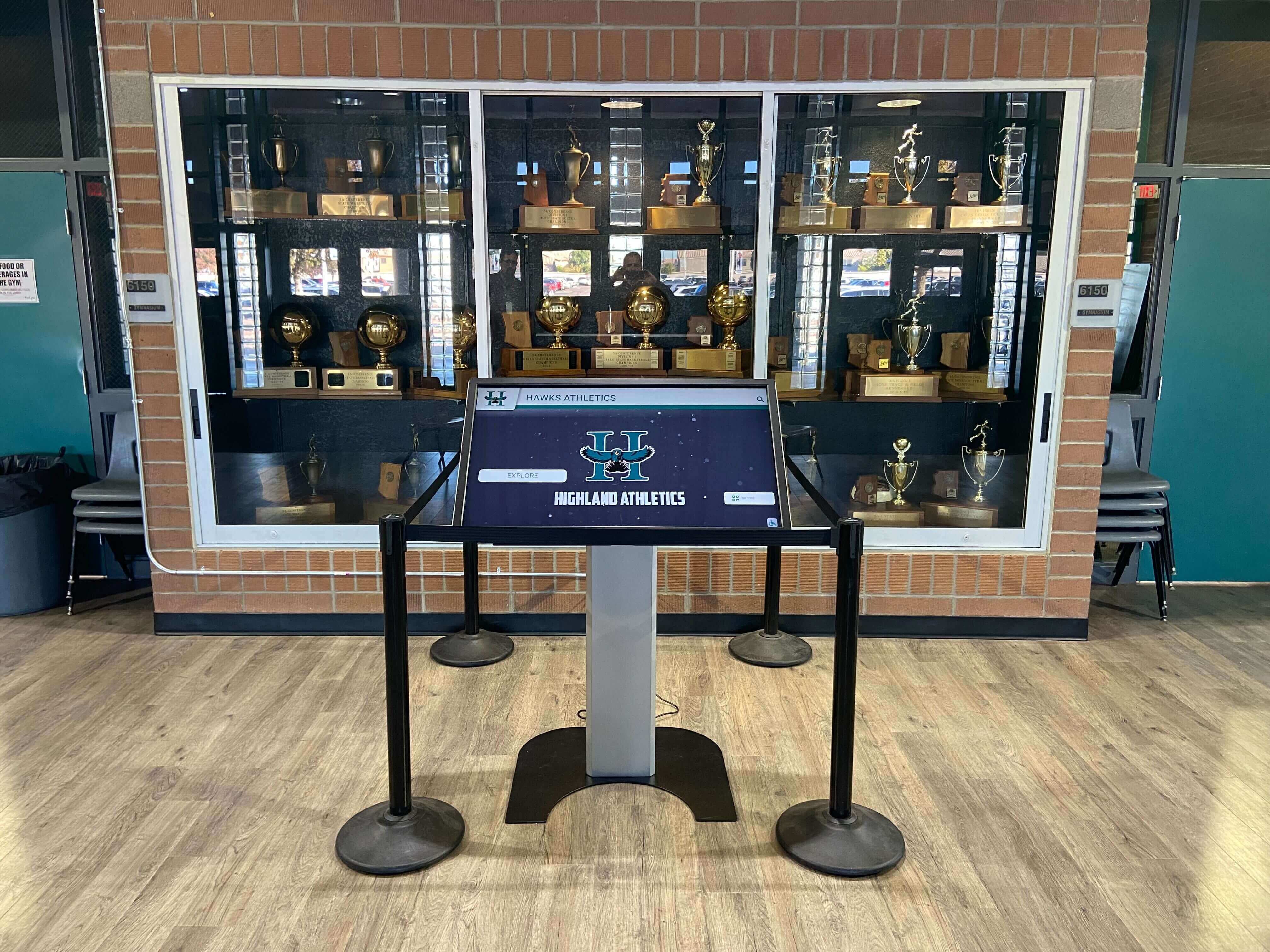
Recognition Display PWM Dimming Test for Low-Brightness Flicker
Recognition display PWM dimming test is a five-minute commissioning step that many athletic directors and facilities teams skip—until they notice horizontal stripes rolling through a photo taken at a recognition event, a staff member reports eye strain during a long lobby shift, or a video recording of an induction ceremony shows the hall-of-fame wall flickering on screen. PWM stands for Pulse Width Modulation, the brightness-control method most commercial display panels use to reduce backlight intensity without altering driver voltage. At low brightness settings—common in naturally lit lobbies during the day, in evening standby modes, or in photo-controlled display installations—PWM cycling frequency directly determines whether the recognition display flickers visibly, flickers on camera, or holds a stable, steady image.
Read More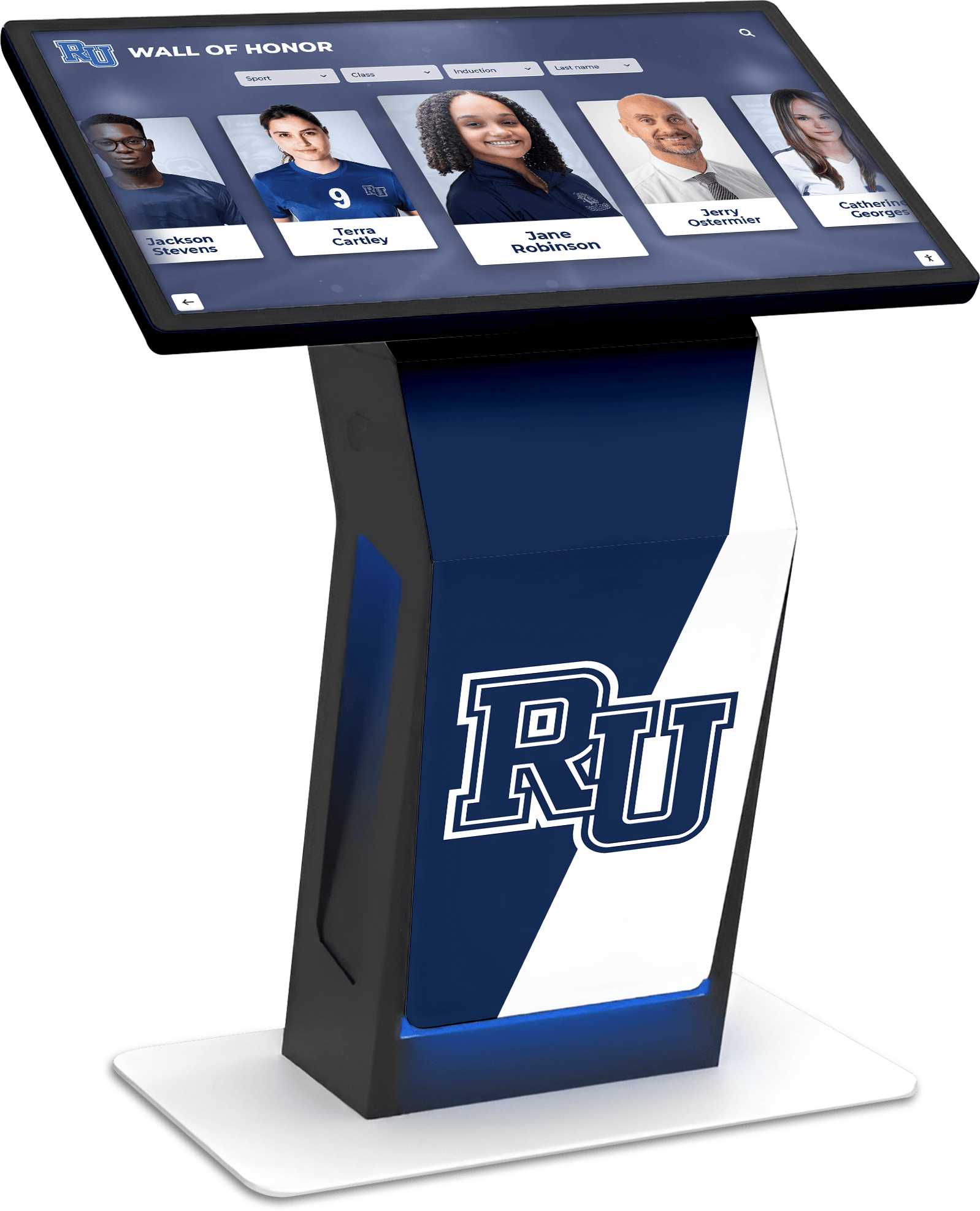
MWE-QIXZOCV Touchscreen Kiosk Interactive Displays: Complete Compatibility Guide for Recognition Software
Intent: decide — Organizations implementing interactive recognition displays face critical hardware decisions determining whether installations create warm, engaging community experiences or become technology investments that fail to deliver expected value. MWE-QIXZOCV touchscreen kiosk interactive displays represent accessible, budget-friendly hardware options that, when paired with purpose-built recognition software like Rocket Alumni Solutions, transform how schools, athletic departments, museums, and community organizations celebrate achievements while building vibrant, connected communities.
Read More






























