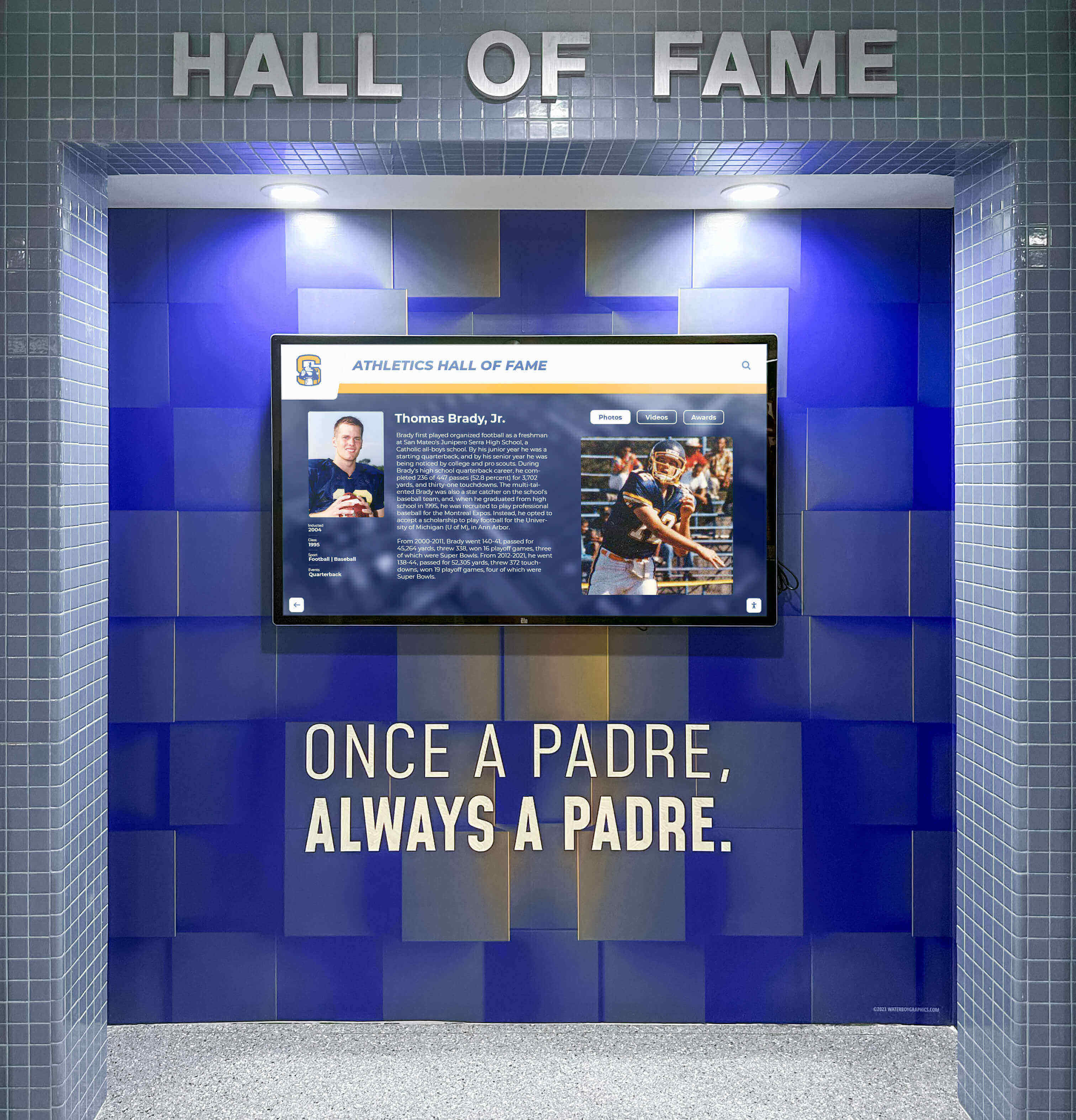
Touchscreen Recognition Display Screen Burn-In Prevention Checklist: Scheduling, Layouts, and Monitoring
Intent: decide — A touchscreen recognition display installed in your school lobby or gymnasium can develop screen burn-in when static interface elements—navigation menus, fixed logo bars, or unchanging content borders—remain on screen for extended hours without movement. This checklist helps school administrators, athletic directors, and IT staff prevent that outcome through three levers: scheduling, layout design, and regular monitoring.
Read More






























