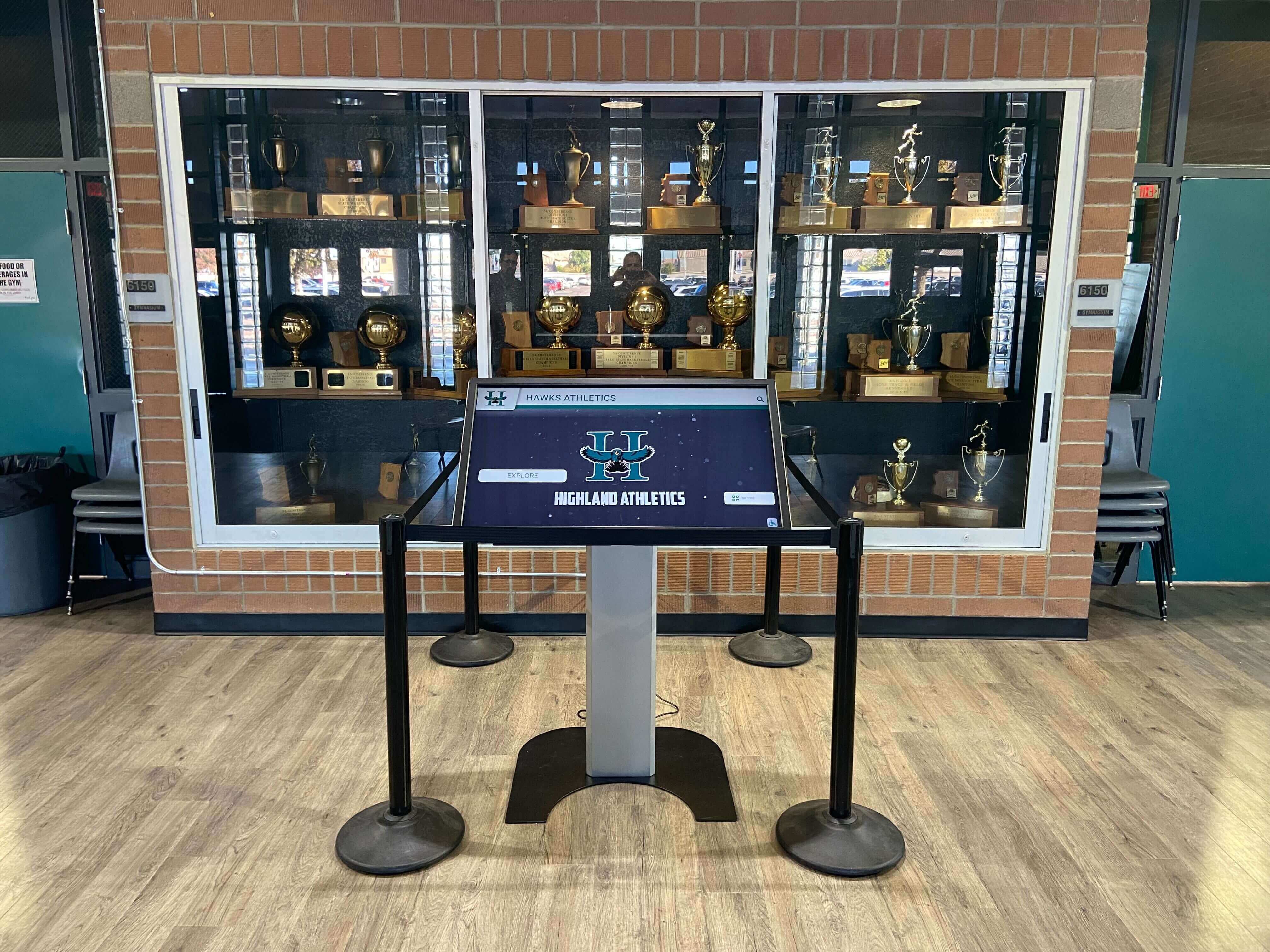
Touchscreen Recognition Display Dead-Pixel Inspection Checklist: Identify, Document, and Act
Intent: decide — A dead or stuck pixel on a school recognition display is easy to overlook on a busy morning but impossible to ignore when it appears in the center of an inductee’s portrait during an awards ceremony. This touchscreen recognition display dead-pixel inspection checklist gives school administrators, athletic directors, IT staff, facilities teams, and recognition program owners a repeatable way to find panel defects, document their location and severity, and decide confidently whether a display needs immediate service or can continue operating until the next scheduled maintenance window.
Read More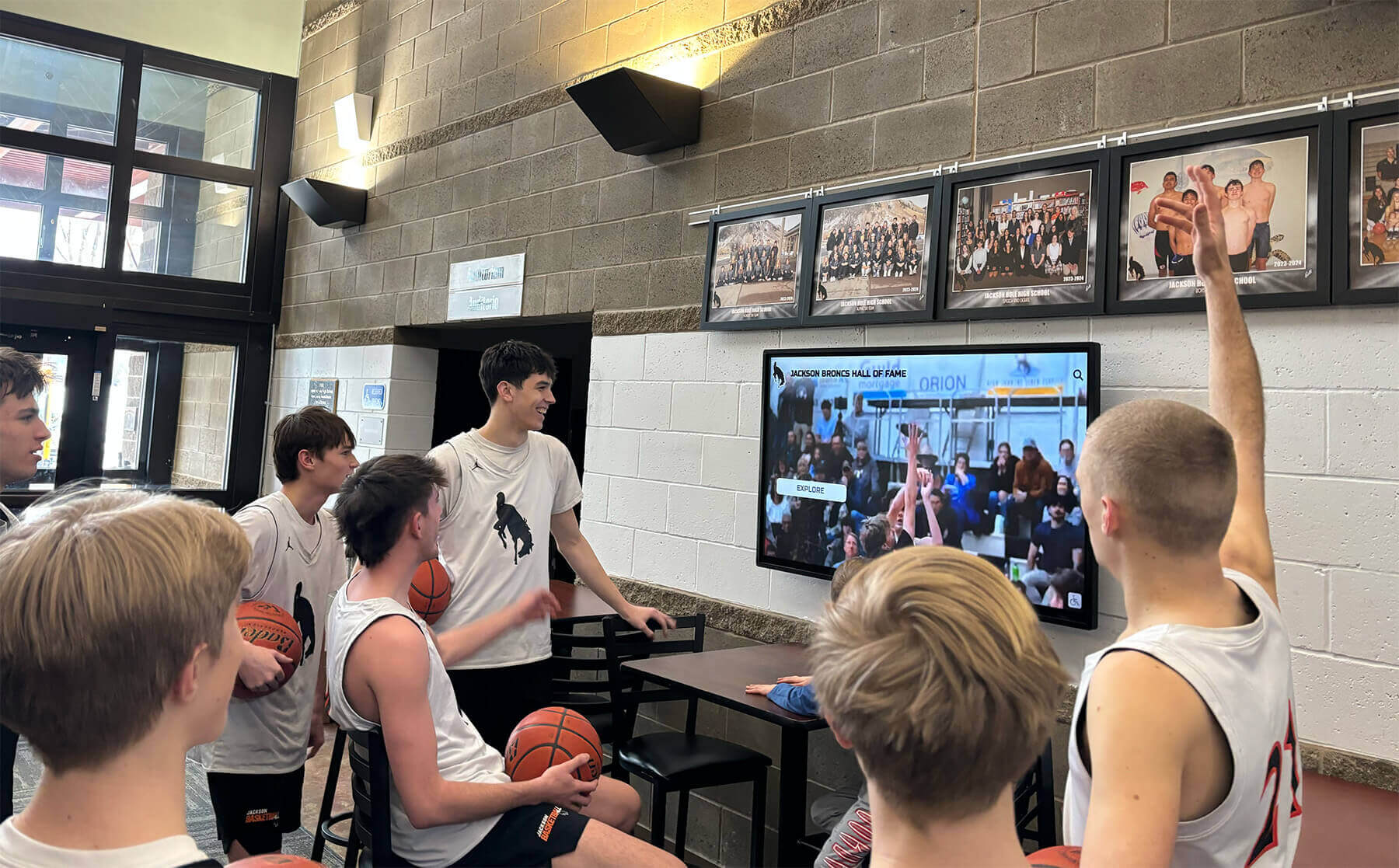
Touchscreen Recognition Display Screen Brightness Schedule: Readability, Energy, and Panel Care
Intent: decide — A touchscreen recognition display running at maximum brightness from 6 a.m. to 10 p.m. seven days a week wastes energy, strains the backlight, and often looks worse than a display tuned to the room’s actual ambient light. A screen brightness schedule solves all three problems at once: it keeps lobby and hallway recognition displays readable for visitors and athletes, reduces the electricity draw during low-traffic hours, and distributes backlight wear more evenly across the panel’s service life.
Read More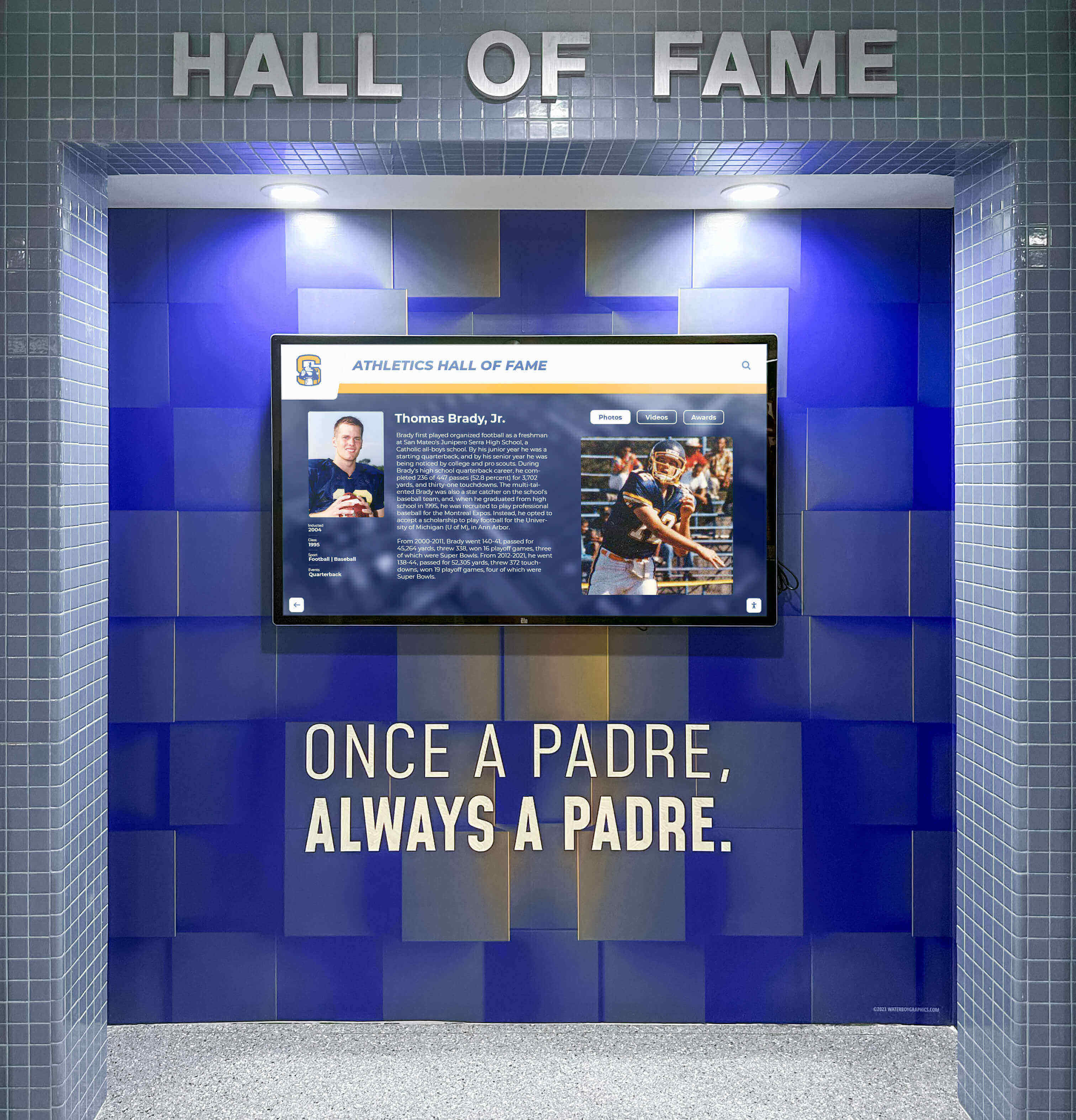
Touchscreen Recognition Display Thermal Monitoring Checklist: Prevent Heat-Related Outages
Intent: decide — A touchscreen recognition display running too hot will shut down mid-event, display artifacts, or shorten its service life—often with no warning until the screen goes dark during an awards ceremony or hall-of-fame induction night. This touchscreen recognition display thermal monitoring checklist helps school administrators, athletic directors, archives and recognition staff, facilities teams, and school IT prevent heat-related outages by inspecting enclosure temperature, ventilation, sunlight exposure, dust accumulation, and early shutdown symptoms before they interrupt the events that matter most.
Read MoreTouchscreen Recognition Display Screen Burn-In Prevention Checklist: Scheduling, Layouts, and Monitoring
Intent: decide — A touchscreen recognition display installed in your school lobby or gymnasium can develop screen burn-in when static interface elements—navigation menus, fixed logo bars, or unchanging content borders—remain on screen for extended hours without movement. This checklist helps school administrators, athletic directors, and IT staff prevent that outcome through three levers: scheduling, layout design, and regular monitoring.
Read More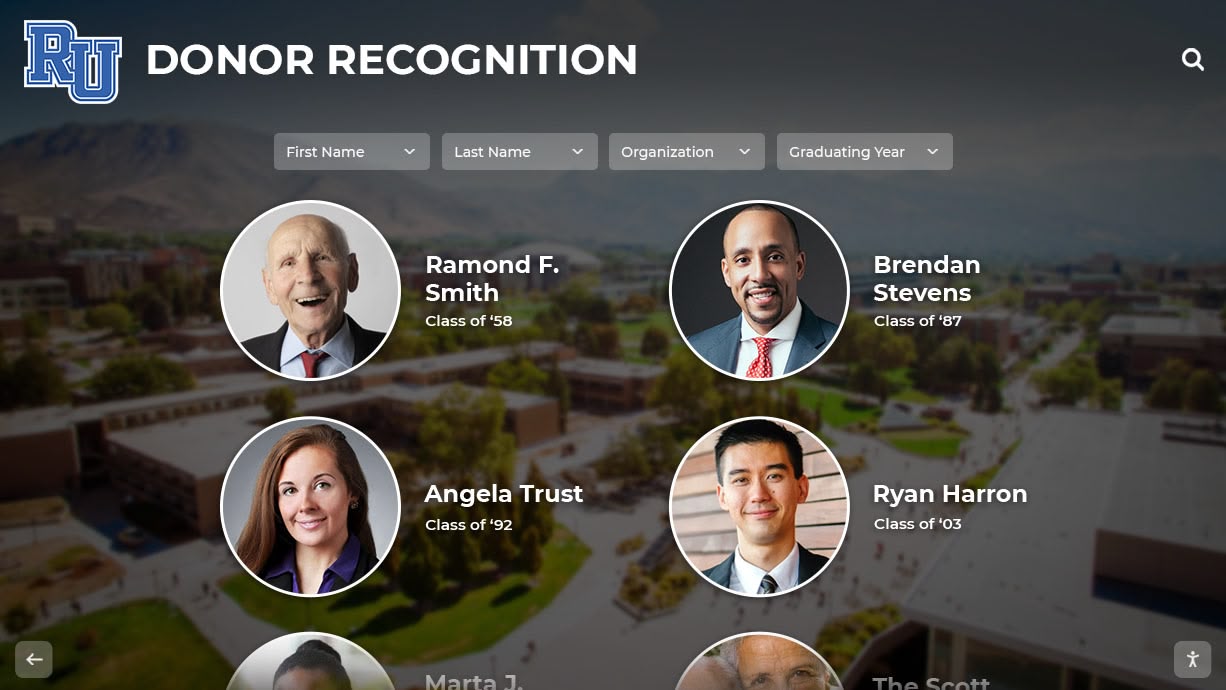
Digital Hall of Fame and Donor Wall: How Dual Recognition Systems Work
Many schools, universities, and community organizations face space constraints when they want to celebrate both athletic or academic achievement and recognize donors who make their programs possible. Traditional approaches require separate installations—one wall for hall of fame inductees, another for donor plaques, and yet another for sponsor acknowledgment. This creates scattered recognition experiences, competes for premium wall space, and multiplies both installation and maintenance costs.
Read More
Memorial Wall Ideas: Meaningful Ways to Honor and Remember Loved Ones
Intent: demonstrate — Creating a memorial wall to honor loved ones, community heroes, or cherished individuals represents one of the most meaningful gestures organizations, schools, and institutions can make. Yet the challenge lies not just in providing recognition, but in creating tributes that truly celebrate lives, preserve legacies, and offer comfort to families and communities for generations to come.
Read More
Donor Walls: Complete Guide 2026 - Types, Costs, and Implementation Strategies
Donor walls represent far more than acknowledgment obligations for nonprofits, schools, hospitals, and cultural institutions—they embody strategic investments in relationship building that determine fundraising sustainability. When organizations implement thoughtful donor recognition that celebrates supporters meaningfully while creating engaging community destinations, they activate what experts call digital warming: continuously surfaced, personalized content that transforms cold institutional spaces into vibrant gathering places where every supporter feels valued and inspired to deepen their commitment.
Read MoreWhen to Install a Touchscreen Display in Your New School Gymnasium: Complete Timing and Planning Guide
Building a new gymnasium represents a significant investment in your school’s athletic program and community space. Among the many decisions involved in facility planning, determining when to incorporate a touchscreen display for athletic recognition requires careful consideration of construction timelines, infrastructure requirements, budget allocation, and long-term programmatic goals. The timing of this decision can substantially impact both installation costs and the display’s effectiveness as a recognition and engagement tool.
Read More






























