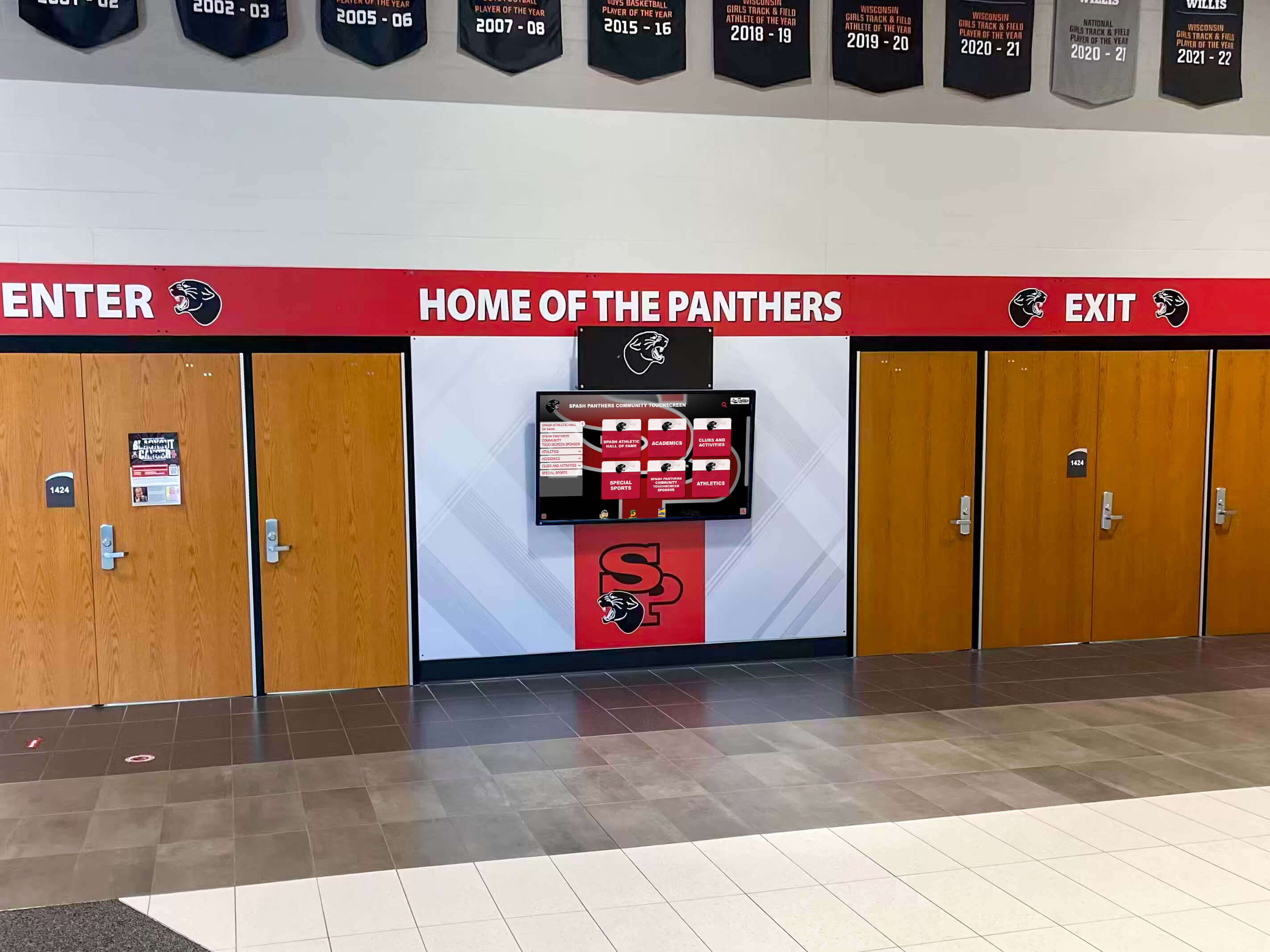
School Recognition Display ARP Cache Timeout: Troubleshooting Guide for IT Teams
Intent: decide — Your school recognition display shows a blank screen or reports “offline,” but the hardware looks intact and other devices on the same network are working normally. Before replacing the display or escalating to a managed service provider, confirm whether a stale ARP cache entry is cutting off network access—this single check resolves a meaningful share of intermittent lobby-screen outages without any hardware swap.
Read More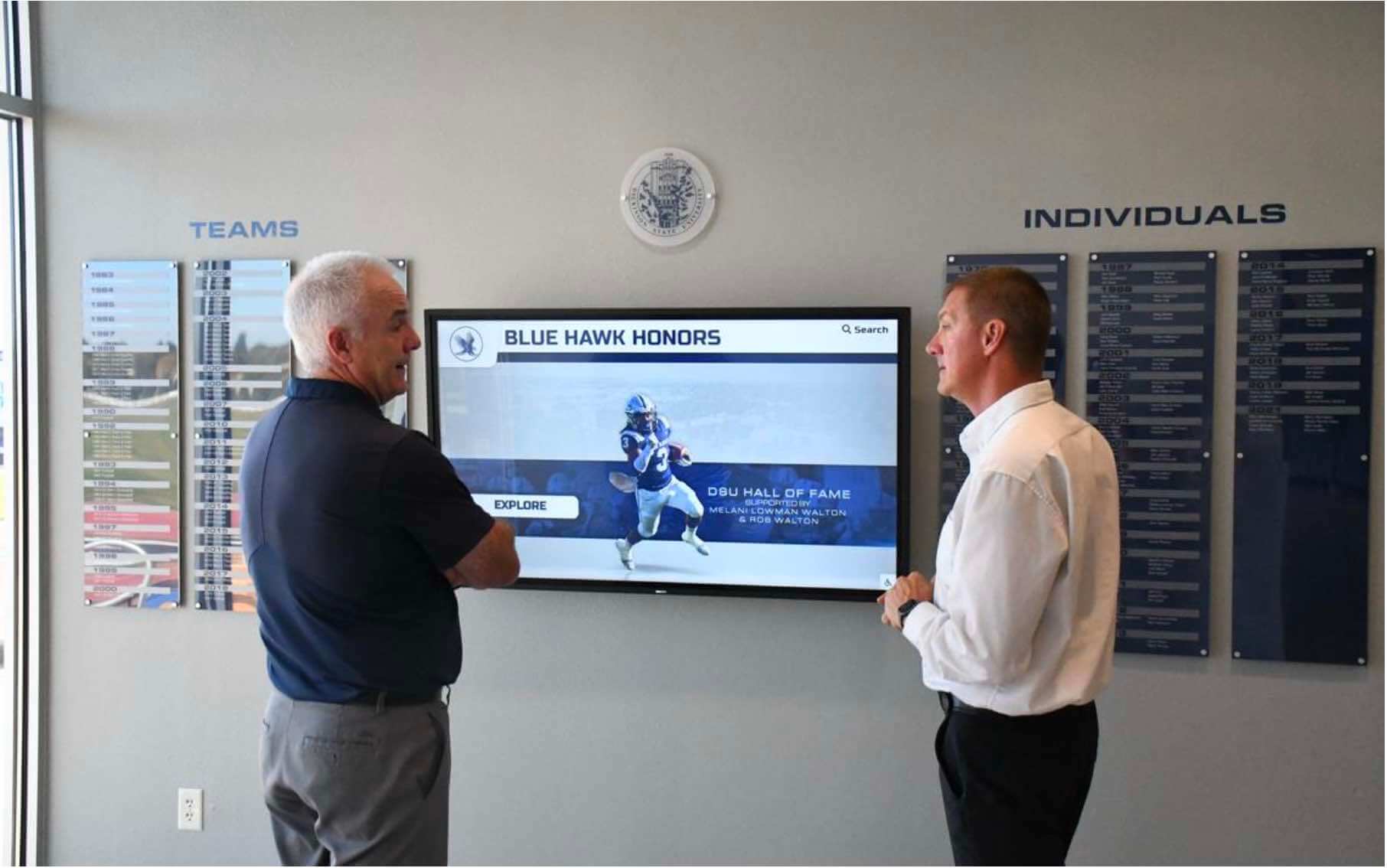
Recognition Display IPv4 Checksum Offload Validation for Reliable Media Transfers
Intent: decide — A recognition display that intermittently stalls loading a hall of fame slideshow, generates retransmission errors during a video tribute, or produces contradictory packet-capture results — clean on one tool, filled with red “bad checksum” warnings on another — is not necessarily experiencing a hardware failure. It may be exposing a misconfigured IPv4 checksum offload setting on the display’s network interface card. Checksum offload moves the computation and verification of IPv4 header checksums from the host CPU to the NIC hardware. When correctly configured, media transfers from cloud-hosted recognition platforms are efficient and error-free. When misconfigured — or when TX offload creates software-capture artifacts mistaken for real errors — school IT teams spend hours troubleshooting a problem that a four-command validation sequence can confirm or rule out in minutes.
Read MoreRecognition Display Link-Flap Detection Checklist for Reliable School Kiosks
Intent: decide — A lobby kiosk that shows championship banners in the morning and a blank screen at noon has not lost power and is not running buggy software. It has experienced a link-flap event: its Ethernet port cycled between connected and disconnected — possibly dozens of times in a few seconds — disrupting every active TCP session, clearing the local ARP cache, and forcing the content management system to close and reopen its delivery connection. The display comes back on its own, the content catches up, and the problem looks like a glitch. It happens again three days later. It happens again during senior night. Each event is brief, each recovery looks clean, and none of them generate a support ticket specific enough to diagnose.
Read More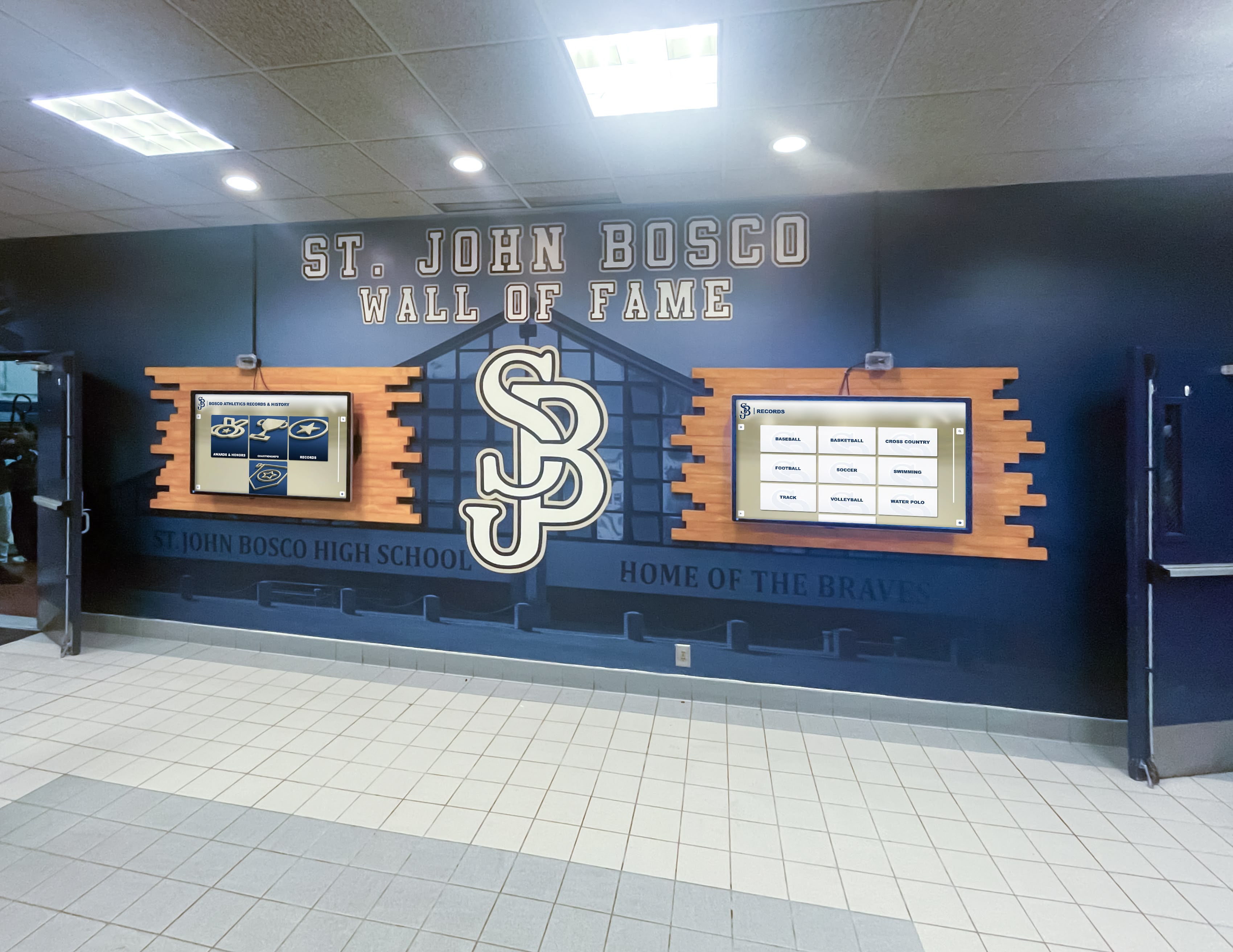
Recognition Display MAC Address Table Aging Test for Managed Networks
Intent: decide — A recognition display that loads championship rosters and alumni portraits without issue most of the day, then goes blank for 15–30 seconds at irregular intervals before reconnecting on its own, is showing a classic MAC address table aging symptom. The managed switch serving the display has flushed its learned MAC address entry for the display’s network interface before the display generated enough traffic to renew it. The switch briefly floods traffic — or drops unicast frames destined for the now-unknown MAC — and the recognition display loses connectivity until the switch relearns the address. The content management system logs a disconnection; the display shows a spinner or goes dark; then everything recovers without any administrator intervention, making the fault difficult to reproduce on demand and easy to misattribute to the display hardware or the content platform.
Read MoreRecognition Display Jumbo Frame Compatibility Test for Media Delivery
Intent: decide — A recognition display that handles staff directory images and event schedules without issue but silently stalls on multi-gigabyte athletic highlight reels or large-format hall-of-fame gallery packages is exhibiting a classic jumbo frame compatibility failure. Somewhere between the content server and the display, a switch port or NIC is configured to transmit frames larger than the standard Ethernet maximum of 1500 bytes — but another device in the path cannot accept them. Those oversized frames are quietly discarded with no error message, no link indicator change, and no log entry on most school managed switches. The display shows a spinner, a progress bar frozen at a low percentage, or a gallery that loads twelve images and then stops.
Read More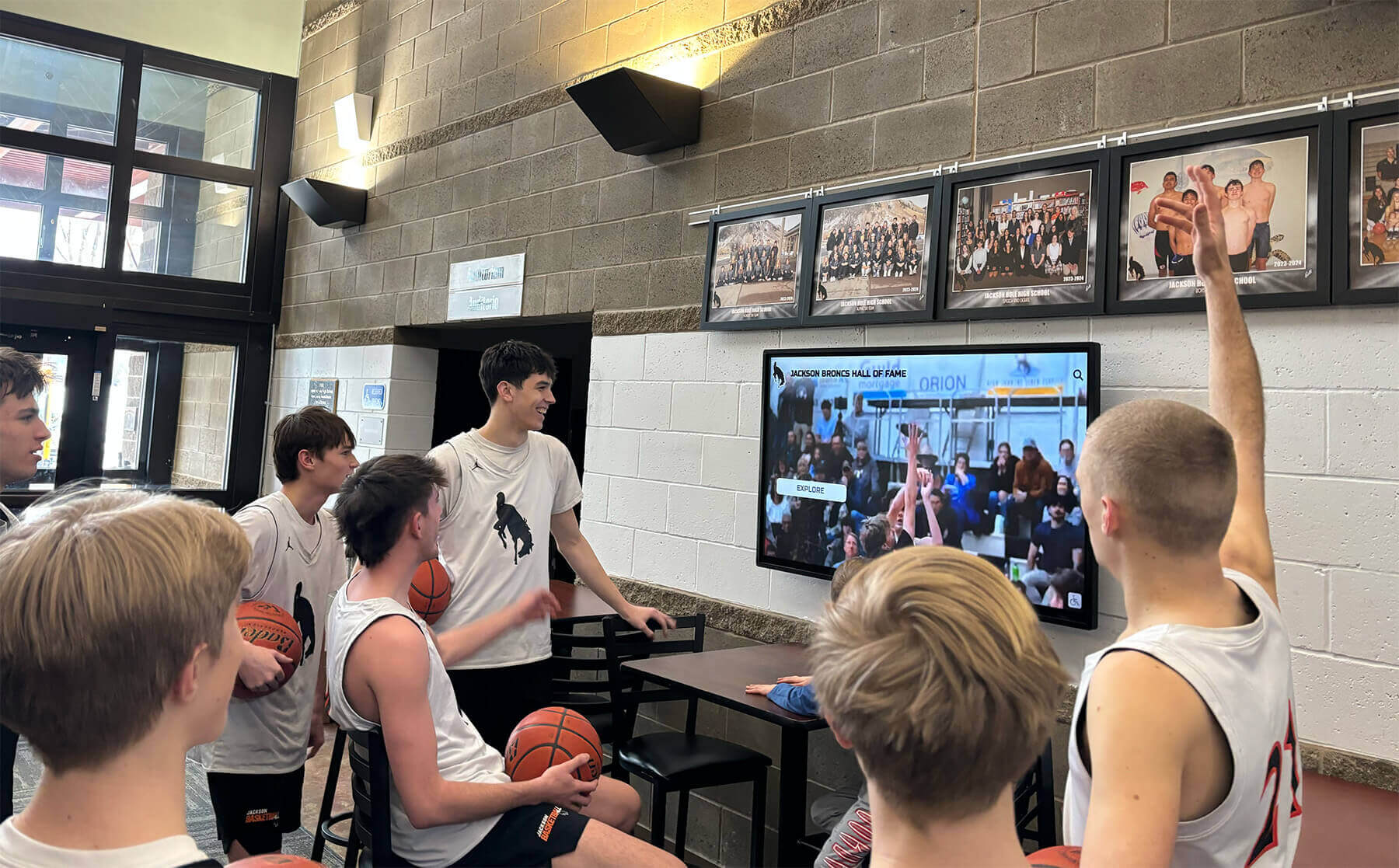
Recognition Display DSCP Marking Verification for Athletic Video Traffic
Intent: decide — A recognition display that stutters through a basketball highlight reel, freezes during a senior night video tribute, or drops frames on a live athletic event stream is not necessarily a hardware problem or a bandwidth problem. It is often a Quality of Service problem: video packets are arriving at the school’s network with no priority marking, competing for bandwidth equally with routine file downloads and background software updates, and losing that competition at the worst possible moments. DSCP marking — the mechanism that tells every switch and router in the path to treat video frames as high-priority traffic — is the fix, but only when it is actually being applied to the packets the display is receiving.
Read More
Recognition Display Path MTU Discovery Test: Prevent Media Loading Failures on School Networks
Intent: decide — A school recognition display that loads athlete portraits halfway, stalls on video tributes, or shows blank panels where alumni photos should appear is exhibiting one of the most misdiagnosed failure modes in school digital display networks: a Path MTU Discovery (PMTUD) breakdown. The packets carrying large image and video frames arrive at the network boundary, get silently discarded because they cannot be fragmented, and the display never receives the signal it needs to complete the load. No error message appears. No link indicator goes dark. The content simply never finishes rendering.
Read More
Recognition Display Ethernet Auto-Negotiation Test: School Network Troubleshooting Checklist
Intent: decide — When a school’s recognition display goes blank mid-morning or shows stuttering content during an awards ceremony, the culprit is often not the display hardware or the content platform—it is a network link problem hiding in the wiring closet. Ethernet auto-negotiation is the handshake protocol that determines how fast and in what mode two networked devices communicate. When that handshake produces a mismatch, the display’s connection becomes unreliable in ways that generic IT troubleshooting tools rarely surface.
Read More






























