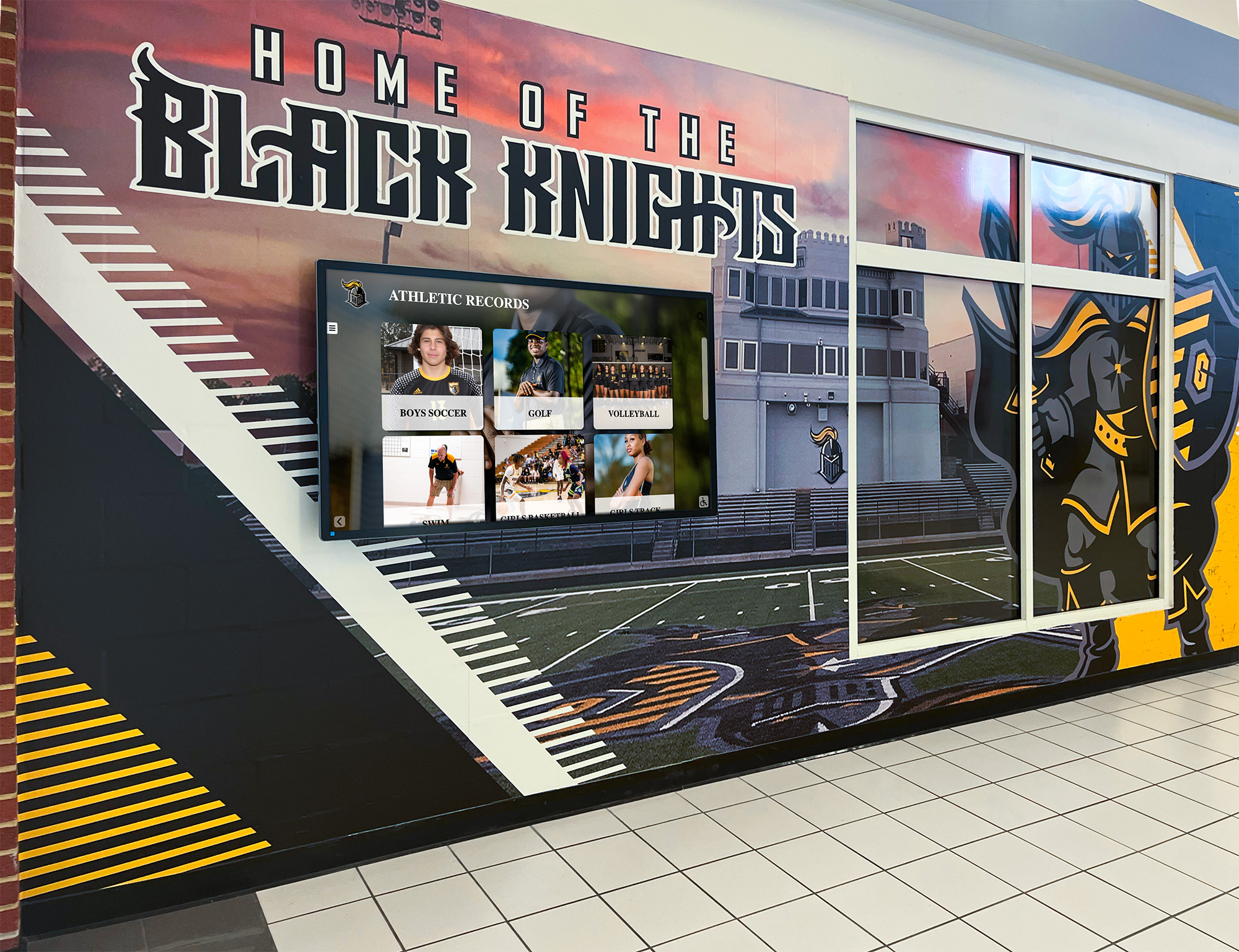
School Recognition Display ICMP Redirect Hardening Checklist
Intent: decide — A recognition display that begins routing its content management system traffic through an unexpected gateway — delivering content intermittently, freezing a hall of fame slideshow mid-ceremony, or failing to pull updated athlete statistics while IPv4 connectivity appears normal — is not malfunctioning. It is responding correctly to an ICMP Redirect message it received. ICMP Redirect (ICMPv4 Type 5) is a mechanism by which a router informs a directly connected host that a more efficient next-hop gateway exists for a specific destination. The host accepts the redirect and installs a host route in its local routing table, sending traffic for that destination directly to the suggested gateway. The problem is that ICMP Redirect messages carry no authentication. Any device on the same subnet can craft a forged redirect message that appears to originate from the legitimate router and direct the display’s CMS traffic to a rogue gateway — without triggering a link-down alert, a CMS authentication error, or any visible indicator that the display’s routing behavior has changed.
Read More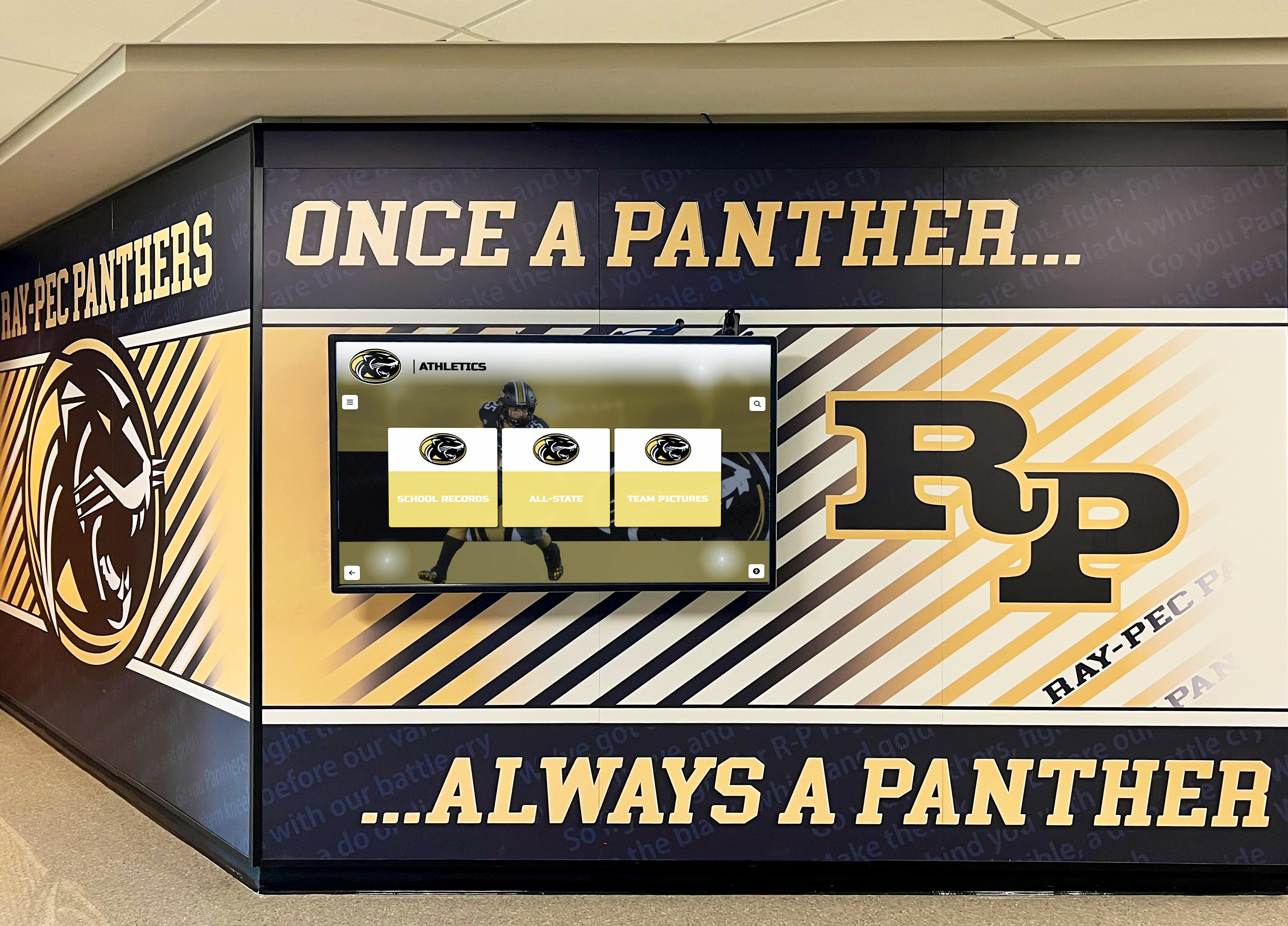
Recognition Display Private VLAN Isolation Test for Shared School Networks
Intent: decide — A school lobby recognition kiosk and the guest Wi-Fi access point mounted three feet away may share the same physical switch, the same IP subnet, and the same VLAN number — yet under a correctly configured private VLAN architecture, those two devices cannot exchange a single IP packet directly. Private VLANs (PVLANs) enforce peer isolation at the switch hardware layer, preventing recognition displays from receiving unsolicited traffic from other kiosks, student laptops, visitor devices, or IoT equipment on the same segment, while still allowing each display to reach the upstream router, the content management system, and any authorized management hosts. Testing whether that isolation is actually working requires more than confirming the kiosk can load content — it requires verifying that the peer block is in place, that the promiscuous uplink is the only valid gateway, and that DHCP, DNS, NTP, and CMS connectivity are all preserved through the PVLAN architecture rather than broken by it.
Read More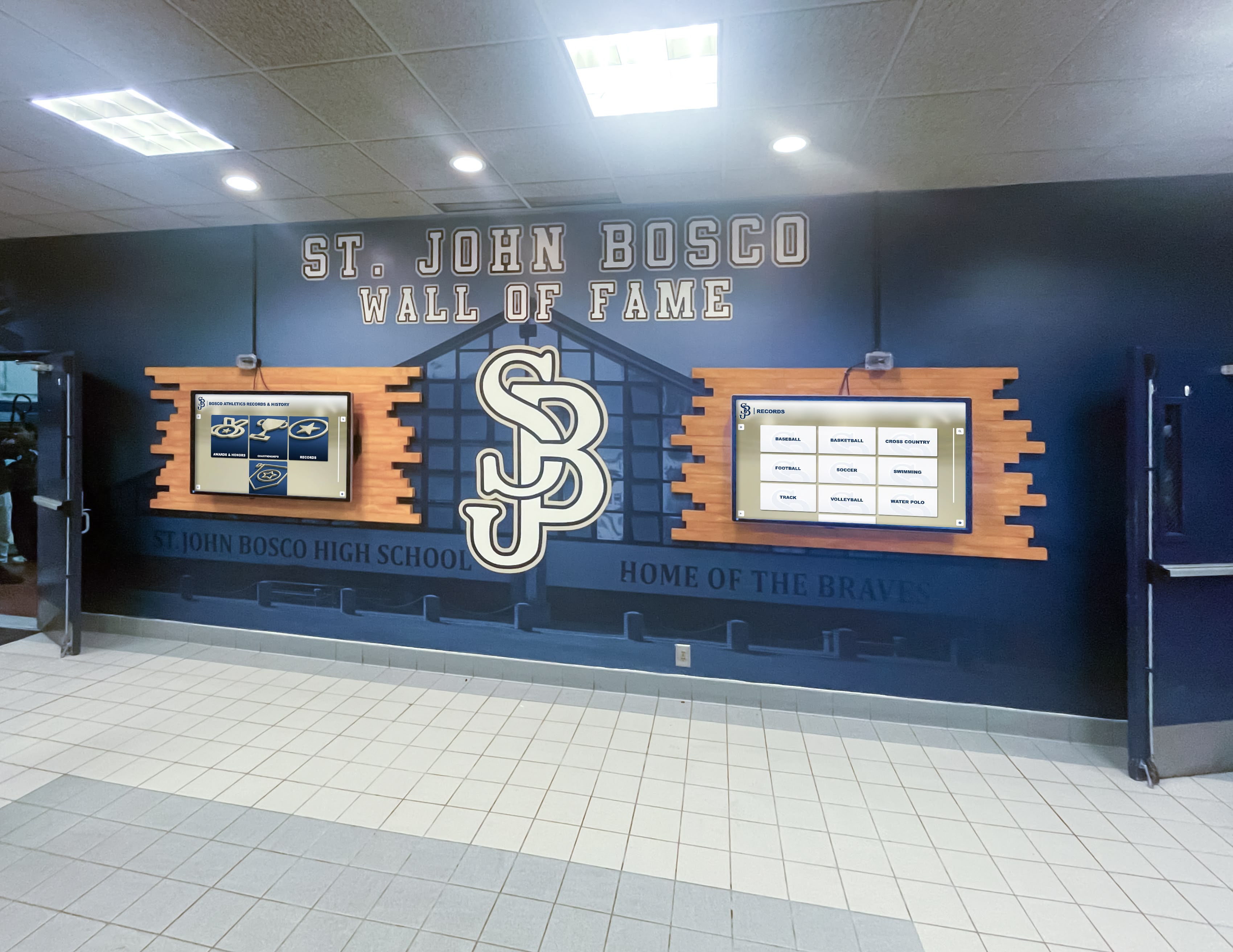
Recognition Display IPv6 RA Guard Test: Block Rogue Router Advertisements
Intent: decide — A recognition display that suddenly loses its IPv6 default gateway, adopts an incorrect IPv6 prefix, or begins routing its content management system traffic through an unexpected path is not malfunctioning. It is responding exactly as IPv6 specifies: it received a Router Advertisement message and configured its network stack accordingly. The problem is that the Router Advertisement came from a rogue device on the same VLAN — a student laptop, a misconfigured access point, or a test device left plugged into a hallway data jack — rather than from the school’s actual IPv6 router. Without IPv6 RA Guard active on the serving switch, the display has no way to distinguish a legitimate advertisement from a rogue one, and the result is a display that appears to work fine on IPv4 while silently failing all IPv6-dependent content delivery, CMS connections, or DNS resolution. The failure is difficult to reproduce on demand, often misattributed to the display platform, and invisible to ping-based monitoring that tests only IPv4 reachability.
Read More






























