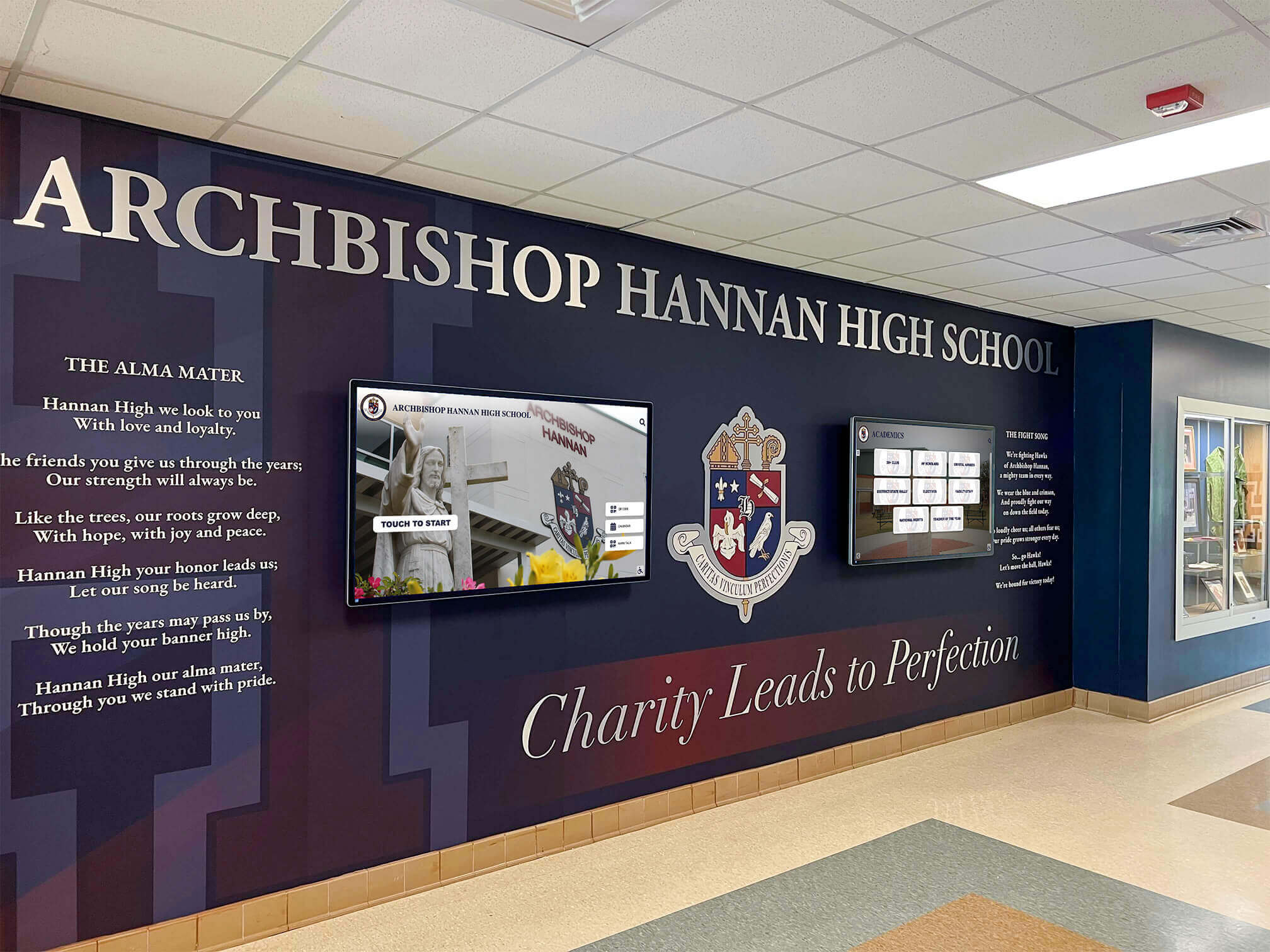
School Recognition Display Anti-Glare Coating Inspection: Readability and Care Checklist
School recognition displays placed in lobby entryways and athletic hallways carry significant institutional investment. When the anti-glare coating on these screens performs well, visitors can read inductee names, review athlete statistics, and explore hall of fame profiles comfortably regardless of the light source behind them. When that coating degrades or was never properly matched to the installation environment, overhead fluorescent banks and afternoon sunlight turn the screen surface into a mirror—blocking the recognition content the display was installed to share.
Read More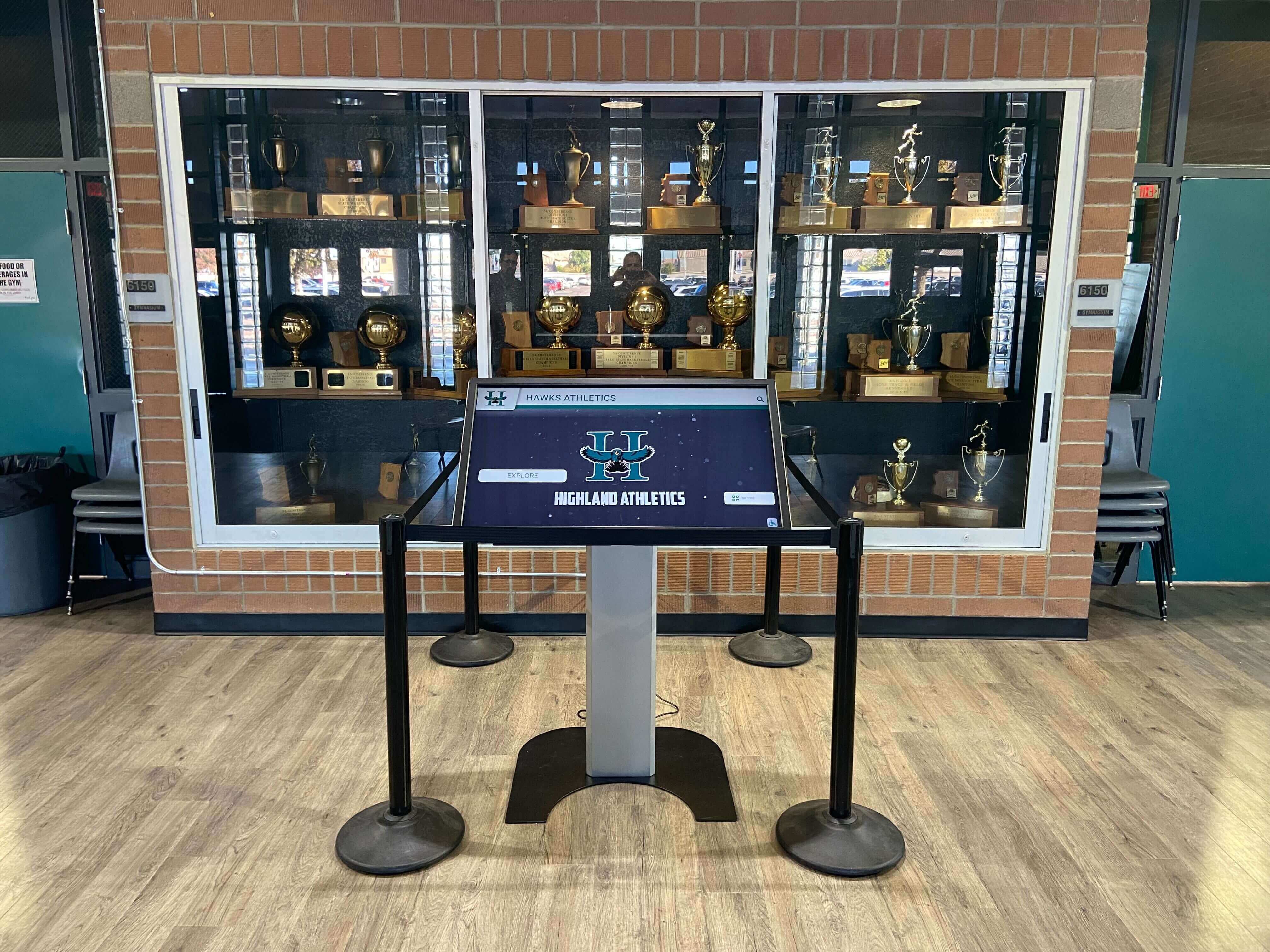
Touchscreen Recognition Display Dead-Pixel Inspection Checklist: Identify, Document, and Act
Intent: decide — A dead or stuck pixel on a school recognition display is easy to overlook on a busy morning but impossible to ignore when it appears in the center of an inductee’s portrait during an awards ceremony. This touchscreen recognition display dead-pixel inspection checklist gives school administrators, athletic directors, IT staff, facilities teams, and recognition program owners a repeatable way to find panel defects, document their location and severity, and decide confidently whether a display needs immediate service or can continue operating until the next scheduled maintenance window.
Read More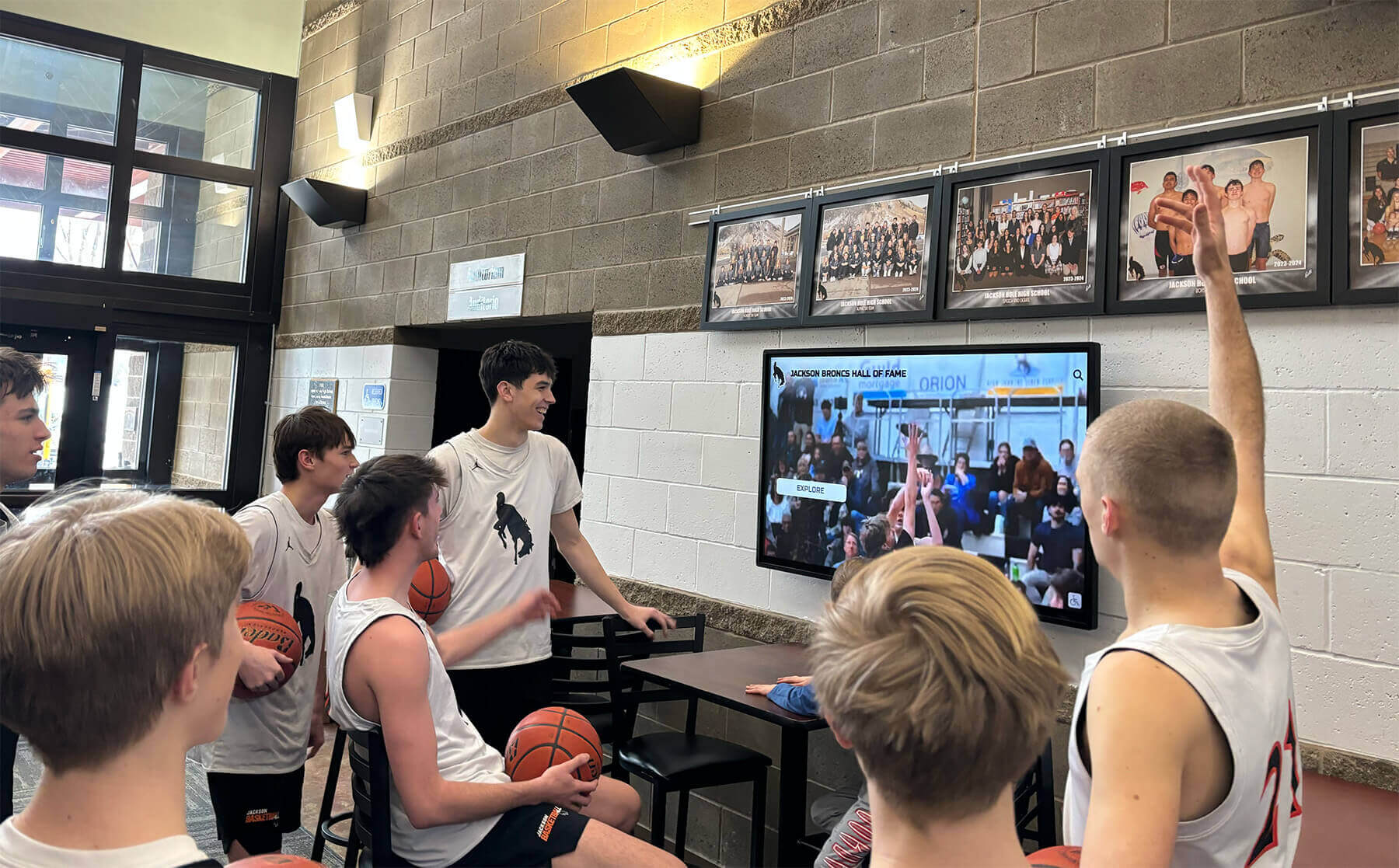
Touchscreen Recognition Display Screen Brightness Schedule: Readability, Energy, and Panel Care
Intent: decide — A touchscreen recognition display running at maximum brightness from 6 a.m. to 10 p.m. seven days a week wastes energy, strains the backlight, and often looks worse than a display tuned to the room’s actual ambient light. A screen brightness schedule solves all three problems at once: it keeps lobby and hallway recognition displays readable for visitors and athletes, reduces the electricity draw during low-traffic hours, and distributes backlight wear more evenly across the panel’s service life.
Read More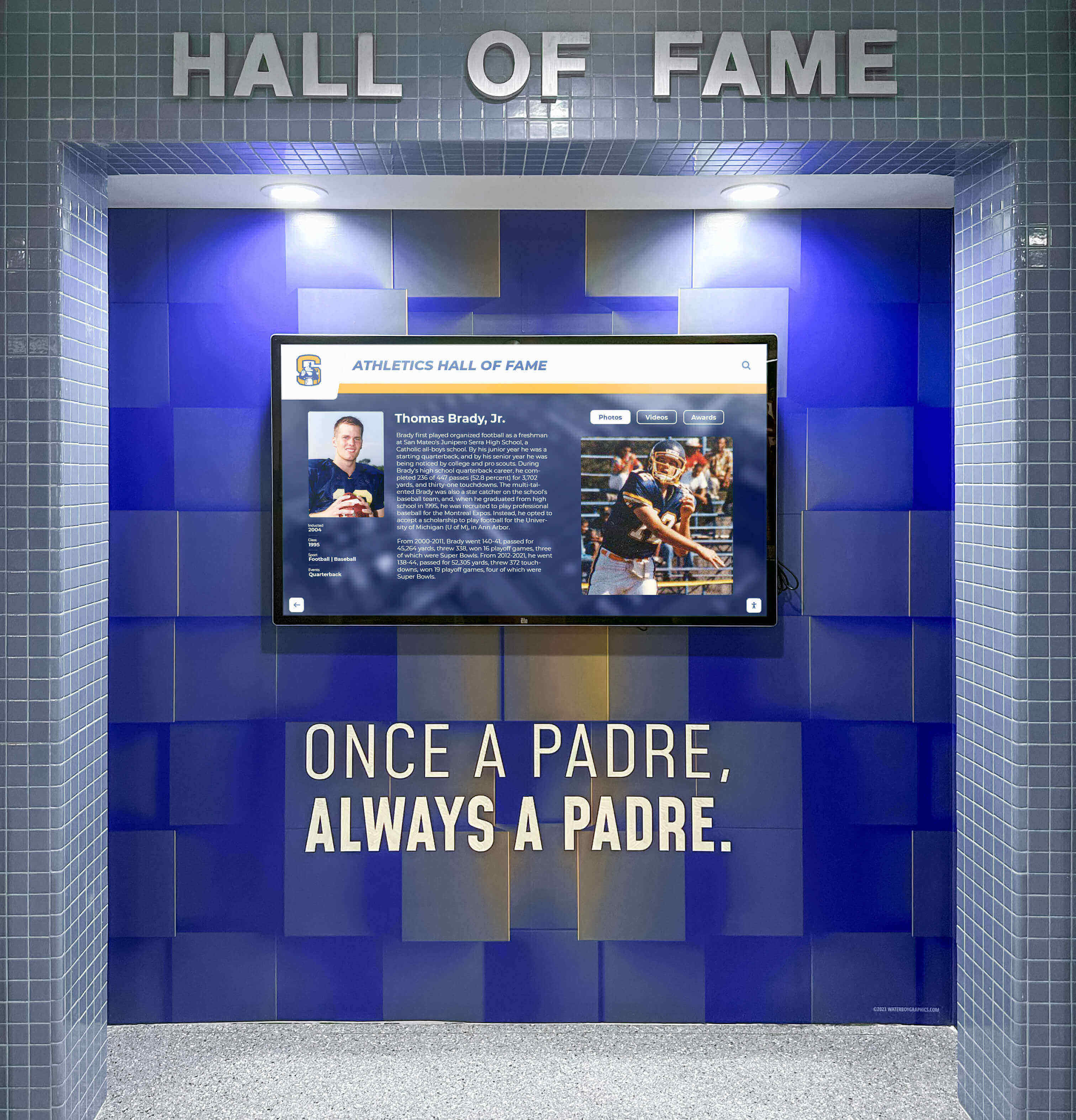
Touchscreen Recognition Display Thermal Monitoring Checklist: Prevent Heat-Related Outages
Intent: decide — A touchscreen recognition display running too hot will shut down mid-event, display artifacts, or shorten its service life—often with no warning until the screen goes dark during an awards ceremony or hall-of-fame induction night. This touchscreen recognition display thermal monitoring checklist helps school administrators, athletic directors, archives and recognition staff, facilities teams, and school IT prevent heat-related outages by inspecting enclosure temperature, ventilation, sunlight exposure, dust accumulation, and early shutdown symptoms before they interrupt the events that matter most.
Read MoreTouchscreen Recognition Display Screen Burn-In Prevention Checklist: Scheduling, Layouts, and Monitoring
Intent: decide — A touchscreen recognition display installed in your school lobby or gymnasium can develop screen burn-in when static interface elements—navigation menus, fixed logo bars, or unchanging content borders—remain on screen for extended hours without movement. This checklist helps school administrators, athletic directors, and IT staff prevent that outcome through three levers: scheduling, layout design, and regular monitoring.
Read More






























