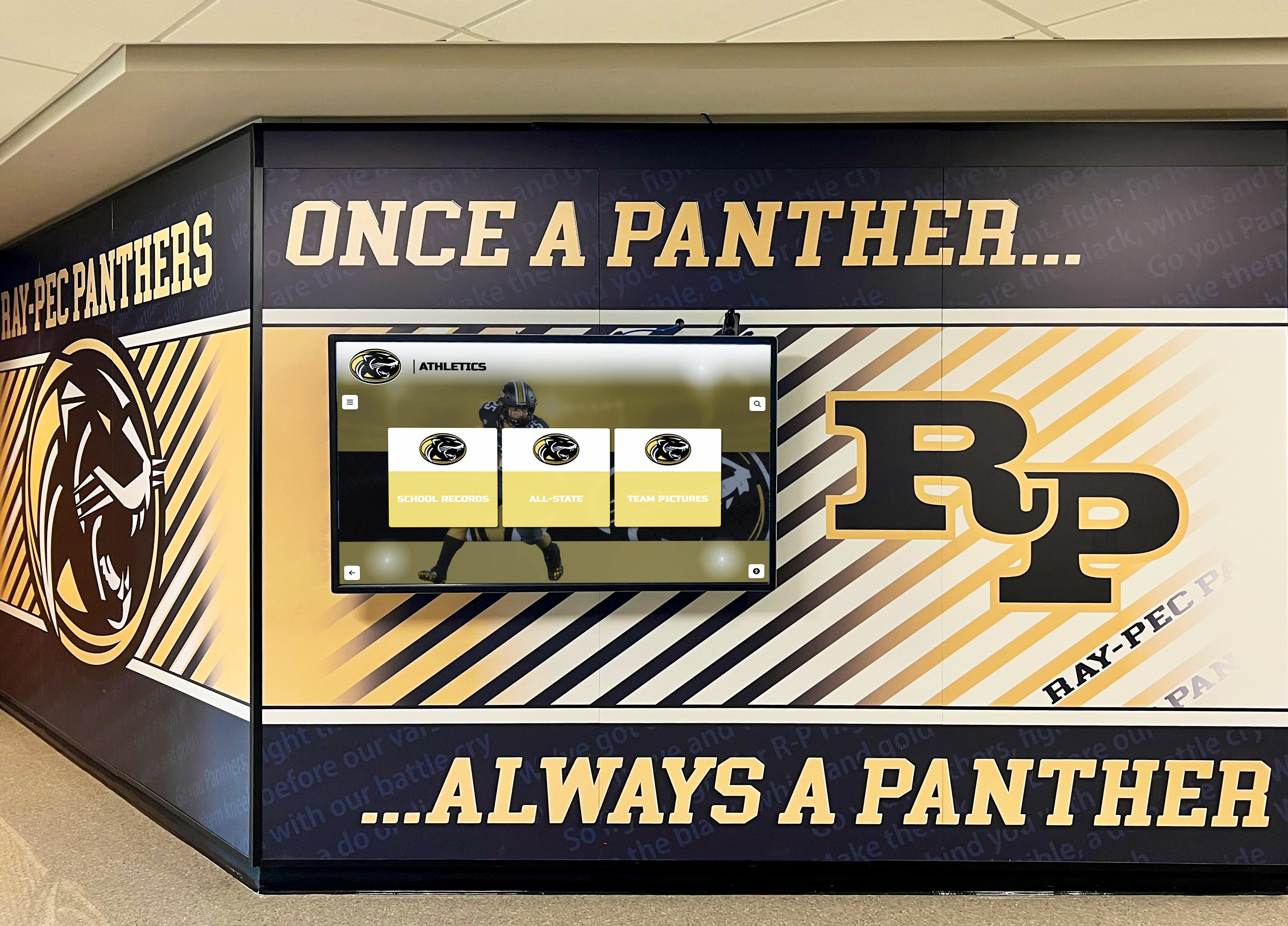
Recognition Display Private VLAN Isolation Test for Shared School Networks
Intent: decide — A school lobby recognition kiosk and the guest Wi-Fi access point mounted three feet away may share the same physical switch, the same IP subnet, and the same VLAN number — yet under a correctly configured private VLAN architecture, those two devices cannot exchange a single IP packet directly. Private VLANs (PVLANs) enforce peer isolation at the switch hardware layer, preventing recognition displays from receiving unsolicited traffic from other kiosks, student laptops, visitor devices, or IoT equipment on the same segment, while still allowing each display to reach the upstream router, the content management system, and any authorized management hosts. Testing whether that isolation is actually working requires more than confirming the kiosk can load content — it requires verifying that the peer block is in place, that the promiscuous uplink is the only valid gateway, and that DHCP, DNS, NTP, and CMS connectivity are all preserved through the PVLAN architecture rather than broken by it.
Read More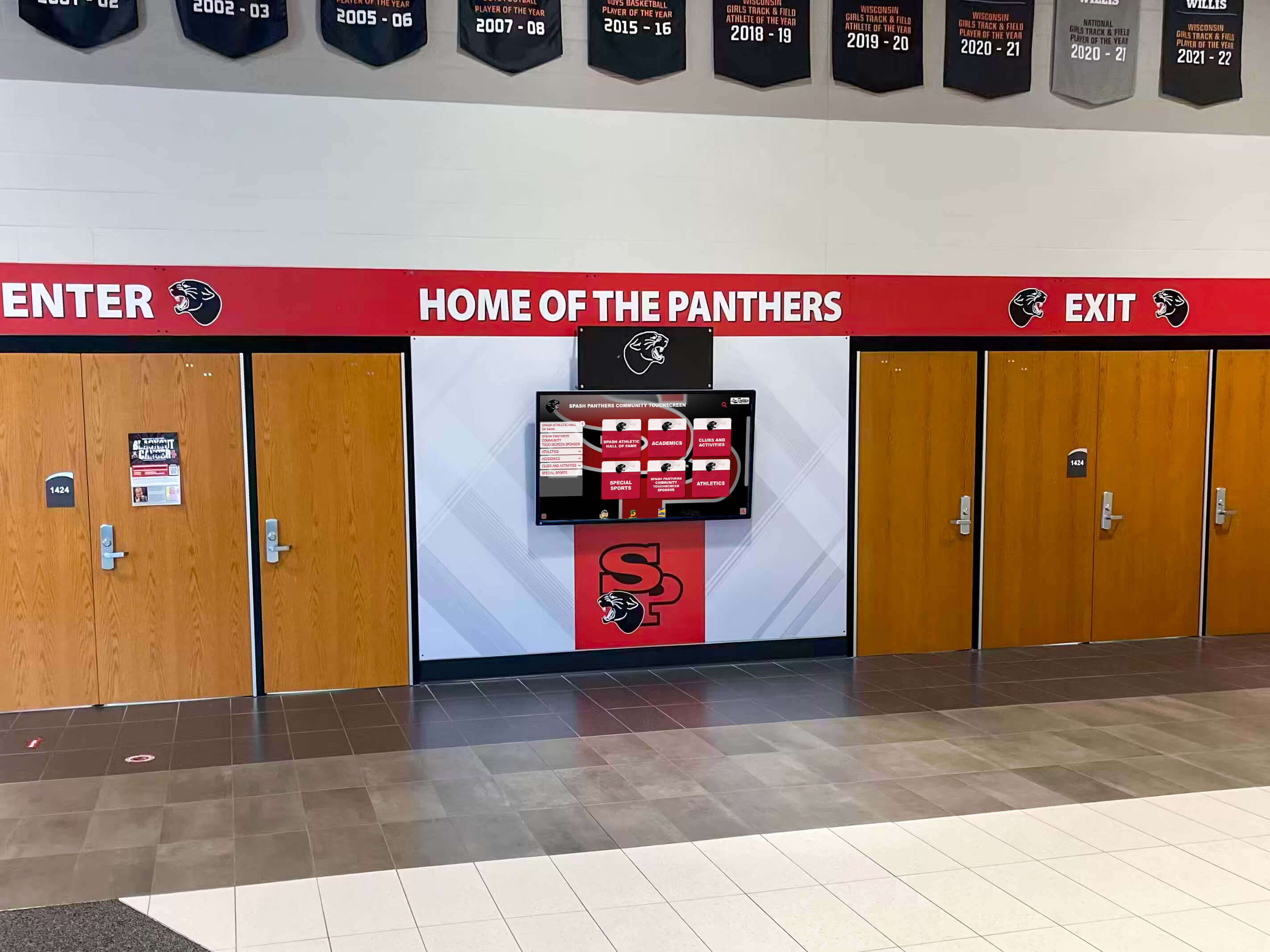
Recognition Display Link-Flap Detection Checklist for Reliable School Kiosks
Intent: decide — A lobby kiosk that shows championship banners in the morning and a blank screen at noon has not lost power and is not running buggy software. It has experienced a link-flap event: its Ethernet port cycled between connected and disconnected — possibly dozens of times in a few seconds — disrupting every active TCP session, clearing the local ARP cache, and forcing the content management system to close and reopen its delivery connection. The display comes back on its own, the content catches up, and the problem looks like a glitch. It happens again three days later. It happens again during senior night. Each event is brief, each recovery looks clean, and none of them generate a support ticket specific enough to diagnose.
Read More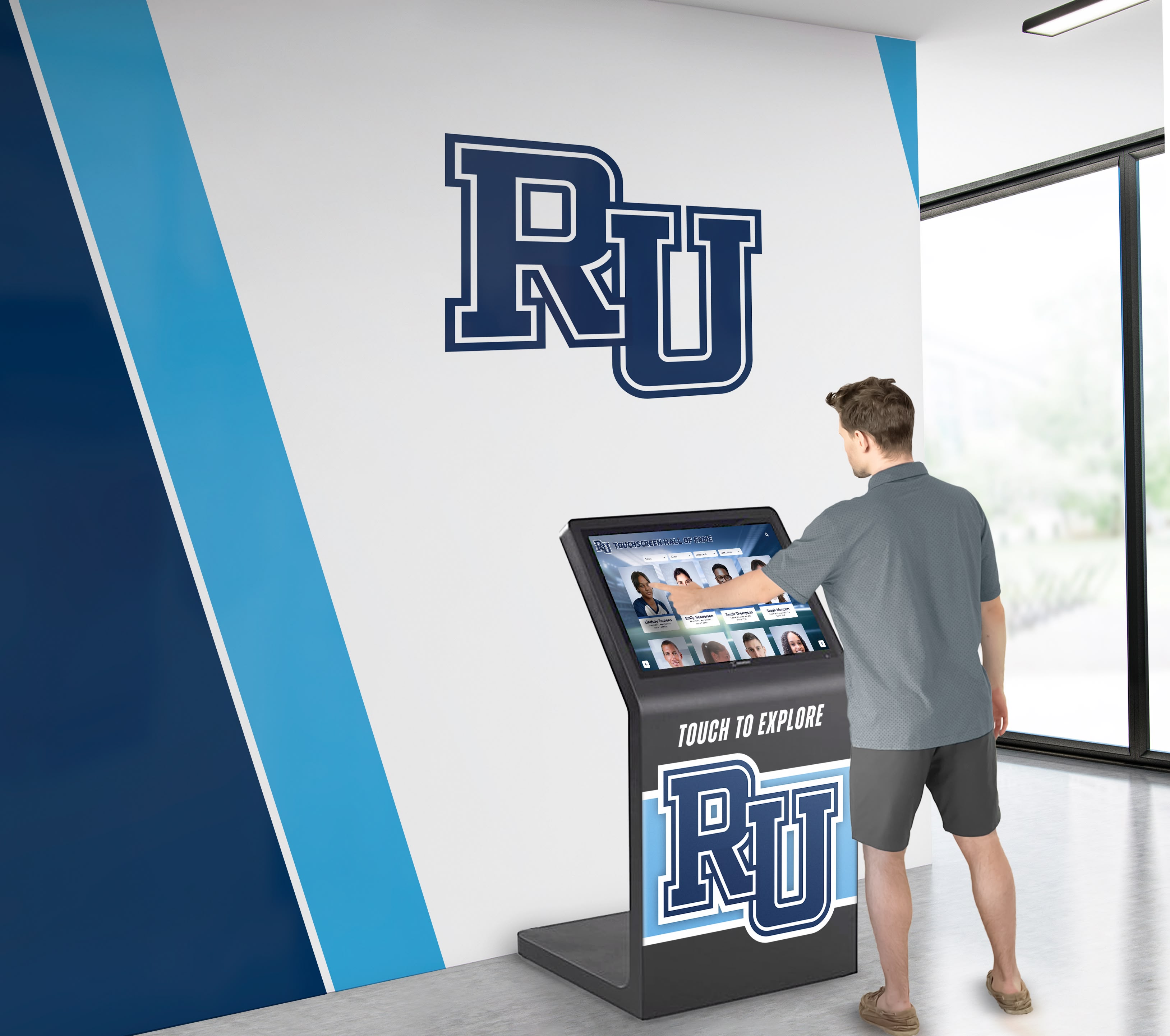
Interactive Touch Screen Kiosk for School Lobbies: Use Cases, Features, and Implementation
School lobbies serve as crucial first impression spaces where prospective families make snap judgments about academic excellence, community culture, and institutional investment in student success. Within seconds of entering, visitors absorb environmental cues communicating whether schools prioritize innovation, celebrate achievement, and create welcoming experiences. An interactive touch screen kiosk transforms what could be static, underutilized lobby space into dynamic engagement centers that inform visitors, showcase accomplishments, facilitate wayfinding, and demonstrate technological sophistication—all while operating 24/7 without requiring staff intervention.
Read More






























