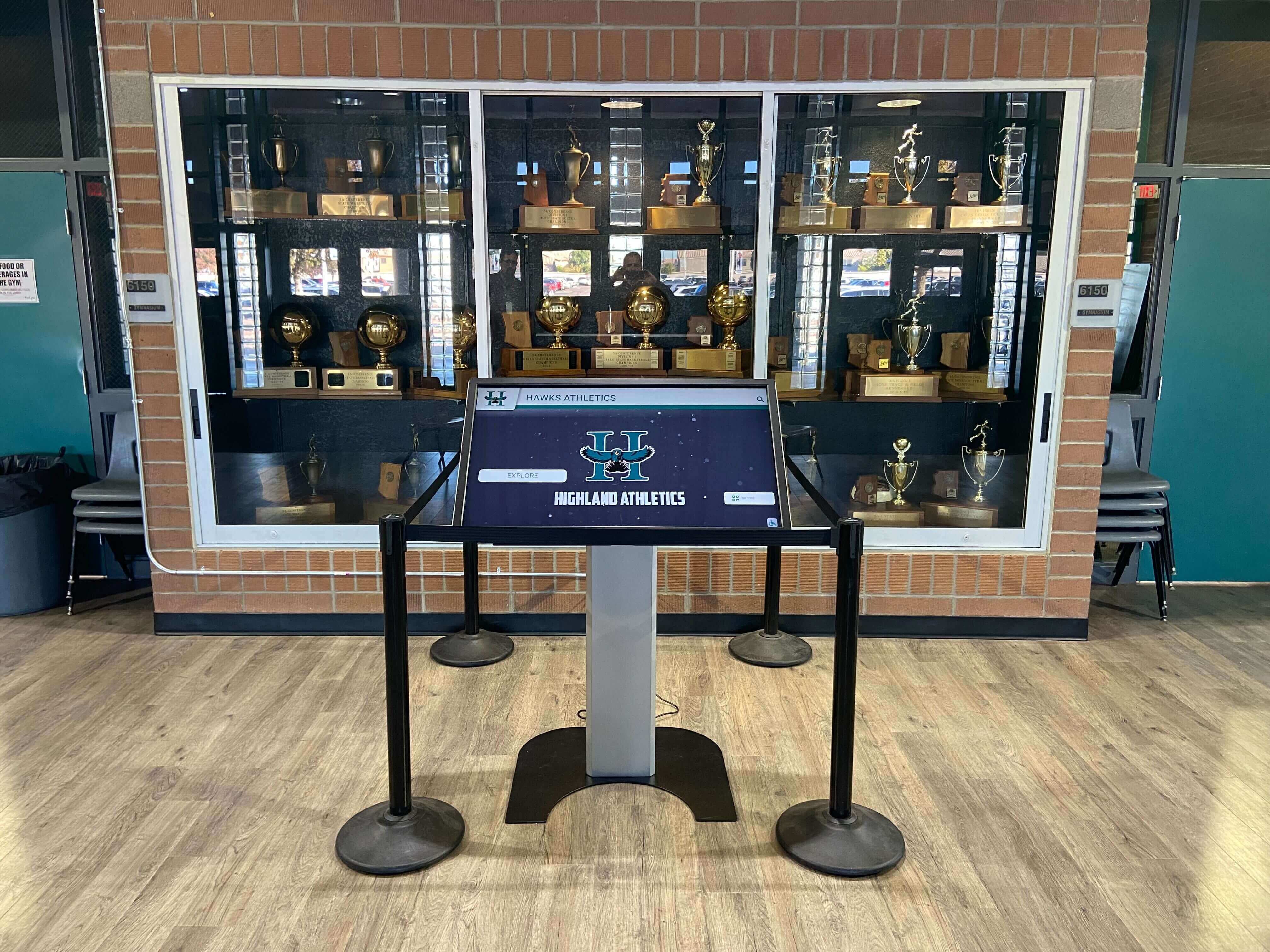
Touchscreen Recognition Display Dead-Pixel Inspection Checklist: Identify, Document, and Act
Intent: decide — A dead or stuck pixel on a school recognition display is easy to overlook on a busy morning but impossible to ignore when it appears in the center of an inductee’s portrait during an awards ceremony. This touchscreen recognition display dead-pixel inspection checklist gives school administrators, athletic directors, IT staff, facilities teams, and recognition program owners a repeatable way to find panel defects, document their location and severity, and decide confidently whether a display needs immediate service or can continue operating until the next scheduled maintenance window.
Read More






























