School IT
- Home /
- Categories /
- School IT
School Athletic Recognition Display View Transitions: A Reduced-Motion Acceptance Checklist

Before any school lobby athletic recognition display goes live, run a view transition reduced-motion test to confirm that the browser’s native animation honors the operating system’s accessibility setting. When a visitor taps an athlete card in a team-grid view and the display animates to the full athlete profile, that animation must either cut or simplify itself automatically for any user whose device is configured to prefer reduced motion. Skipping this step means the recognition display may trigger vestibular discomfort for visitors with motion sensitivities — a gap that contradicts the welcoming purpose of a school hall of fame.
Read More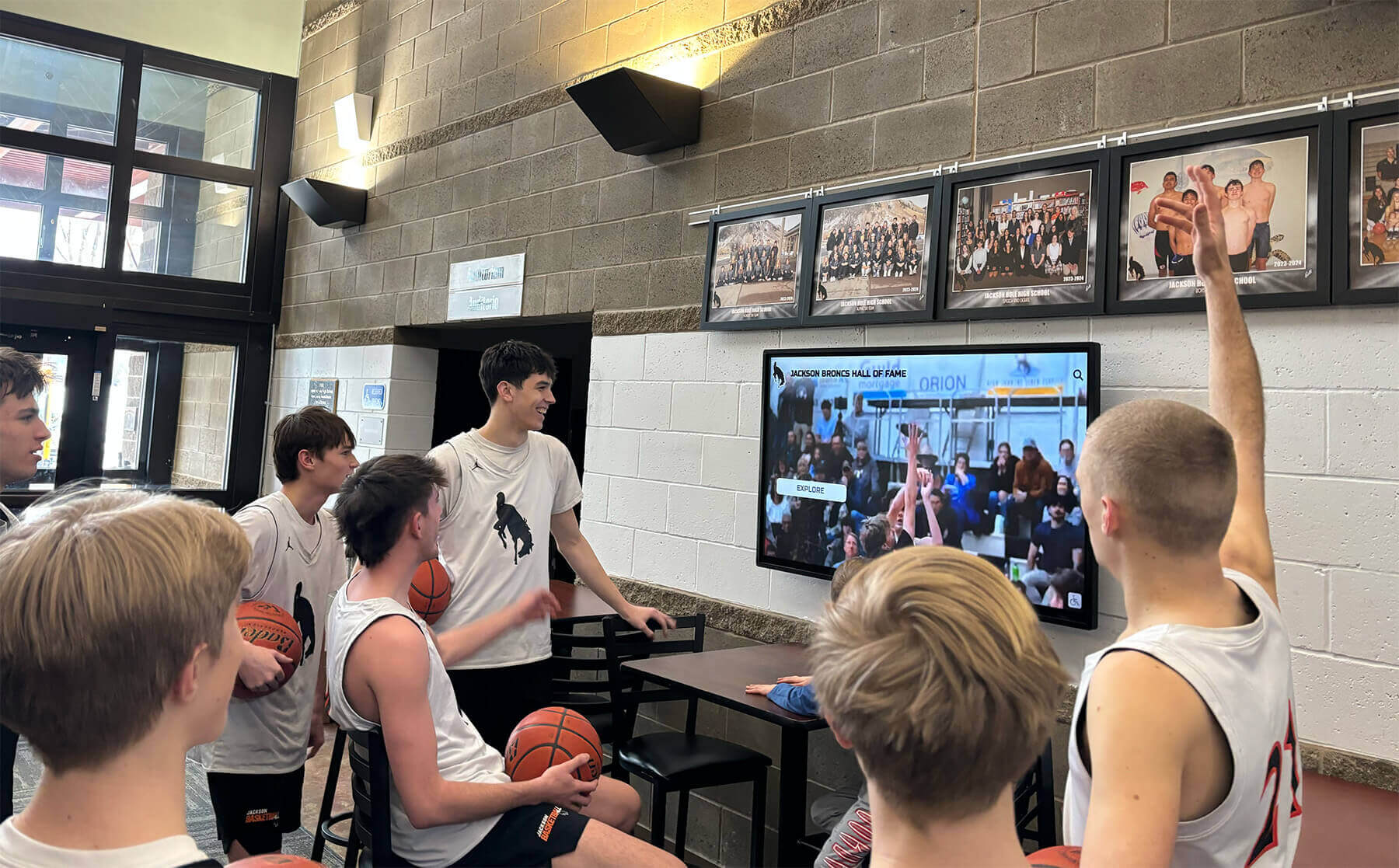
School Lobby Recognition Video: MediaCapabilities Decoding Checks Before Touchscreen Acceptance
Before accepting a school lobby athletic recognition touchscreen for deployment, run a school lobby recognition display MediaCapabilities decodingInfo test to confirm the device browser can decode the specific codec, bitrate, resolution, and framerate used in your recognition videos. The browser’s Web MediaCapabilities API returns three boolean values—supported, smooth, and powerEfficient—for each video configuration you supply. A supported: false result means the device cannot decode the format at all and the configuration must be rejected or replaced. smooth: true and powerEfficient: true indicate browser predictions of smooth, hardware-accelerated playback, but those predictions may initially be optimistic before local playback statistics have accumulated on that device. The API covers unencrypted file configurations only, and physical playback acceptance on the actual installed hardware remains a required separate step regardless of what the API returns.
Read More
School Lobby Recognition Display Vary Header Test: Verifying Language Variants for Athletic Profiles
When a school lobby recognition display serves athletic profiles in more than one language, the HTTP Vary header becomes a practical concern for anyone responsible for the server or content delivery layer. A Vary header in the HTTP response tells shared caches which request headers they must include in the cache key. Get it wrong and a visitor whose browser requests Spanish receives the English page because the cache stored only one version of the URL. Get it right and every visitor—regardless of the language preference their browser sends—sees the athlete’s name, awards, and story in the correct locale. This guide gives school IT staff, AV integrators, and athletic directors a structured school lobby recognition display Vary header test to confirm that language variants are cached and served correctly.
Read More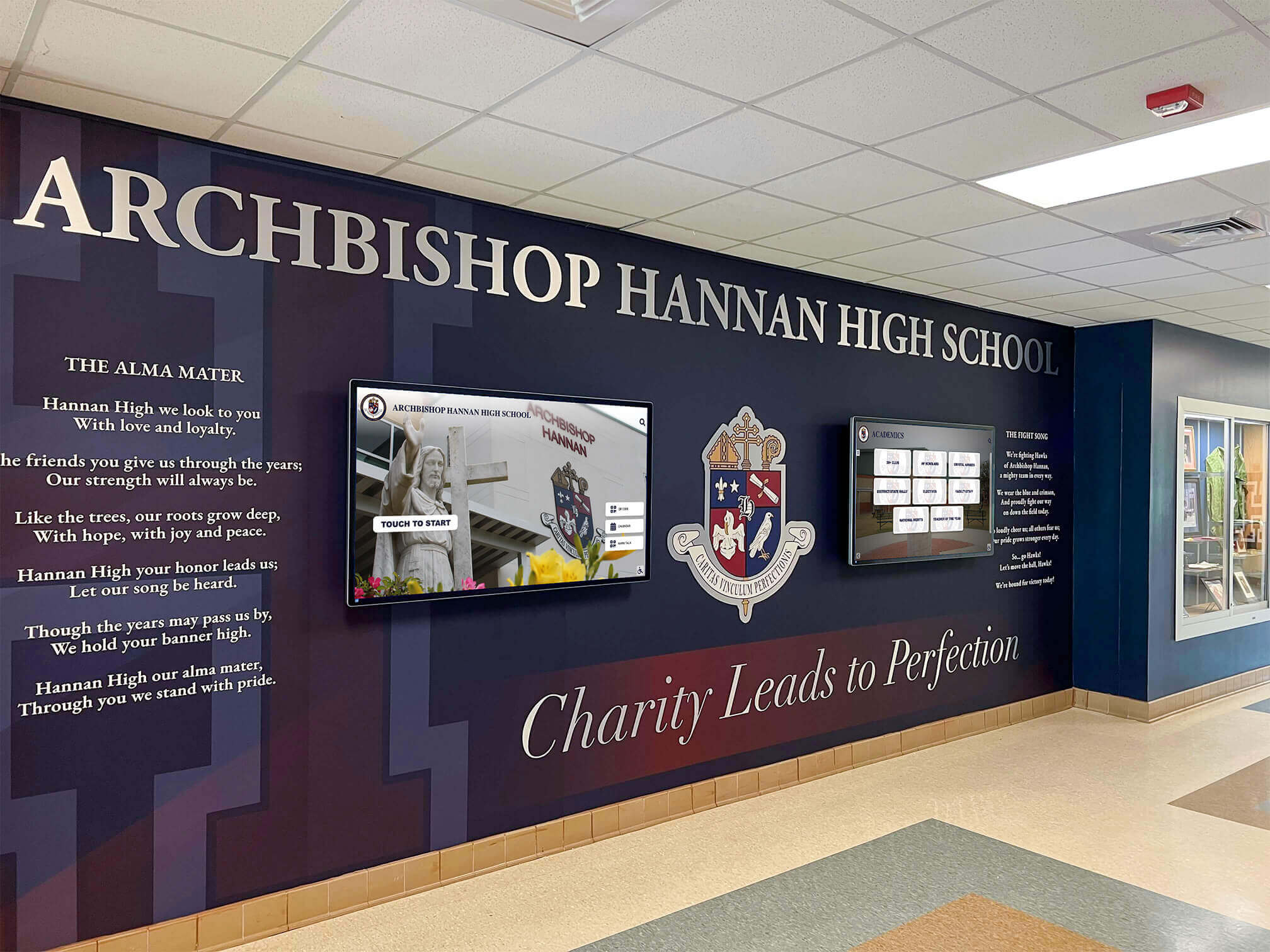
School Lobby Recognition Display 103 Early Hints Test: Verify Faster Profile Loading
HTTP 103 Early Hints is an informational HTTP response that signals a browser to begin preloading or preconnecting to critical resources before the server finishes generating the full page response. For school lobby recognition displays that serve web-based athletic hall of fame profiles, championship archives, or inductee photo galleries, a 103 early hints test confirms three things: whether your display server is actually sending those hints, whether the browser on the display is receiving and acting on them, and whether the preload instructions contain duplicate requests that waste bandwidth without improving load time.
Read More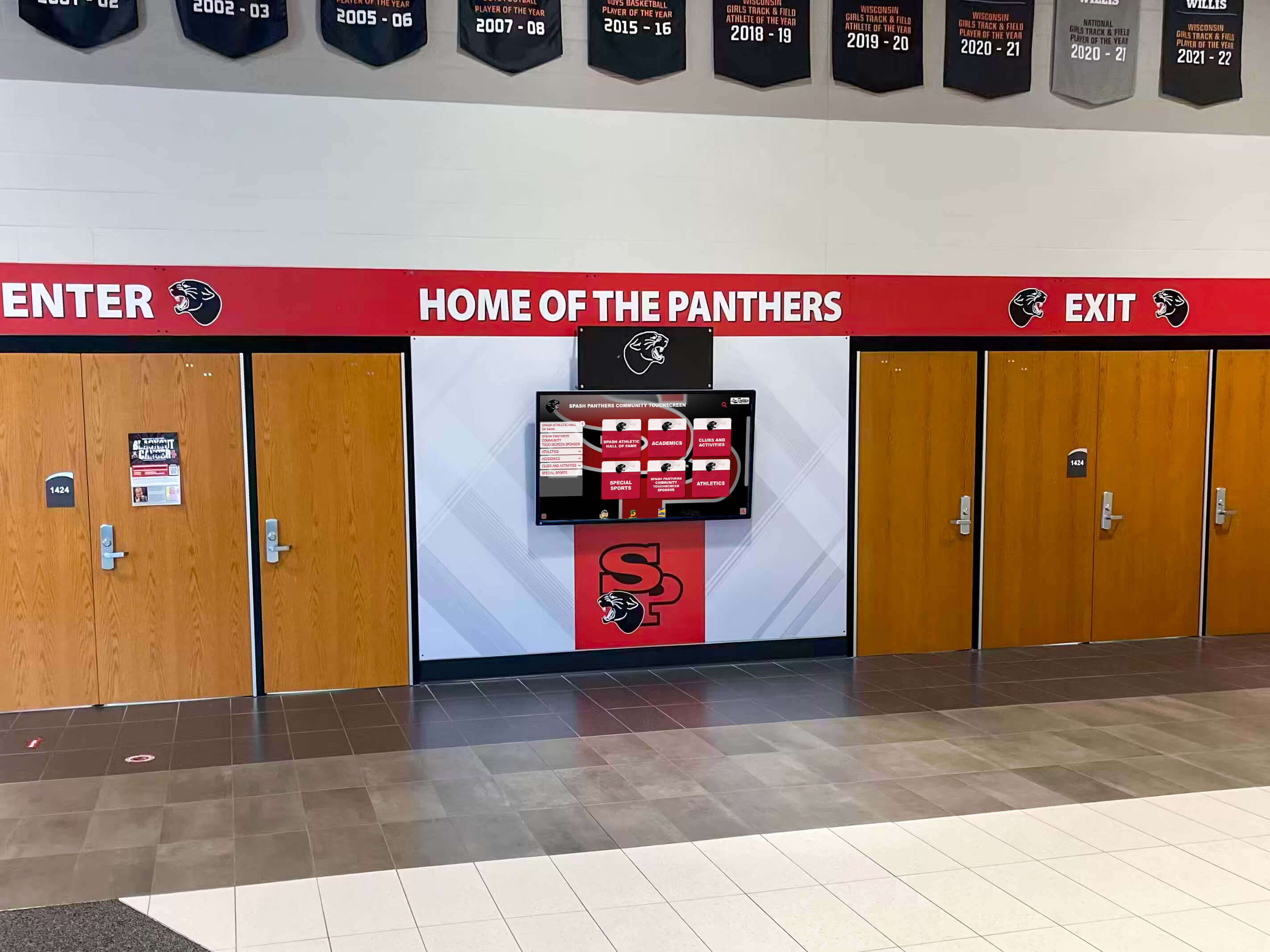
School Recognition Display ARP Cache Timeout: Troubleshooting Guide for IT Teams
Intent: decide — Your school recognition display shows a blank screen or reports “offline,” but the hardware looks intact and other devices on the same network are working normally. Before replacing the display or escalating to a managed service provider, confirm whether a stale ARP cache entry is cutting off network access—this single check resolves a meaningful share of intermittent lobby-screen outages without any hardware swap.
Read More






























