School Facilities
- Home /
- Categories /
- School Facilities
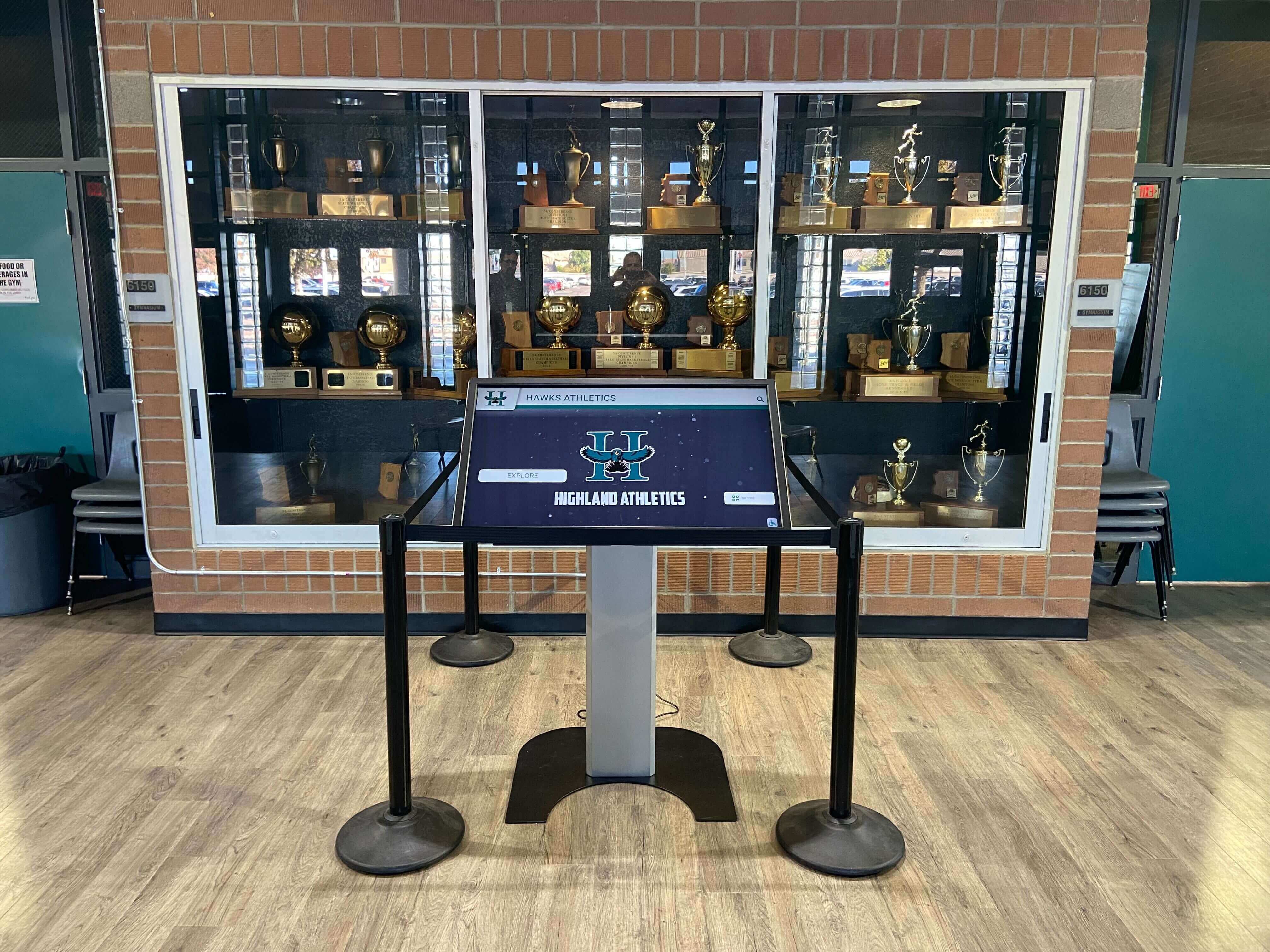
Recognition Display PWM Dimming Test for Low-Brightness Flicker
Recognition display PWM dimming test is a five-minute commissioning step that many athletic directors and facilities teams skip—until they notice horizontal stripes rolling through a photo taken at a recognition event, a staff member reports eye strain during a long lobby shift, or a video recording of an induction ceremony shows the hall-of-fame wall flickering on screen. PWM stands for Pulse Width Modulation, the brightness-control method most commercial display panels use to reduce backlight intensity without altering driver voltage. At low brightness settings—common in naturally lit lobbies during the day, in evening standby modes, or in photo-controlled display installations—PWM cycling frequency directly determines whether the recognition display flickers visibly, flickers on camera, or holds a stable, steady image.
Read MoreSchool Trophy Case LED Heat Assessment for Memorabilia Protection
School trophy case LED heat assessment is a practical step that many facilities teams overlook until a jersey starts yellowing, a photograph curls at the edges, or the protective finish on an acrylic trophy figure begins to cloud. LED strips and puck lights added to display cases improve visibility and create dramatic presentation—but enclosed glass cases trap heat differently than open shelving, and the combination of tight enclosures, low ventilation, and continuous illumination can push interior temperatures well above the ambient room level. Recognizing the problem early, measuring it systematically, and following a clear escalation path protects decades of recognized achievement before damage becomes irreversible.
Read MoreTouchscreen Recognition Display Dead-Pixel Inspection Checklist: Identify, Document, and Act
Intent: decide — A dead or stuck pixel on a school recognition display is easy to overlook on a busy morning but impossible to ignore when it appears in the center of an inductee’s portrait during an awards ceremony. This touchscreen recognition display dead-pixel inspection checklist gives school administrators, athletic directors, IT staff, facilities teams, and recognition program owners a repeatable way to find panel defects, document their location and severity, and decide confidently whether a display needs immediate service or can continue operating until the next scheduled maintenance window.
Read More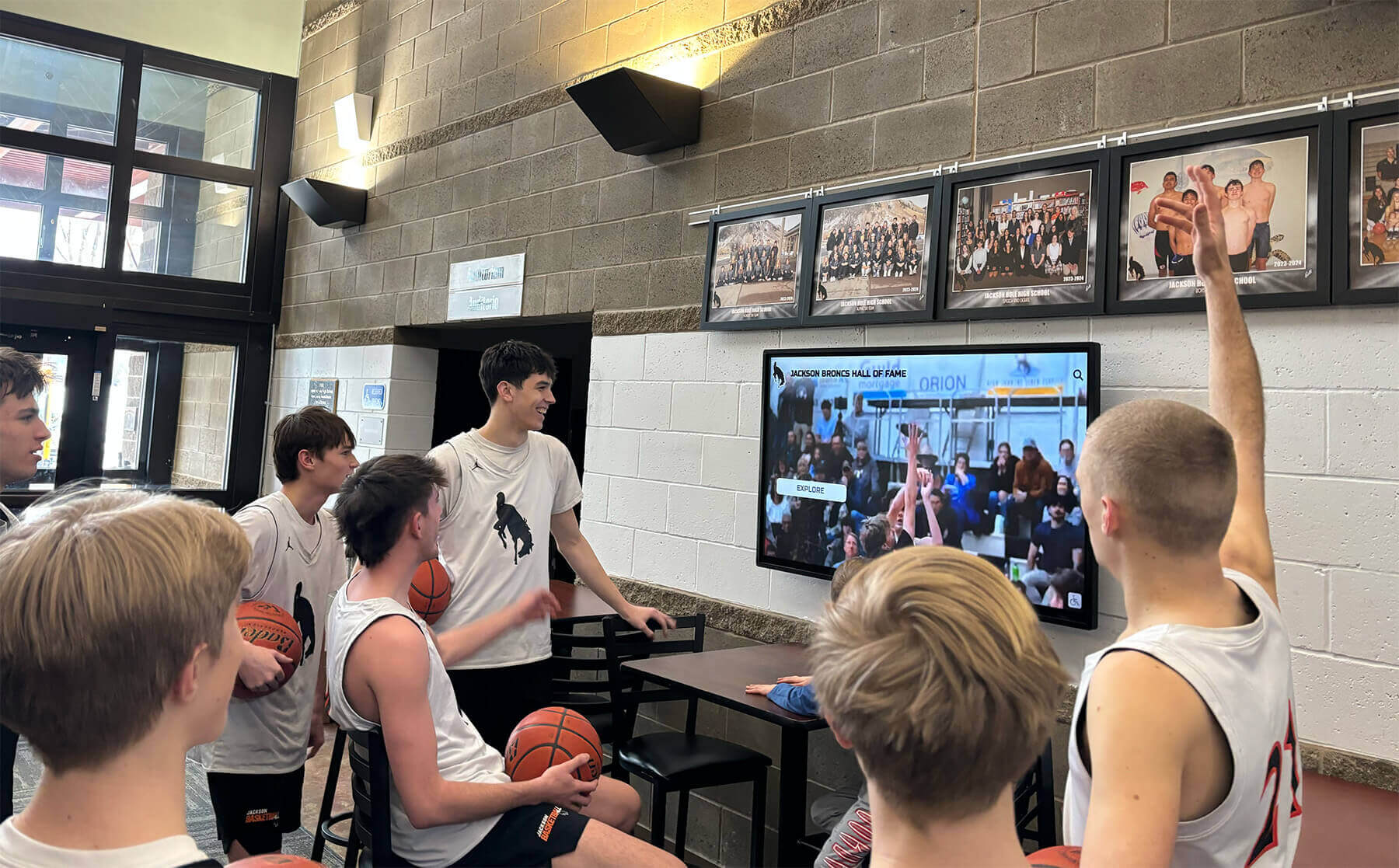
Touchscreen Recognition Display Screen Brightness Schedule: Readability, Energy, and Panel Care
Intent: decide — A touchscreen recognition display running at maximum brightness from 6 a.m. to 10 p.m. seven days a week wastes energy, strains the backlight, and often looks worse than a display tuned to the room’s actual ambient light. A screen brightness schedule solves all three problems at once: it keeps lobby and hallway recognition displays readable for visitors and athletes, reduces the electricity draw during low-traffic hours, and distributes backlight wear more evenly across the panel’s service life.
Read More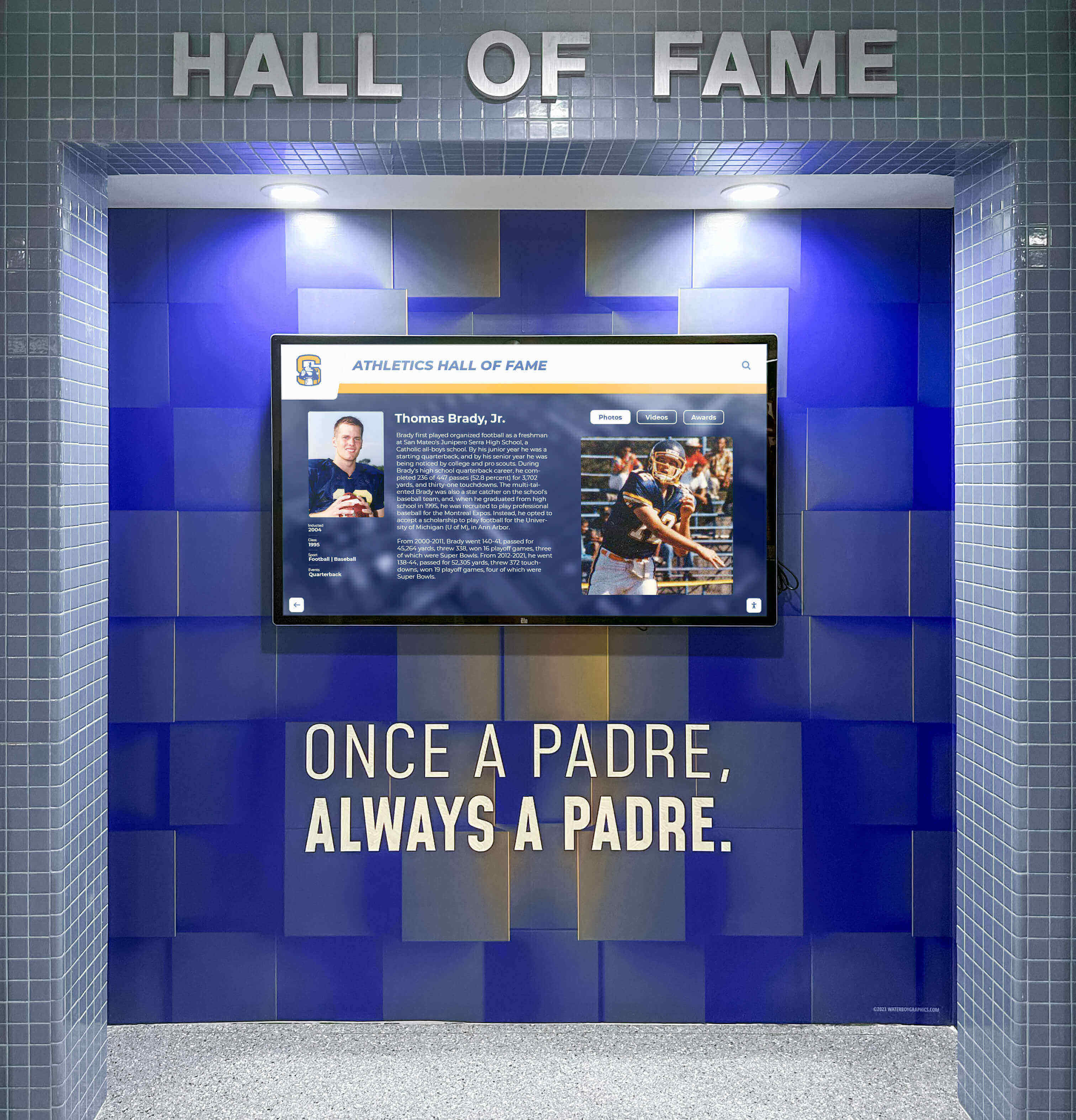
Touchscreen Recognition Display Thermal Monitoring Checklist: Prevent Heat-Related Outages
Intent: decide — A touchscreen recognition display running too hot will shut down mid-event, display artifacts, or shorten its service life—often with no warning until the screen goes dark during an awards ceremony or hall-of-fame induction night. This touchscreen recognition display thermal monitoring checklist helps school administrators, athletic directors, archives and recognition staff, facilities teams, and school IT prevent heat-related outages by inspecting enclosure temperature, ventilation, sunlight exposure, dust accumulation, and early shutdown symptoms before they interrupt the events that matter most.
Read More
School Photo Display Ideas for Athletic Lobbies, Team History, and Senior Recognition
School photo displays do more than decorate hallways—they tell your institution’s story. A lobby wall lined with championship team photos, a hallway corridor chronicling decades of senior classes, a gym entrance featuring retired jersey numbers alongside action shots: these displays shape how students, families, alumni, and prospective families experience your school. Done well, they communicate that your community values its history, celebrates its people, and invests in recognizing achievement across every program.
Read MoreBasketball Display Case Ideas for School Lobbies and Hall of Fame Walls
School basketball programs accumulate decades of achievement—championship trophies, tournament plaques, signed game balls, retired jerseys, and memorabilia from standout seasons. Yet many schools struggle to showcase this legacy effectively. Traditional trophy cases become overcrowded repositories where achievements blend together rather than tell compelling stories. Wall-mounted displays gather dust in dim hallways where few notice them. Lobby displays compete with daily traffic flow, making them inaccessible or vulnerable to damage.
Read More






























