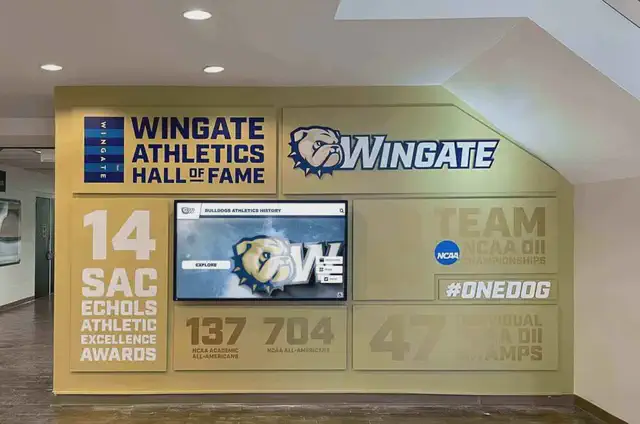
Intent: decide — Your school recognition display shows a blank screen or reports “offline,” but the hardware looks intact and other devices on the same network are working normally. Before replacing the display or escalating to a managed service provider, confirm whether a stale ARP cache entry is cutting off network access—this single check resolves a meaningful share of intermittent lobby-screen outages without any hardware swap.
When a recognition display powers off during a storm, a scheduled maintenance window, or a firmware update cycle, the ARP (Address Resolution Protocol) mapping that nearby switches and client machines stored for that device can expire before the display comes back online. The device returns with the same IP address, but the network has “forgotten” which physical MAC address belongs to that IP. Packets meant for the display travel nowhere useful until ARP re-resolves—sometimes a few minutes, sometimes never without a manual flush.
This guide gives school IT and AV teams a systematic way to isolate a school recognition display ARP cache timeout as the root cause of intermittent outages, correct it quickly, and reduce its recurrence.
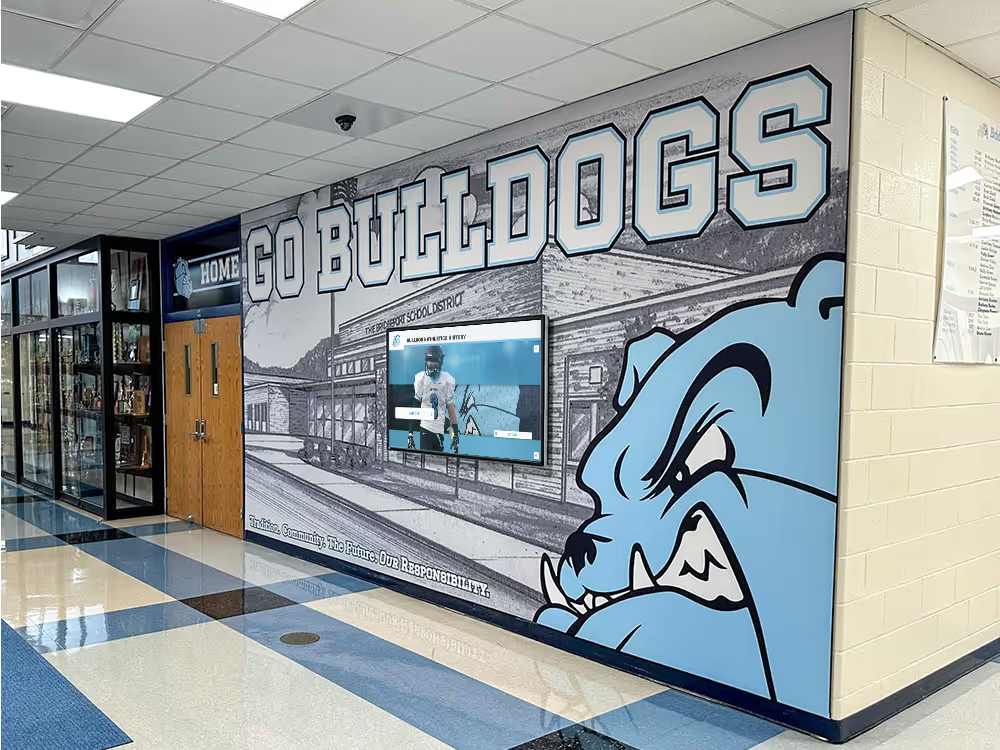
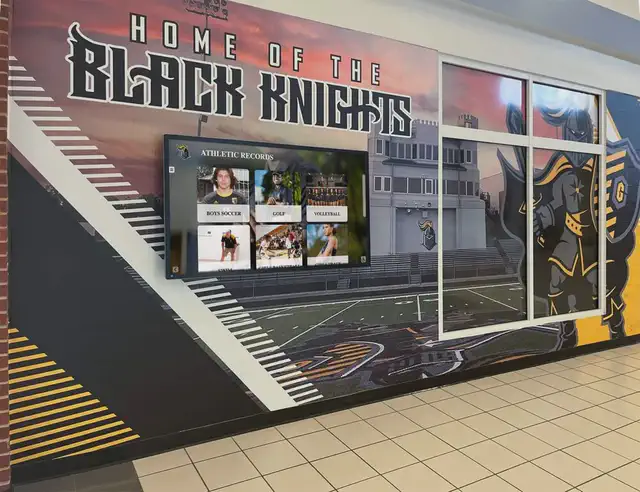
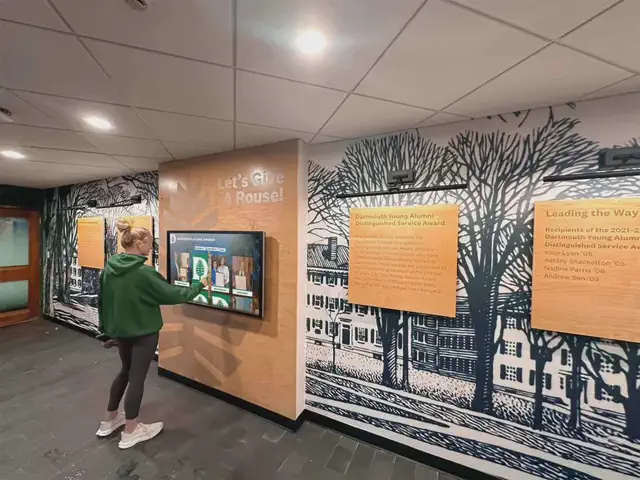
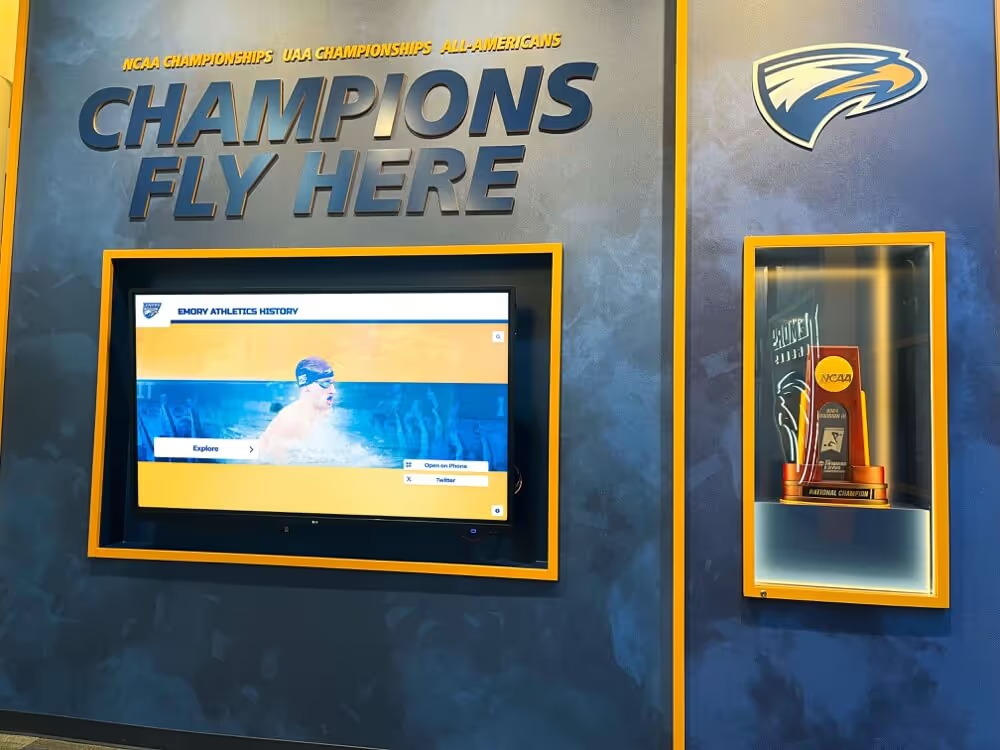
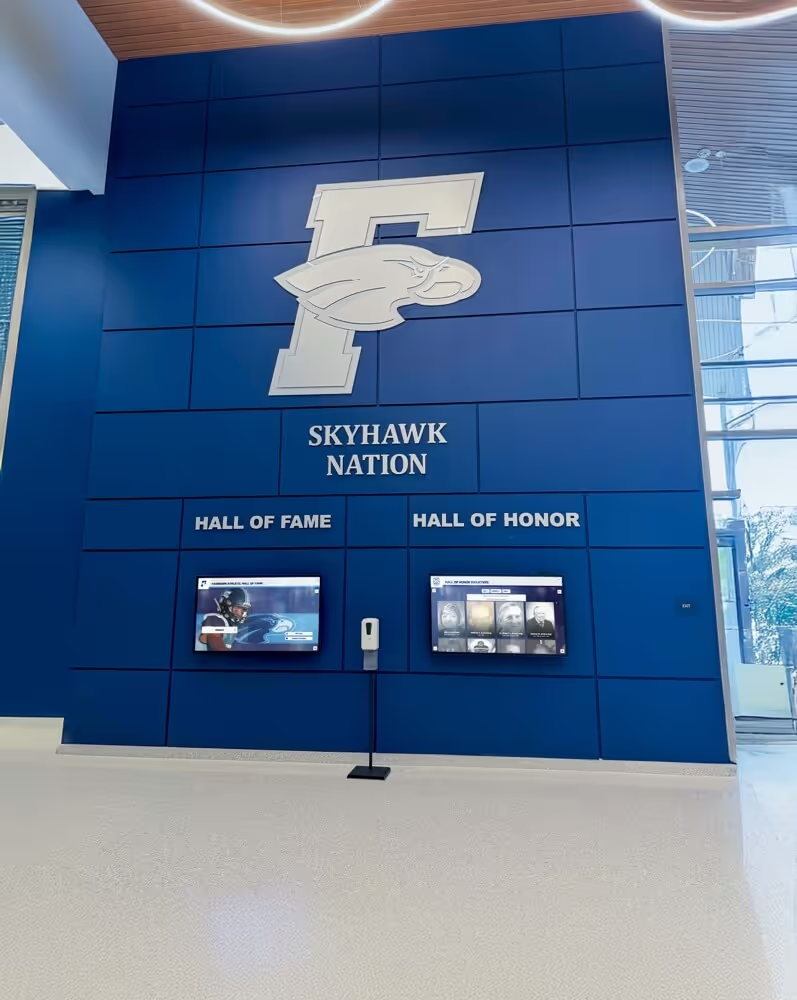
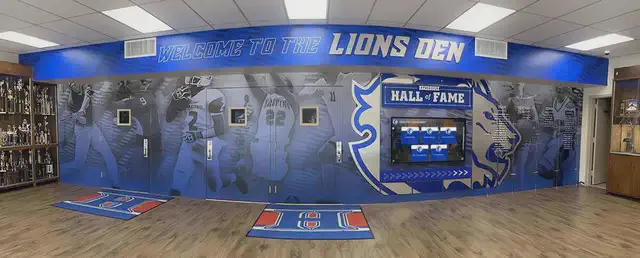
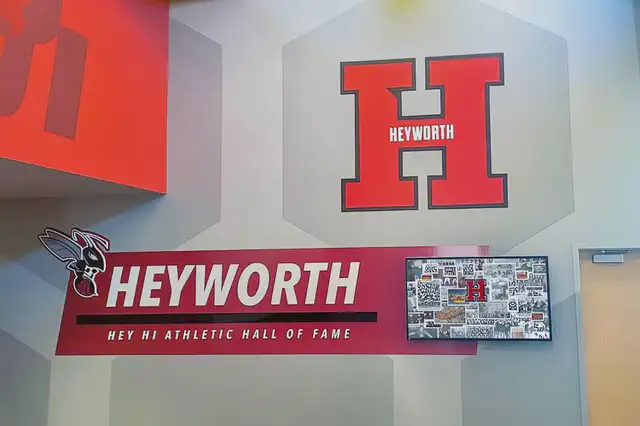
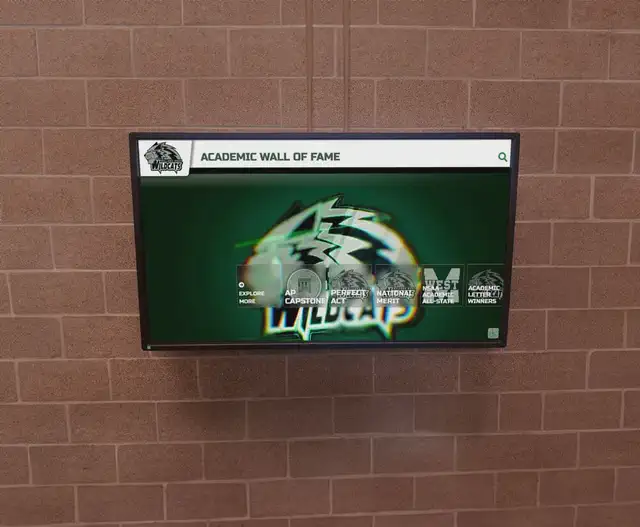
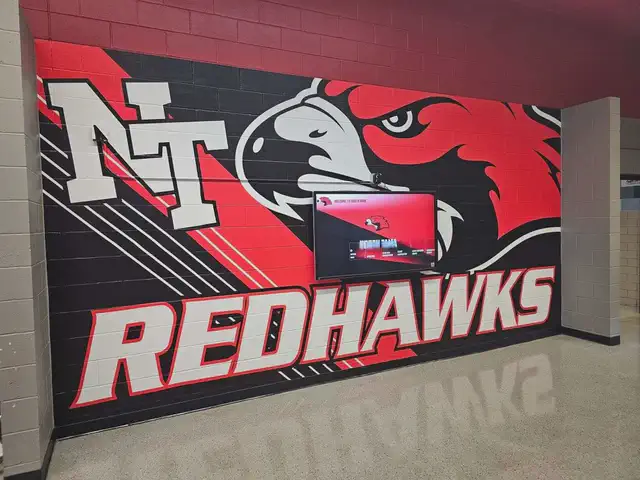
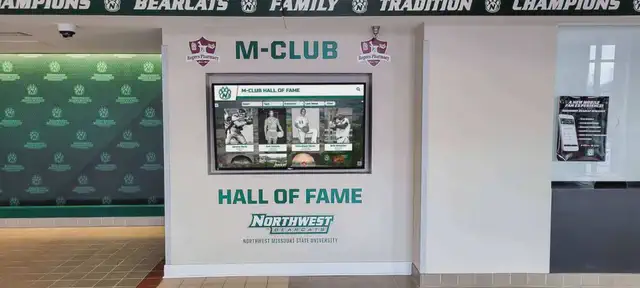
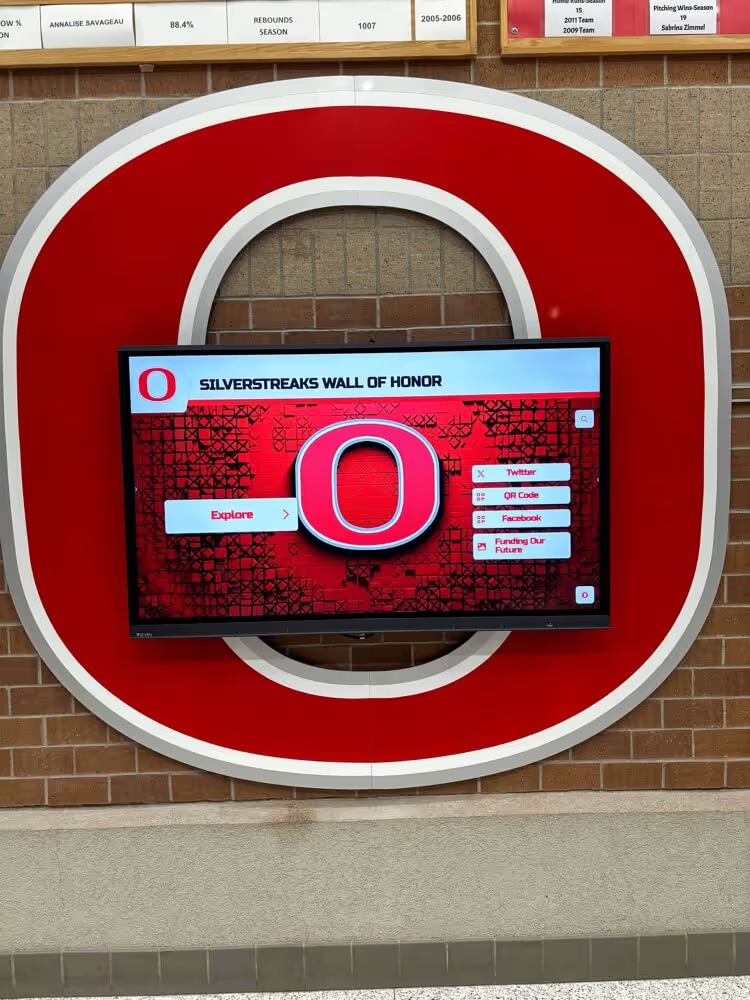
Every community that invests in a lobby recognition display—athlete honor boards, academic walls of fame, donor recognition panels—depends on that screen being online and current. When the screen goes dark, the display’s warming effect on the school community disappears with it. Solid network-layer diagnostics, including ARP troubleshooting, protect that investment.
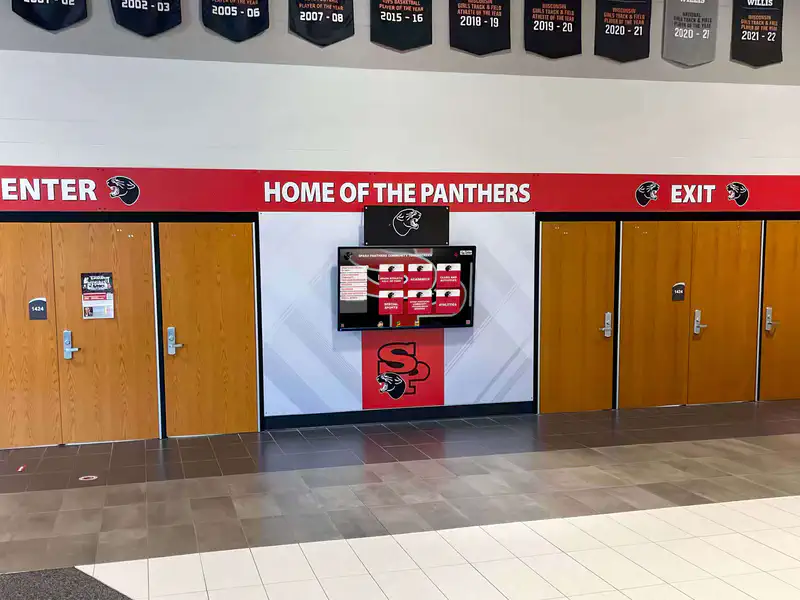
A lobby recognition display that goes offline intermittently breaks the community connection it is designed to foster—diagnosing the root cause accurately gets it back online faster.
What ARP Cache Timeout Means for Recognition Displays
Every device on your school network carries two identifiers: an IP address (used at the network layer) and a MAC address (used at the data-link layer). ARP translates between the two on a local network segment.
When a switch or workstation first sends traffic to your recognition display, it broadcasts an ARP request: “Who owns IP 192.168.10.45?” The display answers: “I do—my MAC is AA:BB:CC:DD:EE:FF.” Both the requesting machine and the switch store that translation in an ARP cache.
The cache is temporary. After a configurable timeout period, entries are marked stale and eventually discarded. Default aging timers vary by platform—a managed switch often uses a five-minute default for its MAC address table, while operating systems on Windows or Linux workstations may hold complete ARP entries for a shorter window under load. When the display goes offline during that interval—due to a power cycle, a firmware update, or a brief network interruption—its entry can expire before it comes back up.
When the display returns, the local ARP cache may still list the old (now invalid) MAC, or may have purged the entry entirely. Either way, the next frame destined for the display gets misdirected or dropped at layer 2, even though the display’s IP and hardware are completely intact. The result looks like a network failure even though it is not.
Symptoms That Suggest ARP Cache Timeout, Not Hardware Failure
Distinguishing an ARP-related outage from a hardware failure saves unnecessary equipment orders and service calls. Common patterns that point toward a stale ARP cache:
- The display loses connectivity intermittently—often after a reboot or power event—and recovers on its own after several minutes
- The display’s management interface is unreachable, but pinging the display’s IP from a device on the same VLAN eventually succeeds after a few retries
- Other devices on the same subnet, including other recognition displays, continue working normally
- The CMS server shows the display as “offline” even though the display’s operating system boots cleanly
- The issue clears immediately after flushing the ARP cache on the switch or the CMS host
Patterns that suggest a hardware or application-layer problem instead:
- The display’s OS never completes booting (check HDMI or serial console output)
- The display has no link light on its NIC, or the switch port shows “down”
- DNS lookups from the display fail even after ARP is refreshed
- Multiple displays on different subnets fail simultaneously
For DNS-layer checks that complement ARP troubleshooting, the DNS TTL validation checklist for recognition displays covers verification steps specific to display environments.
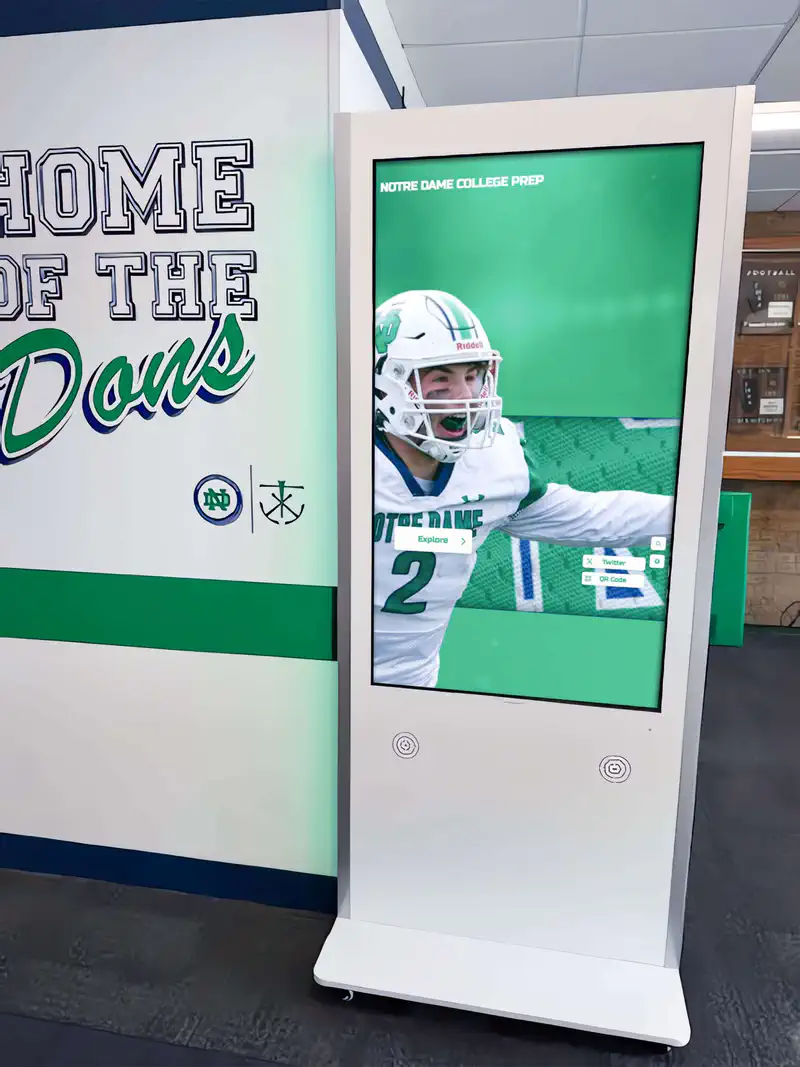
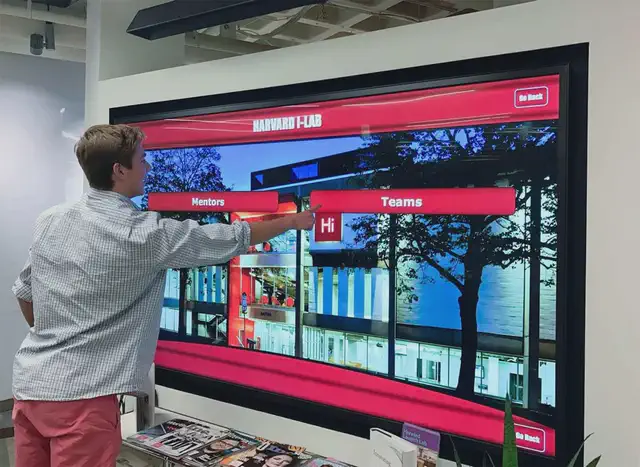
Interactive recognition displays depend on continuous network connectivity—layer-2 ARP issues can sever that connection even when the display hardware is fully operational.
Step-by-Step: Diagnosing and Clearing a Stale ARP Cache
Work through these steps in order. Each step either confirms the diagnosis or narrows the cause to a different layer.
Step 1 — Confirm the display is online at layers 1 and 2.
Check the switch port LED and the display’s NIC link light. If both show an active link, the physical connection is good. Run show mac address-table interface <port> on the switch (Cisco IOS syntax) to confirm the switch sees the display’s MAC address on the expected port.
Step 2 — Capture the display’s current IP and MAC. Log in to the display’s operating system via SSH, RDP, or a local keyboard and run:
- Windows:
ipconfig /all - Linux or Android:
ip addrorifconfig
Record the IP and MAC. If the IP has changed since your last documentation pass, update your records immediately—a DHCP lease change is a separate but related cause of ARP confusion.
Step 3 — Check the ARP cache on the CMS host or admin workstation. From the machine that manages the display, run:
- Windows:
arp -a - Linux or macOS:
arp -norip neigh show
Look for the display’s IP address. If the entry shows an incorrect MAC or a state of FAILED or INCOMPLETE, the cache is stale.
Step 4 — Flush the stale ARP entry.
- Windows (admin shell):
arp -d <display-IP>ornetsh interface ip delete arpcache - Linux (root):
ip neigh del <display-IP> dev <interface> - macOS:
arp -d <display-IP>
After flushing, immediately attempt to reach the display by ping or by opening the CMS connection. A successful reconnect confirms that the school recognition display ARP cache timeout was the culprit.
Step 5 — Check the managed switch ARP and MAC tables. On the switch, stale MAC address table entries cause the same misdirection. Clear the specific entry or the full cache:
- Cisco IOS:
clear arp-cacheto clear the entire ARP cache on the switch, orno arp <IP> <MAC>to target a specific entry - Per-interface MAC table clearing:
clear mac address-table dynamic interface <port>
Step 6 — Check Dynamic ARP Inspection (DAI) logs. If your school network uses DAI on the VLAN carrying the display, verify that the display’s current IP/MAC binding appears in the DHCP snooping binding table:
- Cisco IOS:
show ip dhcp snooping binding
A display that obtained a new DHCP lease while DAI’s snooping table still held the old binding can have all its ARP replies silently dropped. How DAI interacts with recognition display traffic on school networks is examined in the dynamic ARP inspection compatibility test for school recognition networks.
Step 7 — Restore connectivity and document the event. Once the display reconnects, log the timestamp, affected display, switch port, and resolution method. This record helps identify whether the issue recurs on a pattern—after every reboot, after power events—that points to a configuration fix rather than a one-time flush.
Decision Table: Matching Symptoms to Root Causes
| Symptom | Likely Layer | First Action |
|---|---|---|
| Display offline after reboot; recovers in minutes | ARP cache timeout on client or switch | Flush ARP on CMS host and switch |
| Display offline; switch port shows correct MAC | DAI binding mismatch | Check DHCP snooping table; verify IP/MAC pair |
| Display offline; switch port shows no MAC | Physical link or NIC issue | Check NIC, cable, and SFP module |
| Display offline; IP address changed after reboot | DHCP lease change + stale ARP | Set static DHCP reservation; flush ARP |
| Display offline; DNS name resolves to wrong IP | DNS TTL propagation delay | Flush DNS resolver cache; verify A record TTL |
| Multiple displays on different subnets offline | Gateway or uplink failure | Check default gateway and uplink port status |
| Display reboots intermittently; no network pattern | Power supply or firmware issue | Check power supply and OS event log |
Preventing Recurrence
Flushing the cache solves the immediate outage. Preventing the next one requires addressing the underlying configuration.
Use static ARP entries for critical displays. When a recognition display occupies a high-visibility lobby and serves a key community function, a static ARP binding guarantees that neither the switch nor the client machine will discard the mapping on a timer. On Windows: netsh interface ip add neighbors "Local Area Connection" <IP> <MAC>. On Linux: ip neigh add <IP> lladdr <MAC> dev <interface> nud permanent. Static bindings require a manual update whenever the display’s NIC changes.
Extend aging timers where appropriate. Increasing the ARP cache timeout on the CMS host reduces how often the cache expires between the display’s routine reboots. Increasing the MAC address table aging time on the switch port serving the display provides the same protection at layer 2. Balance this against your security policy—longer timers can slow detection of MAC address spoofing on untrusted ports.
Assign static DHCP leases to recognition displays. A fixed IP address prevents the IP/MAC combination from changing across reboots, eliminating one variable in ARP troubleshooting. A static DHCP reservation in your DHCP server achieves this without requiring manual IP configuration on the display itself and keeps the DHCP snooping binding table accurate for DAI.
Segment recognition displays on a dedicated VLAN. A dedicated VLAN with controlled inter-VLAN routing limits the blast radius of ARP-related issues and simplifies monitoring. A comprehensive network segmentation guide for touchscreen recognition displays covers VLAN planning specific to display deployments.
Establish a network monitoring baseline. A documented baseline of normal ARP activity for each display makes anomalies detectable before staff notice a blank screen. The QoS monitoring baseline guide for recognition displays provides a framework for setting reference metrics that also capture layer-2 health.
A full pre-deployment checklist—including an ARP readiness section—is available in the cache invalidation checklist for recognition displays, useful for IT teams commissioning new screens.
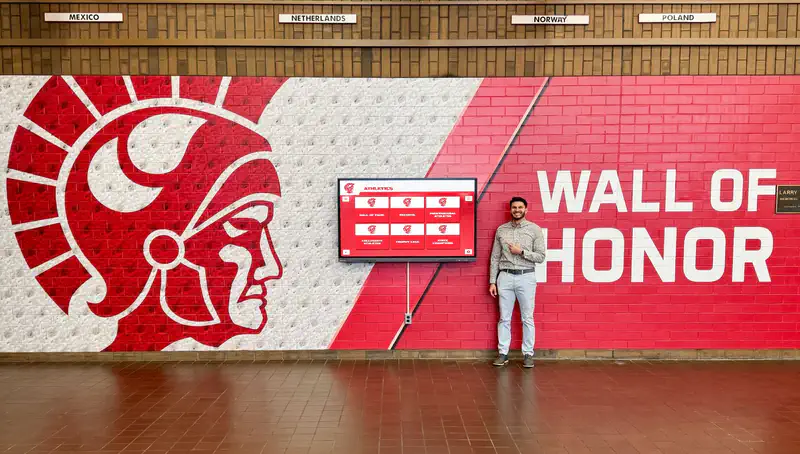
With network layers configured correctly, recognition displays run reliably and staff can focus on the communities they serve rather than troubleshooting outages.
When the Network Is Healthy but Display Experience Still Disappoints
Resolving ARP cache timeouts restores network connectivity. A separate question is whether the display software and content management architecture recover cleanly on their own when network events do occur.
Recognition display platforms vary significantly in how they handle momentary network interruptions:
- Locally cached content keeps the display running during brief outages, reducing visible blank screens even when ARP has not yet resolved
- Automatic reconnect logic in the display agent re-establishes the CMS connection without manual intervention after a network event
- Remote CMS access allows administrators to push updated content and trigger a manual reconnect from anywhere without touching the physical hardware
Rocket Alumni Solutions builds these resilience behaviors into its web-based recognition platform, alongside ADA WCAG 2.1 AA accessibility compliance, unlimited content capacity, and auto-ranking record boards. It is one of the platforms school IT and AV teams evaluate when choosing a display solution that minimizes operational maintenance overhead. Other options include display-specific kiosk software with configurable ARP keepalive settings and dedicated display management systems that expose network health metrics from within the CMS dashboard.
When comparing options, ask vendors specifically how their software handles the window between a network interruption and ARP re-resolution, and whether the display agent sends a gratuitous ARP broadcast on reconnect to accelerate cache updates on neighboring switches.
See How Rocket Alumni Solutions Handles Display Resilience
Network events happen. See how Rocket Alumni Solutions' remote CMS, automatic reconnect, and locally cached content keep recognition displays running—and ask about built-in network resilience features during the demo.
Book a Rocket DemoAdditionally, for environments where TCP Fast Open is enabled on school edge hardware, confirm compatibility with the recognition display agent—this check is outlined in the TCP Fast Open compatibility guide for recognition displays.
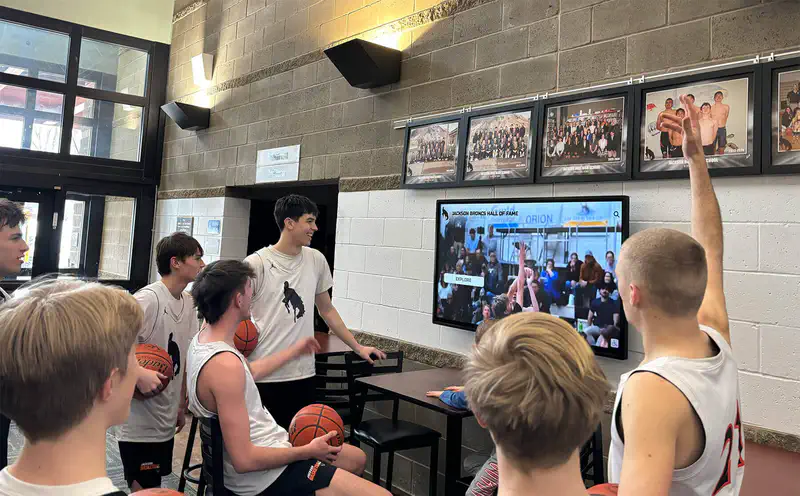
A display that recovers automatically from network events keeps students and visitors engaged with the school's recognition story without requiring an IT dispatch call.
Frequently Asked Questions
How long is a typical ARP cache timeout on a school network switch?
Default ARP aging timers on managed switches commonly range from five to twenty minutes depending on the vendor and firmware version. The MAC address table aging time on the switch port may be shorter—often around five minutes by default. Check your switch documentation or run the appropriate show command to view the currently configured value.
Will rebooting the recognition display clear the ARP issue? Rebooting the display forces it to send a gratuitous ARP broadcast, which asks neighboring devices to update their ARP caches with the correct MAC address. This often clears the issue—but not instantly. If DAI is active and the DHCP snooping binding table is stale, gratuitous ARP packets may be dropped until the binding refreshes or is manually corrected on the switch.
Should I use static ARP entries for all recognition displays? Static ARP entries are a sound practice for displays in high-visibility, high-uptime roles. The trade-off is that you must update the entry manually whenever the display’s NIC changes due to hardware replacement or display upgrade. A static DHCP reservation combined with an extended MAC address table aging time on the switch port is often a lower-maintenance alternative.
Can an ARP cache timeout cause the display to show stale content rather than going blank? Yes, if the display platform caches content locally. In that scenario the screen continues showing the last synced content while the CMS connection is down. The display only shows a blank screen or an offline message if it requires an active CMS connection to render any content.
Does Dynamic ARP Inspection (DAI) complicate recognition display deployments? DAI improves network security by dropping forged ARP packets, but it can also drop legitimate ARP replies from a display whose IP/MAC binding has expired from the DHCP snooping table. Prefer keeping the DHCP snooping binding table accurate through static DHCP leases rather than marking the display’s switch port as DAI trusted—that approach provides protection without creating a gap in your security policy.
What should I check if the ARP flush did not fix the issue? Work up the stack: confirm the display’s IP address has not changed (check the DHCP server lease log), confirm DNS resolves to the correct IP, confirm the CMS service is running on the server side, and check the display agent logs for application-layer errors. The cache invalidation checklist referenced in the Prevention section above provides a structured next phase of troubleshooting.
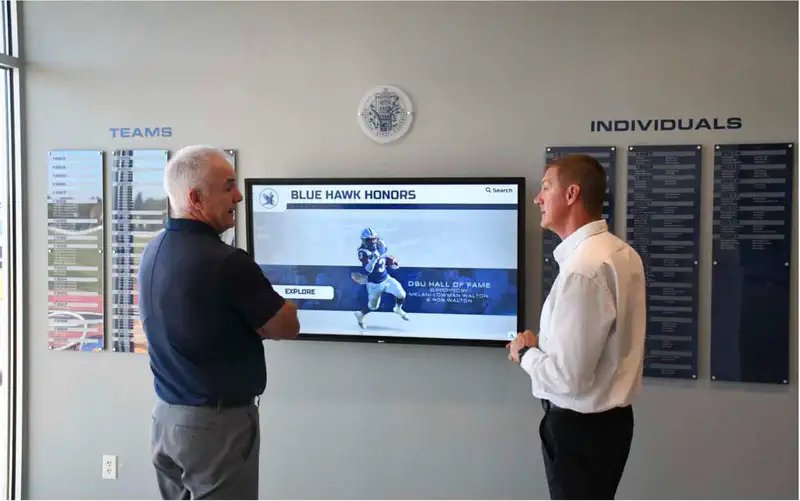
Methodical layer-by-layer troubleshooting—starting at ARP and working upward—gets recognition displays back online quickly and prevents unnecessary hardware replacement.
Conclusion
A school recognition display ARP cache timeout is a recoverable, network-layer condition, not a hardware failure. The direct fix—flush the stale ARP entry on the CMS host and the connected switch, correct any DHCP snooping binding table mismatches, and confirm reconnection—typically takes minutes rather than hours. Preventing recurrence means static DHCP reservations, extended aging timers for display ports, and a monitoring baseline that surfaces ARP anomalies before users notice.
With the network layer stable, your recognition display can do what it was designed to do: keep your school’s athletes, scholars, and community members visible every day to everyone who walks through the lobby.
Ready to See Rocket Alumni Solutions Live?
Discover how Rocket Alumni Solutions keeps recognition displays running with remote CMS management, automatic reconnect, and network-resilient content caching—plus ADA WCAG 2.1 AA accessibility built in from day one.
Book a Rocket Demo