School recognition displays placed in lobby entryways and athletic hallways carry significant institutional investment. When the anti-glare coating on these screens performs well, visitors can read inductee names, review athlete statistics, and explore hall of fame profiles comfortably regardless of the light source behind them. When that coating degrades or was never properly matched to the installation environment, overhead fluorescent banks and afternoon sunlight turn the screen surface into a mirror—blocking the recognition content the display was installed to share.
This guide is written for facilities coordinators, IT staff, and athletic directors who oversee recognition display hardware. It explains how anti-glare coatings work on school recognition screens, provides a structured lighting-condition readability checklist, and includes a care table covering safe cleaning approaches and materials to avoid. Where decisions require manufacturer consultation or professional judgment, the guide identifies those points clearly so staff can escalate appropriately rather than risk damaging a surface that may be difficult or expensive to restore.
Schools planning a new recognition installation—or planning a dedication ceremony for new school displays—benefit from evaluating anti-glare requirements before hardware selection rather than after installation. Understanding what the coating does, and what it cannot compensate for, guides smarter hardware choices and prevents readability problems that frustrate visitors and undermine the recognition goals the display was built to achieve.

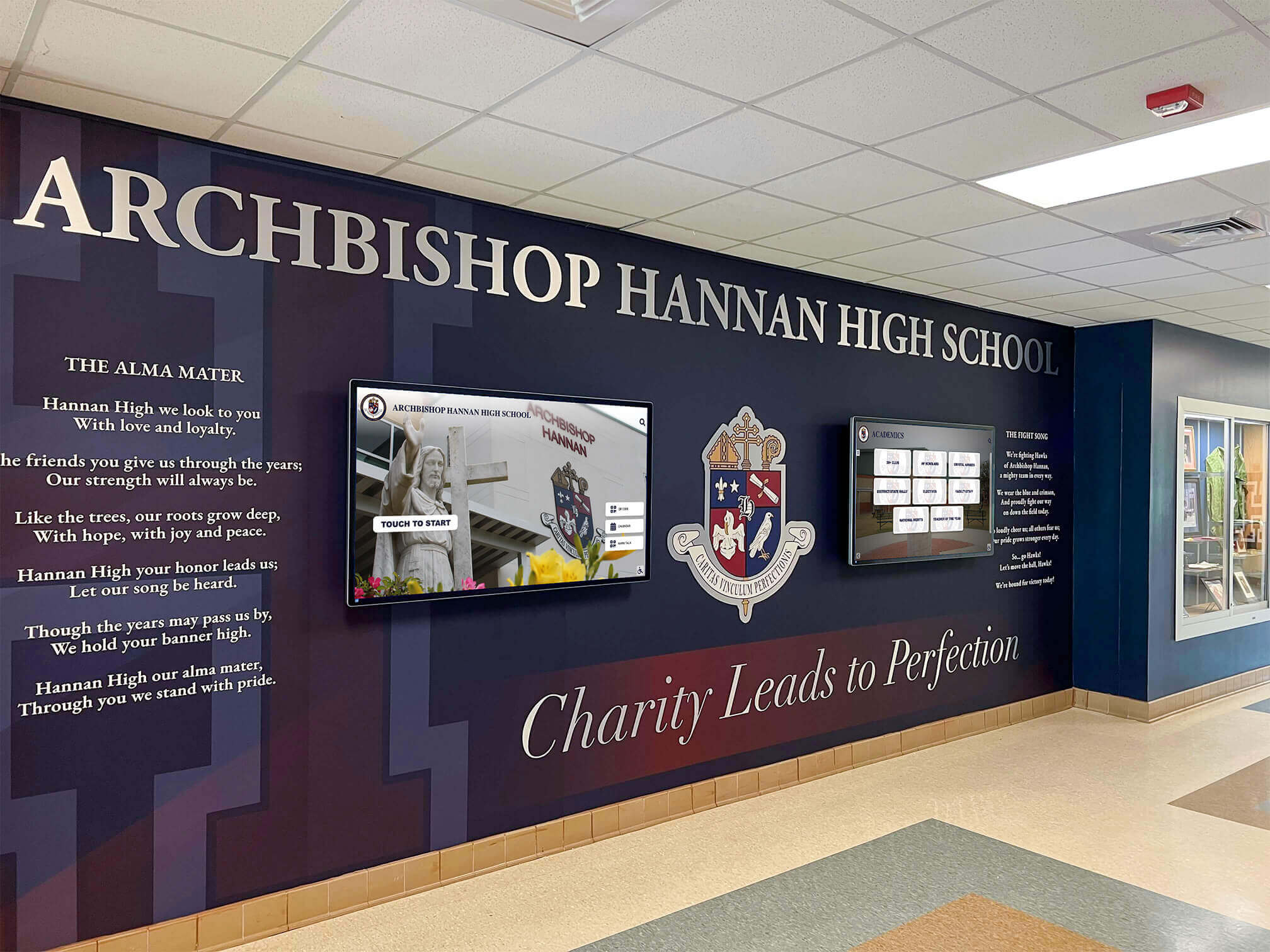
Lobby recognition displays in high-window environments particularly benefit from carefully selected and properly maintained anti-glare surfaces
What Anti-Glare Coating Does on a Recognition Display
Anti-glare treatments reduce the specular reflection of light sources that would otherwise create bright spots and washed-out areas on screen surfaces. School facilities staff should understand two main approaches before inspecting or cleaning a display, since the inspection findings and safe cleaning methods differ between them.
Matte and Etched Surface Treatments
Many commercial display panels for school and institutional use feature a matte or micro-etched surface layer. This treatment scatters incoming light at the glass level, preventing it from reflecting directly back to the viewer as a sharp mirror image. The trade-off is a slight diffusion of the displayed image, which typically appears as modest softening of fine text rather than visible blurring on professionally formatted recognition content.
Matte finishes hold up well in environments with multiple overhead light sources, such as gymnasium lobbies with banks of fluorescent or LED fixtures. They are generally less sensitive to fingerprint oils than glossy surfaces, which makes them suitable for touchscreen recognition kiosks where visitors regularly interact with the display surface.
Multi-Layer Anti-Reflective Coatings
Higher-specification recognition displays use multi-layer anti-reflective (AR) coatings that work by optical interference rather than surface diffusion. These coatings allow more light to pass through the glass while reducing surface reflection, producing sharper text and richer color rendition than matte treatments.
AR coatings can be more vulnerable to abrasion and chemical damage than matte surfaces. Facilities staff cleaning displays with multi-layer AR coatings need to follow manufacturer specifications precisely. Using paper towels, standard glass cleaners, or ammonia-based products on an AR-coated surface can strip or scratch the coating in ways that create permanent haze or uneven glare patterns. A qualified display technician should be engaged whenever coating type cannot be determined or when existing surface damage has already occurred.
When in doubt about which type of coating your recognition display uses, consult the hardware documentation or contact the manufacturer before cleaning with any product.
Lighting Condition Readability Checklist
Use this checklist to evaluate whether your school recognition display’s anti-glare coating is performing adequately under the actual conditions visitors encounter. Perform the inspection at multiple times of day to account for seasonal sun angle changes, which shift substantially between the fall sports season and spring graduation events.
Morning and Afternoon Natural Light
Conduct this inspection between 8–10 a.m. and 2–4 p.m. on a clear day.
- Stand at the primary viewing distance (typically 4–8 feet from the screen) and look for window or skylight reflections on the display surface.
- Can you read inductee names and headline text without tilting your head or moving sideways to avoid a bright spot?
- Does any reflection cover more than approximately one-quarter of the visible screen area? If yes, the coating may be insufficient for this environment, or the display may need repositioning or supplemental shading.
- Are reflected images sharp and distinct—suggesting a glossy or degraded surface—or diffuse and pale, suggesting a functioning matte or AR treatment?
- Does the display remain readable when you stand directly in the path of an incoming light beam rather than at an angle to it?
Overhead Fluorescent and LED Artificial Lighting
Conduct this inspection during normal school hours with all overhead lights active.
- Look for circular bright patches (“hot spots”) corresponding to individual light fixture positions on the ceiling above.
- Text within hot-spot areas should remain legible. If it washes out, the coating may not be matched to the lumen output of the fixtures overhead.
- Check both landscape-oriented displays and portrait-mounted screens—overhead fixtures affect each orientation differently depending on bezel angle and tilt.
- If the display is tilted away from vertical (common in some trophy lobby installations), confirm that the adjusted angle still produces acceptable readability rather than directing reflected light toward the typical viewer position.
- Note whether glare has become noticeably worse since the last inspection. Progressive degradation may indicate coating wear rather than an original installation mismatch.
Event and Evening Lighting Conditions
Athletic banquets, hall of fame induction ceremonies, and alumni events often occur under different lighting configurations than normal school hours. Many schools add portable uplighting, spotlights, or adjust overhead dimmer settings during events.
- Inspect the display with event lighting active, ideally during a rehearsal or setup period rather than mid-ceremony.
- Spotlights directed toward recognition displays during ceremonies can overwhelm even high-performance anti-glare coatings. Consider whether supplemental diffusion panels or canopies are appropriate rather than expecting the coating alone to manage high-intensity directed light.
- Dimmed overhead lighting often improves screen readability. Document this in your inspection log so event coordinators can reference it when setting up lighting plans.
Following established reading level and text legibility guidelines for digital hall of fame profiles helps ensure that content formatting and font sizing reduce legibility demands on the coating itself—larger, higher-contrast text reads through more glare than small body copy regardless of coating quality.
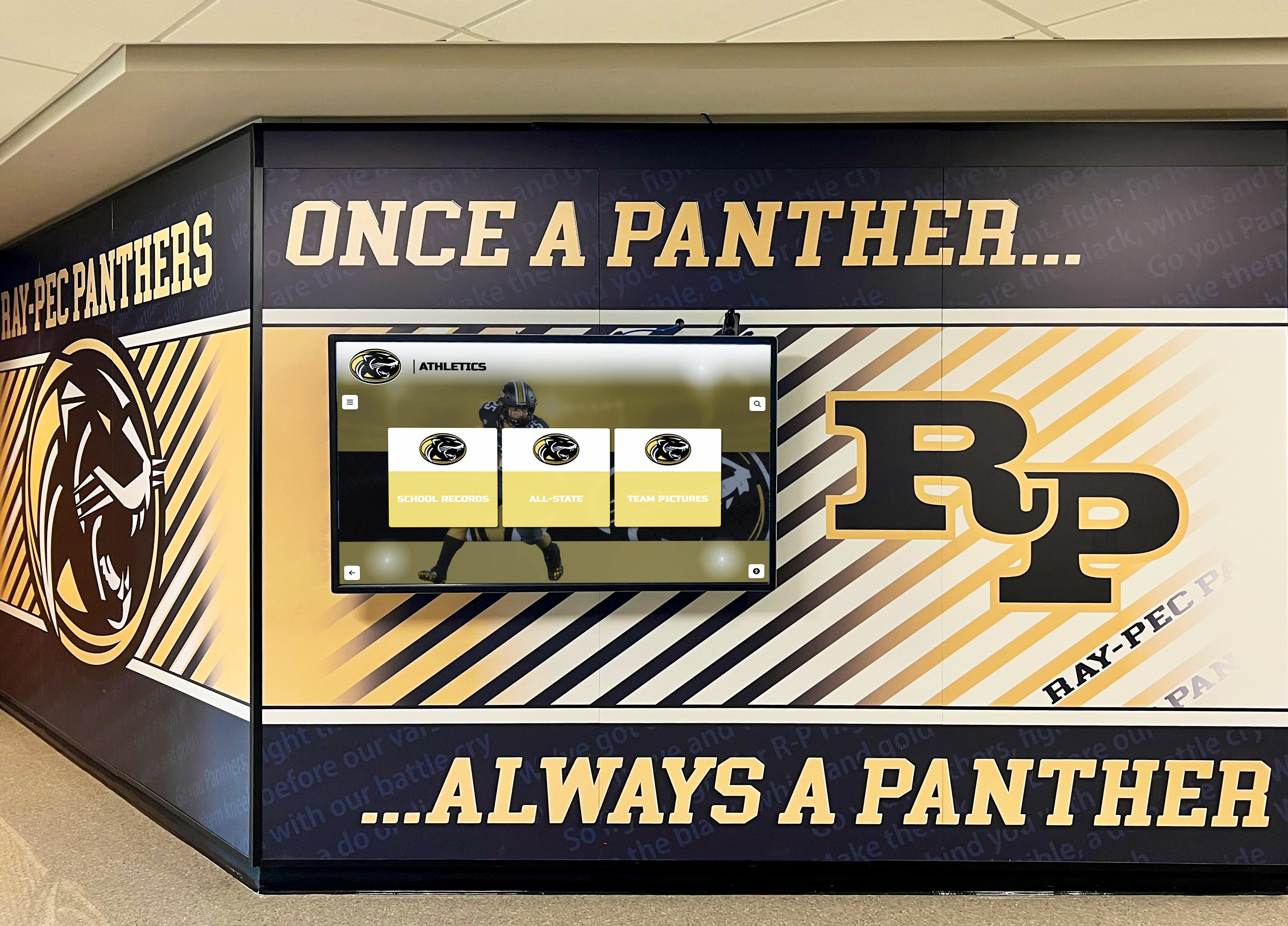
Hallway installations face different lighting conditions than lobby placements and require separate inspection assessments at multiple times of day
Anti-Glare Coating Inspection Checklist
Beyond readability testing under different light conditions, a hands-on physical inspection identifies surface degradation before it becomes severe enough to require professional remediation or hardware replacement.
Visual Surface Inspection
Perform this inspection with overhead lighting active and the display powered off. A dark screen makes surface imperfections significantly easier to see than an illuminated one.
- Look across the screen surface at a low angle, nearly parallel to the glass. Are there visible scratches, scuffs, or hazy patches not present at installation?
- Do any areas show discoloration—yellowing, whitish clouding, or iridescent streaking—that indicate coating chemical breakdown?
- Are there concentrated areas of wear near touchscreen interaction zones where visitors frequently place fingers? Anti-glare treatments in high-touch areas often degrade faster than the perimeter.
- Check the bezel seal where the screen glass meets the frame. Moisture intrusion at this edge can cause delamination of coating layers, appearing as bubbling or opaque banding along screen borders.
- Compare the central screen area to the edges. Uneven coating wear—rather than general overall dulling—may indicate cleaning with abrasive materials concentrated on certain zones.
Performance Degradation Indicators
These signs suggest coating performance has declined beyond what routine maintenance can address and may require professional assessment:
- Reflection character has changed from diffuse scatter to sharper, more mirror-like images (matte surface may be partially stripped).
- Interference patterns—rainbow-colored patches—have appeared on a previously uniform surface, indicating AR coating layer separation or chemical damage.
- Cleaning with manufacturer-approved materials no longer removes smudges cleanly, with residue remaining after appropriate technique.
- Staff or visitors have begun consistently moving position to read sections that were previously readable from a fixed standing position.
If three or more degradation indicators are present, contact the display manufacturer or a qualified AV technician before performing any further cleaning. Aggressive cleaning of an already-compromised coating converts recoverable degradation into permanent damage.
Anti-Glare Coating Care and Cleaning Guide
The table below provides guidance for common care situations. Always verify these recommendations against your specific manufacturer’s documentation, as coating formulations vary across display vendors and panel generations.
| Situation | Recommended Approach | Materials to Avoid |
|---|---|---|
| Routine dust removal | Dry microfiber cloth, light circular strokes | Paper towels, rough cloths, dusting sprays with solvents |
| Fingerprint smudges (matte surface) | Lightly dampened distilled-water microfiber cloth, air dry | Tap water with mineral deposits, glass cleaner with ammonia |
| Fingerprint smudges (AR-coated surface) | Manufacturer-specified lens cleaning solution only; apply to cloth, not screen directly | Isopropyl alcohol above 70%, any solvent-based cleaner |
| Stubborn adhesive residue | Consult manufacturer before attempting removal | Acetone, adhesive removers, nail polish remover |
| Cleaning after event with portable spotlights | Inspect for thermal stress before cleaning; allow screen to cool fully first | Cleaning while screen is still warm from sustained heat exposure |
| Graffiti or marker contamination | Consult AV technician or display vendor immediately | Any DIY removal attempt with unknown chemical composition |
| Routine lobby cleaning by janitorial staff | Post an approved-cleaning-only notice near the display; provide dedicated pre-approved microfiber cloths | Standard floor or glass cleaning sprays applied near or on the display |
A note on janitorial protocols: Recognition displays in school lobbies are frequently cleaned by general janitorial staff using standard building supplies. Many of these products contain ammonia, bleach derivatives, or surfactants that damage anti-glare coatings on contact. Posting a brief laminated notice specifying approved cleaning materials—and providing dedicated microfiber cloths stored near the display—prevents accidental coating damage during routine building maintenance. This one step prevents a large share of field-reported coating failures.
When to Involve a Manufacturer or Qualified Technician
Facilities staff can handle routine inspection and approved cleaning independently. These situations warrant escalation to a manufacturer representative or qualified AV display technician:
Contact the manufacturer when:
- Coating damage is suspected after unapproved cleaning products were used
- Visible delamination, bubbling, or iridescent patches have appeared
- Screen readability has degraded significantly without a clear identified cause
- The display is within its warranty period—DIY cleaning attempts may void coverage
- Written documentation of coating type and specifications is needed for procurement, insurance, or facilities records
Contact your IT or AV service provider when:
- Mounting angle adjustment is needed to address a structural glare problem that coating cannot resolve
- The display may need repositioning within the lobby or hallway space
- Supplemental hardware—such as an anti-glare film overlay or supplemental shading panel—is being considered; always consult a technician before applying any third-party film to a coated surface
- Display electronics response has become sluggish alongside coating concerns, since surface and electronics issues sometimes share a common moisture intrusion cause
Schools protecting significant recognition display investments should also verify whether existing booster club insurance coverage for display equipment extends to hardware damage caused by accidental misuse during cleaning or events. Coverage details vary, and facilities coordinators should confirm the relevant provisions with booster organization leadership and the school’s risk management contact before an incident occurs rather than after.
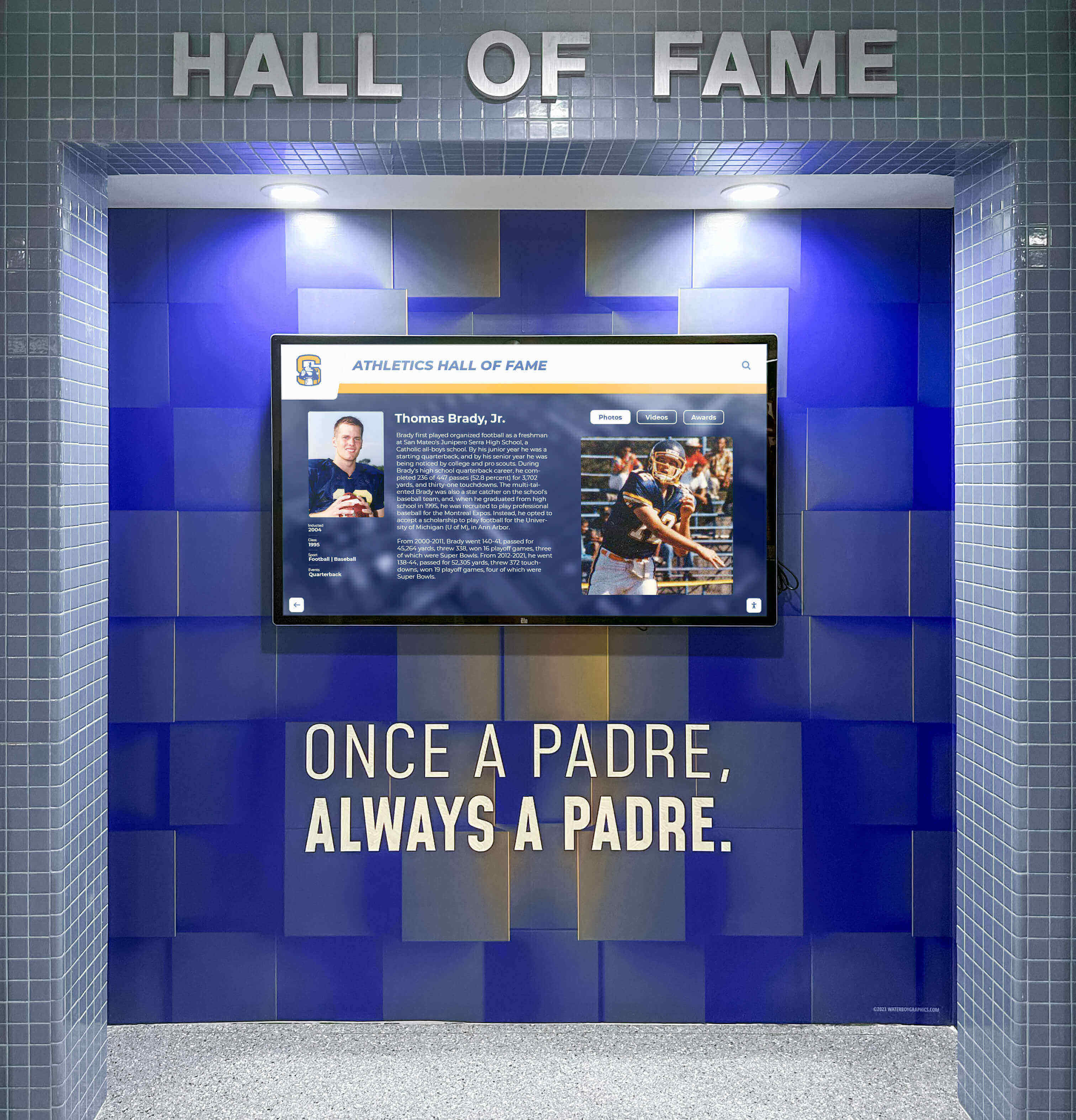
Wall-mounted recognition displays in tiled corridors often face reflected light from multiple surfaces—coating performance should be verified from multiple viewer positions
Recognition Display Readability and Community Engagement
Anti-glare coating maintenance is ultimately a community engagement issue, not just a hardware task. A recognition display that visitors cannot read due to glare or coating degradation fails its primary purpose regardless of how carefully the recognition content was curated.
Schools invest significant effort in selecting honorees, gathering historical records, and designing recognition content that celebrates achievement across generations. The criteria schools use to select athletic hall of fame honorees often involve years of deliberation, committee review, and community input. Allowing that content to become unreadable behind a compromised screen surface undermines every hour invested in that selection process.
Interactive recognition systems create multiple types of ongoing engagement. Alumni of the month recognition programs deliver rotating content that keeps displays fresh and gives community members ongoing reasons to engage with screens they might otherwise walk past. Sport-specific achievement archives—preserving records across disciplines including track, cross-country, and field events such as long jump and sprint progression records—require crisp text and image rendering that coating degradation directly undermines.
The concept of digital warming—transforming passive screens into genuinely engaging community touchpoints—depends on every element of the display functioning as intended. Content strategy, hardware selection, and physical maintenance all contribute to whether a recognition screen feels like a vibrant community hub or an expensive fixture that visitors have learned to ignore.
Building a Sustainable Inspection Routine
A documented inspection routine reduces the risk of coating damage going unnoticed until replacement becomes necessary. The schedule below works for most school recognition display installations.
Monthly:
- Visual surface check with display powered off
- Readability assessment from standard visitor viewing position
- Verify janitorial staff are using approved cleaning materials only
Each semester (twice yearly):
- Full lighting-condition readability checklist across morning, midday, and overhead-artificial conditions
- Physical inspection checklist for surface wear indicators
- Review cleaning log for any off-protocol incidents and document corrective steps taken
Annually or before major recognition events:
- Assess event lighting impact on display readability during setup, not mid-ceremony
- Review coating specifications with display vendor if significant wear has accumulated
- Confirm insurance and warranty documentation is current for all recognition display hardware
Keeping a maintenance log—brief notes on cleaning methods used, readability observations, and degradation indicators noticed—gives facilities coordinators and IT staff the documentation needed when warranty claims arise or when evaluating whether a display surface has reached end of coating life and needs professional assessment.
Conclusion
A school recognition display is only as effective as its readability. Anti-glare coating appropriate at installation can degrade through abrasive cleaning, chemical contact, sustained touchscreen interaction, or simply age. Lobby and hallway environments in schools present real challenges—multiple overhead light sources, seasonal sun angle shifts, varying event lighting configurations—that put genuine demands on coating performance over time.
The inspection checklists and care guidance in this guide give facilities staff a practical framework for monitoring coating performance, preventing accidental damage through unapproved cleaning, and knowing when to escalate concerns to a manufacturer or qualified technician rather than attempting repairs that could cause permanent surface damage.
Recognition displays that remain readable over their full service life return the institutional investment they represent and continue creating the community connections—among current students, alumni, families, and visitors—that motivate everything from booster support to alumni engagement. Maintaining the surface that makes recognition content accessible is straightforward when facilities teams have a clear inspection process and consistently follow manufacturer care guidance.
See Recognition Displays Built for School Environments
Rocket Alumni Solutions designs interactive recognition systems for school lobbies, athletic hallways, and alumni spaces—with hardware guidance, content management tools, and long-term support for facilities staff maintaining displays well after installation day.
Schedule a Demo






























