School marquee messages are short, rotating announcements displayed on an outdoor or indoor electronic message board to inform students, families, and community members about events, recognition, and daily updates. Effective school marquee messages follow a simple formula: one idea per slide, readable in three seconds, updated on a predictable schedule so the community knows to look.
This guide covers message examples for every category—recognition, athletics, academics, events, and daily operations—along with a practical rotation workflow that keeps your marquee from going stale.
A school marquee is often the first thing parents, alumni, and community members see when they approach campus. When the display is current and specific—“CONGRATS SARAH CHEN: STATE DEBATE CHAMPION”—it signals that the school is actively celebrating its people. When it shows last month’s homecoming dates in February, it signals the opposite.
The difference between those two outcomes is not hardware. It is message planning: knowing which categories of content to rotate, who owns each category, and how often each type of message should refresh. This guide provides the examples and the workflow.

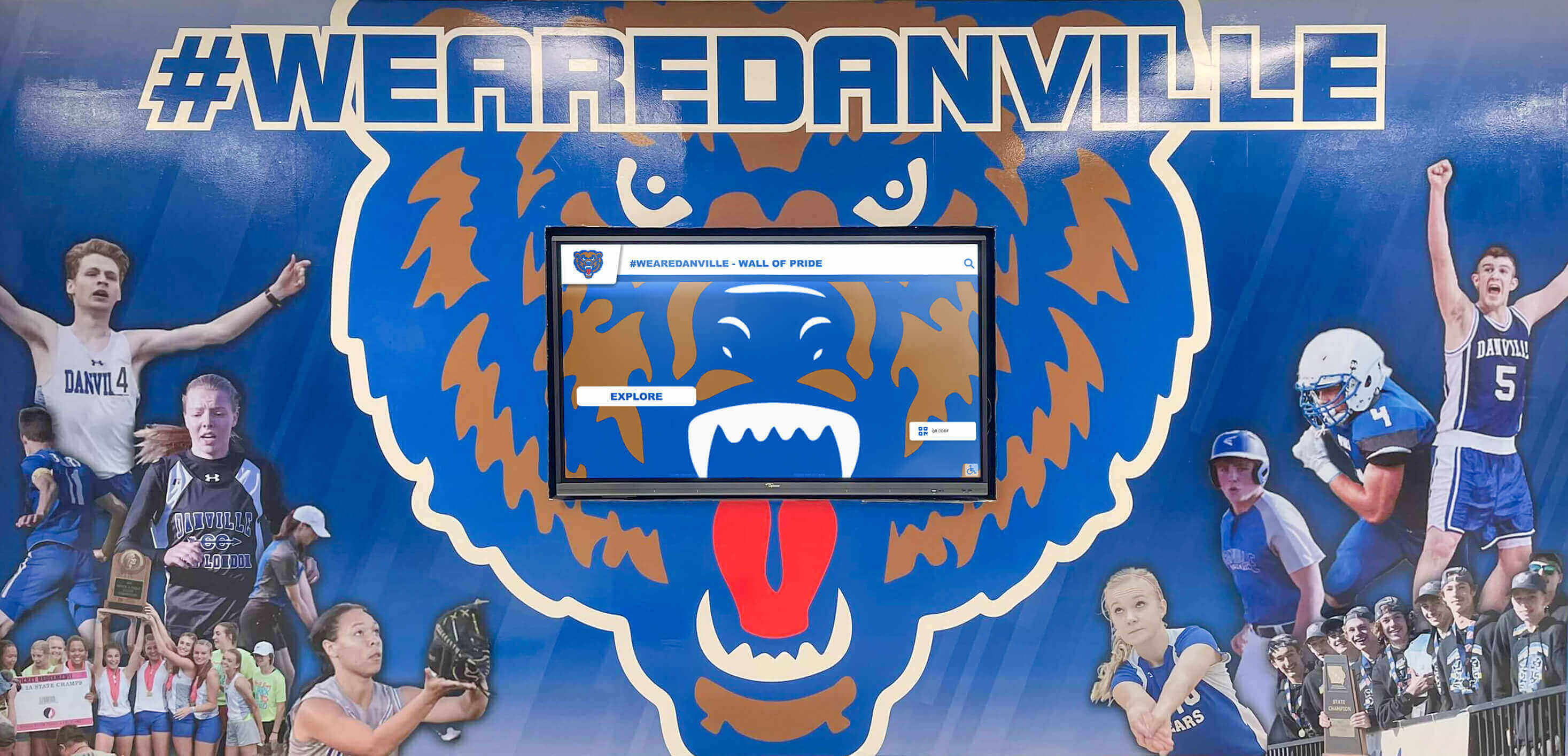
A well-managed school marquee pairs institutional pride with live, rotating content—recognition spotlights, event countdowns, and daily updates in a single display
What Makes a Good School Marquee Message?
Before diving into examples, three rules apply to every category:
Short enough to read while walking. A student passing at hallway speed has about three seconds. If the message takes longer than that to scan, half your audience misses it. Aim for 10 words or fewer per slide.
Specific enough to feel real. “GO HAWKS” is filler. “HAWKS SOCCER WINS REGIONAL TITLE — 3RD YEAR IN A ROW” is a celebration. Names, numbers, and specifics make recognition feel earned.
Time-bounded so it doesn’t decay. Every message on your marquee should have a scheduled expiration date. Outdated content trains the community to stop reading.
School Marquee Message Examples by Category
Recognition Messages
Recognition is the highest-value content on any school marquee. These messages cost nothing to produce but have an outsized impact on school culture—students who see their names displayed publicly remember it.
| Recognition Type | Example Message |
|---|---|
| Academic honor roll | FALL HONOR ROLL: 142 STUDENTS — FULL LIST AT FRONT OFFICE |
| Individual academic award | CONGRATS MARCUS RILEY: NATIONAL MERIT SEMIFINALIST |
| Athletic achievement | GIRLS TRACK: STATE CHAMPIONS — 4X400 RELAY |
| Athlete of the week | ATHLETE OF THE WEEK: JORDAN THOMAS, VARSITY WRESTLING |
| College commitment | SIGNING DAY: PRIYA PATEL COMMITS TO UNIVERSITY OF MICHIGAN |
| Teacher recognition | TEACHER OF THE MONTH: MR. DAVID KOWALSKI, PHYSICS |
| Student service award | COMMUNITY SERVICE AWARD: AALIYAH BROOKS — 200+ HOURS |
| Alumni achievement | ALUMNI SPOTLIGHT: JAMES FORD ‘09 — OLYMPIC TRIALS QUALIFIER |
| Scholarship recipient | CONGRATS ELENA VASQUEZ: $15K COMMUNITY FOUNDATION SCHOLARSHIP |
| Team academic milestone | FOOTBALL: 3.2 TEAM GPA — PROGRAM RECORD |
Rotation tip: Run one recognition spotlight per day. Keep a shared spreadsheet where athletics, academics, and student services each log upcoming honorees. The display manager pulls from this list on a first-in, first-out basis.
Athletic and Event Announcement Messages
Event messages serve a different function than recognition: they prompt action. They should answer the key question—what, when, where—in one line.
| Event Type | Example Message |
|---|---|
| Home game | VARSITY FOOTBALL HOME FRIDAY 7PM — SUPPORT THE HAWKS |
| Playoff announcement | GIRLS BASKETBALL: REGIONAL PLAYOFFS START TUESDAY |
| Championship result | SWIM TEAM: CONFERENCE CHAMPIONS FOR THE 5TH STRAIGHT YEAR |
| Season opener | FALL SPORTS SEASONS BEGIN AUG 19 — SCHEDULES AT ATHLETICS OFFICE |
| Booster club event | ATHLETICS BOOSTER DINNER SAT OCT 12 — TICKETS AT FRONT DESK |
| Alumni game | ALUMNI BASKETBALL GAME: DEC 21 — ALL CLASSES WELCOME |
| Hall of fame induction | HALL OF FAME INDUCTION CEREMONY: JAN 18 — 6PM GYMNASIUM |
| Spring sports preview | BASEBALL & SOFTBALL TRYOUTS: FEB 27-28 — SIGN UP ONLINE |
| Fundraiser event | 5K FUNDRAISER: SAT MARCH 8 — REGISTER AT FRONT OFFICE |
| Senior night | SENIOR NIGHT: VARSITY VOLLEYBALL — FRIDAY 6PM |
Rotation tip: Event messages should go live two weeks before the event and expire the morning after. A calendar integration on your display software prevents any manual follow-up—the slide schedules itself off.
Academic Calendar and Daily Update Messages
Operational messages are the workhorses of the school marquee. They are not glamorous, but students and families rely on them.
| Update Type | Example Message |
|---|---|
| Exam schedule | FINAL EXAMS: DEC 16-19 — EARLY DISMISSAL EACH DAY |
| Schedule change | NO SCHOOL MONDAY NOV 11 — VETERAN’S DAY |
| Early dismissal | EARLY RELEASE TODAY — 1:30PM DISMISSAL |
| Testing reminder | ACT TEST APRIL 8 — ALL JUNIORS REPORT BY 7:45AM |
| Registration deadline | COURSE REGISTRATION CLOSES MARCH 1 — SEE COUNSELOR |
| College visit | COLLEGE VISIT: PURDUE REPS — LIBRARY — THURSDAY LUNCH |
| Parent meeting | PARENT INFO NIGHT: JAN 23 — 6:30PM CAFETERIA |
| Dress code reminder | SPIRIT FRIDAYS START THIS WEEK — WEAR YOUR SCHOOL COLORS |
| Start-of-year welcome | WELCOME BACK CLASS OF 2029 — GREAT THINGS AHEAD |
| End-of-year closing | LAST DAY OF SCHOOL: MAY 30 — CONGRATULATIONS SENIORS |
Rotation tip: Assign daily operations messages to one staff contact—typically an administrative assistant or communications coordinator. Auto-expiration handles the cleanup. This person never needs to log in to delete old content.
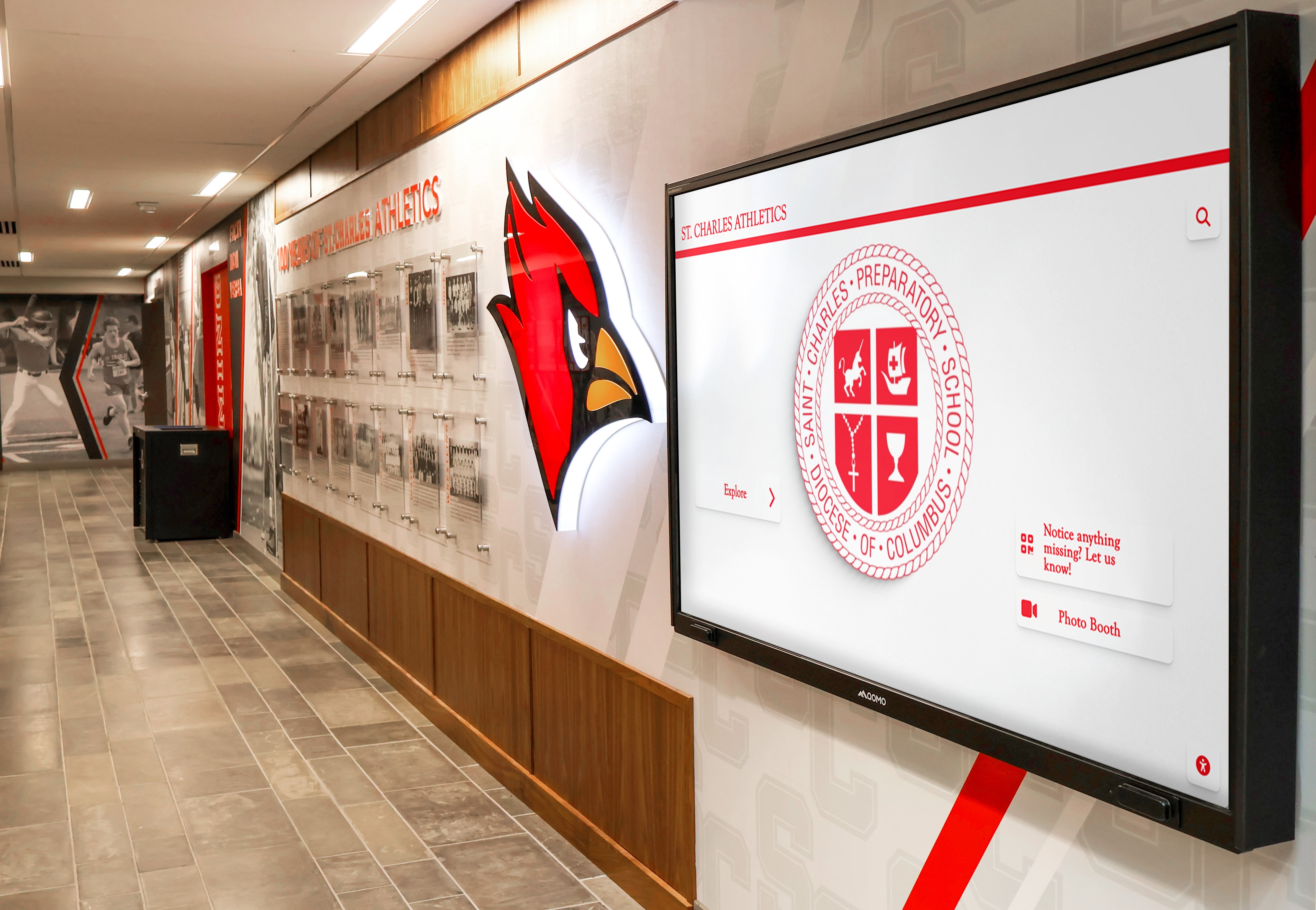
Athletics corridors pair mascot branding with rotating recognition and schedule content—students passing between classes see current achievement spotlights without stopping
Message Rotation Workflow: Keeping the Marquee Fresh All Year
The most common school marquee problem is not a content shortage—it is a workflow gap. Content exists, but nobody owns the process of getting it onto the display on time.
The following workflow assigns ownership by content type and sets clear update rhythms:
Step 1: Define Three Content Zones
Divide your marquee’s screen time into three buckets:
- Recognition (40%) — honoree spotlights, award announcements, alumni achievements
- Events (35%) — upcoming games, showcases, community events, fundraisers
- Operations (25%) — schedule changes, deadlines, reminders, back-to-school logistics
These percentages can shift by season—event content spikes during fall sports and spring awards—but having defined zones prevents any one category from crowding out the others.
Step 2: Assign One Owner Per Zone
| Zone | Owner | Update Frequency |
|---|---|---|
| Recognition | Athletic Director + Registrar | Weekly—add new honorees each Monday |
| Events | Communications Coordinator | As events are confirmed; 2-week lead minimum |
| Operations | Administrative Assistant | As needed; same-day updates for early dismissals |
A recognition message that requires three approval steps before posting will never run on time. Keep approval friction low: zone owners publish directly to their category without routing through a central queue.
Step 3: Build a 12-Month Content Calendar
Map recognition and event content to the school year in advance. A basic annual calendar for a K–12 school looks like this:
| Month | Recognition Focus | Event Focus |
|---|---|---|
| August | Back-to-school welcome, staff introductions | Fall sports previews, open house |
| September | Fall athlete of the week | Homecoming events, booster events |
| October | Academic all-conference, fine arts awards | Homecoming game, alumni weekend |
| November | Fall season champions, college commitments | Signing day, Thanksgiving break notice |
| December | First-semester honor roll, athletic achievements | Finals schedule, winter break |
| January | Winter athlete of the week, STEM competition results | Winter sports schedule |
| February | Academic award recipients, teacher recognition | Alumni basketball game, registration open |
| March | Scholarship announcements, service award honorees | Spring sports tryouts, spring musical |
| April | Spring athlete spotlights, AP/IB exam prep | 5K fundraiser, spring showcase |
| May | Senior spotlight series, year-end awards | Prom, graduation countdown |
| June | Graduating class recognition, alumni achievement | Summer program announcements |
Step 4: Use Auto-Expiration for Every Slide
Modern digital marquee software lets you set a start date and an end date for every slide. Use it without exception. The rule: if a message does not have an expiration date, it does not get published. This single habit eliminates 90% of stale-content problems.
Step 5: Audit Monthly
On the first Monday of each month, the zone owners spend 10 minutes reviewing what’s active, what’s expiring, and what needs to be added for the coming four weeks. A shared content calendar (Google Sheets works) keeps the pipeline visible to all three zone owners without requiring a meeting.
School Marquee Messages for Special Programs
A few content categories warrant their own message strategy because they serve specific audiences.
Donor and Advancement Recognition
If your school has an active fundraising program, the marquee is a low-cost, high-visibility channel for donor acknowledgment. Short messages like “THANK YOU MORRISON FAMILY FOUNDATION — LIBRARY RENOVATION DONOR” or “CAPITAL CAMPAIGN: 87% OF GOAL REACHED — THANK YOU COMMUNITY” reach every person who drives by campus. For schools with a digital recognition wall in the lobby, the marquee can preview the recognition that donors will find inside.
Black History Month and Cultural Celebrations
Heritage months and cultural celebrations are natural marquee content. Messages like “BLACK HISTORY MONTH: HONORING OUR SCHOOL’S LEGACY AND COMMUNITY” or spotlights on alumni who represent specific community milestones create a sense of inclusive institutional identity. Schools that have developed Black History Month bulletin board programs often find the same message themes translate well to marquee format.
Alumni Events and Reunions
Returning alumni are an audience the marquee reaches before any email or social post—they see it when they pull into the parking lot. Messages like “ALUMNI REUNION: CLASS OF 2005 — HOMECOMING WEEKEND OCT 4–5” or “HALL OF FAME INDUCTION CEREMONY — ALL ALUMNI WELCOME” prime the audience for events before they check their inbox. Schools coordinating alumni events alongside recognition programs get more from their marquee by linking both in coordinated message sequences.
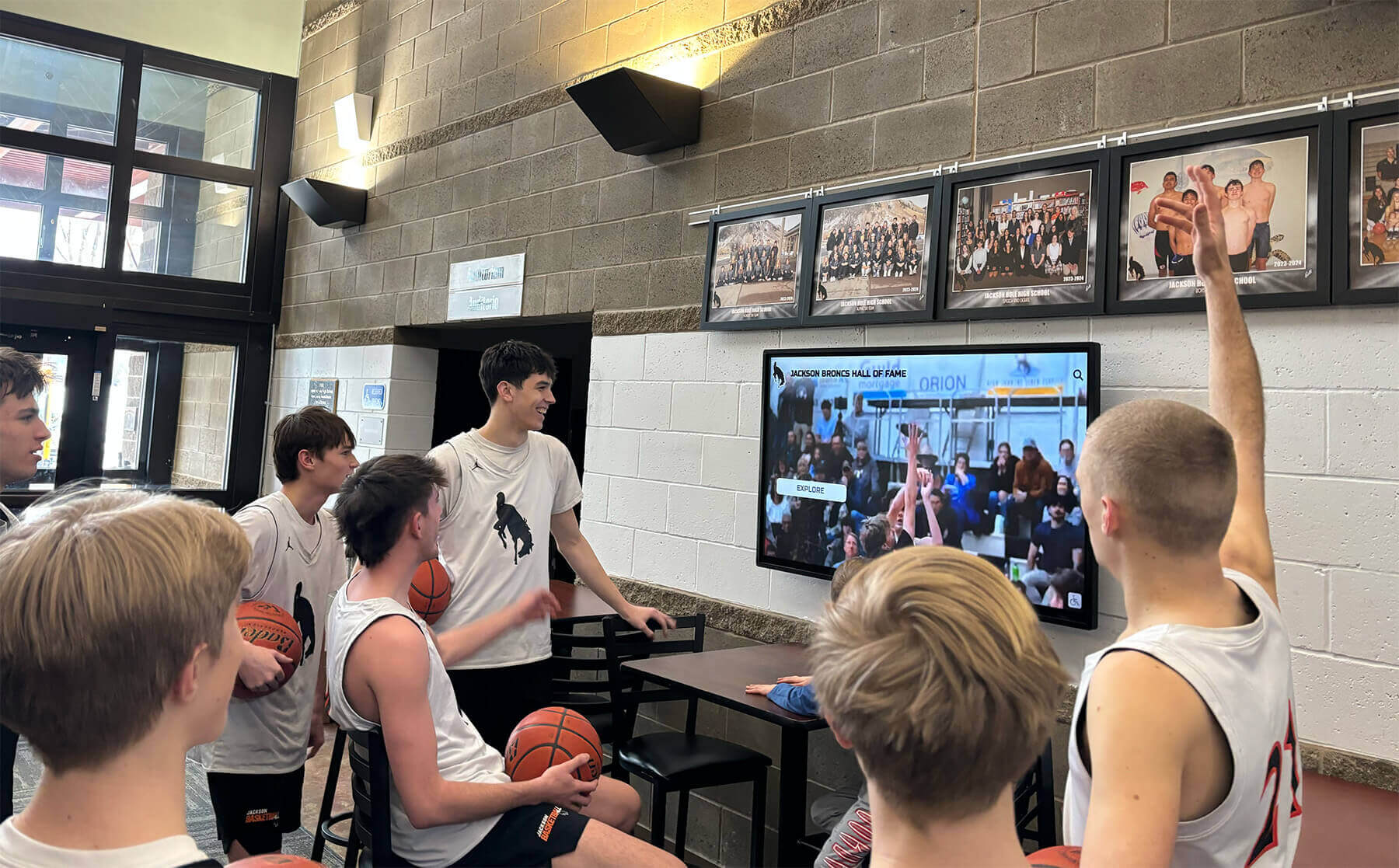
Students engage naturally with recognition content when it features their peers and teams—an effective school marquee makes every student's achievement visible to the whole community
Moving from Marquee to Full Digital Display
An outdoor or lobby marquee handles text-based communication well. For schools that want to extend the same recognition and event workflow to interior hallways, lobbies, and athletic corridors—with photos, video highlights, searchable achievement archives, and touchscreen capability—a digital announcement board or lobby display system takes the same content strategy further.
The marquee workflow described in this guide is directly transferable: the same three content zones, the same zone ownership model, and the same expiration discipline apply equally to a 65-inch lobby display or a campus-wide network of screens.
For schools managing annual fundraising events like a 5K, digital displays can add participation counters, donor recognition loops, and event-day countdown timers that a text-only marquee cannot support.
School Marquee Message Quick-Reference Checklist
Before any new message goes live, confirm:
- Message is 10 words or fewer (readable in 3 seconds)
- Includes a specific name, date, number, or achievement—not generic filler
- Has an expiration date set in the display software
- Assigned to the correct content zone (recognition, event, or operations)
- Approved by the zone owner, not routing through a general queue
- Aligns with the current month’s content calendar focus
- Does not duplicate a slide already running in the same zone
Frequently Asked Questions About School Marquee Messages
What should a school marquee message include? An effective school marquee message includes one specific piece of information—a name, a date, an achievement, or an action—stated in 10 words or fewer. Messages that try to communicate multiple ideas at once rarely communicate any of them clearly. The format that works: [CATEGORY LABEL] — [SPECIFIC CONTENT] — [OPTIONAL CALL TO ACTION].
How often should school marquee messages be updated? Recognition messages should rotate at least weekly—one new honoree per week keeps the display current. Event messages should go live two weeks before each event and expire automatically the day after. Operations messages update as needed, with same-day capability for early dismissals or emergency information.
What are the best types of messages for a school marquee? Recognition content (athlete of the week, honor roll, scholarship recipients, college commitments) generates the most community engagement because it features specific students by name. Event messages drive attendance at games, performances, and fundraisers. Daily operations content (schedule changes, exam reminders, dismissal times) is relied upon most heavily by students and families for practical information.
How do you prevent a school marquee from showing outdated content? Auto-expiration is the only reliable solution. Every slide published to the display should include an end date—the software removes it automatically without requiring anyone to log in and delete it. Schools that rely on manual removal almost always end up showing stale content, because the person who added the message has moved on by the time it should come down.
Can school marquee messages support donor and advancement recognition? Yes—and it is often underutilized. Brief donor acknowledgment messages (“THANK YOU TO OUR FACILITY RENOVATION DONORS”) or campaign progress updates (“CAPITAL CAMPAIGN: 78% OF GOAL”) give advancement teams a visible communication channel that reaches every person who passes the school. These messages work especially well when paired with a dedicated donor recognition display inside the building.
What is the difference between a school marquee and a digital announcement board? A school marquee typically refers to an outdoor or lobby LED sign displaying scrolling or static text, often with limited graphics capability. A digital announcement board is a network-connected flat-panel display that supports images, video, multiple content zones, remote CMS updates, and emergency override features. Both use the same content strategy, but the digital announcement board offers more format flexibility and multi-screen management capability.
Conclusion: The Marquee as a Mirror of School Culture
A school marquee that recognizes students by name, announces events two weeks out, and shows today’s correct dismissal time is not a technology achievement. It is a culture statement: this school pays attention, celebrates its people, and communicates proactively.
The workflow is the hard part—not the hardware. Assign zone ownership, build a content calendar, enforce expiration dates, and audit monthly. Do those four things consistently and your marquee will do what it is supposed to do: keep your community informed and proud.
Ready to Take School Recognition Beyond the Marquee?
Rocket Alumni Solutions builds interactive touchscreen recognition walls and digital display systems designed specifically for schools—searchable achievement archives, donor recognition panels, and live announcement content on one platform. Purpose-built for the audiences that matter most: students, families, alumni, and donors.
Explore School Recognition Displays






























