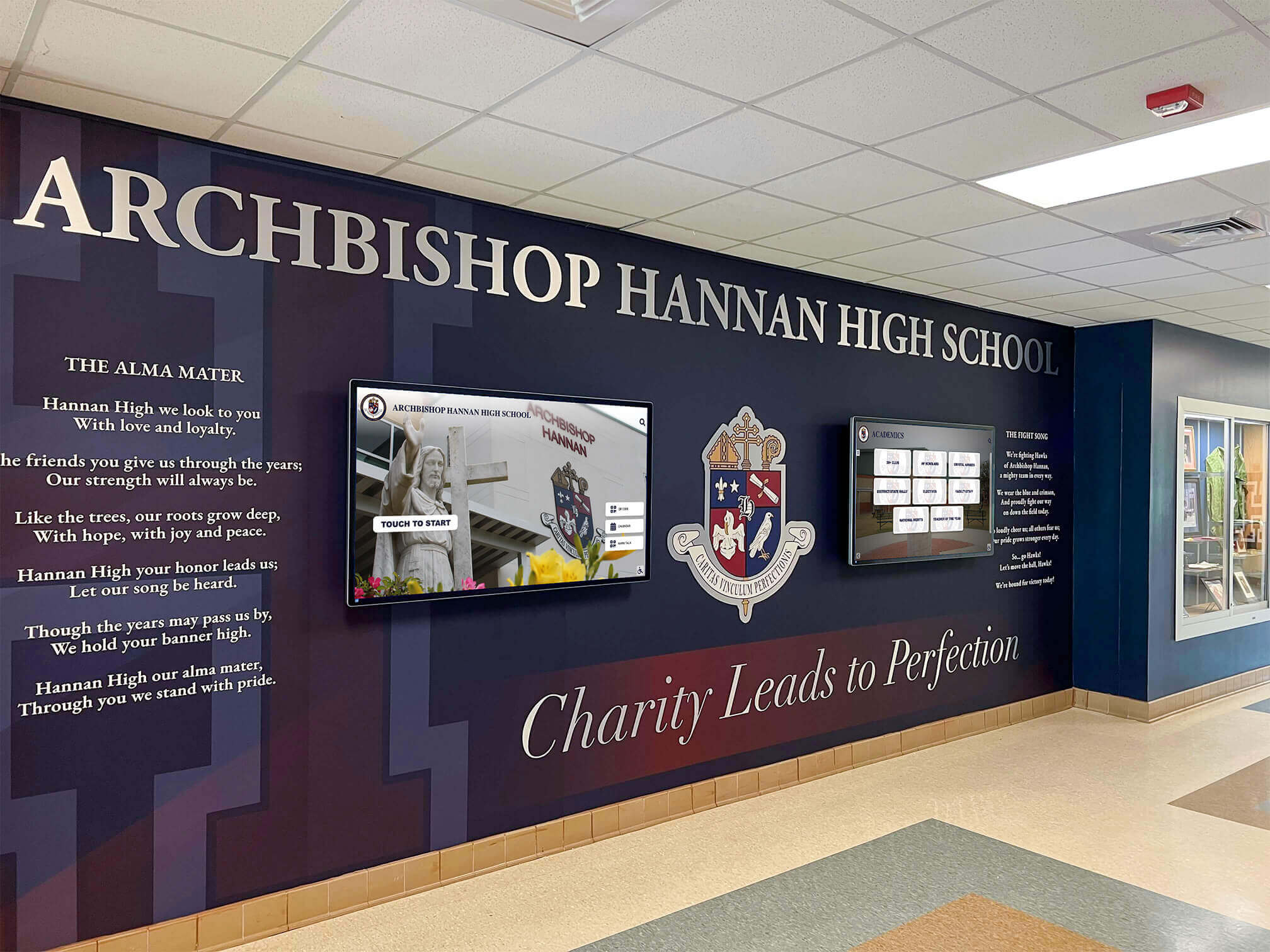
HTTP 103 Early Hints is an informational HTTP response that signals a browser to begin preloading or preconnecting to critical resources before the server finishes generating the full page response. For school lobby recognition displays that serve web-based athletic hall of fame profiles, championship archives, or inductee photo galleries, a 103 early hints test confirms three things: whether your display server is actually sending those hints, whether the browser on the display is receiving and acting on them, and whether the preload instructions contain duplicate requests that waste bandwidth without improving load time.
This guide gives athletic directors, recognition program owners, and their qualified IT partners a structured test you can complete in under an hour. It establishes a cold-load baseline without hints, compares it against a hint-enabled load, validates HTTP version and browser compatibility, and checks for duplicate preloads. No specific display vendor, server technology, or guaranteed speed improvement is assumed.
A school lobby recognition display works best when athletic profiles, photo galleries, and hall of fame inductee pages load quickly enough to hold a visitor’s attention—whether that visitor is a prospective student, a returning alum, or a parent arriving for an event. One server-side technique that can reduce the delay between a profile request and first content display is HTTP 103 Early Hints. Before relying on it, your IT team needs to confirm it is functioning as intended.

School lobby recognition displays depend on responsive profile loading to create an engaging experience for every visitor who steps through the entrance.
What HTTP 103 Early Hints Does
When a browser requests an athletic profile page from a display server, the server may need time to query a database, render a template, or fetch upstream data before it can respond. HTTP 103 Early Hints, defined in RFC 8297, lets the server send an informational response immediately—before the final response is ready—containing Link headers that tell the browser which resources to start fetching in parallel.
A typical 103 response looks like this in the network stack:
HTTP/2 103
Link: </styles/athlete-profile.css>; rel=preload; as=style
Link: </images/hall-of-fame-portrait.jpg>; rel=preload; as=image
The browser begins downloading the stylesheet and portrait image while the server completes its work. When the final 200 response arrives, those assets may already be available in memory, reducing the time to render the complete profile.
According to MDN Web Docs on the 103 status code, browsers process only the first 103 response per request, and the feature is recommended only over HTTP/2 or later—not HTTP/1.1—due to compatibility and security considerations. If the final response involves a cross-origin redirect, any 103 hints sent before the redirect are discarded by the browser.
Understanding these constraints before testing prevents false positives—situations where a test setup appears to send 103 hints but the display’s browser never acts on them.
Why Athletic Profile Loading Matters for School Lobby Engagement
A school lobby recognition display is often the first touchpoint a visitor has with a school’s culture of achievement. Athletic hall of fame inductees, championship team rosters, academic all-stars, and distinguished alumni are the stories the display tells. When a visitor taps a profile and the page takes several seconds to render a photo and basic statistics, the moment of discovery is interrupted.
Fast-loading profiles keep visitors engaged and support the kind of continuous, personal recognition experience that makes a lobby display feel alive rather than institutional. That engagement is the foundation of what effective community recognition programs aim to create: a space where students, families, and returning graduates all feel connected to the school’s ongoing story.
Preparing and testing HTTP 103 Early Hints is one concrete infrastructure step an IT partner can complete before or after a display vendor ships an update, independent of any content management changes.
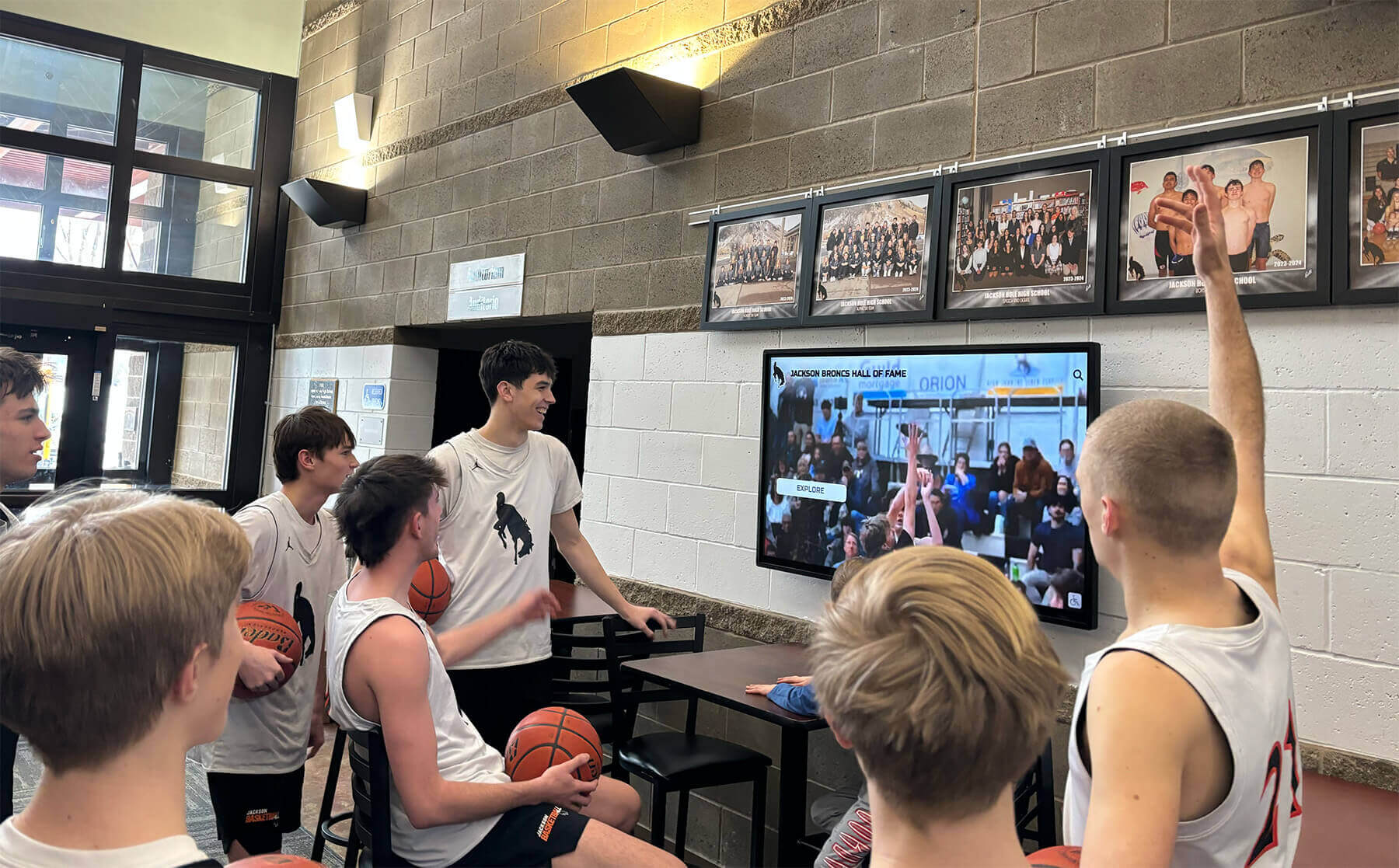
Visitors who encounter responsive profiles are more likely to explore multiple inductees and return to the display during future visits—a pattern that reinforces the school's recognition culture.
Pre-Test Checklist
Complete these checks before running the 103 early hints test. Skipping them produces results that are difficult to interpret.
| Prerequisite | Why It Matters | How to Verify |
|---|---|---|
| Display browser supports HTTP 103 | Older browser versions or embedded kiosk browsers may ignore 103 responses without logging an error | Open DevTools → Network tab; confirm you can read individual response status codes |
| HTTP/2 or HTTP/3 is active | HTTP 103 is not reliably supported over HTTP/1.1 | DevTools → Network tab → Protocol column; look for “h2” or “h3” on profile page requests |
| Server-side 103 is enabled | Many servers require explicit configuration to emit 103 headers | Ask your display vendor or server administrator; check server version documentation |
| Display browser cache is fully cleared | A primed cache produces misleading baseline results | Clear browser cache and disable any service worker cache before each test run |
| Static test profile URLs are documented | Tests need repeatable, known URLs for fair comparison | Record 3–5 specific athletic profile URLs to load in each run |
| Network conditions are consistent | Only the 103 hint variable should differ between runs | Test on the same network segment and time of day; avoid peak usage periods |
| No intercepting proxy strips 1xx responses | Some older proxy configurations discard informational responses before the browser sees them | Ask your network team whether HTTP 1xx responses pass through school proxies unchanged |
Step-by-Step: Running the School Lobby Recognition Display 103 Early Hints Test
Work through these steps in order. Record results at each step before moving to the next.
Step 1 — Establish a cold-load baseline (hints disabled or not yet configured). If 103 Early Hints are not yet configured on the server, this step captures the current production state. If they are already enabled, ask your server administrator to temporarily disable them on the profile endpoint. Clear the display browser’s cache completely. In browser DevTools, open the Network panel and enable the “Disable cache” checkbox. Load each of your documented athletic profile URLs and record:
- Time to First Byte (TTFB) in milliseconds
- Largest Contentful Paint (LCP) in milliseconds, if DevTools Performance is available
- Total page load time
- Whether any
Link: rel=preloadheaders appear in the response (they should not at this stage)
Export or screenshot the network waterfall for each URL before proceeding.
Step 2 — Confirm or enable 103 Early Hints on the server. Work with your server administrator or display vendor to enable 103 response headers for profile page requests. Configuration differs by server software:
- Nginx 1.25.1 and later: Supports emitting 103 responses; consult your vendor’s Nginx configuration documentation for the profile endpoint
- Caddy 2.7 and later: Uses
headerdirectives in the Caddyfile to emitLinkheaders before response completion - Cloudflare: 103 Early Hints is available as a zone-level Speed setting on eligible plans
After enabling, verify from the command line:
curl -I --http2 https://your-display-domain.example/athlete-profile/123
Look for HTTP/2 103 followed by Link headers in the output. If the response shows only HTTP/2 200 with no preceding 103, the server is not sending hints and the comparative test cannot proceed until configuration is corrected.
Step 3 — Clear cache and run the hint-enabled load. Clear the display browser cache using the same method as Step 1. With “Disable cache” still checked in DevTools, reload each of the same profile URLs. Record the same metrics. Note in the Network panel whether the preloaded resources—stylesheet, profile image, any web fonts—begin downloading before the main document response finishes.
Step 4 — Compare baseline and hint-enabled waterfalls side by side. Place the exported waterfalls from Step 1 and Step 3 alongside each other. The question is not whether one is faster by a specific percentage—it is whether the preloaded resources appear earlier in the waterfall when 103 hints are active. If the download order of key assets does not change between runs, the browser may not be acting on the hints (see Compatibility section).
Step 5 — Document findings and share results with stakeholders. Record which profile URLs were tested, the HTTP version observed, the browser name and version used on the display device, and whether the waterfall showed earlier resource fetching with hints enabled. This record supports informed conversations with your display vendor about whether 103 Early Hints need adjustment, and serves as a baseline for future comparisons after server updates.
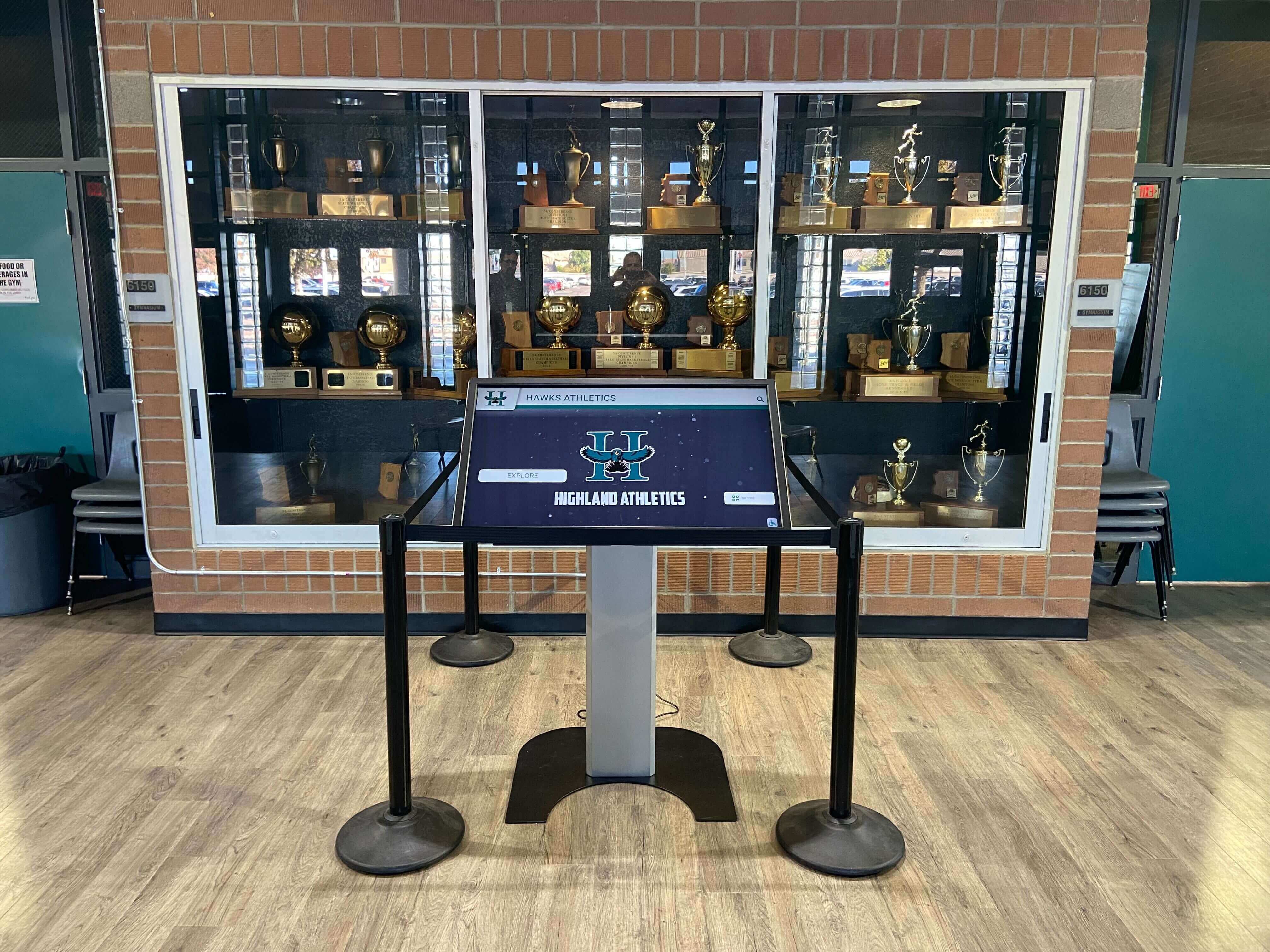
Web-based recognition kiosks serving athletic profiles are the primary candidates for a 103 early hints test—static signage players that do not run a full browser are out of scope for this check.
Acceptance Tests and Decision Table
Use this table to interpret test results and decide on next steps. None of these outcomes guarantee a specific improvement in user-perceived speed—they confirm whether the mechanism is functioning as designed.
| Observed Result | Interpretation | Recommended Action |
|---|---|---|
Server returns HTTP/2 103 with Link headers; preloaded resources appear earlier in waterfall | 103 Early Hints functioning as intended | Document the configuration; re-run test after each server or platform update |
Server returns HTTP/2 103 with Link headers; no earlier resource loading visible | Browser may be ignoring hints; possible version or flag issue | Check browser version against compatibility table; test in a known-compatible browser |
Server returns only HTTP/2 200; no 103 response visible | 103 not configured or server version does not support it | Escalate to server administrator or display vendor; check minimum server version |
Server responds over HTTP/1.1 only | HTTP/2 not active; 103 will not work reliably | Confirm HTTP/2 is enabled on the server; check that a valid TLS certificate is in place |
| Server sends 103 but final response is a cross-origin redirect | 103 hints discarded per specification | Investigate the redirect chain; serve profile pages from the same origin as the display domain |
| Duplicate preload requests visible in Network panel | Server sending redundant Link headers; HTML also preloads same assets | See Duplicate Preload Check section; work with vendor to deduplicate hint headers |
| 103 response present but Link headers reference wrong paths (404 on preloaded asset) | Hints reference assets that do not exist at those paths | Audit Link header paths against actual asset URLs; correct server configuration |
| 103 response present; TTFB unchanged but LCP improves | Server think time is minimal; hints benefit asset fetch phase | Configuration is working; note that TTFB alone is not a complete measure of hint effectiveness |
Is Your Recognition Display Performing for Every Visitor?
HTTP 103 Early Hints is one layer of a well-tuned recognition display. See how Rocket Alumni Solutions approaches display performance, remote CMS management, and ADA WCAG 2.1 AA accessibility during a live demo.
Book a Rocket DemoValidating Browser and HTTP Version Compatibility
Not every browser that runs in a school lobby kiosk supports HTTP 103 Early Hints in the same way. Some embedded kiosk browsers are based on specific Chromium versions that may ignore 103 responses without logging an error. Some school IT environments route display traffic through a proxy that strips informational responses before the browser sees them.
Browser Compatibility
| Browser or Runtime | HTTP 103 Support | Notes |
|---|---|---|
| Chrome 103 and later (desktop or kiosk mode) | Supported | Verify the installed version meets this baseline; check chrome://version on the display |
| Firefox 102 and later | Supported | Confirm version; some ESR builds may differ from release builds |
| Safari 16.4 and later | Supported | Earlier Safari versions do not process 103; relevant for iPad-based kiosk installations |
| Chromium-based Edge 103 and later | Supported | Same baseline as equivalent Chrome builds |
| Older Chromium-based kiosk builds (pre-103) | Not guaranteed | Check the vendor’s release notes for the embedded Chromium version |
| Native display apps with embedded web views | Varies by app | A native app rendering profile pages in a web view may strip 1xx responses; test in the actual display runtime, not a desktop browser |
To identify the Chromium version on a locked kiosk display, navigate to chrome://version or about:version in the display browser. If the address bar is disabled in kiosk mode, ask your display vendor for the browser version from the device management console.
HTTP Version Verification
Run this from a machine on the same local network as the display server:
curl -sI --http2 https://your-display-domain.example/athlete-profile/1 | head -6
The response should open with HTTP/2 200 (or HTTP/2 103 followed by HTTP/2 200 when hints are active). If you see HTTP/1.1, HTTP/2 is not enabled on the server. HTTP/2 requires a valid TLS certificate—confirm HTTPS is configured correctly before diagnosing further.
If a proxy or load balancer sits between the display device and the origin server, confirm with your network team that it does not strip 1xx informational responses. Some proxy configurations discard any status code below 200, silently preventing 103 hints from reaching the browser.
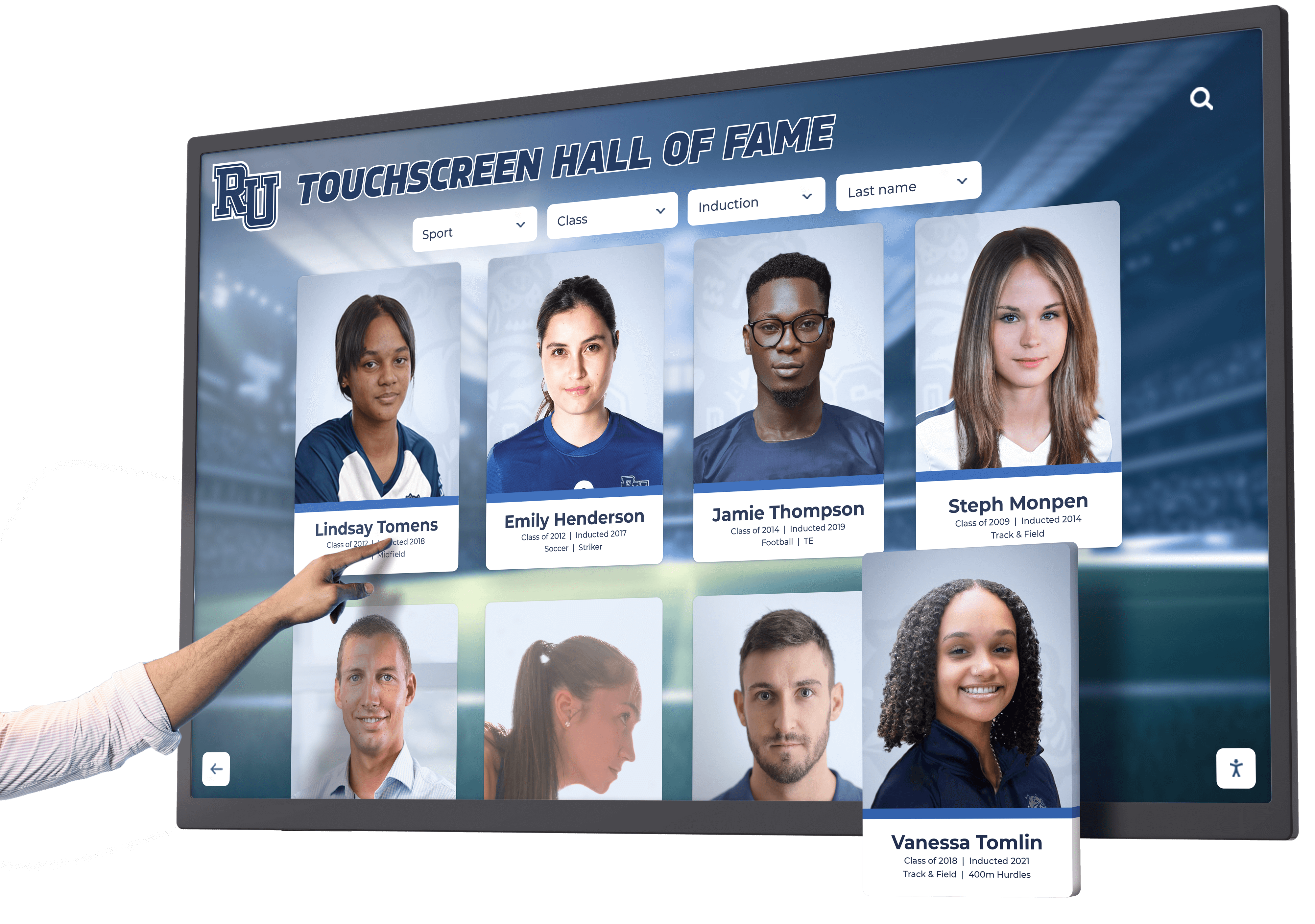
The browser runtime inside the display kiosk—not a desktop browser—is what the 103 early hints test must validate, since embedded browsers can differ significantly from their desktop counterparts.
Checking for Duplicate Preload Requests
HTTP 103 Early Hints can cause duplicate resource requests if both the 103 Link header and the HTML <head> of the final page contain <link rel="preload"> elements for the same asset. The browser receives a preload instruction from the 103 response and a second instruction from the HTML, and depending on the browser version, it may issue two separate fetch requests for the same file.
Duplicate preloads consume bandwidth without reducing load time—on a shared school wireless network, unnecessary round-trips can affect other lobby devices.
How to Detect Duplicate Preloads
- Open DevTools → Network tab on the display browser with caching disabled.
- Load an athletic profile page with 103 hints active.
- Filter the request list by the file name of a resource listed in the 103
Linkheader (for example, the main stylesheet or a profile portrait image). - Check whether that file name appears twice. A legitimate cache hit shows “(from cache)"—a true duplicate shows two separate network round-trips with comparable sizes and close timestamps.
You can also check programmatically in the DevTools Console:
performance.getEntriesByType('resource')
  .filter(r => r.name.includes('athlete-profile'))
  .map(r => ({ name: r.name, start: Math.round(r.startTime), duration: Math.round(r.duration) }));
Two entries sharing the same .name and similar .startTime values confirm a duplicate fetch.
Resolving Duplicate Preloads
Work with your display vendor or server administrator to align the 103 Link headers with the resources the page’s <head> also requests. The standard resolution is one of the following: remove duplicate <link rel="preload"> tags from the page HTML when those assets are already covered by the 103 response, or have the server omit 103 hints for resources that the HTML already preloads explicitly.
When reviewing the assets included in your 103 hints, this is also a useful moment to confirm that the athletic profile photos and hall of fame portrait images being preloaded are the correct approved files. An inductee profile content audit—such as the structured review described in the digital hall of fame language of parts audit for inductee profiles—can confirm that image files referenced in preload headers correspond to current display-approved versions of each inductee’s record.
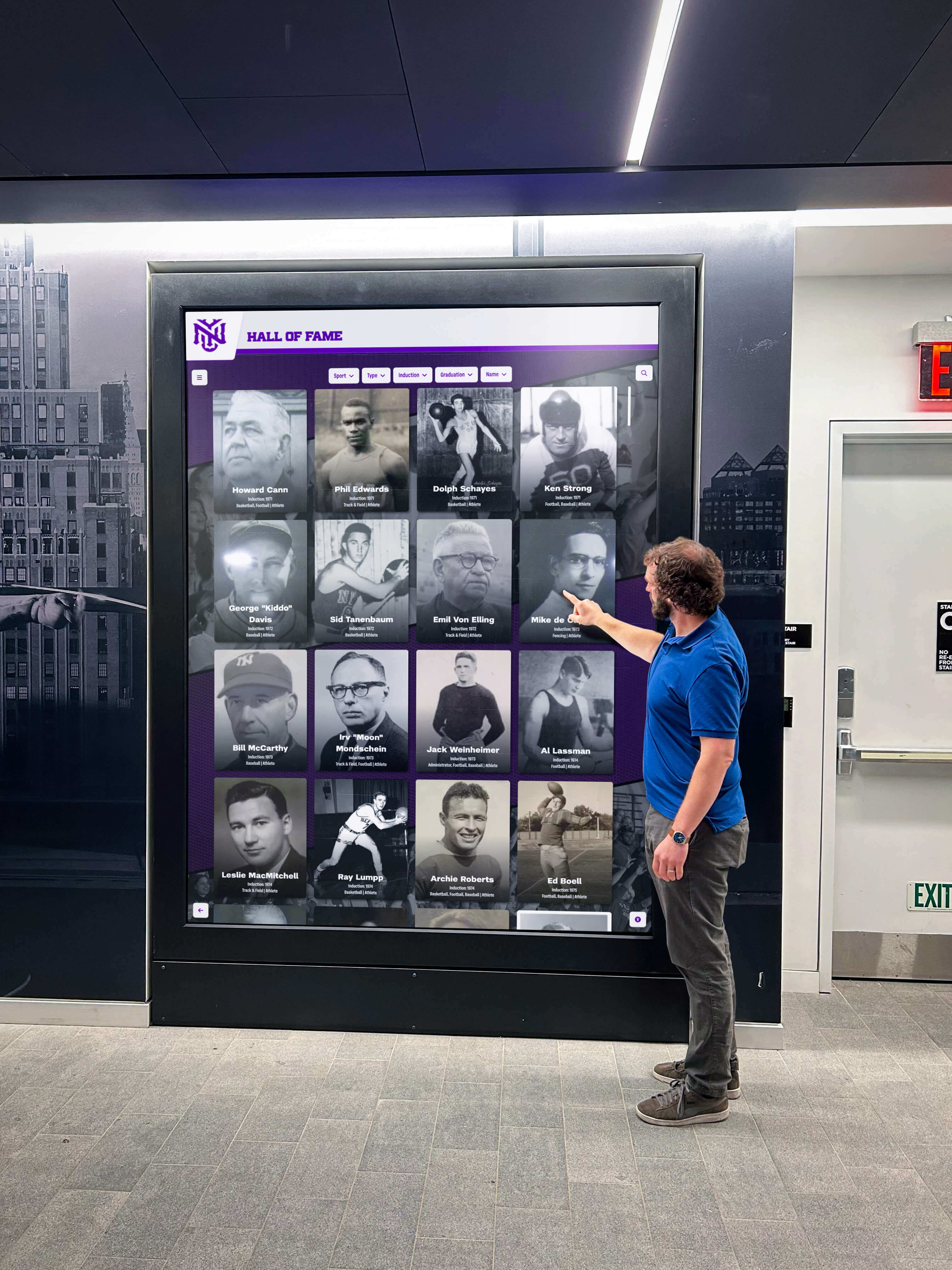
Every profile tap by a visitor triggers a network request chain that 103 hints can optimize—but only when the server, browser, and proxy stack all support the mechanism correctly.
When 103 Early Hints Are Not the Right Optimization
The test may reveal that 103 Early Hints are not applicable to your display setup. Common reasons include:
- Static display players: Devices that cycle through pre-rendered image slides or video loops do not run a browser. The test applies only to web-based, browser-rendered display systems.
- Fully cached profile pages at CDN edge: If athletic profiles are served from a CDN edge cache without touching the origin server, TTFB is already minimal and origin-level 103 hints provide no incremental benefit. Verify where your CDN is caching profile responses before enabling 103 at the origin.
- LAN-only deployments with sub-millisecond server latency: On a local-area-network display where the browser and profile server share the same switch, server processing time is often negligible and 103 optimization is unlikely to be perceptible.
- Vendor-controlled infrastructure: Many recognition display platforms manage the server infrastructure directly. Your role in those deployments is to verify that 103 is enabled (Step 2) and confirm compatibility (Compatibility table), then work with the vendor to adjust configuration when the test reveals a problem.
Asset archival decisions also affect what appears in the preload chain. Understanding how digitized historical photos move from negatives into the archive that feeds a lobby recognition display is covered in the athletic archive photo negative scanning workflow, which is useful context when reviewing which portrait files your 103 hints are referencing.
For lobby environments where physical display hardware and lighting are being reviewed alongside software optimizations, the LED inrush current check before trophy case lighting upgrades addresses the electrical preparation that often runs in parallel with a software readiness review.
Connecting the Test to a Broader Recognition Display Health Check
The 103 early hints test fits into a broader IT checklist for maintaining a school lobby recognition display. Other checks that belong in the same review cycle include:
- DNS resolution: Stale negative DNS cache entries can cause profile page requests to fail silently before HTTP hints are ever relevant. The DNS negative caching checklist for school recognition displays provides step-by-step verification for that layer.
- Database record integrity: If the athletic awards database driving profile pages uses cascading delete policies, inductee records can disappear without a visible error on the display. The athletic awards database on-delete cascade policy guide covers how to audit and configure those policies to protect recognition data from accidental removal.
- ADA accessibility: Profile pages preloaded by 103 hints must still meet WCAG accessibility requirements. Fast-loading content that is inaccessible to screen readers or keyboard navigation does not constitute an improvement for all visitors.
- Physical hardware readiness: Electrical and display hardware checks should accompany any software optimization review for new or upgraded lobby installations.
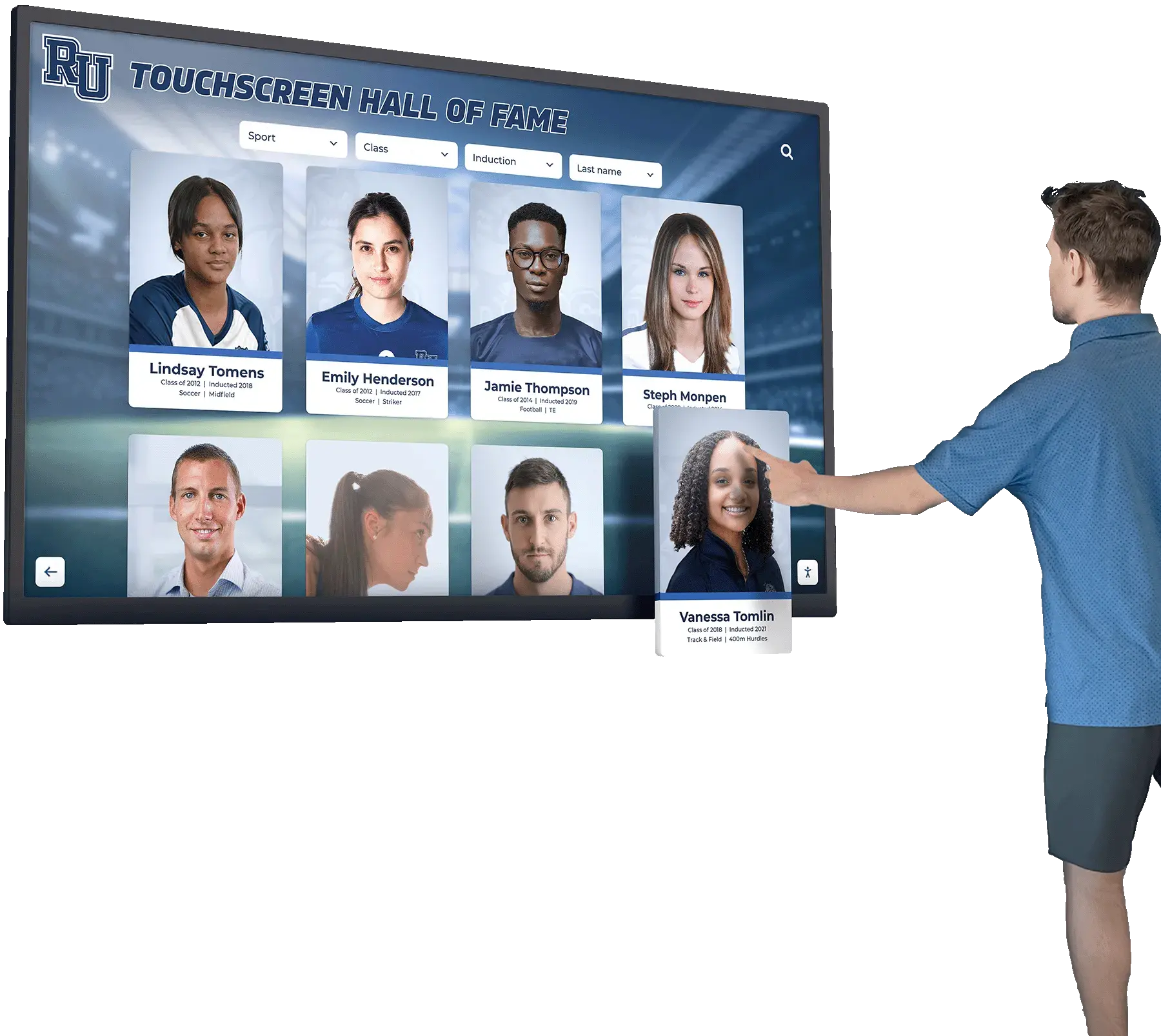
A well-maintained recognition display results from coordinated effort across IT, facilities, athletics, and content management—HTTP 103 testing is one component of that ongoing coordination.
Frequently Asked Questions
Does HTTP 103 Early Hints guarantee faster athletic profile loading? No. Whether 103 hints result in perceptibly faster loads depends on the server’s actual processing time for each profile request, the specific assets being preloaded, browser version compatibility, and network conditions between the display device and the server. The test tells you whether the mechanism is functioning correctly—not whether it will produce a specific improvement in load time.
Can my display vendor enable 103 Early Hints on my behalf? Possibly. If your recognition display platform is hosted by a vendor, they control the server configuration. Ask them whether 103 Early Hints is enabled, whether it can be enabled on your plan or tier, and which assets are included in the hint headers. Bring the test protocol from this guide to that conversation so you can verify their implementation from the display device independently.
What is the difference between HTTP 103 Early Hints and HTTP/2 Server Push? HTTP/2 Server Push (deprecated by most browsers) sent resources to the browser before it requested them, which caused over-pushing problems and bypassed browser caches. HTTP 103 Early Hints, by contrast, only signals which resources the browser should consider fetching—the browser then checks its own cache and decides whether to issue a request. This makes 103 significantly less likely to cause redundant downloads than Server Push was.
Do 103 Early Hints work when athletic profile pages are served through a CDN? It depends on whether the CDN forwards 103 responses from the origin to the browser, or generates its own 103 responses based on configured hint rules at the edge. Verify with your CDN provider whether 1xx informational responses are passed through or stripped. Also confirm that the CDN is not caching the 103 response itself—hints are informational and should not be cached.
Should I run the test on the actual lobby display device or on a desktop browser? Both, but prioritize the actual display device. Kiosk browsers are often based on specific Chromium versions with feature flags that differ from a current desktop Chrome installation. A result that appears correct on a developer laptop may not reflect behavior on the lobby display hardware running a different browser build.
If 103 hints are not available or not effective, what is the next option for improving profile load speed?
Review profile page <head> sections for <link rel="preload"> and <link rel="preconnect"> tags—those work at the HTML layer without requiring server-side 103 support. Also audit whether profile portrait images are appropriately compressed and sized for display dimensions, since asset size often contributes more to load time than server processing time does.
How often should the 103 early hints test be repeated? Run it after any server software update, CDN configuration change, or display platform upgrade. Add it to your annual technology audit for the recognition display. Changes at the server or proxy layer can silently disable 103 responses without producing visible errors—the display continues working, just without the optimization.
What if the display’s IT environment uses a forward proxy for all outbound traffic? A forward proxy on the display device side—rather than the server side—can also strip 1xx responses before the browser sees them. Confirm with your network team whether the display’s outbound traffic passes through any web proxy, and whether that proxy is configured to forward HTTP 1xx responses unchanged.
See Rocket Alumni Solutions' Recognition Platform in Action
Explore how Rocket Alumni Solutions supports school lobby athletic recognition displays with remote CMS management, WCAG 2.1 AA accessibility, and unlimited content capacity—and ask about their approach to display performance and reliability during a live demo.
Book a Rocket Demo






























