Intent: decide — A recognition display temporal dithering test tells you whether the panel driving your school’s hall of fame, awards board, or athletic archive will introduce shimmer, sparkle, or flicker-like instability in animated content—before students, families, and alumni see it during a live event. Temporal dithering is a panel-level technique that simulates color depth by rapidly cycling between adjacent colors across consecutive frames. In completely static images it is nearly invisible; in animated graphics, sports highlight video, or photo fade transitions, it creates a restless, shimmering quality that makes professionally curated recognition content look unstable.
School recognition displays are no longer passive slideshows. Athletic directors add championship video highlights. Archivists include photo galleries with slow cross-dissolves. Records boards scroll dynamically. Motion is now part of how schools communicate pride and history—and every frame of that motion passes through the display panel’s dithering engine. When that engine is temporal and the panel is a 6-bit+FRC unit rather than a native 8-bit or 10-bit display, the results can undermine the visual quality that recognition programs depend on.
This guide explains what temporal dithering is, how it affects the specific content types common in school recognition programs, and how to run a structured test during installation to confirm that your display performs cleanly under animated and transitional content before the dedication ceremony.
Running a recognition display temporal dithering test is a focused, thirty-minute check that saves schools from discovering visual artifacts during a live hall of fame induction, an athletic banquet broadcast, or a ribbon-cutting where the display plays sports highlights on loop. Like color-banding and viewing-angle tests, it belongs at the installation stage—not in the complaint pipeline after the event.

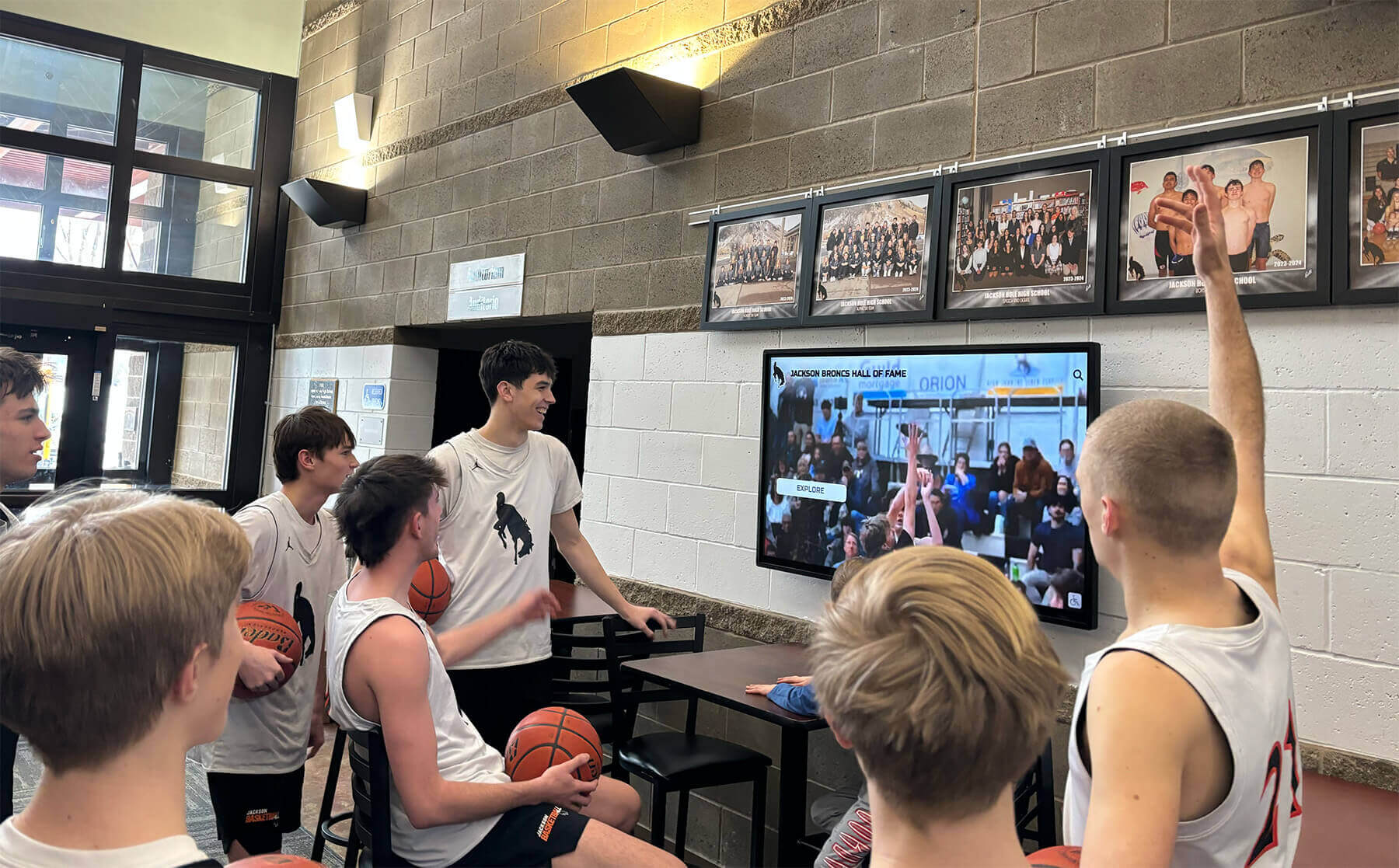
Sports highlight video and animated recognition graphics expose temporal dithering artifacts that are invisible in static content — test with real motion before the display goes live to the community
What Temporal Dithering Is and Why It Matters for Recognition Displays
Display panels render color by combining red, green, and blue subpixels at varying intensities. A native 8-bit panel independently controls each channel at 256 steps, producing over 16 million possible colors. A 6-bit panel controls each channel at only 64 steps — 262,000 colors — which is visibly insufficient for smooth gradients in portrait photography, sky footage in sports videos, and the metallic transitions in championship trophy graphics.
To compensate, panel manufacturers use Frame Rate Control (FRC), a form of temporal dithering that alternates rapidly between two neighboring 6-bit colors on successive display frames. A single pixel aiming for a color halfway between two available 6-bit steps will show color A on one frame and color B on the next. Because this alternation happens at 60 Hz or faster, the human visual system perceives an average color that approximates the target value.
The problem is that temporal dithering is time-dependent: it works cleanly only when the pixel’s content is static across frames. The moment that pixel is part of a moving object, a fade transition, an animated gradient, or a scrolling text band, the dithering cycle compounds with the motion change. The result is visible shimmer — a subtle but persistent scintillation in gradient areas and dark-to-mid-tone regions that no amount of image-quality adjustment in the content management software can eliminate, because the artifact is generated at the hardware level between the signal and the screen.
For school recognition programs, this matters because athletic achievement displayed digitally increasingly includes video, animation, and transitional effects that are exactly the content types temporal dithering affects most. A recognition display that renders static inductee portraits cleanly may shimmer noticeably during the highlight reel that plays between portrait galleries.
How Temporal Dithering Artifacts Appear in School Recognition Contexts
Animated Gradient Backgrounds
Recognition content designs frequently use gradient backgrounds — a slow color shift from the school’s primary color to a darker secondary tone — as a backdrop for scrolling inductee names or rotating award categories. When a 6-bit+FRC panel renders a moving gradient, the dithering cycle creates a pattern of faint brightness variation that moves through the gradient in a rippling or sparkling pattern. This is most visible in dark-to-midtone gradients rather than bright, saturated areas.
Sports Video Highlight Clips
Schools integrating highlight reels into recognition displays — basketball, football, swimming, and track content captured under varied facility lighting — expose temporal dithering in several characteristic ways. Sky footage in outdoor sports shows faint texture in what should be uniform blue tones. Dark arena photography shows a restless grain in shadow areas that is distinct from normal video noise. Skin tones in poorly lit indoor sports footage can appear to flicker faintly in areas of even mid-tone value.
Photo Slide Transitions and Cross-Dissolves
A slow cross-dissolve between two inductee portraits passes through hundreds of intermediate opacity states. Each state creates a partially transparent overlay where both source images contribute to the final pixel value. For a 6-bit+FRC panel, the mid-transition frame values fall precisely in the range where temporal dithering is most active — the blend values are often close to the midpoints between available 6-bit steps. A cross-dissolve that looks silky smooth on a native 8-bit monitor may shimmer visibly on a 6-bit+FRC recognition display.
Scrolling Records and Dynamic Leaderboards
Athletic records boards that scroll continuously — top performers by season, career leaders, championship years — move text and data over static or gradient backgrounds. The scrolling pixels update at a rate that interacts with the FRC cycle in a way that can produce a faint horizontal shimmer at the leading and trailing edges of text characters, particularly over dark backgrounds.
Digital hall of fame touchscreen systems that support dynamic content layouts and animated transitions should be evaluated specifically for temporal dithering behavior, since these are the systems most likely to display continuous motion rather than a static portrait gallery.
Temporal Dithering Symptom Reference by Content Type
| Content Type | Symptom | Where It Appears | Severity |
|---|---|---|---|
| Animated gradient background | Rippling shimmer or grain | Dark-to-midtone gradient zones | High — immediately visible |
| Sports video — outdoor sky | Fine texture in solid-tone areas | Blue sky, even cloud areas | Medium — visible at close range |
| Sports video — indoor dark scenes | Restless grain in shadow | Dark arena and stadium footage | High — distracting in slow motion |
| Photo cross-dissolve | Shimmer during mid-transition | Entire frame during 40–60% opacity | High — visible to casual viewers |
| Scrolling text over dark background | Edge shimmer on characters | Leading/trailing edge of text | Medium — visible at moderate distance |
| Static portrait — no motion | No visible artifact | Entire frame | None — FRC is invisible on static content |
| Trophy/award graphic, static | No visible artifact | Metallic gradient areas | None on truly static frames |
| Trophy/award graphic, fade-in | Shimmer during opacity ramp | Metallic and mid-tone areas | Medium — visible during transition |
This reference table helps installation teams quickly identify which content segments to watch during testing without running every possible content type from scratch.
Step-by-Step Recognition Display Temporal Dithering Test
Run this test during initial hardware setup, after any firmware or driver update that affects display output, and when a new animated content template is introduced to the recognition platform.
Before You Start
Prepare the following test content:
- A looping animated gradient video: a 1920×1080 clip showing a slow linear gradient cycling from dark (RGB 20,20,20) to mid-tone (RGB 128,128,128) to dark again, at 60 frames per second, encoded at H.264 quality 90 or above. Most video editors produce this in under five minutes using a gradient shape on a keyframed opacity layer.
- A cross-dissolve transition clip: two inductee portrait images cross-dissolving over four seconds, with the mid-dissolve frame visible for at least one second. Export at 60 fps, H.264, 8 Mbps or higher.
- A sample sports highlight clip with both outdoor sky footage and dark indoor gymnasium footage. An existing school video archive clip works well if available.
- A scrolling text animation: white or light school-color text scrolling over a dark background at moderate speed (approximately 80–120 pixels per second).
Step 1 — Establish the Baseline on a Reference Monitor
Before connecting to the recognition display, play each test clip full-screen on the PC or media player monitor that will drive the display. A modern laptop LCD or desktop IPS monitor serves as a reliable reference. Note whether any shimmer, grain, or rippling is visible in each clip. If artifacts appear on the reference monitor, the source clip or encoding settings need correction before proceeding — a dithering artifact baked into the video file will compound with the display’s own dithering behavior.
Step 2 — Play the Animated Gradient Clip on the Recognition Display
Connect the media player to the recognition screen. Play the animated gradient clip at native resolution. Stand at the normal viewing distance for the installation (typically six to twelve feet for a hallway or lobby display). Observe the gradient zone carefully.
Signals of a temporal dithering problem:
- A faint but persistent shimmer or sparkle in the gradient — visible as a soft grain that moves through the image rather than staying fixed
- A rhythmic brightening and darkening pattern in the mid-tone range
- Areas that look noticeably more textured on the recognition display than they did on the reference monitor in Step 1
If no shimmer is visible, the panel either uses spatial dithering rather than FRC, or uses a true native 8-bit or 10-bit panel where temporal dithering is not employed. Proceed to Step 3 to confirm under motion-heavy content.
Step 3 — Play the Cross-Dissolve Transition Clip
Display the cross-dissolve transition clip. Watch the full four-second dissolve, paying attention to the 40–60% opacity window where the mid-transition blend values are most active. A clean dissolve shows a smooth, even blend with no shimmer. A temporal dithering artifact appears as a scintillating grain that is strongest at mid-dissolve and fades as the transition approaches the new static frame.
If shimmer is present only during the transition and resolves immediately at the end of the dissolve, the panel’s FRC behavior is the source — the artifact is not in the source content.
Step 4 — Play the Sports Highlight Clip
Play the sports highlight clip. Observe two areas specifically:
- Outdoor sky footage: Uniform blue sky areas should render as even, still color. A temporal dithering artifact appears as a faint moving texture in the sky even when the camera is stationary.
- Dark indoor gymnasium footage: Shadow areas in gymnasium photography should be still. Temporal dithering creates a visible grain or sparkle in these areas that differs from the normal film grain of the original footage — it has a more regular, pattern-like quality and shifts between frames in a structured way.
If shimmer appears in these areas on the recognition display but was absent on the reference monitor in Step 1, the panel’s FRC behavior is confirmed.
Step 5 — Observe the Scrolling Text Animation
Display the scrolling text animation against a dark background. View from a distance that represents the typical approach distance for the hallway or lobby space. Observe the leading and trailing edges of text characters as they move across the screen. A clean 8-bit display shows crisp, stable character edges. A temporal dithering artifact appears as a faint shimmer at the character edges, most visible on white or light-colored text moving over a very dark or pure black background.
Step 6 — Document Findings and Configure Mitigation
Record which clips showed artifacts, at what severity, and under what ambient lighting. Note the display make, model, panel specification (check the display’s published specification sheet for “bit depth” and “dithering method”), and firmware version.
If temporal dithering artifacts are confirmed, apply one or more of the following mitigations:
OSD-level adjustments (try first)
- Access the display OSD and look for settings labeled “Dithering,” “FRC,” or “Color Enhancement.” Some commercial displays allow selection between temporal dithering, spatial dithering, and no dithering. Spatial dithering distributes the approximation across neighboring pixels in the same frame rather than across frames, which eliminates the time-based shimmer without sacrificing perceived color depth.
- Disable “Dynamic Contrast” or “Auto-Brightness” settings, which can introduce frame-to-frame luminance variation that compounds temporal artifacts.
Content-level adjustments (apply when OSD options are limited)
- Avoid pure black (RGB 0,0,0) backgrounds in animated content. A very dark gray (RGB 10,10,10 to 20,20,20) provides a similar visual effect while moving gradient values away from the extreme range where FRC behavior is most active.
- Increase cross-dissolve transition speed. A two-second dissolve passes through the mid-transition shimmer window faster than a four-second dissolve, reducing the total time the artifact is visible. Test the threshold that renders acceptably for your specific panel.
- Use wipe and push transitions instead of dissolves where possible, since these move content spatially rather than blending opacity values across the entire frame.
Hardware review (when OSD and content adjustments are insufficient)
- Confirm whether the panel is a 6-bit+FRC unit or a native 8-bit panel. This information appears in the display’s published specification sheet under “panel type” or “display color.” If the specification sheet is unavailable, contact the vendor directly with the model number.
- For installations where dynamic animated content is a significant part of the recognition program, specify native 8-bit IPS panels in procurement. The cost difference per display is modest relative to the multi-year visual impact on the recognition program.
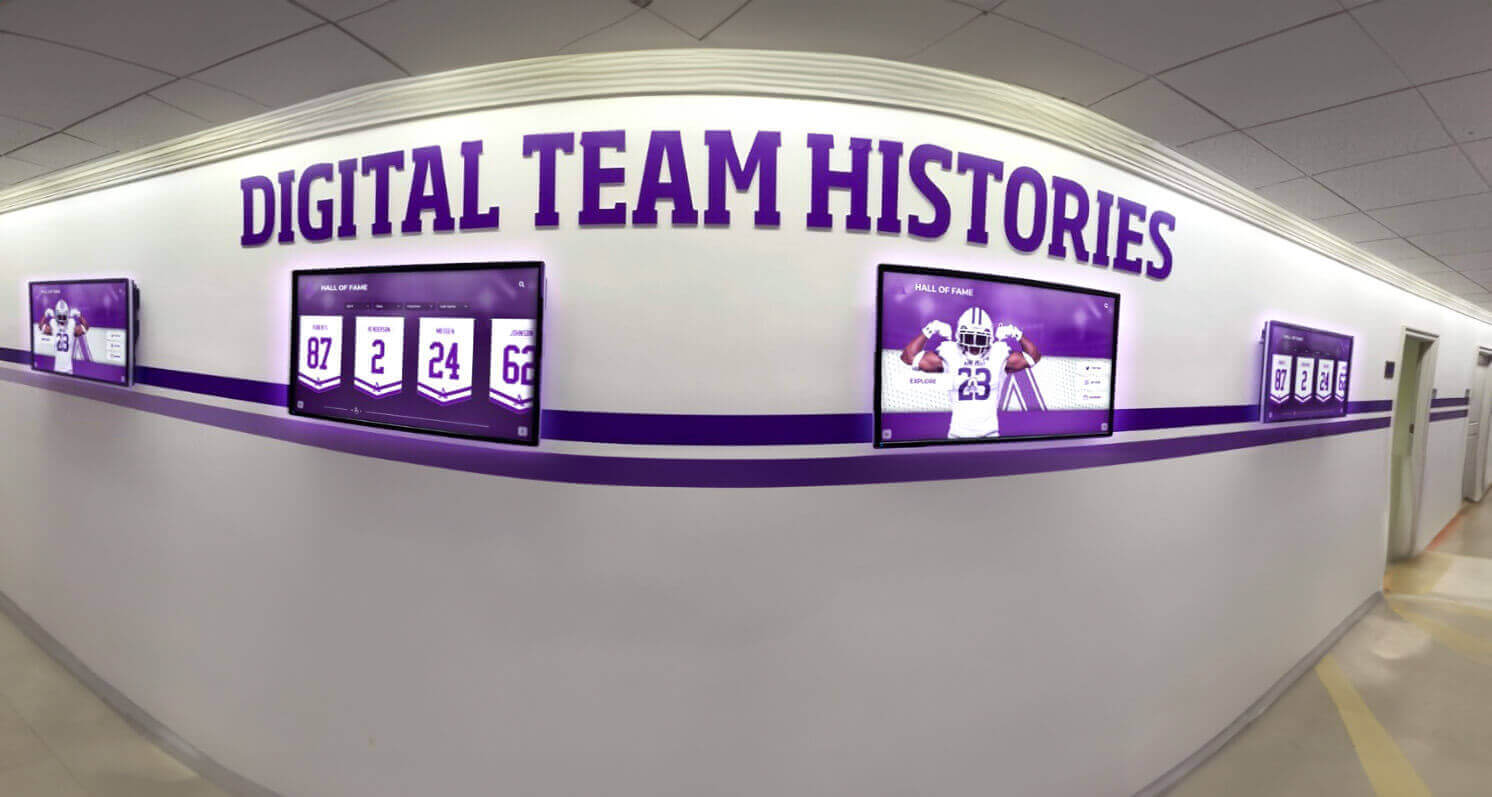
Hallway recognition screens displaying animated or scrolling content must be tested for temporal dithering artifacts under the ambient lighting conditions of the actual installation space, not just under controlled conditions
Where Temporal Dithering Affects Recognition Programs Most
Athletic Hall of Fame Video Archives
Schools with deep athletic histories increasingly integrate video into hall of fame installations. Highlight reels, championship game footage, and archival game-day recordings all contain the dark scenes, sky footage, and motion-heavy sequences that reveal temporal dithering most clearly. A hall of fame display that renders still inductee portraits beautifully may shimmer noticeably when the same screen switches to video archive content.
Athletic achievement showcased digitally depends on video quality that holds up under continuous playback — the test confirms whether your panel can deliver that standard across the full content library.
Photo Gallery Fade Transitions
Memorial tribute galleries — honoring educators, coaches, or community figures through a curated photo sequence — often use slow, respectful cross-dissolves between images. The quiet dignity of a well-produced tribute transitions depends on visual smoothness. Temporal dithering shimmer during a memorial photo dissolve is jarring and undermines the reverence the program intends to communicate.
Tribute and memorial display spaces in schools that incorporate digital components require the same visual quality standards as live athletic recognition — smooth transitions during a memorial sequence are not optional.
Championship Banner and Trophy Graphics
Animated championship banner reveals — a graphic that builds from a blank template to a completed championship banner — are popular during induction events and athletic banquets. The build-up animation passes through the exact mid-range opacity values where temporal dithering is most active.
Championship banner graphic production for recognition programs often begins with high-quality vector artwork, but the animation path that graphic takes across a 6-bit+FRC display can introduce shimmer that the static final frame never shows.
Dance Team and Spirit Squad Recognition Walls
Recognition programs for performing arts and spirit teams typically feature vibrant costume photography with rich, saturated colors and complex backgrounds — exactly the content that exercises the dithering engine most actively during photo transitions. Dance team imagery often includes color gradients, dramatic lighting, and fine texture in costume fabric that makes temporal dithering shimmer more visible than it would be in a simpler athletic portrait.
Recognition walls for dance and spirit teams built around digital displays benefit from the same temporal dithering test that athletic programs run, because the transition-heavy gallery format exposes panel limitations just as clearly.
Donor Acknowledgment and Nonprofit Wall Displays
Schools partnering with booster clubs and community foundations frequently display donor recognition content on lobby screens alongside athletic and academic recognition. Donor recognition graphics often include premium design elements — soft gradients, metallic typography, and slow-fade transitions — that make temporal dithering artifacts visible to every visitor who sees the donor acknowledgment sequence.
Digital wall-mount displays for nonprofit and donor recognition require the same panel quality and dithering test protocol as primary athletic recognition screens, since donor acknowledgment content is high-stakes visual communication for the institution’s fundraising relationships.
Choosing a Recognition Platform That Minimizes Dithering Impact
Not all recognition display platforms handle animated content equally. Platforms that render through a web browser benefit from the browser’s color management pipeline, which operates in the display’s full output range and does not introduce additional dithering at the software level. Native application platforms may add their own color processing steps between the content file and the display hardware that compound temporal artifacts.
When evaluating platforms for animated content quality, ask vendors:
- Does the platform allow upload of original high-framerate video without transcoding that reduces bit depth?
- Are cross-dissolve and transition speeds configurable per content slot, or fixed at a platform-wide default?
- Does the platform support content scheduling that allows static portrait galleries to display on panels where temporal dithering was confirmed, while routing animated content to panels that tested clean?
Academic recognition display programs that include animated leaderboards, scrolling honor roll lists, and photo transitions face the same dithering evaluation criteria as athletic recognition installations — the content types and animation methods are closely parallel.
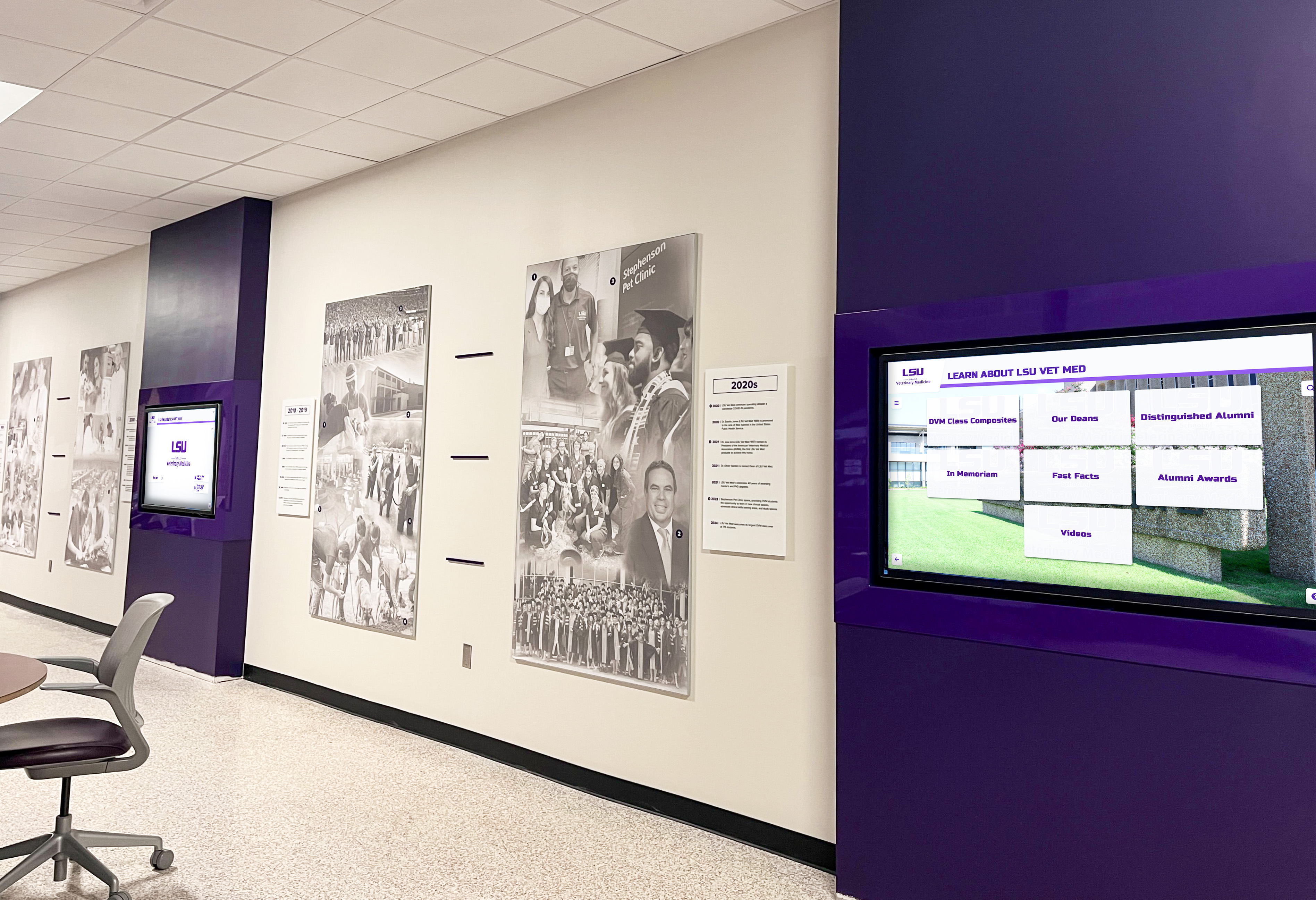
Multi-screen recognition hallways require the dithering test on each panel individually — temporal dithering behavior can vary between screens from the same purchase order if panels come from different production batches
Accessibility and Temporal Dithering
Temporal dithering can have implications beyond aesthetics for some visitors. The frame-rate cycling of FRC panels operates in a frequency range that, while generally not in the range associated with photosensitive conditions, can contribute to visual fatigue in extended viewing sessions — particularly for visitors who linger in front of recognition displays at events where content loops continuously for hours.
Digital hall of fame accessibility best practices address a range of accessibility considerations including keyboard navigation, screen reader compatibility, and contrast ratios. Visual stability — reducing flicker and shimmer from temporal dithering — fits naturally within that broader commitment to ensuring recognition content is accessible and comfortable for every community member, including those with visual sensitivities.
Visual QA Launch Checklist for Temporal Dithering
Use this checklist before any recognition display goes live with animated or video content. Share it with IT staff, AV coordinators, and facilities team members participating in the installation walkthrough.
Before hardware setup
- Source video clips confirmed at 60 fps, encoded at H.264 or H.265 with bit rate of 6 Mbps or higher for 1080p content
- Photo cross-dissolve animations exported at 60 fps, not 24 fps (lower frame rates reduce dithering’s statistical averaging benefit)
- Animated gradient backgrounds confirmed as smooth on a reference IPS monitor before moving to recognition display testing
- Display panel specification sheet obtained confirming bit depth (“6-bit+FRC,” “8-bit,” or “10-bit”) before installation day
On installation day
- Animated gradient clip displayed and confirmed shimmer-free or documented with severity rating
- Cross-dissolve clip displayed and mid-transition window confirmed clean or documented
- Sports highlight clip played with sky and dark-scene sequences confirmed or documented
- Scrolling text animation confirmed clean or documented with character-edge shimmer severity
OSD configuration
- FRC/Dithering mode checked in display OSD; spatial dithering selected if available
- Dynamic Contrast and Auto-Brightness disabled
- Panel bit depth confirmed against specification sheet (6-bit+FRC units documented for content routing decisions)
Content adjustments applied (if needed)
- Pure-black backgrounds replaced with very dark gray in animated templates where shimmer was confirmed
- Cross-dissolve durations reviewed and shortened if mid-transition shimmer was rated as moderate or severe
- Wipe or push transitions substituted for dissolves in most-affected content slots
Documentation
- Display make, model, serial number, and panel type recorded
- Test results by clip type recorded with shimmer severity (none / faint / moderate / distracting)
- Any OSD changes recorded alongside original settings for reference during future recalibration
- Content adjustments applied noted in recognition platform’s content management log
This checklist works alongside broader school hall of fame wall display setup and management resources that address hardware mounting, CMS configuration, and ongoing maintenance — temporal dithering is one component of a complete pre-launch quality protocol.
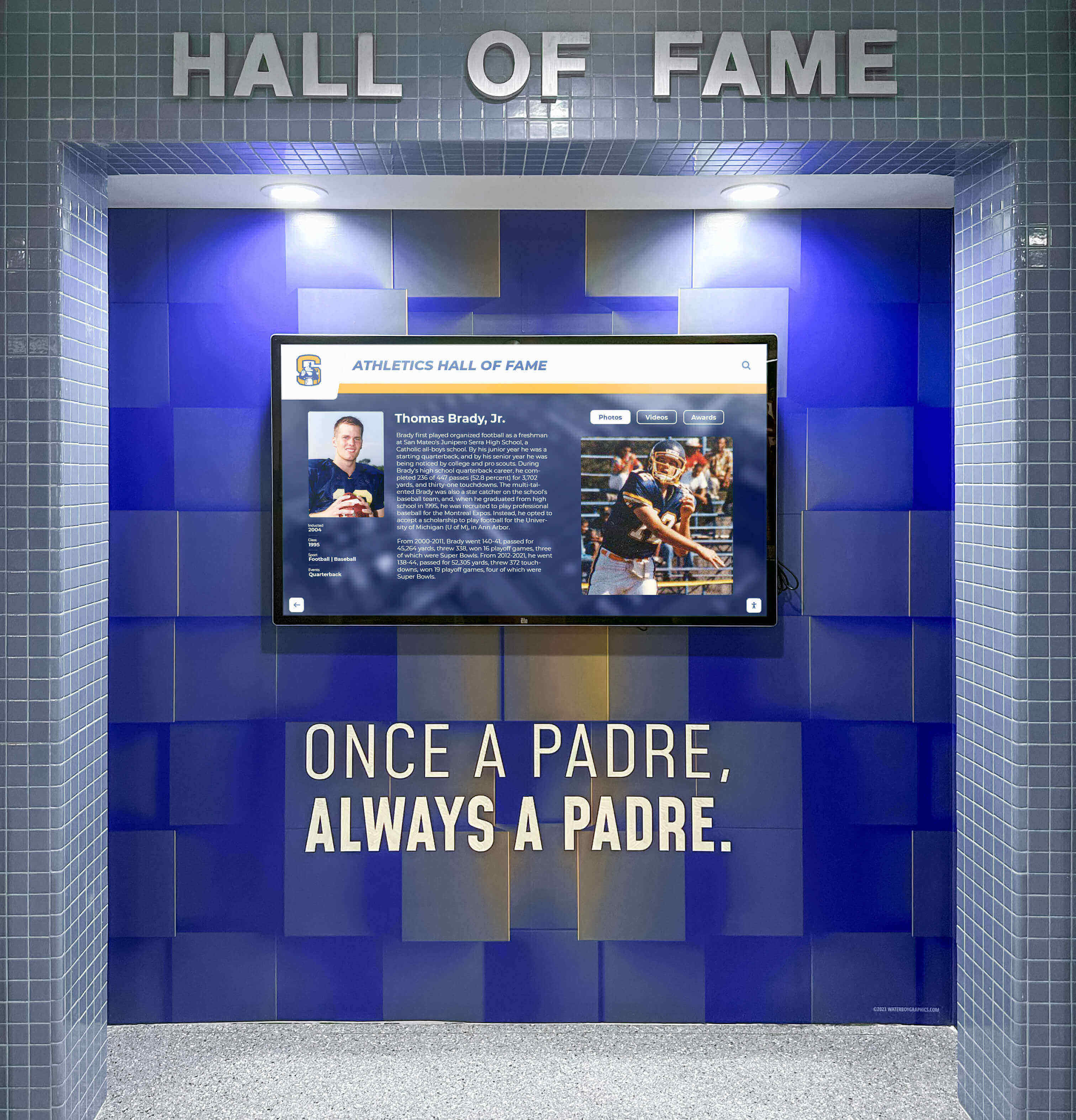
Wall-mounted recognition displays showing dynamic content must pass a temporal dithering test before launch — confirm under the installation's actual ambient lighting at normal viewing distances
Frequently Asked Questions
What is temporal dithering in a recognition display and why does it cause shimmer?
Temporal dithering is a technique used by 6-bit display panels to simulate 8-bit color depth by rapidly alternating between two nearby 6-bit color values on successive frames. At 60 Hz, the human eye averages the alternation and perceives an intermediate color. In static content this averaging works and the effect is invisible. When content is animated — gradients moving, images dissolving, video playing — the pixel value changes from frame to frame in addition to the dithering cycle, creating a visible shimmer or sparkling effect in mid-tone and gradient areas.
How do I tell if my recognition display uses temporal dithering?
Check the display’s published specification sheet for the panel type field. If the specification lists “6-bit + FRC,” “6-bit + dithering,” or “18-bit + FRC,” the panel uses temporal dithering. A specification reading “8-bit” or “10-bit” without an FRC qualifier indicates a native higher bit-depth panel that does not require temporal dithering. If you cannot locate the specification sheet, contact the display manufacturer with the model number and ask specifically about panel bit depth and dithering method.
Does temporal dithering only affect video, or does it also affect static images?
Temporal dithering is effectively invisible in completely static images because the eye averaging across consecutive frames works as intended — the pixel value is identical in frame N and frame N+1, and the dithering cycle is imperceptible. The moment content animates — even a very slow 0.5% per second gradient shift — the dithering cycle interacts with the content change and shimmer becomes possible. Test with animated content specifically; a clean static-image test does not confirm clean motion performance.
Can I eliminate temporal dithering artifacts through content settings alone?
You can significantly reduce the visibility of temporal dithering artifacts through content adjustments without replacing hardware. Avoiding pure-black backgrounds, reducing cross-dissolve durations, substituting wipe transitions for dissolves, and encoding video at higher bit rates all reduce the conditions under which temporal dithering is most visible. These adjustments rarely eliminate the artifact completely on a confirmed 6-bit+FRC panel, but they reduce it to a level many installations find acceptable for their content mix.
Should I replace my display if temporal dithering artifacts are confirmed?
Not necessarily. If the recognition program’s animated content mix is limited — occasional video clips between extended static portrait displays — and the artifact appears only as a faint shimmer during transitions that most viewers don’t notice, hardware replacement may not be justified. Document the panel type and inform content managers about which animation types to limit. If the program is heavily video-focused or includes memorial tribute galleries where smooth transitions are essential, specifying a native 8-bit panel is the appropriate course for future procurement.
Does the temporal dithering test need to be repeated after software updates?
The panel’s hardware dithering behavior does not change with software updates. However, display driver updates and operating system updates can reset color output settings — such as the color range (limited vs. full) and bit depth settings in the GPU driver — which can alter how content is delivered to the panel in a way that changes how temporal dithering interacts with the signal. Re-run the animated gradient test after any major GPU driver or operating system display settings update to confirm that software-level color output settings still match the installation documentation.
How does temporal dithering interact with color banding in recognition displays?
Color banding and temporal dithering are related but distinct artifacts. Color banding is a spatial artifact — visible steps in a gradient seen in a single static frame. Temporal dithering is a time-based artifact — a shimmer visible in motion or transitions. A 6-bit+FRC panel can produce both: color banding when the FRC cycle is insufficient to mask bit-depth limitations in static content, and temporal dithering shimmer when content is animated. Run both tests independently, since a panel that passes the static gradient banding test may still shimmer on animated content, and vice versa.
What frame rate should animated recognition content be produced at to minimize temporal dithering visibility?
Produce animated recognition content at 60 fps matching the display’s native refresh rate. At 60 fps the FRC cycle and the content frame rate are synchronized, which gives the panel’s averaging algorithm the best opportunity to approximate the target color correctly. At 24 or 30 fps content displayed on a 60 Hz screen, each content frame is repeated two or three times before advancing, creating a pattern-repetition in the dithering cycle that can make shimmer more visually structured and noticeable than it would be at native 60 fps.
Conclusion
A recognition display temporal dithering test is a structured answer to a hardware question that every school athletic director, IT coordinator, and facilities manager should ask before investing in animated recognition content: will this panel render motion cleanly, or will it shimmer? The test takes thirty minutes and requires only a few sample animation clips produced in any standard video editor. The information it returns — panel type confirmed, artifact severity rated, OSD mitigations applied, content adjustments noted — protects months of content development investment from the visual degradation that an unvetted 6-bit+FRC panel introduces the first time a championship highlight reel plays in front of families and alumni.
School recognition programs communicate institutional pride through visual quality. A hall of fame induction ceremony where the display shimmers during the photo tribute sequence leaves a visible impression — one that no amount of post-event explanation can fully correct. Running this test before launch puts that risk away, cleanly, before anyone outside the installation team ever sees the screen.
Test the motion. Confirm the stability. Give every athlete, scholar, and honoree the recognition display they deserve.
See a Recognition Display Built for Visual Stability
Rocket Alumni Solutions delivers web-based interactive recognition displays designed for school lobbies, hallways, and gymnasiums — with remote content management, ADA WCAG 2.1 AA compliance, and hardware guidance that supports clean animated content from day one.
See a Demo






























