Intent: decide — A recognition display that abruptly loses all connectivity during a hall of fame induction ceremony — no error message, no amber link indicator, no content management system alert — while every other device on the floor appears unaffected is a situation that standard network troubleshooting does not quickly explain. When the root cause is a unidirectional uplink failure, the spanning tree protocol on the access switch serving the display has transitioned the uplink port from blocking to forwarding in the absence of incoming Bridge Protocol Data Units (BPDUs), and the result is a switching loop that saturates the VLAN with broadcast traffic until switches begin dropping packets. Loop Guard prevents that transition. Without it, a single degraded fiber strand or a transceiver that can transmit but not receive is enough to create a broadcast storm affecting every display, workstation, and access point on the segment — even though the physical link indicator still shows green on both ends.
This checklist walks school IT coordinators, AV technicians, athletic directors, and facilities teams through a recognition display loop guard test: how to confirm that Loop Guard is enabled and supported on the switch serving the display uplink, how to verify that Loop Guard and PortFast settings on access ports do not conflict, how to simulate the unidirectional failure condition safely, and how to confirm that recognition display content delivery recovers cleanly when the port is restored.
A recognition display loop guard test takes 30–50 minutes and eliminates a category of spanning tree failure that bypasses ping checks, link-status indicators, and CMS reachability tests — one that appears without warning when a unidirectional physical layer event triggers a loop that standard monitoring does not detect until the broadcast storm has already disrupted the display session.

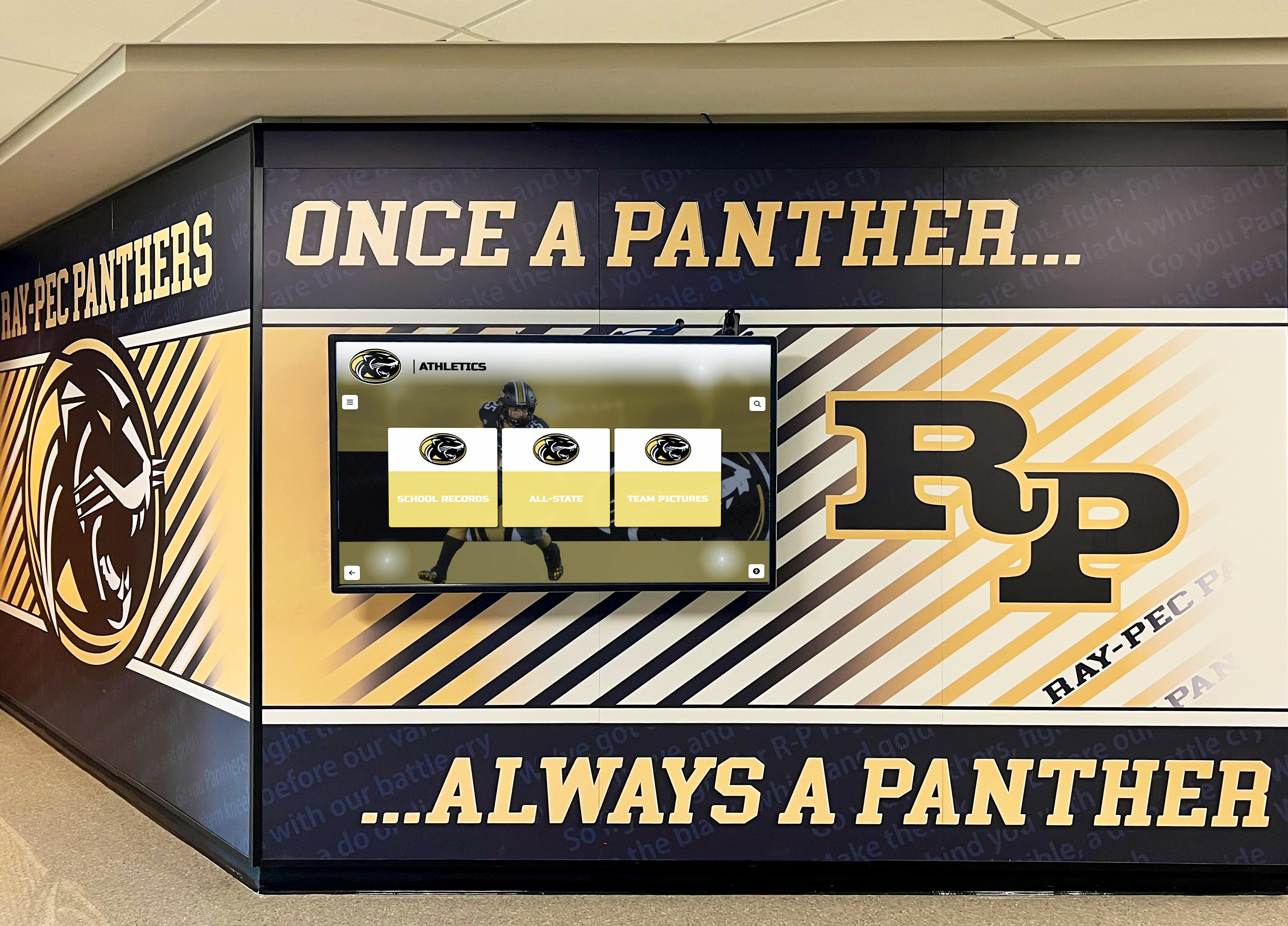
Hallway recognition displays connected through access-layer switches to distribution uplinks are the most common site of unidirectional link failures — Loop Guard on the uplink port is the spanning tree safeguard that keeps the display's VLAN stable when a port stops receiving BPDUs
What Loop Guard Is and Why It Matters for Recognition Displays
Spanning Tree Protocol (STP) — and its modern variants Rapid Spanning Tree (RSTP) and Multiple Spanning Tree (MSTP) — prevent switching loops by placing redundant switch ports in a blocking state. A blocked port does not forward traffic; it listens for BPDUs from the designated bridge on that segment. As long as BPDUs arrive, the port remains blocked and no loop exists.
Loop Guard addresses what happens when BPDUs stop arriving on a blocked port. Standard STP interprets missing BPDUs as evidence that the designated bridge has failed, and transitions the port from blocking to forwarding so that traffic can use the previously redundant path. This behavior is correct when the designated bridge actually failed. It is dangerous when the designated bridge is still operating but the link has become unidirectional — the blocked port can no longer receive BPDUs, but it can still transmit frames. Without Loop Guard, that port transitions to forwarding and creates a loop that floods the VLAN with broadcast traffic.
Unidirectional link conditions that produce this failure in school recognition display environments include:
- Single-fiber failure on an SFP uplink — one strand of a fiber pair breaks or disconnects, allowing light transmission in one direction only. The link indicator remains green; BPDU reception silently stops.
- Faulty SFP transceiver receiver — the transmitter side of the transceiver operates correctly while the receiver circuit fails. The link negotiates at full speed; incoming BPDUs are never processed by the STP stack.
- Optical connector contamination on one strand — dust, scratches, or a misaligned connector causes high attenuation in one direction that falls below the SFP receive sensitivity threshold while transmit power remains sufficient to maintain the link indicator.
- Ethernet port buffer overflow on a congested intermediate switch — under severe ingress congestion, a switch may drop BPDU frames before they reach the STP process, creating a soft unidirectional condition that Loop Guard catches before the port transitions to forwarding.
- Misconfigured fiber crossover on a direct fiber run — a Tx-to-Tx or Rx-to-Rx connection on a manually patched fiber run passes traffic in one direction during initial negotiation but prevents BPDU exchange from completing on the second port of the pair.
When any of these conditions occurs on the uplink connecting the recognition display’s access switch to the distribution layer, Loop Guard moves the affected port to a loop-inconsistent state rather than forwarding. The port stops forwarding traffic before any loop forms, and a syslog message identifying the port and the reason is generated. When BPDUs resume — because the fiber fault was cleared or the transceiver was replaced — Loop Guard returns the port to its normal spanning tree state automatically.
Alumni recognition programs that depend on uninterrupted touchscreen availability for visitors, students, and families require the same Layer 2 stability as any mission-critical school network endpoint — the display’s uplink is the single point where an undetected physical layer fault can silently degrade an entire recognition session without generating a single error message visible to the display platform or its operators.
How Unidirectional Link Failures Affect Recognition Display Behavior
The observable failure pattern depends on how quickly the broadcast storm escalates and whether the school network has broadcast suppression or storm control enabled on the affected switches. The table below maps common observed symptoms to their Loop Guard-relevant root cause:
| Observed Symptom | Unidirectional Link Root Cause |
|---|---|
| Display loses all connectivity during a ceremony with no prior warning | Uplink transitioned to forwarding without Loop Guard; broadcast storm flooded the VLAN |
| All devices on the floor drop connectivity simultaneously | Broadcast storm affecting the entire access VLAN, not a display-specific fault |
| Link indicator on uplink port shows green throughout the outage | Transmit path operational; receive path failed — loop created by missing BPDUs |
| Connectivity restored after unplugging and reconnecting the uplink fiber | Physical reconnect triggers new link negotiation and clears the unidirectional condition |
| Outage lasts seconds on switches with storm control; minutes on switches without | Storm control rate-limits broadcast traffic; absent storm control, loop persists until STP reconverges |
| CMS shows display as offline; no network errors in display device logs | Loop occurs upstream of display — display sees total connectivity loss, not a content platform error |
| Problem resolves overnight but returns during peak-occupancy periods | Congestion-induced soft unidirectional condition; high traffic drops BPDUs; Loop Guard absent |
| Switch log shows MAC address flap on the affected port after the outage | MAC flap is the diagnostic signature of a loop — the same MAC address learned from two different ports simultaneously |
The most reliable early indicator available before an outage occurs is a Loop Guard log entry reading loop-inconsistent or BPDUs no longer received on the uplink port. Switches with Loop Guard enabled generate this message when a port is moved to loop-inconsistent state — without Loop Guard, no log message appears and the broadcast storm is the first visible indication of a problem.
School recognition platforms that maintain alumni directories, athlete profiles, and achievement records for continuous display depend on display uplink stability for every content synchronization, live data update, and on-demand page load — a single spanning tree loop lasting 90 seconds can desynchronize CMS data and require a manual content refresh before the next event.
Before You Begin: What to Gather
Collect the following before opening a switch management console or terminal:
- Switch make, model, and firmware version — Loop Guard command syntax and feature availability vary significantly between Cisco Catalyst (IOS, IOS XE), HP/Aruba ProCurve, Aruba CX, Juniper EX, and Netgear. Confirm the platform before running any show commands.
- Uplink port number connecting the display’s access switch to the distribution layer — the specific port carrying the fiber or copper uplink. If the recognition display connects directly to a distribution switch, identify the access port and the trunk port connecting to the upstream switch.
- Spanning tree mode in use — run
show spanning-tree summaryon Cisco IOS or the equivalent to confirm whether the network uses PVST+, Rapid PVST+, or MSTP. Loop Guard behavior is consistent across STP variants but verification commands differ. - PortFast configuration on the recognition display’s access port — Loop Guard and PortFast are mutually exclusive on the same port on Cisco IOS. Confirm which ports use PortFast (access ports serving end devices like displays) and which use Loop Guard (uplink ports between switches).
- BPDU Guard configuration on access ports — BPDU Guard is typically enabled globally on PortFast ports to block unauthorized switches. Verify that it is not applied to uplink ports where legitimate BPDUs must be received.
- Switch management access with write permissions — read access suffices for Steps 1 through 4; write access is required in Step 6 to enable Loop Guard if not already configured.
- A second managed switch or a device capable of generating BPDU frames — needed for the optional Step 5 simulation. A spare managed switch with STP enabled serves as the simplest test source.
Recognition Display Loop Guard Compatibility Test: Numbered Steps
Work through these steps in order. Each step produces a clear pass or fail result indicating whether Loop Guard protects the display’s uplink, whether any PortFast or BPDU Guard configuration conflicts exist, and whether the display recovers cleanly after a Loop Guard event.
Step 1 — Confirm Loop Guard Is Supported on the Switch Platform
Before checking port-level configuration, confirm that the switch model and firmware version support Loop Guard. Not all school-grade switches include this feature, and on some platforms it requires a specific license tier.
Cisco Catalyst switches (IOS / IOS XE):
show spanning-tree summary
Look for the line Loopguard Default in the output. A value of enabled confirms Loop Guard is globally active on all non-designated ports. A value of disabled means Loop Guard must be enabled per-interface or globally.
To confirm Loop Guard is in the active feature set:
show spanning-tree loopguard detail
If the command is recognized and returns interface-level detail, Loop Guard is supported. If the command is unrecognized, the IOS version or platform does not support Loop Guard — document this as a compatibility gap and skip to Step 6 for the remediation path.
HP/Aruba ProCurve switches:
show spanning-tree
Look for a Loop Protection or Loop Guard line in the spanning tree summary. HP ProCurve implements a related feature called Loop Protection; verify whether it uses the Loop Guard mechanism or a proprietary BPDU-based loop detection approach, as these behave differently under unidirectional conditions.
Aruba CX switches:
show spanning-tree detail
Aruba CX supports Loop Guard under MSTP. Look for Loop Guard: Enabled on the relevant port in the output.
Step 2 — Verify Loop Guard Status on the Display Uplink Port
With Loop Guard support confirmed, check the specific port connecting the recognition display’s access switch to the distribution layer.
Cisco IOS — per-interface Loop Guard check:
show spanning-tree interface GigabitEthernet1/0/48 detail
Replace GigabitEthernet1/0/48 with the actual uplink port number. In the output, look for:
Loop guard is enabled on the port (default (Loopguard))
A line confirming Loop Guard is enabled — through the global default or an explicit interface command — is a pass. If the output shows Loop guard is disabled on the port, proceed to Step 6 to enable it.
Also check the current port role and state:
show spanning-tree interface GigabitEthernet1/0/48
The uplink port should show a role of Root or Designated and a state of FWD (forwarding) in normal operation. A state of BKN* (broken) or BLK with a loop-inconsistent flag means Loop Guard has already detected a BPDU loss event on this port — investigate the physical layer before proceeding with further steps.
Step 3 — Check PortFast and BPDU Guard on the Display Access Port
Loop Guard protects uplink ports between switches. PortFast and BPDU Guard protect access ports serving end devices like recognition displays. Verify that these features are correctly separated by port type and that no conflict exists.
Cisco IOS — check PortFast on the display access port:
show spanning-tree interface GigabitEthernet1/0/12 portfast
Replace GigabitEthernet1/0/12 with the port directly connected to the recognition display. Confirm PortFast is enabled appears in the output. A PortFast-enabled access port transitions immediately to forwarding when the display connects, eliminating the 30-second STP convergence delay that would otherwise delay content delivery after a display reboot.
show spanning-tree interface GigabitEthernet1/0/12 detail
Confirm that Loop guard is disabled on this access port. Applying Loop Guard to a PortFast-enabled access port is a configuration error — on Cisco IOS, the two features cannot coexist on the same port. If Loop Guard appears enabled on the display access port, the global spanning-tree loopguard default command may be applying it to all ports including those with PortFast. Explicitly disable Loop Guard on PortFast access ports:
interface GigabitEthernet1/0/12
 no spanning-tree guard loop
Also verify that BPDU Guard is enabled on the access port to protect against unauthorized switch connections:
show spanning-tree interface GigabitEthernet1/0/12 detail
Look for Bpduguard is enabled. If absent, check whether BPDU Guard is applied globally by running show spanning-tree summary and confirming Portfast Bpdu Guard Default: enabled.
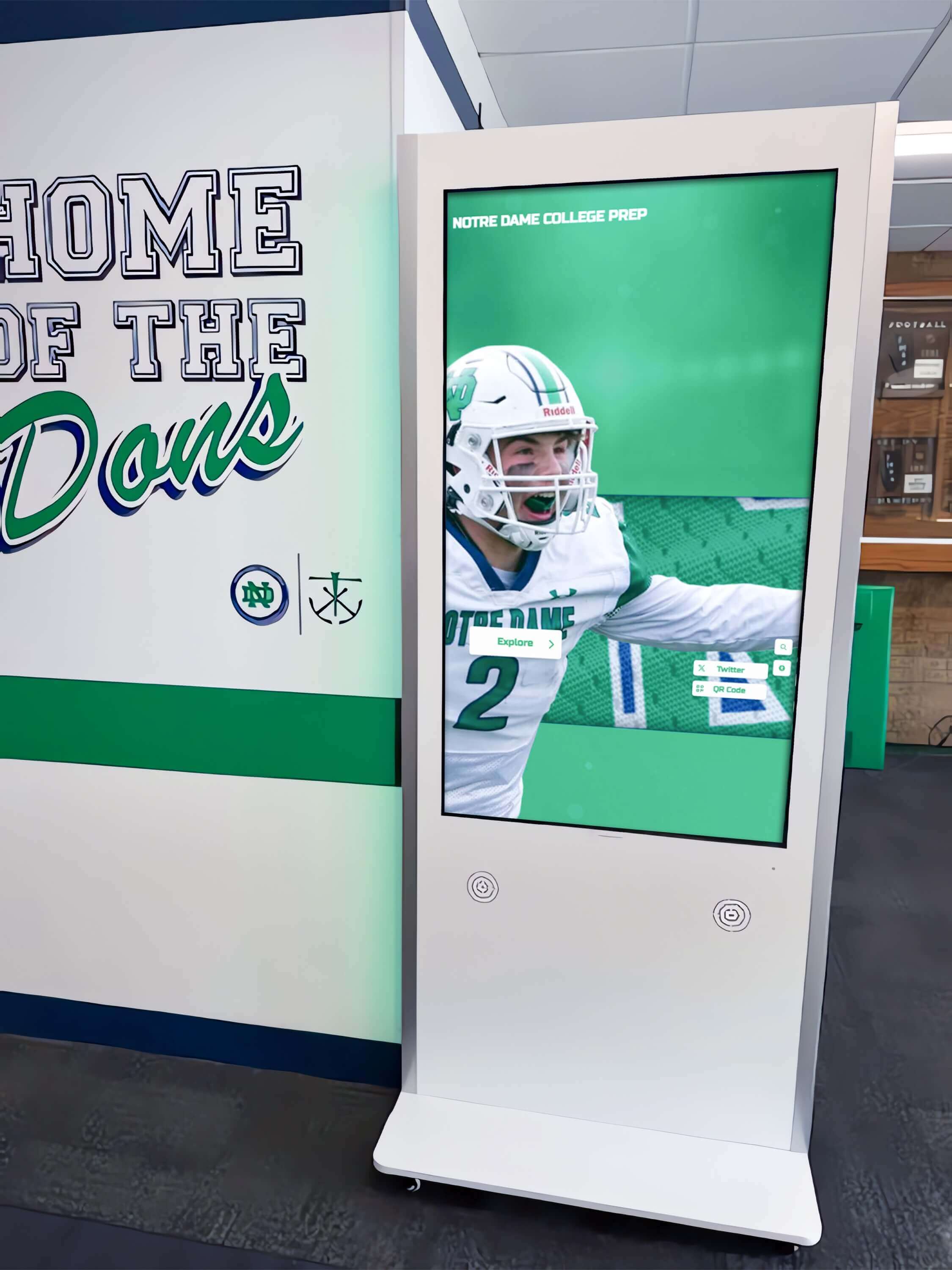
Recognition display kiosks connected to access-layer switch ports require PortFast and BPDU Guard on the access port, while the uplink connecting that access switch to the distribution layer requires Loop Guard — separating these configurations by port type is the central compatibility check in the loop guard test
Step 4 — Inspect the Display VLAN Spanning Tree Topology
With port-level features verified, confirm the spanning tree topology for the VLAN carrying recognition display traffic.
Cisco IOS — VLAN spanning tree topology:
show spanning-tree vlan 20
Replace VLAN 20 with the actual recognition display VLAN number. Confirm the following in the output:
- Root Bridge — identify which switch is the root bridge for this VLAN. In a well-designed school network, the root bridge should be a distribution or core switch, not the access switch serving the display. If the access switch was elected root due to a default bridge priority, the spanning tree topology is suboptimal and uplink Loop Guard is critical because any change to the root path affects the display directly.
- Root Port — on the access switch, confirm that the uplink port connecting to the distribution layer is the Root Port. This is the port Loop Guard should protect.
- Blocked Ports — identify any ports in blocking state on the display’s access switch. These are the ports Loop Guard monitors for BPDU loss on alternate paths.
- Hello Time — the interval at which BPDUs are transmitted, typically 2 seconds. Loop Guard begins counting missed BPDUs after the Max Age timer, typically 20 seconds, expires without receiving a BPDU. Note this value to understand the expected detection latency.
Step 5 — Simulate a Unidirectional Failure and Confirm Loop Guard Response
This optional but recommended step simulates the failure condition Loop Guard is designed to catch. It requires brief physical access to the uplink fiber.
Warning: This step causes a momentary spanning tree reconvergence event on the uplink port. Perform it during a scheduled maintenance window, not during school hours or active recognition sessions.
Procedure:
- Identify the fiber pair connecting the access switch uplink to the distribution switch.
- Disconnect only the receive fiber (Rx) at the access switch SFP. Leave the transmit fiber (Tx) connected. This creates a unidirectional condition: the access switch can still transmit frames but cannot receive BPDUs from the distribution switch.
- Wait 20–25 seconds — the STP Max Age timer duration — and observe the access switch console or syslog for the Loop Guard event message.
Expected Cisco IOS log output:
%SPANTREE-2-LOOPGUARD_BLOCK: Loop guard blocking port GigabitEthernet1/0/48 on VLAN0020.
This message confirms Loop Guard correctly detected BPDU loss and moved the port to loop-inconsistent state rather than forwarding. No loop has formed; the display’s access VLAN is protected.
- Reconnect the Rx fiber.
- Observe the automatic recovery message:
%SPANTREE-2-LOOPGUARD_UNBLOCK: Loop guard unblocking port GigabitEthernet1/0/48 on VLAN0020.
Loop Guard recovers automatically when BPDUs resume. No manual intervention is required; the port returns to its previous role and forwarding state without operator action.
- Verify on the recognition display that content delivery resumed within the expected convergence window after the fiber was reconnected.
Managing a recognition display installation on a complex school network?
Book a demo with Rocket Alumni Solutions to see how athletic hall of fame walls, trophy corridor kiosks, and alumni recognition screens are deployed with full support for Loop Guard-enabled managed switch environments — including pre-installation network readiness reviews.
Step 6 — Enable Loop Guard on the Uplink Port If Not Already Configured
If Step 2 confirmed that Loop Guard is disabled on the display uplink port, enable it now using the approach appropriate for the switch platform and network design.
Cisco IOS — global default (recommended for uniform coverage):
spanning-tree loopguard default
This enables Loop Guard on all non-designated ports across all VLANs on the switch. It is the preferred approach because it protects all uplinks automatically, including future uplinks added after the initial configuration. After enabling, verify that no PortFast-enabled access ports are unintentionally affected by running the Step 3 checks on display access ports.
Cisco IOS — per-interface (when global default creates conflicts):
interface GigabitEthernet1/0/48
 spanning-tree guard loop
Use per-interface configuration when the global default would incorrectly apply Loop Guard to PortFast ports that are not separately protected with an explicit override command.
Aruba CX — per-interface:
interface 1/1/48
 spanning-tree guard loop
HP ProCurve — Loop Protection:
spanning-tree port-list loop-guard
Replace port-list with the uplink port range. Verify that Loop Protection is generating log entries when loop conditions are detected, as some ProCurve firmware versions require spanning-tree trap loop-detected to be separately enabled.
After enabling Loop Guard, save the configuration:
Cisco IOS:
write memory
Rerun the Step 2 verification command to confirm Loop Guard now appears as enabled on the uplink port.
Step 7 — Verify Display Connectivity and Establish a Monitoring Baseline
With Loop Guard confirmed active, verify that the recognition display’s network path is healthy and establish a baseline for ongoing monitoring.
show spanning-tree interface GigabitEthernet1/0/48 detail
Confirm: Loop guard is enabled on the port, port state is FWD, no loop-inconsistent flag is present, and BPDU counts are incrementing. Run the command twice, 30 seconds apart, and confirm the BPDUs received counter has increased.
On the display device, confirm:
- Content management system connectivity is active — ping the CMS hostname or verify the platform-specific status indicator
- Live content updates are arriving on the expected schedule
- No CMS disconnection events appear in the platform log covering the period of the test
Athletic archive databases that feed recognition displays with career statistics, championship records, and hall of fame induction data require continuous, uninterrupted uplink connectivity — Loop Guard on the uplink port is the spanning tree safeguard that protects that data path from the most common undetected physical layer failure in school AV environments.
Common Loop Guard Configuration Pitfalls
Applying Loop Guard globally without excluding PortFast ports. On Cisco IOS, spanning-tree loopguard default applies Loop Guard to all non-designated ports, which can include access ports where PortFast is also configured. IOS will warn that Loop Guard cannot coexist with PortFast on the same port and will disable Loop Guard on those ports — but this warning may be missed during bulk configuration. After enabling the global default, run show spanning-tree interface [access-port] detail for the display access port to confirm Loop Guard is not active there.
Confusing Loop Guard with BPDU Guard. These are complementary features applied to different port types. BPDU Guard disables an access port immediately when any BPDU is received — it protects against unauthorized switches plugged into end-device ports. Loop Guard keeps an uplink port in blocking state when BPDUs stop arriving — it protects against unidirectional link failures on inter-switch ports. Applying BPDU Guard to an uplink port shuts that port the moment the first BPDU arrives from the legitimate upstream switch, causing an immediate and confusing connectivity loss.
Not enabling Loop Guard on all uplinks in a redundant topology. In a dual-uplink or port-channel redundancy design, Loop Guard must be enabled on all physical uplink ports, not just the active one. A failover event that shifts traffic to the standby uplink leaves the standby unprotected if Loop Guard was only applied to the primary path.
Firmware updates resetting spanning tree configuration. On some switch platforms, a firmware update restores spanning tree settings to factory defaults, removing Loop Guard configuration. A display uplink that ran reliably for months becomes unprotected after a scheduled firmware cycle, and the connection between the update and changed behavior is not obvious. Add Loop Guard verification to the post-update checklist for all switches serving recognition displays.
Loop Guard and EtherChannel uplinks. On port-channel uplinks, Loop Guard operates on the logical port-channel interface rather than individual member links. A unidirectional failure on one member link may not trigger Loop Guard if the remaining links still deliver BPDUs. Verify that EtherChannel member link monitoring via LACP supplements Loop Guard when port channels are in use on display uplinks.
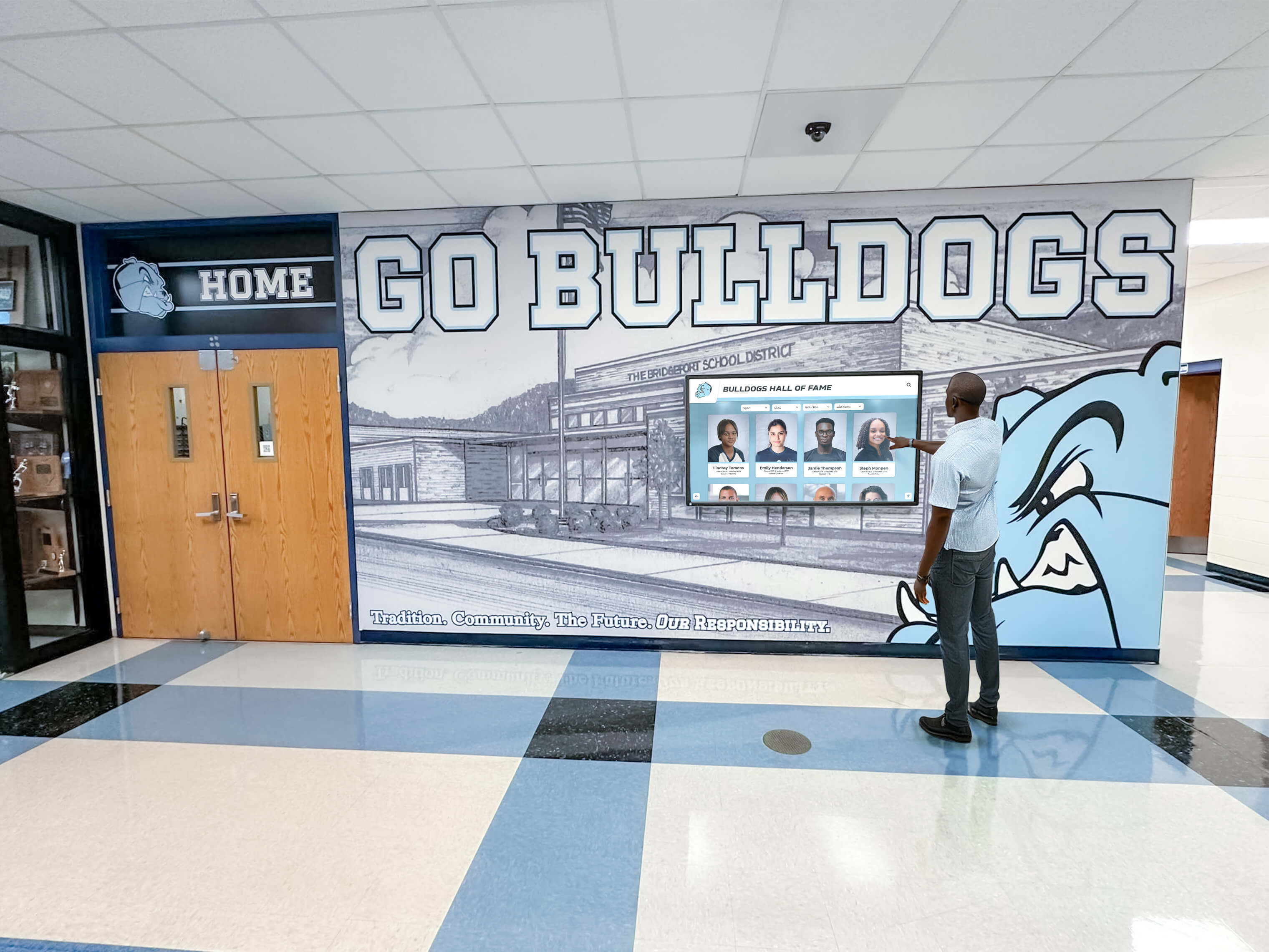
Visitors and students expect continuous touchscreen access to hall of fame content — Loop Guard on the uplink serving the display's access switch is the Layer 2 protection that prevents a single fiber fault from disrupting that access during a recognition ceremony or school event
School athletic banquet programs and award ceremonies that rely on digital recognition displays should have uplink Loop Guard verified before the event date — a spanning tree loop caused by a loose fiber connector is difficult to diagnose under time pressure with guests already seated.
Recognition Display Loop Guard Compatibility Test Checklist
Use this checklist during the test session with your network administrator. Print and complete it for each recognition display uplink on the serving access switch.
- Switch make, model, and firmware version documented
- Spanning tree mode confirmed — PVST+, Rapid PVST+, or MSTP noted
- Loop Guard platform support confirmed —
show spanning-tree loopguard detailrecognized and returns output - Loop Guard global status checked —
Loopguard Defaultvalue noted fromshow spanning-tree summary - Display uplink port identified — physical port number and VLAN assignment confirmed
- Loop Guard enabled on uplink port — confirmed via
show spanning-tree interface [uplink-port] detail - Uplink port role and state confirmed — Root or Designated role, FWD state, no loop-inconsistent flag present
- Display access port confirmed as PortFast-enabled —
show spanning-tree interface [access-port] portfast - Loop Guard confirmed disabled on PortFast access port — no feature conflict on end-device port
- BPDU Guard confirmed on access port — protecting against unauthorized switch connections on end-device port
- Display VLAN spanning tree topology reviewed — root bridge is distribution or core switch, not access switch
- Uplink port BPDU counters incrementing — verified by running detail command twice, 30 seconds apart
- Optional: Unidirectional failure simulation completed — Rx fiber disconnected, Loop Guard block message observed in syslog
- Optional: Loop Guard recovery confirmed — Rx fiber reconnected, unblock message observed, display content resumed
- Display CMS connectivity verified after test — content updates arriving, no disconnection events in platform log
- Loop Guard enabled and saved if not previously configured —
write memoryor equivalent run - Loop Guard verification added to post-firmware-update checklist for this switch
When to Rerun the Recognition Display Loop Guard Compatibility Test
Run the recognition display loop guard test:
- At initial display installation on any managed switch — confirm Loop Guard is active before declaring the display production-ready, especially on fiber-uplinked access switches where unidirectional failures are most common
- After any switch replacement or firmware update — replacement hardware may not carry the Loop Guard configuration, and firmware updates may alter spanning tree defaults
- After adding a new access switch or modifying the uplink topology — any change to the spanning tree topology invalidates the previous Loop Guard verification for affected ports
- Before a scheduled recognition ceremony, athletic banquet, or hall of fame induction event — verify the uplink is Loop Guard-protected and that no loop-inconsistent state is present before guests arrive
- When intermittent complete connectivity loss affects all devices on a VLAN simultaneously — a loop caused by a missing Loop Guard configuration is the first hypothesis when the failure pattern affects every endpoint on the segment at once
- After any physical layer work on uplink fiber or SFP transceivers — cleaning, replacing, or re-patching fiber can introduce a transient unidirectional condition; Loop Guard should be verified active before returning the display to normal operation
Digital hall of fame touchscreen audit workflows that verify gesture recognition, drag behavior, and interactive element accuracy all depend on the display being network-connected and content-current — application-layer interaction tests are only valid when the underlying uplink is Loop Guard-protected and spanning tree-stable.
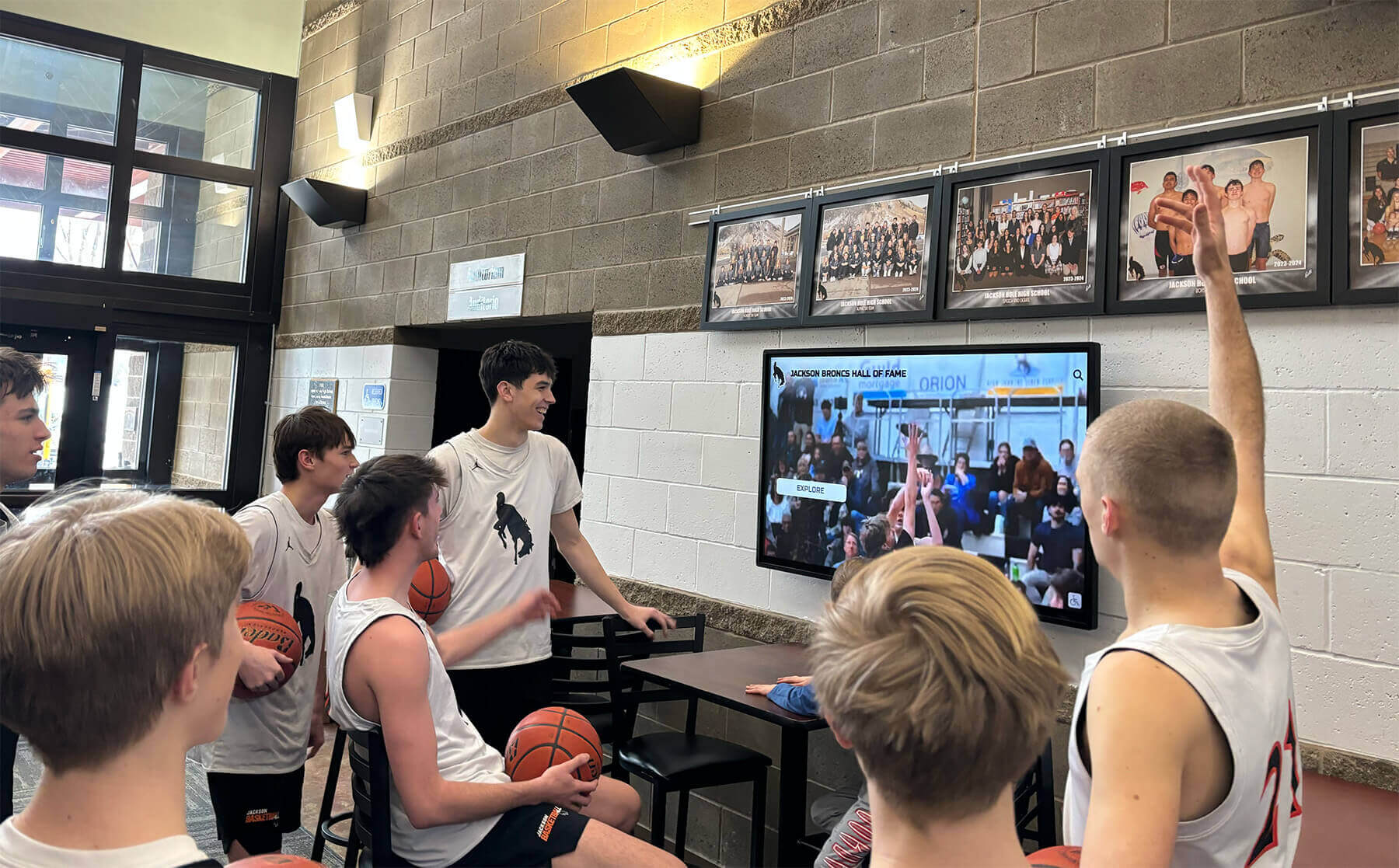
Lobby recognition screens that serve students, families, and guests throughout the school day depend on uplink stability — Loop Guard ensures a single fiber fault on the serving access switch does not flood the VLAN with broadcast traffic and drop connectivity for every visitor at once
Frequently Asked Questions
Q: Is Loop Guard the same as BPDU Guard? When should we use each?
No. BPDU Guard is applied to edge ports serving end devices like recognition displays and disables the port immediately if any BPDU arrives — it prevents unauthorized switches from connecting through end-device ports. Loop Guard is applied to uplink ports between switches and places the port in a loop-inconsistent blocking state when BPDUs stop arriving — it prevents a unidirectional fiber fault from creating a network loop. Both features are needed, on different port types, in a complete spanning tree protection design.
Q: Does Loop Guard work with Rapid Spanning Tree (RSTP)?
Yes. Loop Guard operates in RSTP and MSTP environments with the same protection logic as in classic STP. The failure condition — a port that can transmit but not receive BPDUs — applies equally across all spanning tree variants. On Cisco IOS XE with Rapid PVST+, spanning-tree loopguard default applies Loop Guard across all RSTP-enabled ports on all VLANs.
Q: What happens to the recognition display during a Loop Guard event?
While Loop Guard holds the uplink in loop-inconsistent state, the display loses connectivity to the upstream network — CMS updates cannot arrive, and if the display has no local cache, visible content may freeze or show an offline state. The key difference from a broadcast storm is that only the affected uplink port is held in blocking state; the loop-inconsistent condition prevents the storm that would otherwise flood every endpoint on the VLAN. When the physical layer fault clears, Loop Guard recovers automatically and display connectivity restores within the spanning tree convergence window — typically 1–5 seconds with Rapid PVST+.
Q: Our display connects directly to a distribution switch with no access switch in between. Does Loop Guard still apply?
Yes. If the recognition display’s Ethernet port connects directly to a distribution switch, Loop Guard applies to the distribution switch’s uplink ports connecting to the core layer. Verify Loop Guard on the uplinks above the display’s connection point, not on the access port serving the display itself. Apply PortFast to the display’s access port on the distribution switch.
Q: Can Loop Guard cause problems if a switch legitimately has no BPDUs on a port?
Yes, in specific topologies. On a port at the edge of the spanning tree topology where the switch itself is the designated bridge — meaning no upstream device sends BPDUs on that port — Loop Guard would incorrectly place the port in loop-inconsistent state. This is why Loop Guard is applied selectively to uplink ports that receive BPDUs from upstream switches, not to all ports without review. Verify the port role from show spanning-tree interface output before enabling: ports with a Designated role originate BPDUs themselves and should not have Loop Guard; ports with a Root or Alternate role receive BPDUs from upstream and are the correct Loop Guard candidates.
Q: What is the recovery process if Loop Guard places the uplink in loop-inconsistent state during school hours?
Loop Guard recovers automatically when BPDUs resume — as soon as the physical layer fault is cleared, the fiber reconnected, or congestion resolved. No operator command is required to release the port under normal recovery conditions. If BPDUs do not resume because the upstream switch has actually failed rather than experienced a unidirectional link fault, the network team should investigate the upstream switch and fiber before the port is manually released. Never manually clear a loop-inconsistent state without first confirming BPDUs are arriving, as doing so defeats the protection Loop Guard provides.
Q: How does this test relate to other network tests for recognition displays?
Loop Guard addresses Layer 2 spanning tree stability on the uplink between switches. It is distinct from IPv6 RA Guard, which addresses Layer 3 routing integrity; DSCP marking verification, which addresses QoS for video traffic; and jumbo frame compatibility testing, which addresses MTU consistency for large media payloads. For a complete network readiness picture, run the loop guard test alongside digital hall of fame accessibility audits and athletic archive preservation metadata checks — each addresses a different layer of recognition display reliability, and together they cover the full stack from physical switching to application accessibility.
Q: Should we use Loop Guard on the port serving a PoE access point that also carries display VLAN traffic?
Access points connected to access ports should use BPDU Guard, not Loop Guard. The access point’s port is an edge port, and BPDU Guard protects it from being used as a path for unauthorized switch connections. The trunk uplink from the switch serving that access point should have Loop Guard enabled on the switch-to-switch port. Athlete wellness and recovery hub displays connected through wireless infrastructure on shared VLANs benefit from the same Loop Guard protection on the serving access switch’s uplink as wired display installations.
Q: Does Loop Guard need to be re-verified after a VLAN reconfiguration?
Yes. If the recognition display is moved to a new VLAN, if VLAN pruning changes which VLANs traverse the uplink, or if the STP topology changes because the root bridge priority was modified, rerun Steps 2 and 4 to confirm Loop Guard is active on the updated uplink path and that the spanning tree topology reflects the intended root bridge placement.
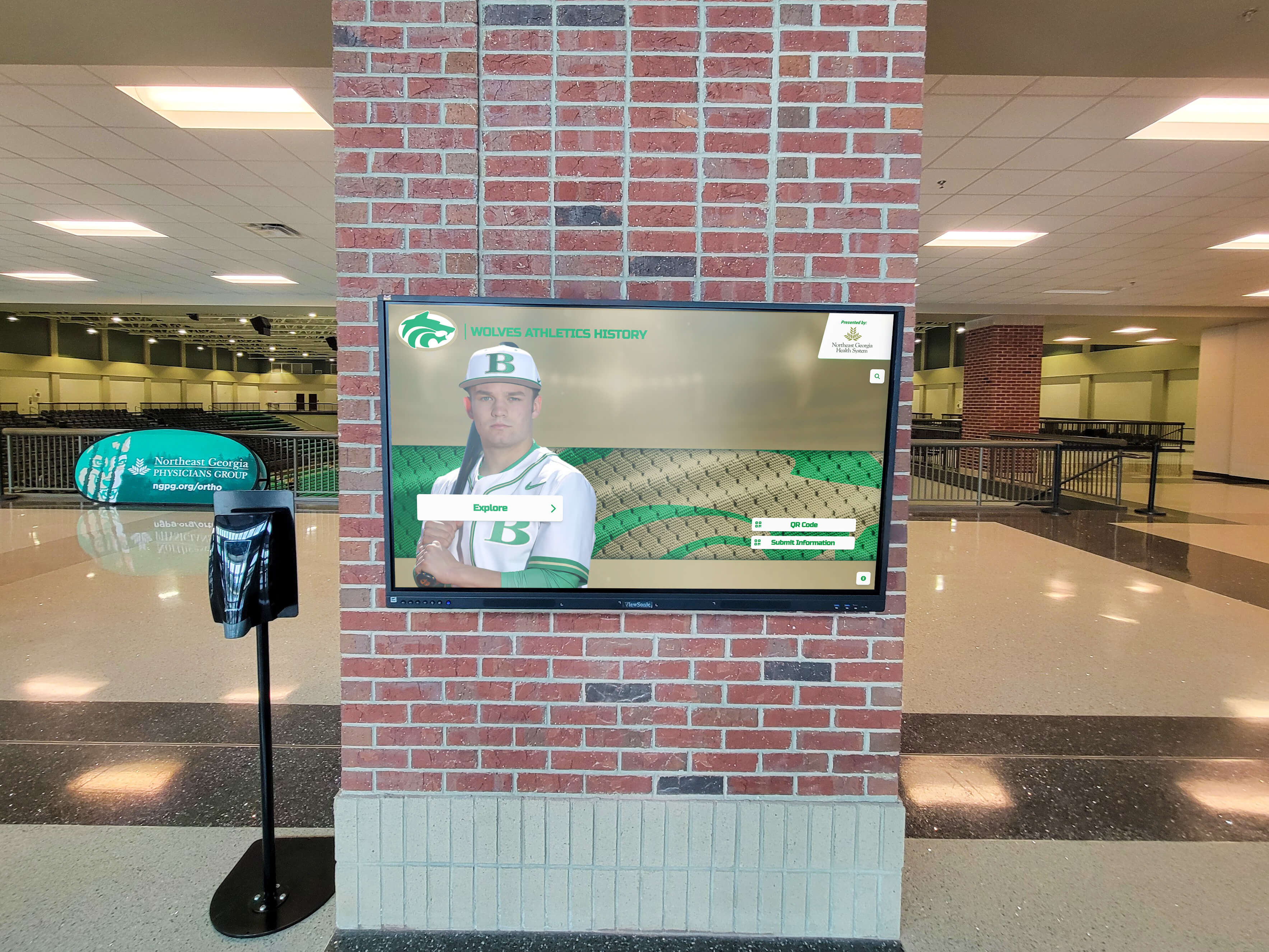
Arena lobby recognition displays connected through long-run fiber uplinks to distribution switches are among the highest-risk environments for unidirectional link failures — Loop Guard on those uplinks is the only spanning tree safeguard that prevents a degraded fiber strand from creating a loop that disrupts the entire recognition session
Stable Uplinks Create Warmer Recognition Experiences
A recognition display cannot warm a school community — surface an athletic hall of fame inductee’s career highlights, replay a championship banner ceremony, or present a senior tribute gallery for alumni reunion guests — if a degraded fiber strand on the uplink silently creates a broadcast storm that floods the VLAN and drops connectivity before the first visitor has finished reading the opening panel. Loop Guard closes that vulnerability at the spanning tree layer, before the physical layer fault escalates into a network event that disrupts every device on the floor simultaneously.
Running the recognition display loop guard test at installation, after any switch or fiber change, and before scheduled ceremonies gives school IT coordinators and facilities teams a concrete, verifiable answer for a category of network failure that appears without warning, passes all standard ping-based checks, and resolves only when the physical layer fault happens to self-correct — or when a technician replaces a fiber patch that showed a green link indicator on both ends throughout the outage.
Rocket Alumni Solutions designs recognition display systems with school network environments in mind — including managed switch configurations, spanning tree verification, Loop Guard compatibility, and the physical layer planning typical of K-12 and higher education facilities. The implementation process covers uplink stability alongside MTU consistency, DSCP configuration, and content delivery readiness — so athletic directors, alumni leaders, and facilities teams have a complete network and security picture before the first visitor interacts with the display.
Ready to see a recognition display built to perform reliably on your school’s managed switch network?
Schedule a demo with Rocket Alumni Solutions and see how athletic hall of fame walls, trophy corridor kiosks, and alumni recognition screens are deployed with full Loop Guard verification, spanning tree planning, and physical layer readiness support — so your display runs without interruption from installation day forward.































