Intent: decide — A recognition display that intermittently stalls loading a hall of fame slideshow, generates retransmission errors during a video tribute, or produces contradictory packet-capture results — clean on one tool, filled with red “bad checksum” warnings on another — is not necessarily experiencing a hardware failure. It may be exposing a misconfigured IPv4 checksum offload setting on the display’s network interface card. Checksum offload moves the computation and verification of IPv4 header checksums from the host CPU to the NIC hardware. When correctly configured, media transfers from cloud-hosted recognition platforms are efficient and error-free. When misconfigured — or when TX offload creates software-capture artifacts mistaken for real errors — school IT teams spend hours troubleshooting a problem that a four-command validation sequence can confirm or rule out in minutes.
This guide provides a step-by-step recognition display IPv4 checksum offload validation sequence, a pass/fail reference table, and a printable checklist for school IT coordinators, AV technicians, and athletic directors who need a definitive answer about whether NIC offload settings are contributing to media transfer problems.
A recognition display delivers its content — hall of fame inductee profiles, athletic record boards, senior tribute videos, championship banner rotations — over TCP/IP. Every packet in that delivery carries an IPv4 header checksum that protects the header fields from corruption in transit. Whether the NIC hardware or the host CPU computes and verifies those checksums depends on the offload configuration of the display’s network interface. Recognition display IPv4 checksum offload validation is the process of confirming that the offload state is consistent, that packet captures reflect the true on-wire checksum state, and that no real checksum errors are occurring during media transfers.

IPv4 checksum offload validation is a collaborative task for the school's network administrator and the recognition display installer — NIC driver settings, switch port configuration, and capture tool behavior all interact and must be read together
What IPv4 Checksum Offload Is and Why It Matters for Recognition Displays
IPv4 checksum offload is a NIC driver capability that moves checksum computation off the host CPU and onto dedicated NIC hardware. Modern network interface cards expose this as separate settings for each protocol layer:
| Offload Setting | What It Does |
|---|---|
| tx-checksumming (TX offload) | NIC computes the IPv4 header checksum just before the frame leaves the wire side of the NIC |
| rx-checksumming (RX offload) | NIC verifies incoming IPv4 header checksums before passing packets to the OS network stack |
| tx-checksum-ip-generic | Sub-setting covering generic IPv4 header checksum TX computation on some NIC drivers |
| tx-checksum-ipv4 | Explicit IPv4 TX checksum offload on drivers that separate settings by protocol version |
When TX checksum offload is enabled, the OS network stack sets the checksum field to a placeholder value (typically 0x0000) and passes the packet to the NIC driver. The NIC fills in the real checksum just before transmission. A software packet capture tool — Wireshark, tcpdump — running on the same host captures the packet after the OS generates it but before the NIC fills in the checksum. The result: every outbound packet from the display appears to have an incorrect IPv4 checksum in a local software capture, even though the actual on-wire packet is correct. This is not a hardware error. It is an expected software artifact.
The confusion arises because IT staff diagnosing media transfer problems see red “Bad checksum” rows in Wireshark and cannot tell whether the display is transmitting corrupt packets or whether the warning is a benign capture artifact. Recognition display IPv4 checksum offload validation answers that question definitively.
When real checksum errors occur, the failure mode is different: the receiving server’s NIC discards corrupt packets silently. TCP interprets the missing acknowledgments as packet loss and triggers retransmission. The display’s media player retransmits the same content segments repeatedly, inflating transfer time, causing video to buffer, and producing the intermittent stall-and-resume pattern that is difficult to reproduce during a scheduled maintenance window because traffic is light.
Schools verifying display signal layer reliability after addressing network-layer errors should complete checksum offload validation first — it eliminates the most common software-artifact misread that leads to unnecessary hardware replacement orders.
Symptoms That Suggest a Checksum Offload Problem
The two failure scenarios — software capture artifacts and real NIC errors — produce overlapping but distinguishable symptom patterns:
| Observed Symptom | More Likely Cause |
|---|---|
| Wireshark shows all outbound packets with “Bad IPv4 checksum” but media loads correctly | TX checksum offload enabled; software capture artifact only |
| Media loads correctly in normal use but packet capture results alarm IT staff | TX checksum offload enabled; no real error present |
| Media transfers stall, retry, and eventually complete — content arrives slowly | Real RX checksum errors causing silent packet discard and TCP retransmission |
| Hall of fame slideshow loads partially, then freezes, then resumes | TCP retransmission storm from real inbound checksum failures |
| Problem disappeared after OS or driver update, then reappeared | Driver update reset offload defaults; settings now inconsistent with OS stack expectations |
| tcpdump on a remote workstation sees no errors; local capture shows errors | TX offload artifact — remote capture sees on-wire correct checksums; local capture sees placeholder value |
| Video tribute loads instantly in the morning, fails in the afternoon | Thermal throttling or degraded cable introducing bit errors caught as RX checksum failures |
| Packet loss metrics in NIC statistics match the frequency of content stalls | Real RX checksum errors being counted in NIC hardware error counters |
The last symptom — contradictory results between a local and a remote capture — is the strongest single indicator that TX checksum offload is the source of confusion rather than a real hardware failure. It is also the most commonly misread.
Athletic eligibility and recognition display policies that depend on display uptime for communicating award criteria and eligibility standards need a clear process for distinguishing capture artifacts from real failures — the validation sequence below provides that process.
Before You Begin: What to Gather
Collect the following before running any commands on the display:
- Display OS and NIC information — whether the media player runs Linux (Ubuntu, Debian, or a custom OS) or Windows, and the NIC driver name (
lspci | grep -i etherneton Linux or Device Manager on Windows) - Display’s IP address — static or DHCP-assigned; visible in the display’s network settings panel
- Content platform IP or hostname — the server or CDN endpoint delivering media assets to the display
- SSH or local terminal access to the display — required for
ethtoolon Linux; Device Manager or PowerShell on Windows - A second workstation on the same VLAN — for running a remote packet capture to compare against the local capture from the display itself
- Wireshark 3.x or later — installed on the workstation; version 3.x correctly annotates checksum offload artifacts with explanatory text rather than reporting them as unqualified errors
With these in hand, the full validation sequence takes 20–40 minutes to complete end to end.
Recognition Display IPv4 Checksum Offload Validation: Numbered Steps
Work through these steps in order. Each step produces a clear outcome — pass, fail, or artifact — that determines whether to continue or move to resolution.
Step 1 — Identify the NIC Interface Name on the Display
On a Linux-based media player, identify the active network interface name:
ip link show
Look for the interface carrying the display’s IP address. Common names are eth0, ens3, enp3s0, or a vendor-specific name. Confirm the IP assignment:
ip addr show <interface-name>
Verify it matches the display’s expected IP address before proceeding to Step 2.
On Windows, open Device Manager → Network Adapters, note the NIC model, then use PowerShell to read offload capabilities directly:
Get-NetAdapterChecksumOffload -Name "*"
The output lists TX and RX checksum offload state for each adapter present on the system.
Step 2 — Read the Current Offload Settings
On Linux, use ethtool to read all offload settings for the interface:
sudo ethtool -k <interface-name>
Look specifically for these lines in the output:
rx-checksumming: on
tx-checksumming: on
  tx-checksum-ipv4: on [fixed]
  tx-checksum-ip-generic: on
  tx-checksum-ipv6: off [not fixed]
The [fixed] annotation means the NIC hardware does not allow this setting to be changed — it is permanently on or off in the current driver and firmware combination. Settings without [fixed] can be toggled with ethtool -K.
Interpret the current state against expected behavior:
| tx-checksumming | rx-checksumming | Expected Capture Behavior |
|---|---|---|
| on | on | NIC handles all checksums; local software captures show placeholder checksums on TX packets |
| off | on | CPU handles TX checksums; local captures show correct checksums on outbound; NIC still verifies inbound |
| on | off | NIC computes TX checksums; CPU verifies RX checksums; NIC hardware error counters do not reflect real inbound discard events |
| off | off | CPU handles all checksums; local captures are accurate for both directions; highest CPU overhead |
Step 3 — Run a Packet Capture on the Display Itself
Trigger a media load on the recognition display — start a hall of fame slideshow, open a video tribute, or initiate a CMS content sync — then immediately capture packets locally on the display:
sudo tcpdump -i <interface-name> -n host <content-platform-IP> -c 200 -w /tmp/local-capture.pcap
Open the capture in Wireshark. Apply the display filter to isolate packets flagged as having bad IPv4 checksums:
ip.checksum_bad == 1
Observe which direction the flagged packets are traveling:
If all flagged packets are outbound (from the display to the content platform): this is the TX checksum offload artifact. The checksums are correct on the wire; the local software capture is reading the OS-generated placeholder value before the NIC fills it in. Proceed to Step 4 to confirm with a remote capture.
If flagged packets are inbound (from the content platform to the display): this is a genuine RX checksum concern — packets arriving with bad IPv4 header checksums indicate real corruption in transit. Skip to Step 5 to read NIC hardware counters before drawing conclusions.
Step 4 — Confirm TX Artifact with a Remote Packet Capture
On a separate workstation on the same VLAN as the display, capture traffic between the display and the content platform simultaneously with the Step 3 capture:
sudo tcpdump -i <workstation-interface> -n 'host <display-IP> and host <content-platform-IP>' -c 200 -w /tmp/remote-capture.pcap
Compare the two captures in Wireshark side by side, filtering to the same packet by sequence number or timestamp:
Local capture shows bad checksum on a TX packet; remote capture shows a correct checksum for the same packet: TX offload artifact confirmed. The NIC is computing correct checksums before transmission; the local software capture is reading the pre-NIC placeholder. No real error is present. This is the most common finding and requires no configuration change.
Both local and remote captures show bad checksums on the same TX packets: The NIC is transmitting packets with genuinely incorrect IPv4 checksums. A real TX offload failure exists. Proceed to Step 5 for NIC counter evidence, then Step 7 for remediation.
Remote capture shows bad checksums on packets that the local capture shows as correct: RX offload is computing incorrect results — the NIC is accepting packets with bad checksums without flagging them. The remote machine captures the corrupt frame; the display’s NIC hardware is not detecting or reporting the error through its normal counter path. Proceed to Step 5.
Network-layer validation steps for recognition displays that extend to spanning-tree and switch-port security should include this checksum offload step as a baseline — without it, capture-based diagnostics for other failure modes produce unreliable evidence that may lead to wrong conclusions.
Step 5 — Check NIC Hardware Error Counters
Software-level packet captures reflect what the OS network stack sees, not what the NIC hardware has already discarded. For RX checksum errors, read the NIC’s hardware error counters directly:
On Linux:
sudo ethtool -S <interface-name>
Look for these counter fields (exact names vary by NIC driver and vendor):
rx_csum_offload_errors: 0
rx_csum_good: 14523
rx_errors: 0
rx_dropped: 0
A non-zero rx_csum_offload_errors value means the NIC hardware detected incoming packets with incorrect IPv4 (or TCP/UDP) checksums and discarded them before the OS stack received them. These silently discarded packets cause TCP retransmissions from the content platform — but they do not appear in local software packet captures at all because the NIC dropped them before the capture hook ran. This is why NIC hardware counters are essential in addition to software captures: the two tools see different slices of what is actually happening.
Run this command during active media transfer and again 60 seconds later. If rx_csum_offload_errors is incrementing between reads, real inbound checksum errors are occurring at the rate of that increment per minute.
On Windows, use PowerShell to read adapter statistics:
Get-NetAdapterStatistics -Name "<adapter-name>"
Look for ReceivedPacketsWithErrors and OutboundDiscardedPackets. An increasing ReceivedPacketsWithErrors count during active media transfers confirms real RX checksum failures are occurring.
Employee and alumni digital wall-of-fame recognition displays serving large media libraries are affected by real RX checksum errors in exactly the same way as school athletic displays — the NIC silently discards packets, media content loads stall, and the only visible symptom is slow or intermittent content updates that appear to be CMS platform issues.
Step 6 — Verify Wireshark Checksum Annotation Preferences
If Wireshark is reporting bad checksums without the “(maybe caused by ‘TCP checksum offload’?)” annotation text, the offload validation hint may be disabled in preferences:
- Open Wireshark → Edit → Preferences → Protocols → IPv4
- Confirm “Validate the IPv4 checksum if possible” is checked
- Confirm “Enable checksum offload workaround” is checked if present in your Wireshark version
With both settings enabled, Wireshark distinguishes between TX offload artifacts (reported with the explanatory annotation) and real checksum failures (reported as a genuine error without a qualifying note). This preference configuration is essential for accurate pass/fail reporting — without it, all flagged packets look identical regardless of cause.
HTTPS certificate validation on recognition display CMS connections is a separate but related step — once IPv4 checksum integrity is confirmed at the network layer, verifying that the TLS layer is correctly configured and that OCSP stapling is functioning ensures that media is both delivered intact and authenticated end-to-end.
Step 7 — Test a Controlled Offload Change
If NIC counters confirm non-zero rx_csum_offload_errors and no driver update is immediately available, test whether disabling RX offload moves checksum verification from the NIC hardware to the OS software layer, which can handle errors that the NIC silently discards:
sudo ethtool -K <interface-name> rx off
Immediately re-run the media load and repeat the NIC counter check from Step 5. Monitor rx_csum_offload_errors for 60 seconds:
- Counter stops incrementing and media transfers stabilize: The NIC hardware’s RX checksum computation is unreliable. Software verification is the interim workaround. The permanent fix is a NIC driver update or, if no driver update resolves the hardware fault, NIC replacement.
- Counter stops incrementing but media transfers still stall: The errors were real, but something else is also contributing to the stalls — proceed to cable inspection.
- Counter is not present in ethtool -S output after disabling RX offload: Some NIC drivers suppress this counter when RX offload is off; use the remote packet capture from Step 4 to observe whether inbound packets with bad checksums still appear.
To restore RX checksum offload to the default-on state:
sudo ethtool -K <interface-name> rx on
Note that ethtool -K changes are not persistent across reboots by default on most Linux distributions. To persist the change, add the ethtool command to a post-up directive in /etc/network/interfaces, a systemd unit file, or a NetworkManager dispatcher script, depending on which network manager the display’s OS uses.
Multicast-delivered recognition content and IGMP snooping configuration are a separate validation concern from unicast TCP checksum offload — but both affect media transfer reliability on the same school network infrastructure and should be verified during initial display commissioning as sequential steps.

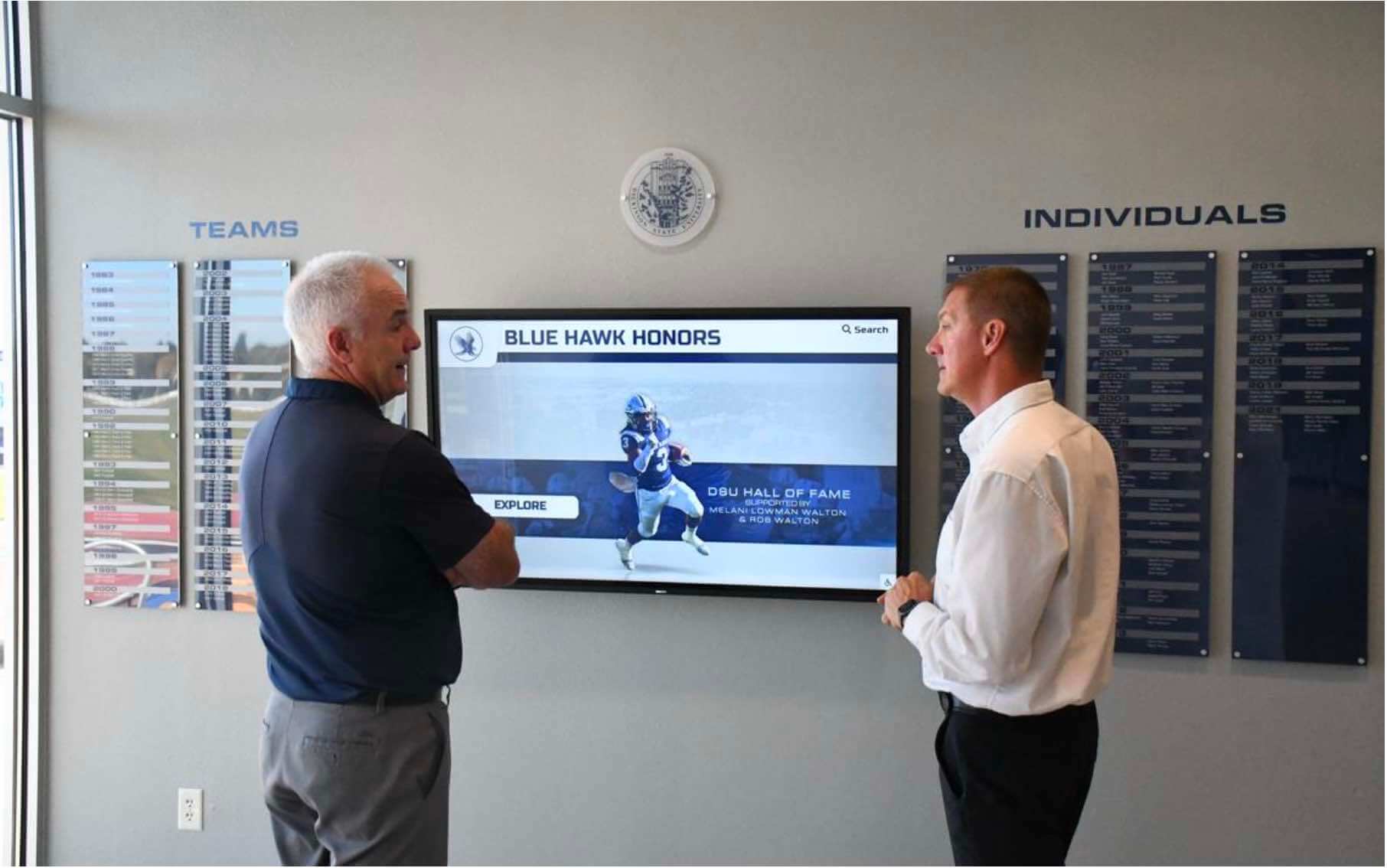
Lobby recognition displays delivering hall of fame content over TCP depend on correct NIC checksum offload behavior — a failing NIC that silently discards inbound packets triggers TCP retransmissions that appear as intermittent content load failures
Pass/Fail Reference Table
Use this table to map your validation results to a diagnosis and the correct resolution step:
| Local Capture | Remote Capture | NIC Counter (rx_csum_offload_errors) | Diagnosis | Resolution |
|---|---|---|---|---|
| TX packets flagged bad checksum | Same TX packets show correct checksum | Zero / not incrementing | PASS — TX offload artifact only; no real error | Enable Wireshark checksum annotation; document for future capture sessions |
| No bad checksums in either direction | No bad checksums | Zero | PASS — TX offload disabled; CPU computing checksums correctly | No action required |
| RX packets flagged bad checksum | Same RX packets flagged bad checksum | Incrementing | FAIL — Real on-wire RX checksum errors | Test cable replacement; update NIC driver; test with ethtool -K rx off as interim |
| TX packets flagged bad checksum | TX packets also flagged bad in remote capture | Zero (RX direction only) | FAIL — NIC transmitting real bad TX checksums | Disable TX offload (ethtool -K <iface> tx off); update NIC driver |
| No local capture errors | No remote capture errors | Incrementing | FAIL — NIC silently discarding inbound packets with bad checksums | Disable RX offload; NIC hardware may be failing; update driver |
| TX artifact on local capture | Correct checksums on remote capture | Zero | PASS — Expected TX offload behavior; no action needed | Document; enable Wireshark annotation to suppress false alarms |
Common Checksum Offload Pitfalls on School Recognition Networks
NIC driver updates resetting offload defaults. A routine OS update or NIC driver update may reset checksum offload settings to driver defaults that differ from the previous configuration. After any NIC driver update on a display media player, re-run Steps 2 and 5 to confirm that offload settings are consistent with expected behavior before filing a support ticket with the content platform vendor.
Virtualized or containerized media players with passthrough offload disabled. Recognition displays running media player software inside a virtual machine or container may not have direct access to the physical NIC’s offload capabilities. The hypervisor’s virtual NIC may not expose TX or RX checksum offload to the guest OS, causing the guest to handle all checksum computation in software. ethtool -k inside the VM will report all offload settings as off [fixed]. This is expected behavior in virtualized environments and is not a fault condition.
USB-to-Ethernet adapters without hardware offload support. Some compact display media players use USB Ethernet adapters for their wired network connection. Most USB Ethernet adapters do not support hardware checksum offload. ethtool -k on these adapters will report all offload features as off [fixed]. Media transfer reliability on these adapters is governed by USB bus bandwidth and CPU capacity rather than NIC offload configuration, and the validation steps above apply only to confirm there are no real checksum errors from other causes.
Checksum errors from a degraded cable or connector. Real RX checksum errors are not always caused by NIC driver or offload configuration problems. A crimped patch cable, a corroded RJ45 connector, or a cable run that exceeds Cat5e’s 100-meter maximum can introduce bit errors that arrive at the receiver as checksum failures. If rx_csum_offload_errors is incrementing and NIC driver updates do not resolve it, replace the cable before replacing the NIC — cable faults are far more common in school installations than NIC hardware failures.
QoS policy changes inadvertently corrupting IP header bytes. Some perimeter firewalls and routers modify the DSCP field (the top 6 bits of the ToS byte in the IPv4 header) as part of a traffic-shaping or QoS remarking policy. In rare cases, a misconfigured remarking rule overwrites bytes adjacent to the DSCP field, corrupting the IPv4 header checksum in transit. If RX checksum errors appear after a firewall rule change, compare a packet capture at the WAN interface with one at the display NIC to localize where the corruption is introduced.
College and multi-campus recognition display installations with multiple display endpoints on the same network segment benefit most from systematic checksum offload validation — a single display generating real TX checksum errors can introduce retransmissions that affect neighboring displays’ media transfer performance on shared switch infrastructure.
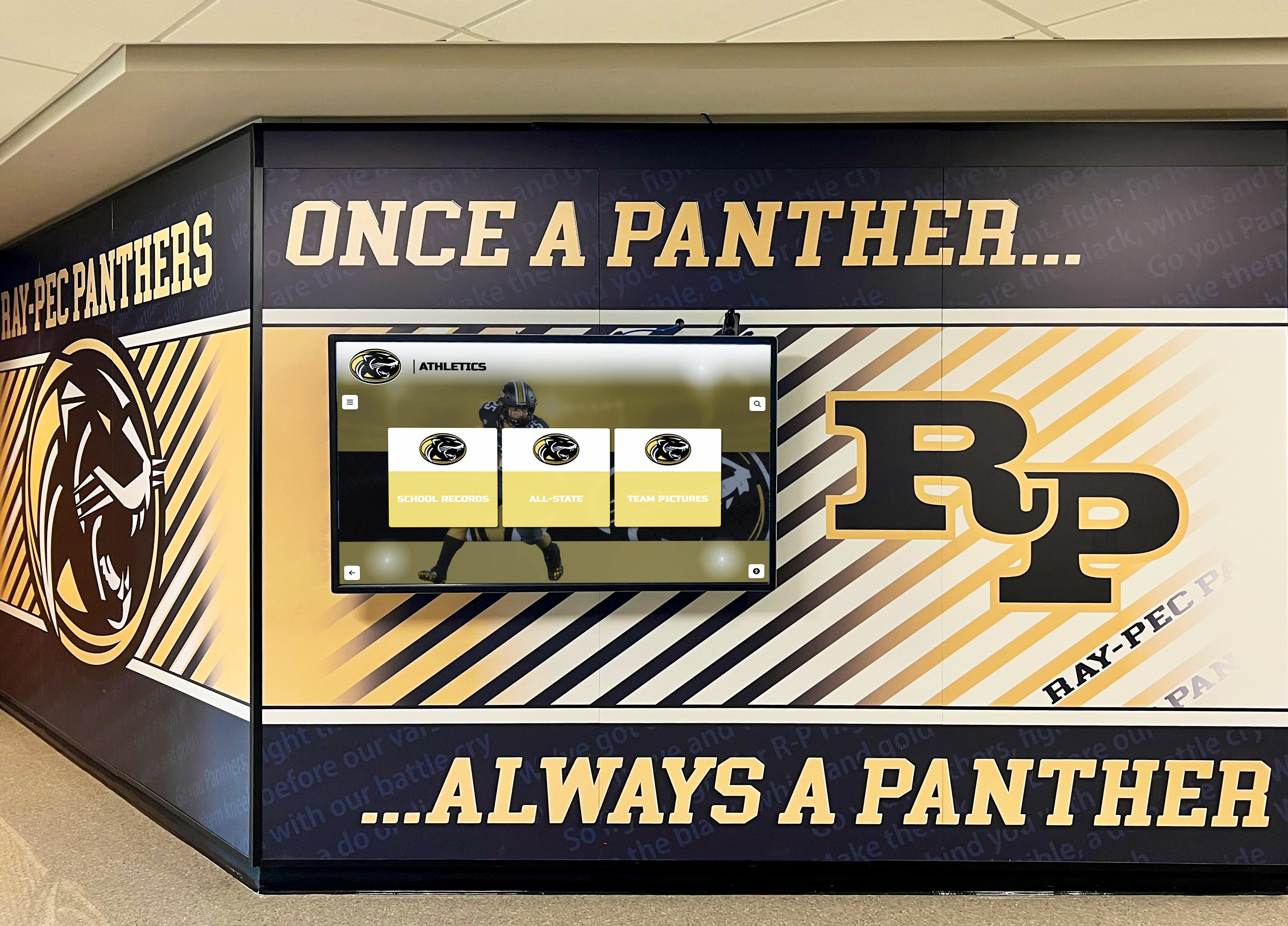
Hallway recognition displays that serve athletic record boards and video content depend on consistent NIC offload behavior — cable faults, driver updates, and firewall remarking rules all interact with checksum offload state in ways that require systematic validation
IPv4 Checksum Offload Validation Checklist
Print this checklist for use during the validation session with your network administrator:
- NIC interface name confirmed on the display OS (
ip link showor Device Manager) - Current offload settings read with
ethtool -k <interface>— tx-checksumming and rx-checksumming state documented - Packet capture run during active media load — local capture saved as .pcap and opened in Wireshark
- TX bad checksum warnings evaluated: are flagged packets outbound only, or also inbound?
- Remote capture from same-VLAN workstation run simultaneously and compared against local capture
- TX offload artifact confirmed if applicable: remote capture shows correct checksums for packets flagged locally
- NIC hardware error counters read with
ethtool -S <interface>—rx_csum_offload_errorsvalue documented at rest and during media transfer -
rx_csum_offload_errorsconfirmed as zero or not incrementing during active media transfers - Wireshark checksum annotation preferences verified: “Validate IPv4 checksum” and “Enable checksum offload workaround” both checked
- Any NIC driver update tested:
ethtool -kre-read and NIC counters re-checked after update - Controlled
ethtool -K rx offtest run if real RX errors confirmed — media transfer stability re-evaluated with offload disabled - Offload change persisted across reboot if needed (
/etc/network/interfaces, systemd unit, or NetworkManager dispatcher) - Cable replaced and counters re-checked if RX errors persist after driver update and offload change
When to Rerun Checksum Offload Validation
Run the recognition display IPv4 checksum offload validation sequence again when:
- A NIC driver update is applied — driver updates commonly reset offload settings to new defaults that may differ from the validated configuration
- The display media player hardware is replaced — new hardware may have a different NIC family with different default offload capabilities
- OS reinstallation or a major version upgrade is performed — a fresh OS install resets all network stack defaults including offload settings
- Media transfer stalls resume after a period of stable operation — an upstream network change (switch firmware update, firewall rule change, VPN reconfiguration) may have introduced packet corruption that surfaces as checksum errors at the display NIC
- A new capture-based diagnostic produces unexpected bad checksum warnings — confirm whether the warnings are TX offload artifacts before escalating to the content platform vendor, saving a support escalation that would not resolve a local NIC configuration issue
Drill team, color guard, and specialty activity recognition displays added to existing school networks mid-year are particularly prone to this — factory NIC offload defaults on a new media player may not match what the school’s existing capture tools expect, producing alarming capture results on a display that is actually delivering content correctly.
Accurate Diagnosis, Faster Resolution
The core value of recognition display IPv4 checksum offload validation is eliminating false positives. When IT staff misread a TX checksum offload artifact as a real NIC failure and replace the display hardware, the apparent errors do not disappear — because the replacement display’s NIC also uses TX offload by default. The resulting loop of hardware replacement, continued apparent errors, and escalating support tickets is the most common and most avoidable consequence of skipping this validation step.
Rocket Alumni Solutions designs recognition display systems with NIC configuration guidance built into the commissioning process. The platform’s implementation documentation covers NIC offload settings, packet capture interpretation, and driver compatibility for the media player hardware included in each installation — so school IT teams have a clear baseline for what a passing checksum offload validation looks like on their specific display hardware before the system goes live.
Ready to deploy a recognition display system with built-in network validation guidance?
Schedule a demo with Rocket Alumni Solutions to see how the platform handles NIC configuration, network commissioning, and media transfer reliability for school athletic and academic recognition displays.































