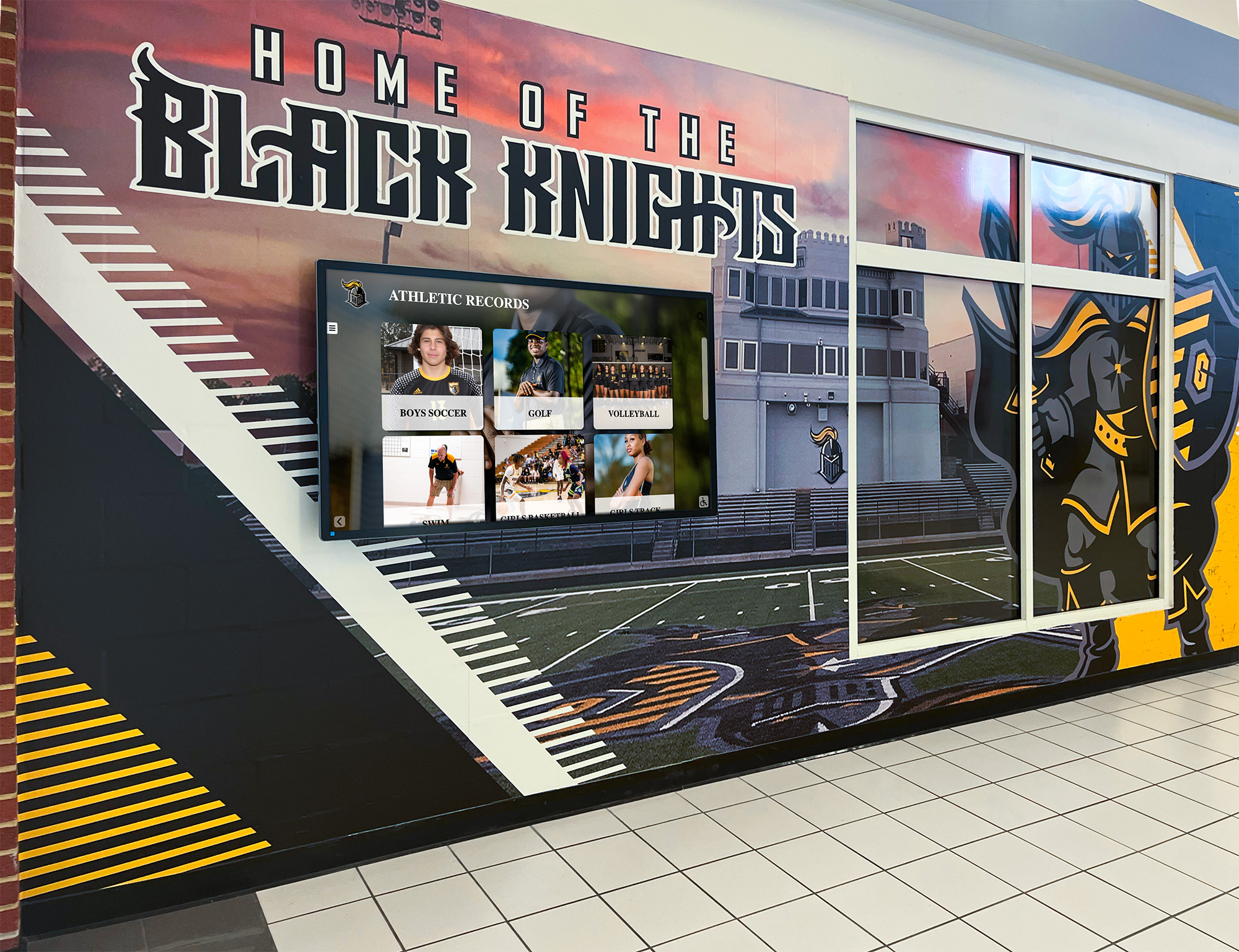
Intent: decide — A recognition display that begins routing its content management system traffic through an unexpected gateway — delivering content intermittently, freezing a hall of fame slideshow mid-ceremony, or failing to pull updated athlete statistics while IPv4 connectivity appears normal — is not malfunctioning. It is responding correctly to an ICMP Redirect message it received. ICMP Redirect (ICMPv4 Type 5) is a mechanism by which a router informs a directly connected host that a more efficient next-hop gateway exists for a specific destination. The host accepts the redirect and installs a host route in its local routing table, sending traffic for that destination directly to the suggested gateway. The problem is that ICMP Redirect messages carry no authentication. Any device on the same subnet can craft a forged redirect message that appears to originate from the legitimate router and direct the display’s CMS traffic to a rogue gateway — without triggering a link-down alert, a CMS authentication error, or any visible indicator that the display’s routing behavior has changed.
This checklist walks school IT coordinators, AV technicians, athletic directors, and facilities teams through a school recognition display ICMP redirect hardening workflow: how to confirm whether the display device currently accepts ICMP redirects, how to disable that acceptance at the OS level, how to configure the serving router to stop sending redirects on the display VLAN, how to apply a switch-level ACL as defense in depth, and how to verify that recognition display content delivery is unaffected after hardening.
A school recognition display ICMP redirect hardening checklist takes 30–60 minutes to complete and removes a class of IPv4 routing manipulation vulnerability that bypasses standard connectivity monitoring, leaves no error trail visible to the display platform or CMS, and can be executed by any device on the display’s subnet without requiring elevated network privileges.

Hallway recognition displays connected to school networks via a single default gateway are the primary target of ICMP redirect manipulation — hardening the display OS and the serving router interface removes the routing attack surface that forged redirect messages exploit
What ICMP Redirects Are and Why They Create Risk for Recognition Displays
IPv4 Redirect messages — ICMP Type 5 — exist to optimize routing on multi-gateway network segments. The canonical scenario: a host on Subnet A has a single default gateway (Router A). The host sends a packet destined for a server on Subnet C to Router A. Router A determines that Router B — which is also on Subnet A and directly connected to both the host and Subnet C — is the more efficient next hop. Router A forwards the packet but simultaneously sends an ICMP Redirect message to the host, instructing it to send future packets for Subnet C directly to Router B. The host adds a redirect-installed host route for Subnet C via Router B and bypasses Router A for that destination going forward.
This mechanism made practical sense in early network environments with multiple routers on a single segment and limited routing protocol support on end devices. In modern school network designs — where recognition displays sit on a dedicated access VLAN with a single gateway — legitimate ICMP redirects are almost never needed. The risk they introduce is disproportionate to any operational benefit they provide:
- No authentication. ICMPv4 has no cryptographic authentication mechanism. Any device on the same subnet can send a redirect message using the router’s IP address in the source field. The display device processes the forged redirect identically to a legitimate one.
- Silent routing table modification. The redirect installs a host route silently. No log entry appears on the display device, no CMS alarm fires, and standard ping-based monitoring — which typically tests only IPv4 reachability to a known address — continues to succeed if the rogue gateway forwards traffic onward.
- Persistence across content cycles. Host routes installed by ICMP redirects remain in the routing table until the route ages out (typically 10 minutes on Linux kernels), the network interface is restarted, or the device reboots. A rogue redirect sent during a morning school arrival can affect CMS connectivity throughout the school day.
- Selective targeting. Because a redirect affects only the specific destination route it names, a rogue redirect targeting the CMS server’s IP address affects only CMS traffic — all other connectivity, including DNS, NTP, and management access, continues normally. This selective failure pattern is the most common reason forged redirect attacks go undiagnosed for extended periods.
Hall of fame tools that schools use to recognize athletes, donors, and arts history deliver live content from cloud content management systems — a single forged ICMP redirect targeting the CMS server address can silently interrupt the content pipeline without affecting any other visible network function.
How ICMP Redirect Attacks Affect Recognition Display Behavior
The failure pattern is subtle and intermittent because redirect-installed routes eventually time out and are replaced when the next legitimate routing exchange occurs. The table below maps the most common observed symptoms to their ICMP redirect root cause:
| Observed Symptom | ICMP Redirect Root Cause |
|---|---|
| CMS content updates arrive inconsistently — some sync windows succeed, others time out | Redirect-installed route points to a rogue gateway that forwards intermittently or drops specific connections |
| Display freezes on static cached content during a ceremony; live updates do not arrive | Redirect silently rerouted CMS traffic; cached content renders normally but live data pulls fail |
| IPv4 connectivity appears normal — pings to the CMS address succeed from a laptop but display platform shows disconnection | Redirect affects only the display device’s routing table; the laptop on a different port has a clean routing table |
| Rebooting the display temporarily restores full content delivery | Reboot flushes the redirect-installed host route; clean routing table restores the correct path |
| Problem appears and resolves repeatedly on a predictable schedule | Redirect route ages out after 10 minutes; rogue device sends a new redirect when traffic resumes |
| All other display functions work; only the content pipeline to the CMS is affected | Redirect targeted the CMS server’s specific IP address, leaving all other destinations unaffected |
| Failure correlates with a specific time of day or network occupancy level | Rogue redirect source is an ICMP-capable device active only during those periods |
| Switch logs show no errors; CMS shows the display as offline with no diagnostic detail | Redirect occurs at the routing layer; the switch sees no error; the CMS sees a TCP connection that never completes |
The most reliable indicator of an active redirect problem — before rebooting temporarily resolves the symptom — is a redirect-installed host route in the display device’s routing table pointing to an IP address that is not the school’s legitimate default gateway. This route can be inspected directly on the display device OS without any special monitoring tools.
Alumni where-are-they-now spotlight content and live athlete profile data delivered to recognition displays from cloud content platforms depend on stable, unmanipulated routing — a forged ICMP redirect that silently reroutes CMS traffic to a gateway that cannot forward it effectively ends the live content pipeline for the duration of the redirect route’s lifetime.
Before You Begin: What to Gather
Collect the following before accessing the display device or the switch management interface:
- Operating system of the recognition display device — the commands to disable ICMP redirect acceptance differ significantly between Linux-based media players (Raspberry Pi, NUC, BrightSign, embedded Ubuntu), Windows-based players, and proprietary embedded OS devices. Confirm the platform before running any commands.
- Display device’s IPv4 address and default gateway address — from the device’s network settings or the DHCP server lease table. Note the legitimate gateway IP for comparison when inspecting the routing table in Step 1.
- Router make, model, and OS version for the gateway serving the display VLAN — needed for Step 3 to disable ICMP redirect sending from the router side. Cisco IOS, Aruba OS, and Juniper Junos each use different syntax for this setting.
- Switch port number and VLAN assignment of the display — needed for Step 4 to apply an ACL limiting ICMP Type 5 messages on the access port.
- CMS server IP address or hostname — used in Step 6 to verify content delivery after hardening. Confirm whether the CMS uses a static IP or a hostname that resolves to a CDN edge address.
- Switch management access with write permissions — read access is sufficient for Steps 1–2; write access is required for Steps 3–5 to apply configuration changes to the router and switch.
- Display device access with administrative privileges — SSH or console access to the display device is required to run the OS-level commands in Steps 1 and 2.
School Recognition Display ICMP Redirect Hardening Checklist: Numbered Steps
Work through these steps in order. Each step produces a clear pass or fail result indicating the current exposure and the hardening status for that layer.
Step 1 — Inspect the Display Device Routing Table for Redirect-Installed Routes
Before disabling any ICMP redirect acceptance, check whether the display has already received and installed a forged redirect. This check establishes the pre-hardening baseline and identifies whether an active redirect attack is currently in progress.
Linux-based display device (SSH in or open a terminal):
ip route show
Look for any route entry with proto redirect in the output. A clean routing table for a display with a single default gateway will typically show only the default route and the directly connected network:
default via 10.1.10.1 dev eth0 proto dhcp
10.1.10.0/24 dev eth0 proto kernel scope link
A compromised routing table will include a redirect-installed host route:
default via 10.1.10.1 dev eth0 proto dhcp
10.1.10.0/24 dev eth0 proto kernel scope link
203.0.113.50 via 10.1.10.99 dev eth0 proto redirect
The proto redirect entry for 203.0.113.50 — the CMS server’s IP — reveals that the display received an ICMP redirect directing it to send CMS traffic through 10.1.10.99 rather than the legitimate gateway 10.1.10.1. Document the rogue gateway IP before proceeding.
Windows-based display device (Command Prompt or PowerShell):
route print
Look for host routes with a netmask of 255.255.255.255 pointing to a gateway other than the primary default gateway. These typically represent redirect-installed routes on Windows, though Windows labels them differently than Linux does in the routing table output.
Result interpretation:
- No
proto redirectroutes present: pass. No active redirect attack exists. Continue to Step 2 to harden against future redirects. proto redirectentry present for the CMS server IP or any other destination: fail. A forged or unexpected redirect is active. Document the rogue gateway IP, flush the route in Step 2, then continue hardening.
Step 2 — Disable ICMP Redirect Acceptance on the Display Device OS
Disabling ICMP redirect acceptance at the operating system level is the most effective hardening measure. The display device will no longer modify its routing table in response to any ICMP redirect message — legitimate or forged — regardless of what the network delivers to the device.
Linux-based display device:
Check the current setting first:
sysctl net.ipv4.conf.all.accept_redirects
sysctl net.ipv4.conf.eth0.accept_redirects
A value of 1 means redirects are currently accepted. Disable acceptance on all interfaces:
sudo sysctl -w net.ipv4.conf.all.accept_redirects=0
sudo sysctl -w net.ipv4.conf.default.accept_redirects=0
sudo sysctl -w net.ipv4.conf.eth0.accept_redirects=0
To persist this setting across reboots, add it to /etc/sysctl.conf or a new file at /etc/sysctl.d/99-icmp-redirect.conf:
net.ipv4.conf.all.accept_redirects = 0
net.ipv4.conf.default.accept_redirects = 0
Reload the configuration to activate the file-based setting:
sudo sysctl -p
Also disable secure redirects — redirects that pass the source address validation check against the current routing table — because these carry the same manipulation risk as unrestricted redirects while providing only superficial filtering:
sudo sysctl -w net.ipv4.conf.all.secure_redirects=0
sudo sysctl -w net.ipv4.conf.default.secure_redirects=0
If an active redirect route was found in Step 1, flush it:
sudo ip route flush proto redirect
Windows-based display device:
Windows does not accept ICMP redirects from non-default gateways by default, but redirect processing can be disabled explicitly through the registry:
Key: HKLM\SYSTEM\CurrentControlSet\Services\Tcpip\Parameters
Value name: EnableICMPRedirect
Value data: 0 (DWORD)
Apply via PowerShell:
Set-ItemProperty -Path "HKLM:\SYSTEM\CurrentControlSet\Services\Tcpip\Parameters" -Name "EnableICMPRedirect" -Value 0 -Type DWord
A system restart is required for the registry change to take effect on Windows-based media players.
Result interpretation:
accept_redirects = 0confirmed on all interfaces (Linux); registry key set to0(Windows): pass. The display device will no longer modify its routing table on receiving any ICMP redirect.- Setting persisted to
/etc/sysctl.confor equivalent: pass. Hardening survives device reboots and power cycles.
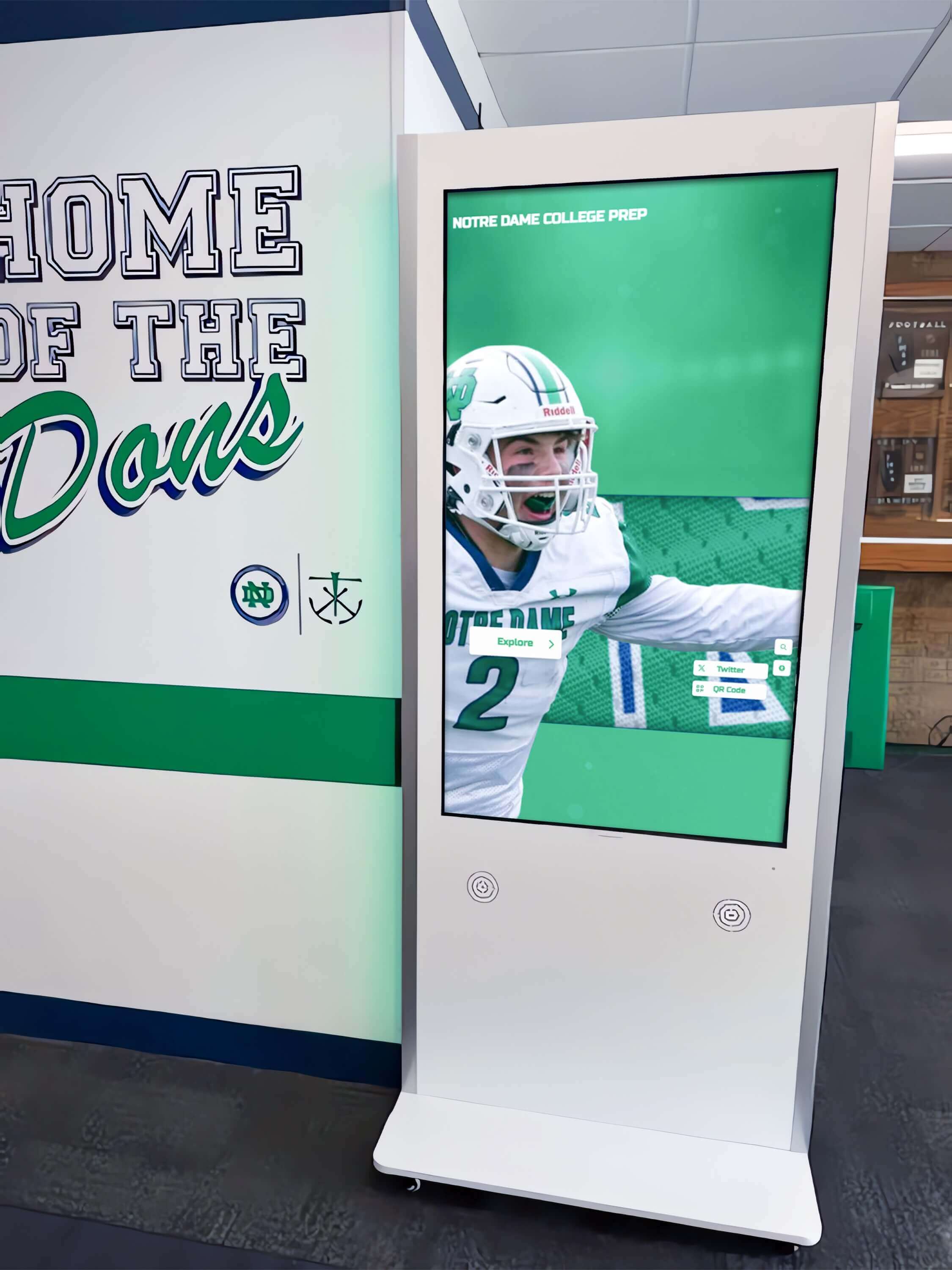
Interactive hall of fame kiosks connected to school networks through access-layer switch ports require OS-level ICMP redirect hardening on the display device, router-side redirect suppression on the gateway SVI, and a switch ACL — each layer closes a different pathway through which a forged redirect message can reach the display's routing table
Step 3 — Disable ICMP Redirect Sending on the Router Interface Serving the Display VLAN
Even after the display device is hardened to ignore incoming redirects, the school’s legitimate router may still be configured to send redirect messages on the display VLAN. While a hardened display ignores these, disabling redirect sending from the router eliminates unnecessary ICMP traffic on the segment and removes the condition that normalizes redirect messages on the VLAN — a condition that makes forged redirects harder to identify in packet captures and that signals to any attacker performing reconnaissance that the redirect pathway is active.
Cisco IOS / IOS XE — per-interface:
Identify the router’s SVI or physical interface serving the display VLAN, then disable redirect sending:
interface Vlan20
 no ip redirects
Replace Vlan20 with the actual SVI number for the display VLAN. Verify the change:
show interfaces Vlan20
Look for IP redirects are not being sent in the output. If the line reads IP redirects are being sent, the no ip redirects command was not applied correctly — reapply it and save the configuration.
Aruba OS-CX:
interface vlan 20
  no ip redirects
Juniper Junos:
set interfaces irb.20 family inet no-redirects
commit
Save the configuration on all platforms:
Cisco IOS:
write memory
Result interpretation:
- Router interface output confirms
IP redirects are not being sent: pass. Legitimate redirect traffic is eliminated from the display VLAN segment. - Router does not support disabling redirect sending on the display SVI: document this gap. The OS-level hardening from Step 2 remains the primary and most effective control; the router-side measure is defense in depth.
Step 4 — Apply a Switch ACL to Block ICMP Type 5 from Unauthorized Sources
A switch-level access control list that blocks ICMPv4 Type 5 (Redirect) messages inbound on the display’s access port provides a third layer of protection independent of the display OS setting and the router configuration. This ACL ensures that a forged redirect from any device on the VLAN is dropped at the switch before the display device processes it at the network stack layer.
Cisco Catalyst switches (IOS / IOS XE):
Create an extended ACL permitting ICMP redirects only from the legitimate router, denying them from all other sources, and permitting all other traffic:
ip access-list extended DISPLAY-ICMP-HARDEN
 permit icmp host 10.1.10.1 any redirect
 deny icmp any any redirect
 permit ip any any
Replace 10.1.10.1 with the school router’s IP address on the display VLAN. The permit icmp host 10.1.10.1 entry is included as a safety measure — if no ip redirects is later reverted on the router, legitimate redirects from the known gateway IP still pass through. If Step 3 was successfully completed, this entry matches no traffic.
Apply the ACL to the display’s access port in the inbound direction:
interface GigabitEthernet1/0/12
 ip access-group DISPLAY-ICMP-HARDEN in
Save the configuration:
write memory
Verify the ACL is applied and inspect the hit counters:
show ip access-lists DISPLAY-ICMP-HARDEN
HP / Aruba ProCurve:
On ProCurve platforms, apply a named ACL via the management interface or CLI:
ip access-list extended DISPLAY-ICMP-HARDEN
 deny icmp 0.0.0.0 255.255.255.255 0.0.0.0 255.255.255.255 redirect
 permit ip 0.0.0.0 255.255.255.255 0.0.0.0 255.255.255.255
exit

interface 12
 ip access-group DISPLAY-ICMP-HARDEN in
exit

write memory
Result interpretation:
- ACL applied to display port with a deny entry for ICMP Type 5 redirect from unauthorized sources; configuration saved: pass. The switch will drop forged redirect messages before they reach the display device.
- ACL not applicable on the switch platform: document. The OS-level hardening from Step 2 is the primary control.
Step 5 — Send a Test Forged ICMP Redirect and Verify It Is Blocked
This optional but recommended step sends a test forged ICMP redirect from a laptop on the same VLAN and confirms that the display device’s routing table does not change. It validates the OS hardening from Step 2 and the ACL from Step 4 together under active conditions.
Prerequisites:
- Test laptop with Linux installed, connected to the same VLAN on a different switch port from the recognition display
- The Python
scapylibrary installed (pip3 install scapy) - The display device’s IP address, the legitimate gateway IP, and the CMS server IP from Step 1
Send a test forged ICMP redirect using scapy:
from scapy.all import *

send(
    IP(src="10.1.10.1", dst="192.168.1.50") /
    ICMP(type=5, code=1, gw="10.1.10.99") /
    IP(dst="203.0.113.50") /
    UDP(dport=80)
)
Replace 10.1.10.1 with the school router’s IP (the spoofed source), 192.168.1.50 with the display device’s IP, 10.1.10.99 with a test rogue gateway IP (use an unused address on the subnet), and 203.0.113.50 with the CMS server IP.
Check the display device’s routing table after sending the test redirect:
ip route show | grep proto redirect
If the OS hardening from Step 2 is effective, no proto redirect entry appears — the display ignored the forged message. If the ACL from Step 4 is effective, the switch drop counter for the deny icmp any any redirect entry should have incremented.
Check the ACL hit counter:
show ip access-lists DISPLAY-ICMP-HARDEN
A non-zero hit count on the deny entry confirms the switch dropped the test packet before it reached the display network stack.
Result interpretation:
- Display routing table unchanged after test redirect; no
proto redirectentry; ACL deny hit counter incremented: pass. Both OS and switch-level hardening are effective. - Display routing table shows a redirect-installed route to the test rogue gateway: fail. The OS hardening from Step 2 was not applied correctly or did not persist through a reboot. Recheck
/etc/sysctl.confand reapply.
Managing a recognition display on a complex school network?
Book a demo with Rocket Alumni Solutions to see how athletic hall of fame walls, trophy corridor kiosks, and alumni recognition screens are deployed with full support for hardened school network environments — including ICMP redirect hardening, RA Guard, Loop Guard, and DSCP configuration.
Step 6 — Verify Content Delivery After Hardening
Confirm that the recognition display has not lost legitimate content delivery as a result of the hardening changes. This step also identifies cases where the no ip redirects router change inadvertently disrupted a multi-gateway configuration that depended on redirects for legitimate route optimization.
On the display device:
ip route show default
The default gateway should be unchanged from the baseline collected before hardening — the legitimate router IP. No redirect-installed host routes should be present. The display’s default route must still point to the school’s actual gateway.
Verify CMS connectivity directly from the display device:
ping -c 4 your-cms-hostname.example.com
curl -I https://your-cms-hostname.example.com
If the CMS has a specific content check URL, use that instead. Verify that content updates arrive on the expected schedule for at least one full CMS sync cycle after hardening.
Check for latency increase on the CMS path:
traceroute your-cms-hostname.example.com
Compare the hop count and per-hop latency before and after hardening. If the no ip redirects router change eliminated a legitimate shortcut route that the display was using efficiently via a valid redirect, the path may now traverse an additional hop. In practice, recognition display CMS connections rarely benefit from redirect-based routing optimizations on a standard school network — if increased latency is observed, investigate the router topology before reverting the hardening change.
Result interpretation:
- Default gateway unchanged; no redirect routes; CMS connectivity verified; content updates arriving on schedule: pass. Hardening is complete and content delivery is unaffected.
- Display cannot reach the CMS after hardening: investigate whether the
no ip redirectsrouter change disrupted a legitimate routing dependency. Temporarily restore redirects on the router interface and retest to isolate the cause before proceeding.
Step 7 — Document the Hardened State and Update the Maintenance Checklist
Document the hardened configuration to support future audits and to catch any regression introduced by device firmware updates or switch reconfiguration.
On the display device:
Run sysctl net.ipv4.conf.all.accept_redirects and save the output confirming = 0. Capture the clean routing table output from ip route show. Both outputs become the baseline for future comparisons after firmware updates or network changes.
On the router:
Save the show running-config interface Vlan[display-vlan] output confirming no ip redirects is present on the display VLAN SVI.
On the switch:
Save the show ip access-lists DISPLAY-ICMP-HARDEN output including current hit counters. Future checks can compare counter growth against expected traffic levels to identify anomalous ICMP redirect activity on the display segment.
Athletic archive workflows that feed recognition displays with championship photography, career statistics, and historical records depend on continuous, secure connectivity between the display device and the content platform — ICMP redirect hardening preserves that routing path against manipulation that standard monitoring tools do not detect until content delivery has already failed.
Common ICMP Redirect Hardening Pitfalls
Applying OS-level hardening but omitting the router-side no ip redirects change. Disabling accept_redirects on the display device is the primary control. Leaving ip redirects enabled on the router means the legitimate router continues to send redirect messages that the display now ignores — but an attacker observing traffic on the segment can confirm that the redirect pathway is active on the VLAN, which provides useful topology information even if the forged redirects do not affect the hardened display.
Omitting the switch ACL on a shared VLAN. On a VLAN shared between recognition displays and other school devices — staff workstations, AV control panels, or visitor network access — a redirect-capable device connected to any other port can send forged ICMP redirects toward the display. The OS hardening stops the display from accepting them, but the ACL on the display’s access port drops forged packets before they are processed at all. Both measures together provide defense in depth that neither measure provides alone.
Forgetting to persist the sysctl change across reboots. Running sysctl -w net.ipv4.conf.all.accept_redirects=0 disables redirect acceptance only for the current session. If the change is not written to /etc/sysctl.conf or a file in /etc/sysctl.d/, the display reverts to accepting redirects on the next reboot. This is the most common post-hardening regression observed in recognition display deployments: a display is hardened cleanly during a maintenance window, then reverts to a vulnerable state after a power cycle during a school break.
Firmware or OS updates resetting sysctl defaults. Some Linux-based display platforms apply a default sysctl configuration during a firmware update that overwrites /etc/sysctl.conf or takes precedence over custom sysctl.d entries. Verify that accept_redirects remains 0 after any display device firmware update by running sysctl net.ipv4.conf.all.accept_redirects before and after the update process.
Hardening one display device on a shared access port. Schools occasionally connect two display devices through an unmanaged switch on a single access port. The switch ACL applied in Step 4 protects the access port, but the OS hardening must be applied to every display device individually. Run Step 2 on each device connected to the display network, not just the primary display.
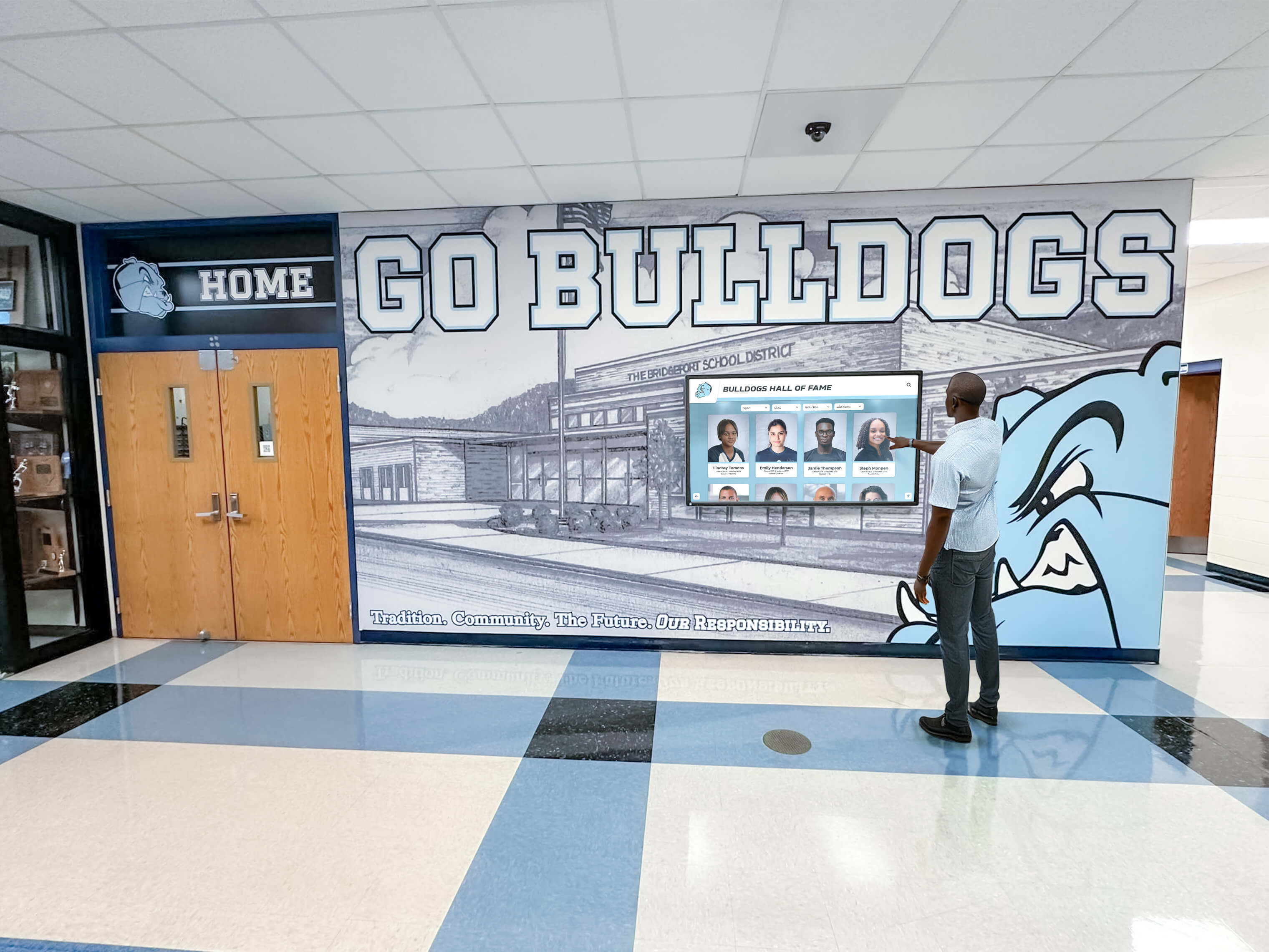
Recognition display installations where visitors and community members expect continuous access to hall of fame content require hardened routing paths — ICMP redirect hardening at the OS, router, and switch ACL layers ensures no device on the school network can silently reroute the display's content pipeline
Digital class composites and interactive recognition displays depend on secure, stable routing paths to deliver updated content — ICMP redirect hardening ensures that no device on the display VLAN can silently alter where the display sends its CMS traffic, regardless of how persistent or targeted the redirect attempt is.
School Recognition Display ICMP Redirect Hardening Checklist
Use this checklist during the hardening session with your network administrator. Complete it for each recognition display and the router interface and switch port serving that display.
Display Device
- Display OS type confirmed — Linux, Windows, or embedded OS noted for reference
- Display IP address and legitimate default gateway IP documented
- Routing table inspected —
ip route showrun; anyproto redirectentries documented - Active redirect routes flushed if present —
ip route flush proto redirectrun - ICMP redirect acceptance disabled —
sysctl net.ipv4.conf.all.accept_redirects = 0verified - ICMP secure redirect acceptance disabled —
net.ipv4.conf.all.secure_redirects = 0verified - sysctl change persisted — entry written to
/etc/sysctl.confor/etc/sysctl.d/;sysctl -prun to activate - Windows registry key set —
EnableICMPRedirect = 0confirmed and system restarted (Windows only)
Router
- Router interface serving display VLAN identified — SVI or physical interface number confirmed
- ICMP redirect sending disabled —
no ip redirectsapplied to the display VLAN interface - Configuration verified —
show interfaces [display-vlan-interface]confirmsIP redirects are not being sent - Configuration saved —
write memoryor equivalent run on the router
Switch
- Display access port number confirmed for ACL application
- ACL created with deny rule for ICMP Type 5 redirect from unauthorized sources
- ACL permits ICMP redirect from the legitimate router IP — safety permit entry included
- ACL permits all other IP traffic —
permit ip any anyentry at the end of the ACL - ACL applied to display access port in the inbound direction
- ACL configuration saved —
write memoryrun on the switch - ACL hit counter baseline captured —
show ip access-listsoutput saved
Validation
- Test forged redirect sent from test laptop (optional) — display routing table unchanged after test
- ACL deny counter incremented after test redirect — switch blocked the forged packet
- Display default gateway unchanged after hardening — routing table confirmed clean
- CMS connectivity verified — ping and content check to CMS hostname succeed from display device
- Content delivery confirmed — at least one full CMS sync cycle completed successfully after hardening
- Hardening verification added to post-firmware-update checklist for display devices and serving router
When to Rerun the School Recognition Display ICMP Redirect Hardening Checklist
Run the school recognition display ICMP redirect hardening checklist:
- At initial display installation on any school network — confirm ICMP redirect acceptance is disabled before declaring the display production-ready, especially on VLANs shared with student or staff devices where redirect-capable sources are more likely
- After any display device firmware or OS update — updates may reset sysctl defaults or overwrite custom hardening configuration; verify
accept_redirectsremains0after every update cycle - After any router replacement or software upgrade — replacement hardware restores factory defaults, which typically include ICMP redirect sending enabled; verify the display VLAN interface has
no ip redirectsconfigured on the new device - When intermittent CMS connectivity failures appear on a display that passes standard ping tests — a redirect-installed route is a plausible root cause when the failure affects a specific remote IP but not general network connectivity
- Before scheduled hall of fame ceremonies, athletic banquets, or alumni recognition events where the display carries live content — verify the routing table is clean and no redirect routes are present before guests arrive and content delivery is most visible
- After any physical change to the display port, VLAN assignment, or switch reconfiguration — ACL attachments must be revalidated after any switch change affecting the display’s access port
Memorial gym naming programs and alumni tribute displays that run continuously in public areas of school buildings depend on routing integrity throughout the school day — verifying ICMP redirect hardening before each major recognition event ensures the display’s content pipeline is protected from route manipulation during the moments that matter most to the school community.
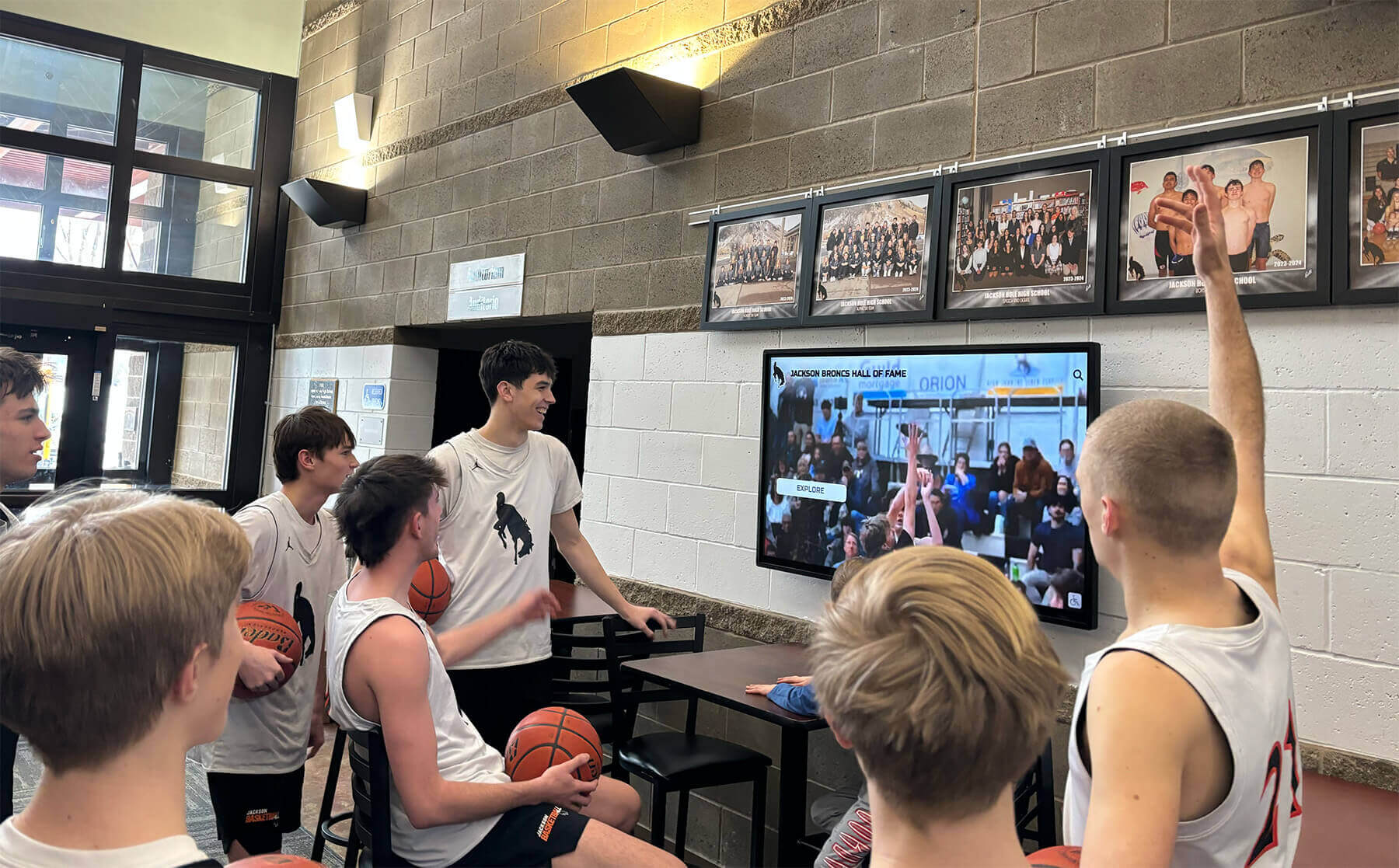
Lobby recognition screens that serve students, families, and guests throughout the school day depend on stable, hardened routing paths — ICMP redirect hardening ensures no device on the school network can silently intercept the display's content pipeline during peak school hours or recognition events
Frequently Asked Questions
Q: Is ICMP redirect hardening necessary if the display VLAN is isolated from student network segments?
If the recognition display VLAN is fully isolated — with no devices other than the display, the serving router, and the managed switch — the risk of a forged ICMP redirect is low, because no unauthorized device can reach the display’s Layer 2 segment. However, VLAN isolation is frequently partial in practice: management traffic, VoIP devices, AV control systems, or staff workstations may share a VLAN with a display in ways that are not obvious from the initial design documentation. Applying OS-level redirect hardening costs nothing operationally and has no side effects on a correctly configured single-gateway network — complete it regardless of VLAN isolation status.
Q: Will disabling ICMP redirect acceptance break any legitimate routing function on the recognition display?
Not on a standard school network where the display has a single default gateway. ICMP redirects are operationally useful only when a host has multiple potential gateways on the same subnet and the current default gateway can suggest a more efficient alternate next hop for specific destinations. On a display VLAN with one gateway, no alternate next hop exists for a redirect to suggest — the redirect mechanism provides no routing benefit and its sole effect is a routing security vulnerability. Disabling it has no operational impact on a standard school network design.
Q: What if the recognition display runs a proprietary embedded OS that does not expose sysctl settings?
Proprietary embedded OS displays vary in their ICMP redirect handling. Many embedded Linux derivations used in media players have accept_redirects disabled by default as a security baseline. Consult the display platform vendor’s documentation or contact their support team to confirm whether the platform accepts ICMP redirects and whether the behavior is configurable. If it cannot be confirmed or modified, rely on the switch-level ACL from Step 4 as the primary control and document the platform limitation.
Q: How does ICMP redirect hardening relate to ARP spoofing protection?
ICMP redirect attacks and ARP spoofing are distinct but complementary attack vectors against a recognition display’s Layer 3 routing. ARP spoofing replaces the display’s ARP cache entry for the gateway with a rogue MAC address, redirecting all traffic at Layer 2 before it reaches the actual gateway. ICMP redirect attacks install a host route that redirects only the specific named destination traffic to a different gateway IP at Layer 3. Both attacks cause traffic to flow through an unauthorized device; they operate at different protocol layers and require different mitigations. For a complete recognition display network security posture, implement Dynamic ARP Inspection (DAI) on the serving switch alongside the ICMP redirect hardening from this checklist.
Q: Does IPv6 have an equivalent of ICMP redirect that also requires hardening?
Yes. ICMPv6 Type 137 — Redirect — functions identically to IPv4 ICMP Type 5, redirecting a host’s traffic for a specific destination to a different next-hop router. IPv6 redirect hardening uses the same OS-level approach: set net.ipv6.conf.all.accept_redirects = 0 on Linux. However, on IPv6 networks, the IPv6 RA Guard test is typically the higher-priority measure because rogue Router Advertisement attacks cause more disruptive default gateway replacement across all destinations simultaneously, rather than affecting only the specific destination named in a redirect. Run both hardening procedures on displays deployed on dual-stack school networks.
Q: Should we apply the ACL from Step 4 to all host ports on the display VLAN, not just the display’s access port?
Yes, applying the deny rule for ICMP Type 5 to all host-facing ports on the display VLAN is a recommended approach and provides better coverage. The Step 4 procedure applies the ACL to the single display port for precision, but if the VLAN has multiple access ports serving other devices, applying the ACL to all of them prevents a forged redirect from any host-facing port from reaching any display on the segment, even if individual port configurations are later modified without the ACL being updated accordingly.
Q: How does ICMP redirect hardening fit into a complete recognition display network security checklist?
ICMP redirect hardening addresses IPv4 routing manipulation at the host configuration and router interface layer. It is distinct from — and complementary to — IPv6 RA Guard (protecting the display’s IPv6 default gateway from rogue router advertisements), Loop Guard (protecting the uplink from spanning tree failures caused by unidirectional link faults), MAC address table aging verification (ensuring Layer 2 forwarding stability), and DSCP marking verification (protecting content traffic quality under congestion). A complete pre-installation network readiness review covers all of these layers together — each addresses a different failure mode that the others do not catch.
Q: What if the school’s firewall already blocks ICMP traffic at the perimeter? Does that protect the display from redirect attacks?
No. ICMP redirect attacks originate from devices on the same subnet as the display — within the school’s internal VLAN, not from external sources. Perimeter firewall rules that block inbound ICMP from the internet have no effect on forged redirect messages sent from a student laptop, a misconfigured access point, or any other device connected to the same local segment. ICMP redirect hardening is a local network protection measure that operates at the switch and display device level, independent of perimeter filtering.
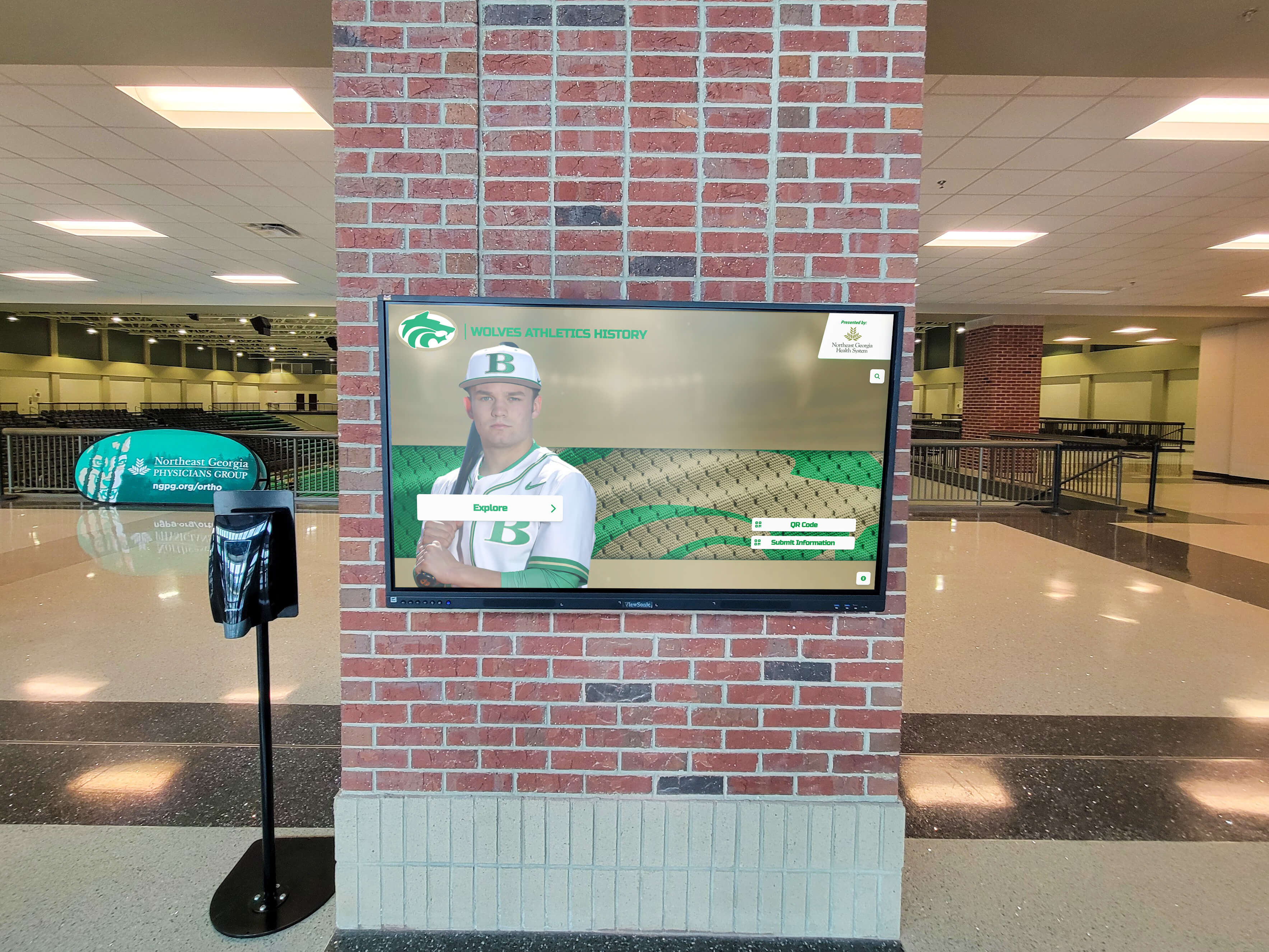
Arena lobby recognition displays connected through long-run Ethernet runs to distribution switches are among the higher-risk environments for routing manipulation — ICMP redirect hardening at the display OS and router interface layer closes the attack pathway before a forged redirect can reroute the display's content pipeline
End-of-season banquet programs and athletic award ceremonies that feature live recognition display content — athlete highlights, championship records, and award presentations — are the highest-visibility moments for display reliability. Running the ICMP redirect hardening checklist before these events ensures the display’s content pipeline is protected from route manipulation during the moments when every guest is watching.
Athletic archive collections displayed on recognition screens — career statistics, championship photographs, and historical records — are delivered from content platforms that depend on uninterrupted, correctly routed network paths. ICMP redirect hardening closes one of the most underappreciated vulnerabilities on that path: the one that bypasses all standard monitoring and leaves no visible error for the display platform to report.
Hardened Routes Create Warmer Recognition Experiences
A recognition display cannot warm a school community — surface an athletic hall of fame inductee’s career highlights, deliver a live championship banner update during an induction ceremony, or showcase a graduating senior’s achievement record for alumni reunion guests — if a forged ICMP redirect has silently rerouted its content management system traffic through a gateway that cannot deliver it. The failure appears as frozen content, missed updates, or an offline CMS notification, with no visible network error to guide diagnosis and no quick resolution short of a display reboot that clears the redirected route temporarily.
Completing the school recognition display ICMP redirect hardening checklist at installation, after any device or network change, and before scheduled recognition events gives school IT coordinators a concrete, verifiable answer for a category of routing manipulation that bypasses standard monitoring: no link-down alert, no CMS authentication error, no IPv4 ping failure — only a silently installed host route that redirects the display’s content traffic to a path that does not deliver it.
Rocket Alumni Solutions designs recognition display systems with school network environments in mind — including ICMP redirect hardening, IPv6 RA Guard, Loop Guard verification, and the complete Layer 2 through Layer 7 network readiness review that K-12 and higher education facilities require. The implementation process covers routing security alongside content delivery readiness, spanning tree stability, and accessibility compliance — so athletic directors, alumni leaders, and facilities teams have a complete network and security picture before the first visitor interacts with the display.
Ready to deploy a recognition display built to perform securely on your school’s managed network?
Schedule a demo with Rocket Alumni Solutions and see how athletic hall of fame walls, trophy corridor kiosks, and alumni recognition screens are hardened against ICMP redirect manipulation, rogue router advertisements, and spanning tree vulnerabilities — with full network readiness support from installation through every recognition event.































