Blog Posts
- Home /
- Blog Posts
School Athletic Recognition Display View Transitions: A Reduced-Motion Acceptance Checklist

Before any school lobby athletic recognition display goes live, run a view transition reduced-motion test to confirm that the browser’s native animation honors the operating system’s accessibility setting. When a visitor taps an athlete card in a team-grid view and the display animates to the full athlete profile, that animation must either cut or simplify itself automatically for any user whose device is configured to prefer reduced motion. Skipping this step means the recognition display may trigger vestibular discomfort for visitors with motion sensitivities — a gap that contradicts the welcoming purpose of a school hall of fame.
Read More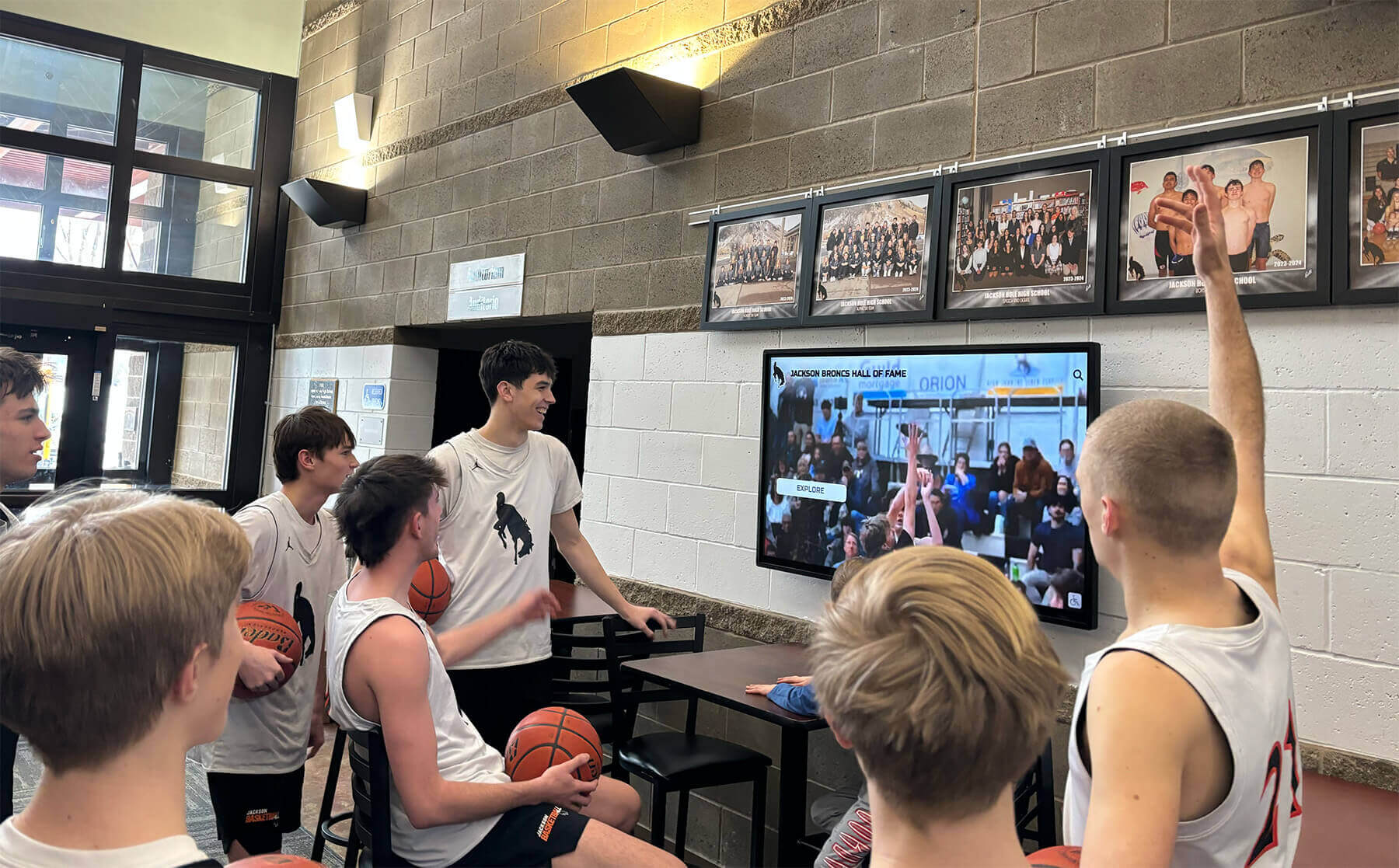
School Lobby Recognition Video: MediaCapabilities Decoding Checks Before Touchscreen Acceptance
Before accepting a school lobby athletic recognition touchscreen for deployment, run a school lobby recognition display MediaCapabilities decodingInfo test to confirm the device browser can decode the specific codec, bitrate, resolution, and framerate used in your recognition videos. The browser’s Web MediaCapabilities API returns three boolean values—supported, smooth, and powerEfficient—for each video configuration you supply. A supported: false result means the device cannot decode the format at all and the configuration must be rejected or replaced. smooth: true and powerEfficient: true indicate browser predictions of smooth, hardware-accelerated playback, but those predictions may initially be optimistic before local playback statistics have accumulated on that device. The API covers unencrypted file configurations only, and physical playback acceptance on the actual installed hardware remains a required separate step regardless of what the API returns.
Read More
School Lobby Recognition Display Vary Header Test: Verifying Language Variants for Athletic Profiles
When a school lobby recognition display serves athletic profiles in more than one language, the HTTP Vary header becomes a practical concern for anyone responsible for the server or content delivery layer. A Vary header in the HTTP response tells shared caches which request headers they must include in the cache key. Get it wrong and a visitor whose browser requests Spanish receives the English page because the cache stored only one version of the URL. Get it right and every visitor—regardless of the language preference their browser sends—sees the athlete’s name, awards, and story in the correct locale. This guide gives school IT staff, AV integrators, and athletic directors a structured school lobby recognition display Vary header test to confirm that language variants are cached and served correctly.
Read More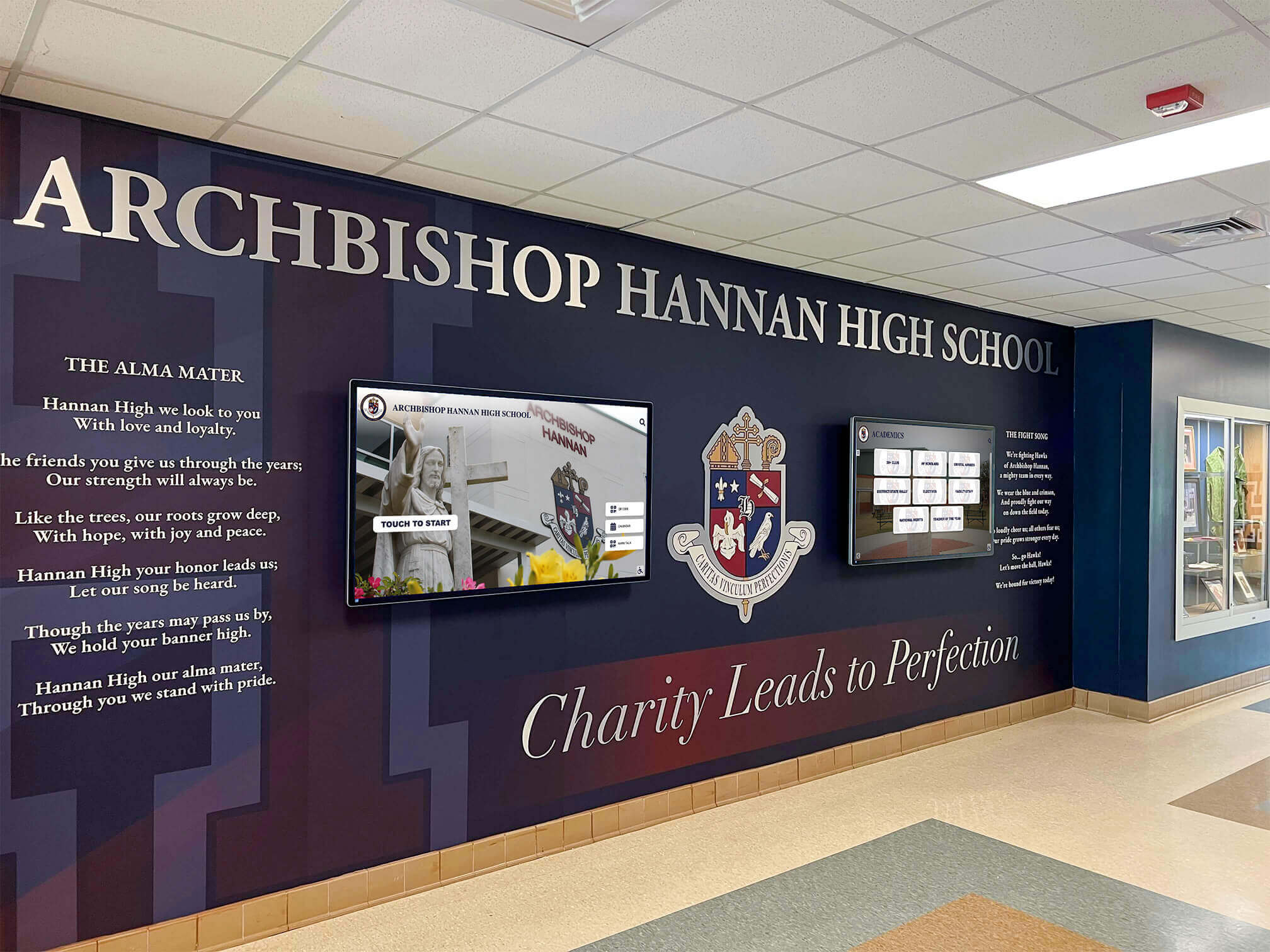
School Lobby Recognition Display 103 Early Hints Test: Verify Faster Profile Loading
HTTP 103 Early Hints is an informational HTTP response that signals a browser to begin preloading or preconnecting to critical resources before the server finishes generating the full page response. For school lobby recognition displays that serve web-based athletic hall of fame profiles, championship archives, or inductee photo galleries, a 103 early hints test confirms three things: whether your display server is actually sending those hints, whether the browser on the display is receiving and acting on them, and whether the preload instructions contain duplicate requests that waste bandwidth without improving load time.
Read More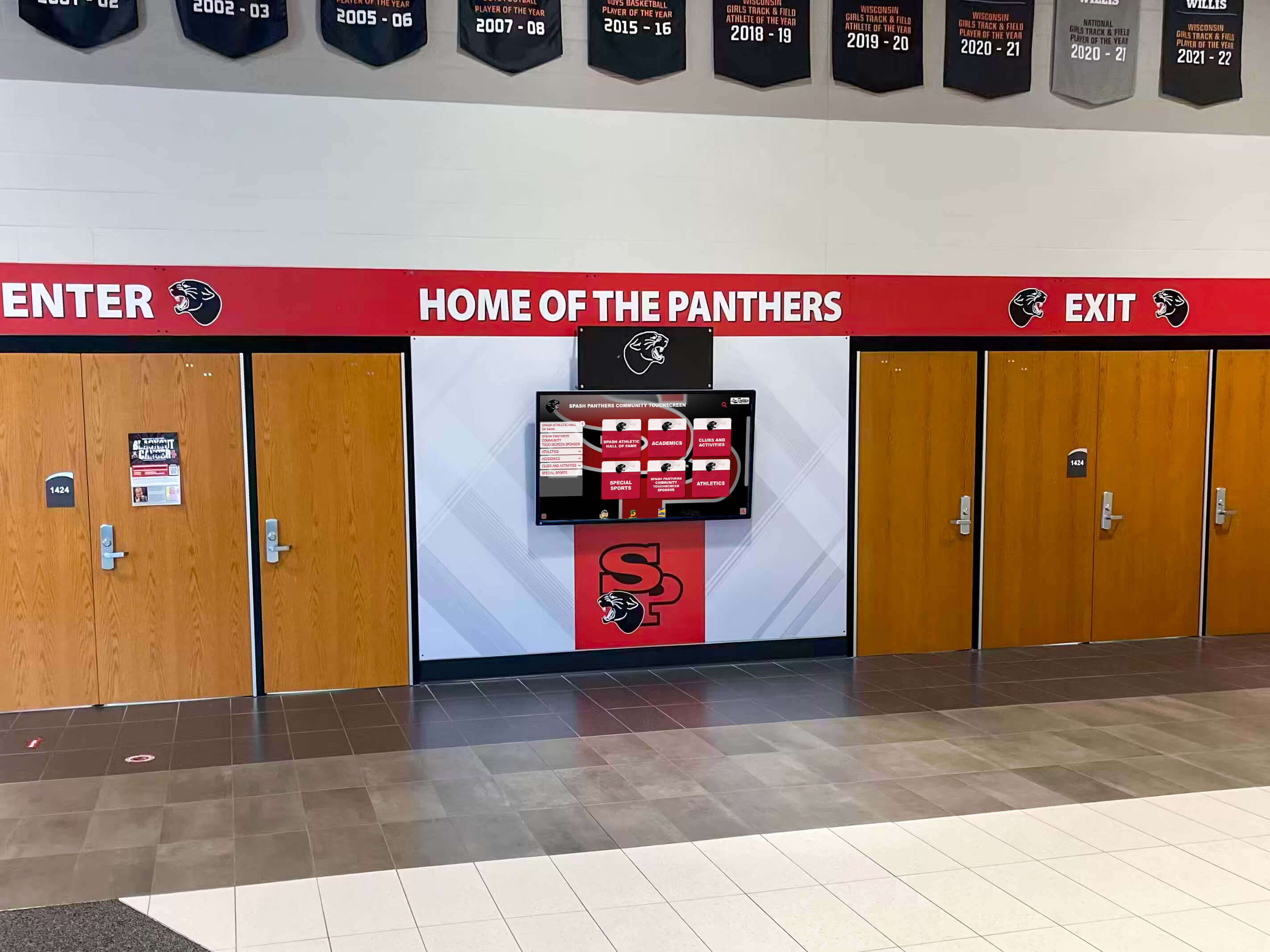
School Recognition Display ARP Cache Timeout: Troubleshooting Guide for IT Teams
Intent: decide — Your school recognition display shows a blank screen or reports “offline,” but the hardware looks intact and other devices on the same network are working normally. Before replacing the display or escalating to a managed service provider, confirm whether a stale ARP cache entry is cutting off network access—this single check resolves a meaningful share of intermittent lobby-screen outages without any hardware swap.
Read More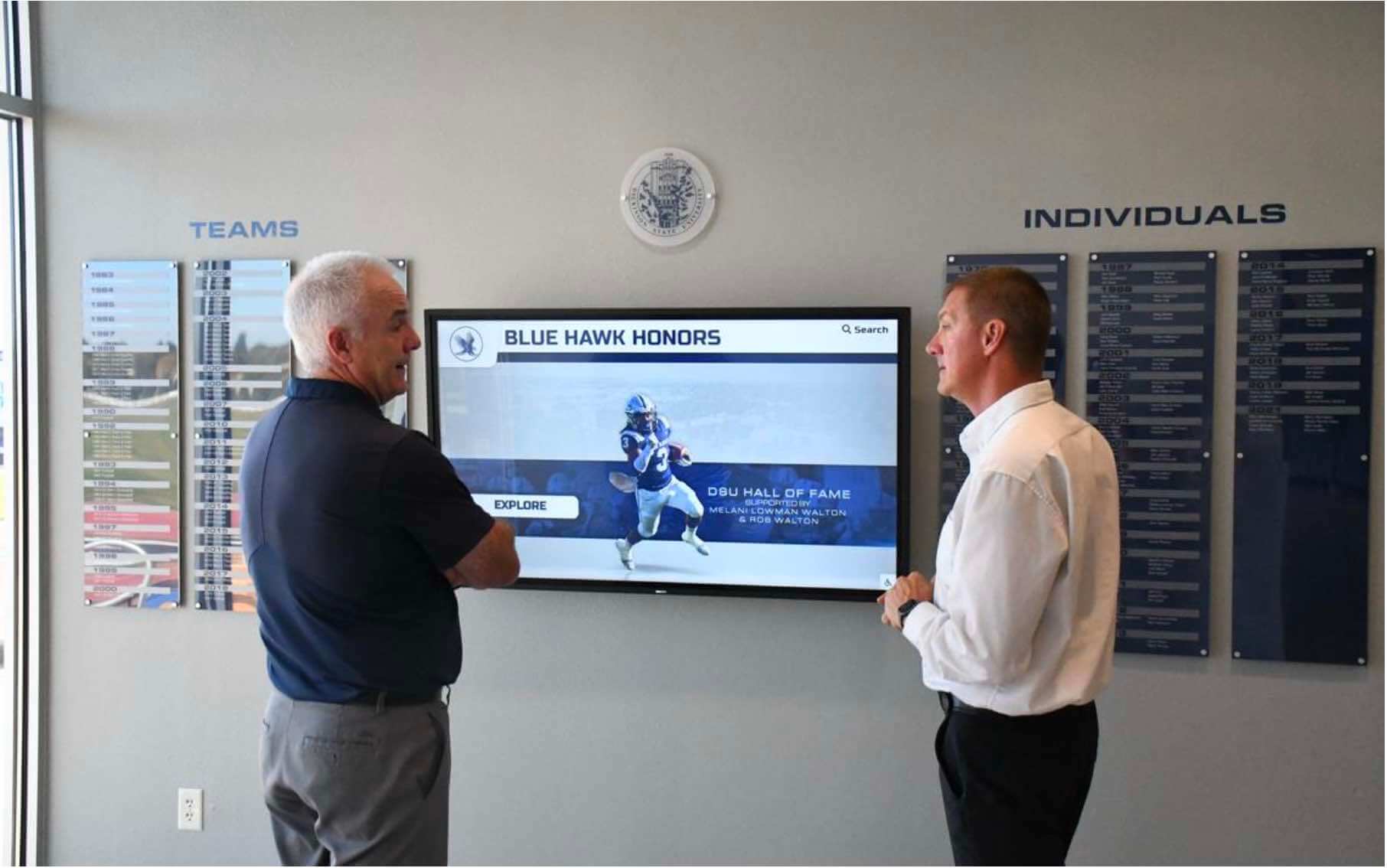
Recognition Display IPv4 Checksum Offload Validation for Reliable Media Transfers
Intent: decide — A recognition display that intermittently stalls loading a hall of fame slideshow, generates retransmission errors during a video tribute, or produces contradictory packet-capture results — clean on one tool, filled with red “bad checksum” warnings on another — is not necessarily experiencing a hardware failure. It may be exposing a misconfigured IPv4 checksum offload setting on the display’s network interface card. Checksum offload moves the computation and verification of IPv4 header checksums from the host CPU to the NIC hardware. When correctly configured, media transfers from cloud-hosted recognition platforms are efficient and error-free. When misconfigured — or when TX offload creates software-capture artifacts mistaken for real errors — school IT teams spend hours troubleshooting a problem that a four-command validation sequence can confirm or rule out in minutes.
Read More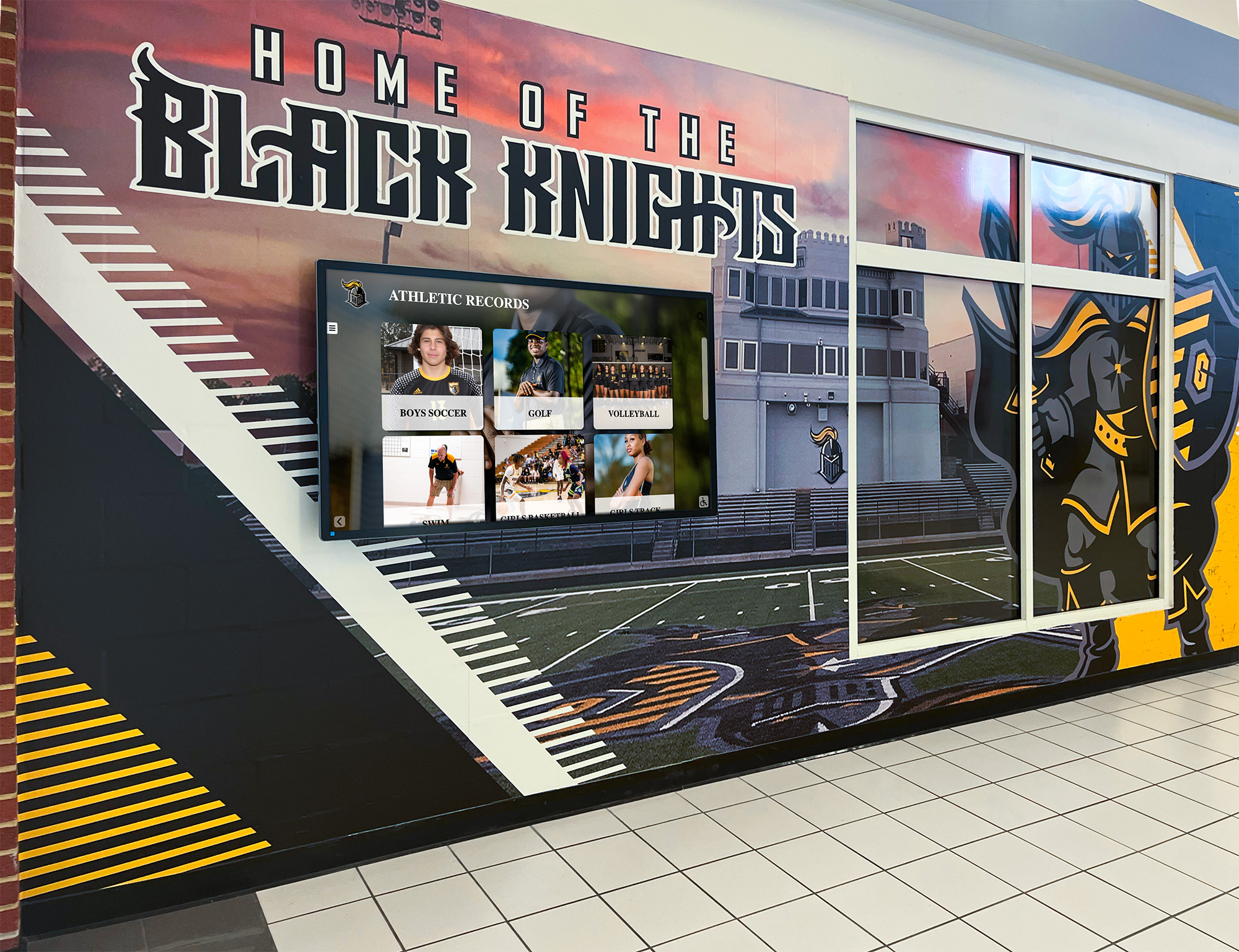
School Recognition Display ICMP Redirect Hardening Checklist
Intent: decide — A recognition display that begins routing its content management system traffic through an unexpected gateway — delivering content intermittently, freezing a hall of fame slideshow mid-ceremony, or failing to pull updated athlete statistics while IPv4 connectivity appears normal — is not malfunctioning. It is responding correctly to an ICMP Redirect message it received. ICMP Redirect (ICMPv4 Type 5) is a mechanism by which a router informs a directly connected host that a more efficient next-hop gateway exists for a specific destination. The host accepts the redirect and installs a host route in its local routing table, sending traffic for that destination directly to the suggested gateway. The problem is that ICMP Redirect messages carry no authentication. Any device on the same subnet can craft a forged redirect message that appears to originate from the legitimate router and direct the display’s CMS traffic to a rogue gateway — without triggering a link-down alert, a CMS authentication error, or any visible indicator that the display’s routing behavior has changed.
Read More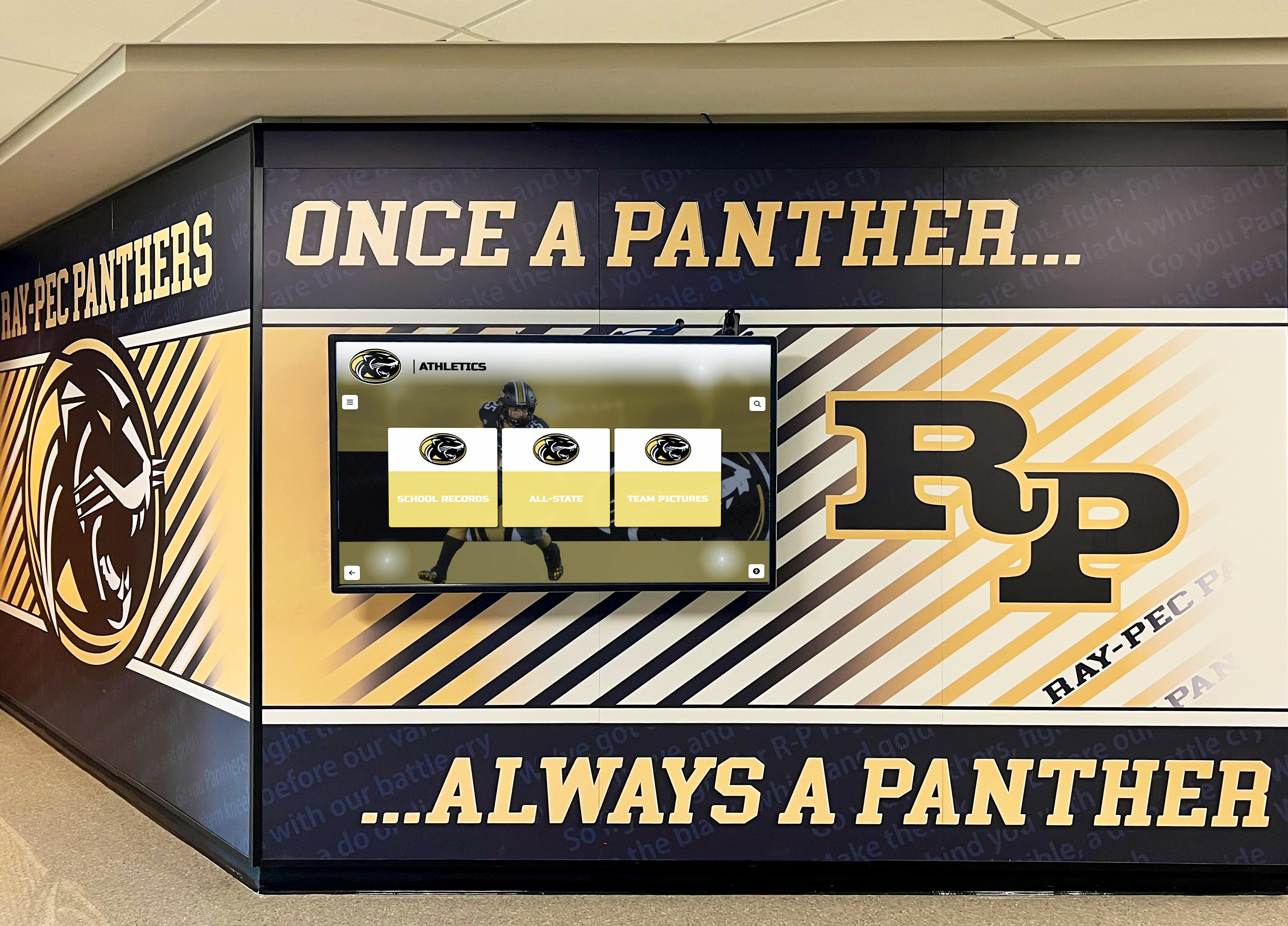
Recognition Display Loop Guard Compatibility Test for School Uplinks
Intent: decide — A recognition display that abruptly loses all connectivity during a hall of fame induction ceremony — no error message, no amber link indicator, no content management system alert — while every other device on the floor appears unaffected is a situation that standard network troubleshooting does not quickly explain. When the root cause is a unidirectional uplink failure, the spanning tree protocol on the access switch serving the display has transitioned the uplink port from blocking to forwarding in the absence of incoming Bridge Protocol Data Units (BPDUs), and the result is a switching loop that saturates the VLAN with broadcast traffic until switches begin dropping packets. Loop Guard prevents that transition. Without it, a single degraded fiber strand or a transceiver that can transmit but not receive is enough to create a broadcast storm affecting every display, workstation, and access point on the segment — even though the physical link indicator still shows green on both ends.
Read More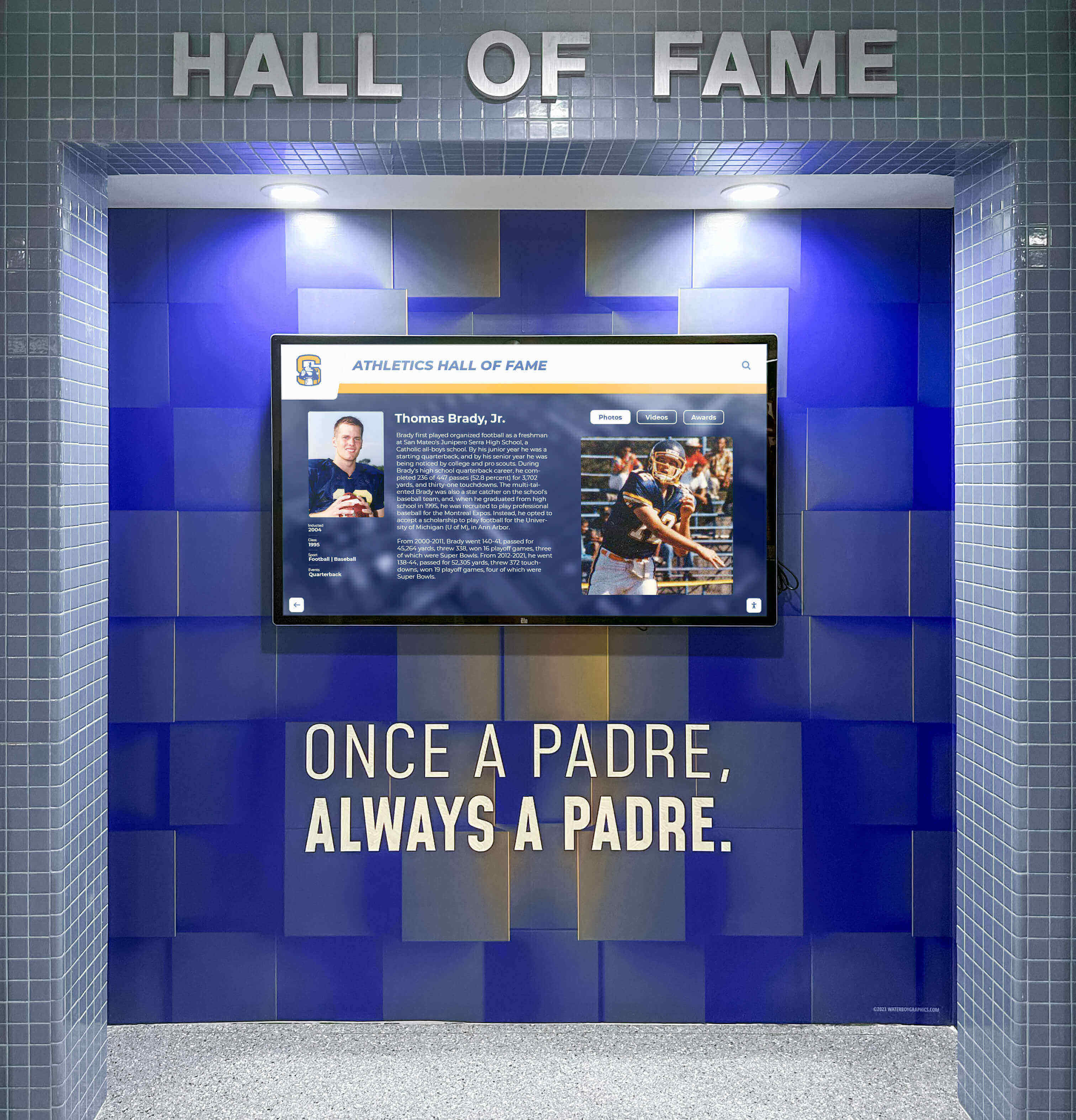
Recognition Display SNMP Trap Validation for Offline and Thermal Alerts
Intent: decide — Recognition display SNMP trap validation is the process of confirming that a school lobby or athletic hallway kiosk correctly sends unsolicited alert messages to a designated network management station when key events occur—including the display going offline, internal temperature exceeding a threshold, or a power event interrupting operation. Without validated traps, a display can fail silently between the moment a heat-related shutdown or connectivity loss begins and the moment a staff member notices the blank screen, often during a public event. This guide gives school IT coordinators, AV technicians, network administrators, and facilities managers a structured checklist to verify that every alert type is correctly configured, correctly transmitted, and correctly received before a recognized student, championship team, or donor wall goes dark at the worst possible moment.
Read MoreRecognition Display Private VLAN Isolation Test for Shared School Networks
Intent: decide — A school lobby recognition kiosk and the guest Wi-Fi access point mounted three feet away may share the same physical switch, the same IP subnet, and the same VLAN number — yet under a correctly configured private VLAN architecture, those two devices cannot exchange a single IP packet directly. Private VLANs (PVLANs) enforce peer isolation at the switch hardware layer, preventing recognition displays from receiving unsolicited traffic from other kiosks, student laptops, visitor devices, or IoT equipment on the same segment, while still allowing each display to reach the upstream router, the content management system, and any authorized management hosts. Testing whether that isolation is actually working requires more than confirming the kiosk can load content — it requires verifying that the peer block is in place, that the promiscuous uplink is the only valid gateway, and that DHCP, DNS, NTP, and CMS connectivity are all preserved through the PVLAN architecture rather than broken by it.
Read MoreRecognition Display Link-Flap Detection Checklist for Reliable School Kiosks
Intent: decide — A lobby kiosk that shows championship banners in the morning and a blank screen at noon has not lost power and is not running buggy software. It has experienced a link-flap event: its Ethernet port cycled between connected and disconnected — possibly dozens of times in a few seconds — disrupting every active TCP session, clearing the local ARP cache, and forcing the content management system to close and reopen its delivery connection. The display comes back on its own, the content catches up, and the problem looks like a glitch. It happens again three days later. It happens again during senior night. Each event is brief, each recovery looks clean, and none of them generate a support ticket specific enough to diagnose.
Read More
Recognition Display IPv6 RA Guard Test: Block Rogue Router Advertisements
Intent: decide — A recognition display that suddenly loses its IPv6 default gateway, adopts an incorrect IPv6 prefix, or begins routing its content management system traffic through an unexpected path is not malfunctioning. It is responding exactly as IPv6 specifies: it received a Router Advertisement message and configured its network stack accordingly. The problem is that the Router Advertisement came from a rogue device on the same VLAN — a student laptop, a misconfigured access point, or a test device left plugged into a hallway data jack — rather than from the school’s actual IPv6 router. Without IPv6 RA Guard active on the serving switch, the display has no way to distinguish a legitimate advertisement from a rogue one, and the result is a display that appears to work fine on IPv4 while silently failing all IPv6-dependent content delivery, CMS connections, or DNS resolution. The failure is difficult to reproduce on demand, often misattributed to the display platform, and invisible to ping-based monitoring that tests only IPv4 reachability.
Read MoreRecognition Display MAC Address Table Aging Test for Managed Networks
Intent: decide — A recognition display that loads championship rosters and alumni portraits without issue most of the day, then goes blank for 15–30 seconds at irregular intervals before reconnecting on its own, is showing a classic MAC address table aging symptom. The managed switch serving the display has flushed its learned MAC address entry for the display’s network interface before the display generated enough traffic to renew it. The switch briefly floods traffic — or drops unicast frames destined for the now-unknown MAC — and the recognition display loses connectivity until the switch relearns the address. The content management system logs a disconnection; the display shows a spinner or goes dark; then everything recovers without any administrator intervention, making the fault difficult to reproduce on demand and easy to misattribute to the display hardware or the content platform.
Read MoreRecognition Display Jumbo Frame Compatibility Test for Media Delivery
Intent: decide — A recognition display that handles staff directory images and event schedules without issue but silently stalls on multi-gigabyte athletic highlight reels or large-format hall-of-fame gallery packages is exhibiting a classic jumbo frame compatibility failure. Somewhere between the content server and the display, a switch port or NIC is configured to transmit frames larger than the standard Ethernet maximum of 1500 bytes — but another device in the path cannot accept them. Those oversized frames are quietly discarded with no error message, no link indicator change, and no log entry on most school managed switches. The display shows a spinner, a progress bar frozen at a low percentage, or a gallery that loads twelve images and then stops.
Read MoreRecognition Display DSCP Marking Verification for Athletic Video Traffic
Intent: decide — A recognition display that stutters through a basketball highlight reel, freezes during a senior night video tribute, or drops frames on a live athletic event stream is not necessarily a hardware problem or a bandwidth problem. It is often a Quality of Service problem: video packets are arriving at the school’s network with no priority marking, competing for bandwidth equally with routine file downloads and background software updates, and losing that competition at the worst possible moments. DSCP marking — the mechanism that tells every switch and router in the path to treat video frames as high-priority traffic — is the fix, but only when it is actually being applied to the packets the display is receiving.
Read More
Recognition Display Path MTU Discovery Test: Prevent Media Loading Failures on School Networks
Intent: decide — A school recognition display that loads athlete portraits halfway, stalls on video tributes, or shows blank panels where alumni photos should appear is exhibiting one of the most misdiagnosed failure modes in school digital display networks: a Path MTU Discovery (PMTUD) breakdown. The packets carrying large image and video frames arrive at the network boundary, get silently discarded because they cannot be fragmented, and the display never receives the signal it needs to complete the load. No error message appears. No link indicator goes dark. The content simply never finishes rendering.
Read MoreRecognition Display NTP Clock Synchronization: A School IT Checklist
Intent: decide — School recognition display NTP clock synchronization determines whether the timestamps on scheduled content, event logs, and device sync reports reflect reality or quietly drift into inconsistency. A recognition display that publishes a scheduled induction announcement twelve minutes late, logs a content update at the wrong hour, or fires a rotating tribute on the wrong calendar date creates problems that compound over time: audit trails become unreliable, scheduled events misfire, and IT staff troubleshoot symptoms rather than the root cause.
Read MoreRecognition Display Scaler Test for Mixed-Resolution School Content
Intent: decide — A recognition display scaler test is the quality gate between your school’s mixed-resolution photo and video archive and the lobby screen that community members judge in ten seconds. School recognition programs accumulate content from multiple eras: team rosters scanned from 1990s print programs at 640×480, championship photos from a digital camera at 2048×1536, recent action shots at 4K, and short tribute videos captured on smartphones at varying aspect ratios. When that content reaches a display without scaler validation, the result is blur, unexpected cropping, letterboxing, or portrait photos stretched to fill a landscape frame. Run this test before the dedication ceremony, not after someone’s parent points out that the state-champion photo looks distorted.
Read MoreRecognition Display Ethernet Auto-Negotiation Test: School Network Troubleshooting Checklist
Intent: decide — When a school’s recognition display goes blank mid-morning or shows stuttering content during an awards ceremony, the culprit is often not the display hardware or the content platform—it is a network link problem hiding in the wiring closet. Ethernet auto-negotiation is the handshake protocol that determines how fast and in what mode two networked devices communicate. When that handshake produces a mismatch, the display’s connection becomes unreliable in ways that generic IT troubleshooting tools rarely surface.
Read More
Interactive Touch Screen Digital Signage: How It Works and What You Need
Walk into almost any school lobby, university athletic wing, or museum entrance today and you will likely find a large screen mounted to the wall. Many of these displays simply cycle through rotating slides or play looping videos — content that exists because the screen does, not because it serves anyone in particular. Visitors walk past without stopping. The screen glows. Nobody touches it.
Read MoreCategories
- Academic Achievement ( 1 )
- Academic Excellence ( 3 )
- Academic Recognition ( 17 )
- Accessibility ( 2 )
- Admissions ( 1 )
- Alumni Engagement ( 19 )
- Alumni Recognition ( 1 )
- Alumni Relations ( 1 )
- Arts Education ( 1 )
- Arts Recognition ( 1 )
- Athletic Administration ( 1 )
- Athletic Facilities ( 4 )
- Athletic Leadership ( 1 )
- Athletic Performance ( 1 )
- Athletic Programs ( 5 )
- Athletic Recognition ( 84 )
- Athletic Training ( 5 )
- Award Ceremonies ( 1 )
- Basketball ( 2 )
- Basketball Programs ( 1 )
- Budget Planning ( 1 )
- Buying Guides ( 2 )
- Campus Culture ( 2 )
- Campus Engagement ( 3 )
- Campus Technology ( 3 )
- Career Development ( 1 )
- Career Education ( 1 )
- Child Life Programs ( 1 )
- Client Engagement ( 1 )
- College Recognition ( 1 )
- College Recruiting ( 1 )
- Community Building ( 2 )
- Community Engagement ( 67 )
- Community Recognition ( 4 )
- Conditioning Programs ( 2 )
- Cross Country ( 1 )
- Design Systems ( 1 )
- Digital Archives ( 2 )
- Digital Asset Management ( 1 )
- Digital Communication ( 2 )
- Digital Content ( 1 )
- Digital Displays ( 14 )
- Digital Engagement ( 5 )
- Digital Marketing ( 1 )
- Digital Preservation ( 1 )
- Digital Recognition ( 100 )
- Digital Signage ( 11 )
- Digital Tools ( 1 )
- Digital Transformation ( 1 )
- Digital Wayfinding ( 1 )
- Display Quality ( 5 )
- Display Solutions ( 1 )
- Display Technology ( 5 )
- Donor Recognition ( 5 )
- Donor Relations ( 1 )
- Educational Recognition ( 1 )
- Educational Technology ( 2 )
- Employee Engagement ( 1 )
- Employee Recognition ( 3 )
- Event Planning ( 4 )
- Facilities ( 3 )
- Facility Management ( 1 )
- Family Care ( 1 )
- Football Traditions ( 1 )
- Fundraising ( 5 )
- Hall of Fame ( 1 )
- Hall of Fame Software ( 1 )
- Healthcare Technology ( 1 )
- High School Athletics ( 1 )
- High School Sports ( 13 )
- High School Traditions ( 1 )
- Historical Preservation ( 4 )
- Interactive Displays ( 4 )
- Interactive Technology ( 7 )
- Memorial Recognition ( 5 )
- Museum Technology ( 2 )
- Patient Experience ( 1 )
- Professional Services ( 1 )
- Recognition Events ( 1 )
- Recognition Programs ( 3 )
- Reconocimiento Digital ( 1 )
- Sales Performance ( 1 )
- School Administration ( 3 )
- School Communication ( 2 )
- School Community ( 1 )
- School Construction ( 1 )
- School Culture ( 25 )
- School Design ( 15 )
- School Environments ( 1 )
- School Events ( 12 )
- School Facilities ( 7 )
- School Fundraising ( 2 )
- School History ( 2 )
- School IT ( 5 )
- School Leadership ( 3 )
- School Marketing ( 1 )
- School Pride ( 1 )
- School Programs ( 2 )
- School Recognition ( 14 )
- School Solutions ( 2 )
- School Spirit ( 6 )
- School Sports ( 1 )
- School Technology ( 13 )
- School Traditions ( 12 )
- Senior Living ( 1 )
- Social Media ( 1 )
- Sports Awards ( 1 )
- Sports Equity ( 1 )
- Sports Program ( 1 )
- Staff Recognition ( 5 )
- Student Achievement ( 12 )
- Student Activities ( 1 )
- Student Athlete Development ( 2 )
- Student Athletes ( 1 )
- Student Engagement ( 29 )
- Student Leadership ( 1 )
- Student Privacy ( 1 )
- Student Recognition ( 20 )
- Student Success ( 6 )
- Teacher Recognition ( 4 )
- Team Culture ( 13 )
- Team Leadership ( 1 )
- Technology Solutions ( 34 )
- Tecnología Educativa ( 1 )
- Visitor Experience ( 1 )
- Visual Design ( 1 )
- Volleyball ( 1 )
- Volunteer Programs ( 1 )
- Volunteer Recognition ( 1 )
- Wrestling ( 1 )
- Youth Sports ( 1 )
Tags
- 5K Fundraiser
- Academic Achievement
- Academic All-Americans
- Academic Archiving
- Academic Awards
- Academic Certificates
- Academic Excellence
- Academic Honors
- Academic Recognition
- Accessibility
- Achievement Walls
- ACT Recognition
- ADA Compliance
- Admissions Marketing
- Aging Timer
- AI Content Creation
- AI Procurement
- AI Research
- AI Tools
- Alert Validation
- Algorithmic Bias
- Alumni Advice
- Alumni Apparel
- Alumni Community
- Alumni Engagement
- Alumni Events
- Alumni Events Ideas
- Alumni Network Platform
- Alumni Recognition
- Alumni Relations
- Alumni Reunion Planning
- Alumni Software
- Alumni Stories
- Alumni Wall
- America 250
- Android Kiosk
- Annual Giving
- Anti-Glare Coating
- Appreciation Cards
- AR Displays
- ARP Cache
- Art Education
- Art Gallery Display
- Arts Recognition
- Athlete Development
- Athletic Achievement
- Athletic Achievements
- Athletic Administration
- Athletic Awards
- Athletic Banners
- Athletic Banquet
- Athletic Ceremonies
- Athletic Communications
- Athletic Conditioning
- Athletic Culture
- Athletic Design
- Athletic Development
- Athletic Director
- Athletic Director Resources
- Athletic Director Salary
- Athletic Director Software
- Athletic Display
- Athletic Displays
- Athletic Events
- Athletic Excellence
- Athletic Facilities
- Athletic Facility
- Athletic Hall of Fame
- Athletic Honors
- Athletic Leadership
- Athletic Legends
- Athletic Lobby
- Athletic Performance
- Athletic Photography
- Athletic Profiles
- Athletic Programs
- Athletic Recognition
- Athletic Record Boards
- Athletic Records
- Athletic Scholarships
- Athletic Support
- Athletic Traditions
- Athletic Training
- Athletic Video
- Athletics Equity
- Athletics Marketing
- Attendance Recognition
- Augmented Reality
- AV Setup
- Award Ceremonies
- Award Displays
- Award Ideas
- Award Programs
- Award Recognition Ideas
- Award Winners
- Awards Assembly
- Awards Ceremony
- Awards Ideas
- Awards Night
- Awards Touchscreen
- Back to School Night
- Band Awards
- Band Program
- Banquet Planning
- Baseball
- Baseball Coach Gifts
- Baseball Recognition
- Basketball
- Basketball Awards
- Basketball Celebration
- Basketball Display Case
- Basketball Drills
- Basketball Fast Break Drills
- Basketball Hall of Fame
- Basketball Practice
- Basketball Recognition
- Basketball Training
- Behind the Scenes
- Best Practices
- Black History Month
- Booster Club
- Booster Clubs
- Boxer Workout
- Broadcast Storm
- Budget Planning
- Budget Solutions
- Building Navigation
- Bulletin Board Ideas
- Bulletin Boards
- Business Education
- Buyer's Guide
- Buying Guide
- Cache Testing
- Cadet Promotion
- Cadet Recognition
- Campaign Planning
- Campus Culture
- Campus Design
- Campus Directories
- Campus Directory
- Campus Engagement
- Campus Identity
- Campus Navigation
- Campus Storytelling
- Campus Technology
- Campus Tours
- CAP Ceremony
- Capital Campaign
- Capital Campaigns
- Captain Recognition
- Captain Responsibilities
- Captain Speech
- Cardiovascular Training
- Career Day
- Career Development
- Career Education
- Career Exploration
- Career Planning
- Ceremony Planning
- Certificate Design
- Championship Banners for Gyms
- Championship Culture
- Championship Displays
- Championship History
- Championship Meet
- Championship Recognition
- Character Education
- Check-in Experience
- Checksum Validation
- Cheer Award Ideas
- Cheer Banquet
- Cheer Banquet Awards
- Cheer Squad
- Cheer Squad Awards
- Cheer Team
- Cheerleader Recognition
- Cheerleading Awards
- Cheerleading Program
- Cheerleading Recognition
- Child Life Programs
- Children's Hospitals
- Civil Air Patrol
- Class Composites
- Class Officers
- Class Reunion
- Class Ring
- Client Experience
- Club Technology
- Coach Appreciation
- Coach Appreciation Day
- Coach Gifts
- Coach Recognition
- Coach Resources
- Coach Thank You
- Coaching
- Coaching Recognition
- Coaching Strategy
- Codec Testing
- Collection Display
- College Admissions
- College Applications
- College Athletics
- College Commitment
- College Commitments
- College Football
- College Recognition
- College Recruiting
- College Rings
- College Scholarships
- College Signing
- College Signing Day
- College Success
- College Traditions
- Collegiate Experience
- Color Banding
- Color Temperature
- Commencement Messages
- Commencement Program
- Commencement Speech
- Communication Displays
- Community Building
- Community Engagement
- Community Honor
- Community Identity
- Community Memorial
- Community Memorials
- Community Recognition
- Community Service
- Community Spaces
- Community Tributes
- Competitive Swimming
- Concert Band
- Concession Stand
- Conditioning Drills
- Conditioning Programs
- Construction Planning
- Content Ideas
- Content Management
- Content Scheduling
- Cost Savings
- Country Club
- Creative Freedom
- Cross Country Training
- Cross Country Workout
- CTE Recognition
- Cultural Celebration
- Cultural Heritage
- Cultural Institutions
- Cultural Technology
- Custom Apparel
- Custom Gym Banners
- Custom Shirts
- Customer Success
- DAM
- Dance Planning
- Dance Programs
- Dance Team Senior Night
- Dance Team Traditions
- Data Integrity
- Dead Pixels
- Dean's List
- Debate Recognition
- DecodingInfo
- Dementia Support
- Dental Office Technology
- Design Consistency
- Development Office
- Digital Announcement Board
- Digital Archive
- Digital Archives
- Digital Asset Management
- Digital Awards
- Digital Display
- Digital Display Board
- Digital Displays
- Digital Donor Walls
- Digital Engagement
- Digital Exhibits
- Digital Hall of Fame
- Digital History
- Digital Kiosk
- Digital Kiosks
- Digital Leaderboards
- Digital Lobby Display
- Digital Memorials
- Digital Photo Frames
- Digital Preservation
- Digital Recognition
- Digital Recognition Software
- Digital Record Board
- Digital Signage
- Digital Signage 2026
- Digital Signage Costs
- Digital Signage Examples
- Digital Signage for Schools
- Digital Signage Software
- Digital Storytelling
- Digital Trophy Case
- Digital Warming
- Digital Wayfinding
- Digital Yearbooks
- Display Boards
- Display Calibration
- Display Case Maintenance
- Display Cases
- Display Commissioning
- Display Connectivity
- Display Design
- Display Flicker
- Display Maintenance
- Display Monitoring
- Display Quality
- Display Technology
- Display Testing
- Display Walls
- Distance Running
- Distinguished Alumni
- Diversity and Inclusion
- Donor Engagement
- Donor Recognition
- Donor Recognition Ideas
- Donor Retention
- Donor Stewardship
- Donor Walls
- Dorm Communication
- Drum Major Recognition
- DSCP Marking
- Early Hints
- Education History
- Educational Awards
- Educational Displays
- Educational Environments
- Educational Excellence
- Educational Facilities
- Educational Fundraising
- Educational Institutions
- Educational Leadership
- Educational Programs
- Educational Recognition
- Educational Technology
- Educator Appreciation
- Electronic Message Board
- Elementary School
- Emergency Planning
- Employee Appreciation Event
- Employee Engagement
- Employee Recognition
- End of Season
- End of Season Awards
- End of Year Awards
- End of Year Celebrations
- Endurance Training
- Energy Savings
- Entrance Design
- Environmental Graphics
- Equipment Manufacturing
- Escuelas
- Ethernet Auto Negotiation
- Ethernet Stability
- Event Displays
- Event Engagement
- Event History
- Event Ideas
- Event Marketing
- Event Planning
- Event Technology
- Facilities Management
- Facility Improvement
- Fair Recognition
- Fallen Heroes
- Family Caregiving
- Family Engagement
- Family Events
- Family Reunion Activities
- Family Reunion Planning
- Fan Engagement
- Fast Break
- Fast Break Basketball
- FBLA Recognition
- FERPA Compliance
- FFA Awards
- Field Day
- Fine Arts
- Flip Turn
- Floor Maintenance
- Florida Football
- Florida Sports
- Football Awards
- Football Banquet
- Football Brackets
- Football Divisions
- Football Helmet Awards
- Football Homecoming
- Football Programs
- Football Team
- Football Tournament
- Football Tournaments
- Football Traditions
- FRC Panel
- Free Kiosk Software
- Free Tools
- Fundraising
- Fundraising Ideas
- Fundraising Strategy
- Gala Fundraiser
- Gallery Exhibits
- Game Day
- Gateway Security
- Gatorade Player of the Year
- Georgia Football
- Georgia Sports
- Gipper Alternative
- Giving Tuesday
- Go/No-Go Checklist
- Golf Recognition
- GPA Requirements
- Graduate Acknowledgment
- Graduate Celebration
- Graduate Recognition
- Graduation
- Graduation Celebration
- Graduation Celebration Quotes
- Graduation Ceremony
- Graduation Decorations
- Graduation Honors
- Graduation Photos
- Graduation Planning
- Graduation Program Template
- Graduation Quotes
- Graduation Speech
- Graduation Speeches
- Graduation Traditions
- Graphic Design
- Gym Banners
- Gym Banners and Flags
- Gym Display
- Gym Floor Refinishing
- Gym Lobby
- Gym Wall Art
- Gym Wall Decor
- Gym Wall Ideas
- Gymnasium Construction
- Gymnasium Upgrade
- Gymnasium Wall Graphics
- Gymnastics
- Hall of Fame
- Hall of Fame Induction Ceremony
- Hall of Fame Programs
- Hall of Fame Selection
- Hall of Fame Software
- Hallway Design
- Hallway Display
- Hardware Support
- Healthcare Technology
- Heat Assessment
- Heat Prevention
- Helmet Stickers
- Heritage Conservation
- High School
- High School Achievement
- High School Athletics
- High School Championships
- High School Dance
- High School Events
- High School Football
- High School Gym Banners
- High School Hockey
- High School Playoffs
- High School Rankings
- High School Recognition
- High School Reunion
- High School Running
- High School Sports
- High School Swimming
- High School Track
- High School Traditions
- High School Wrestling
- High Test Scores
- Higher Education
- Hispanic Recognition
- Historical Preservation
- Historical Recognition
- Historical Timeline
- History Preservation
- Hockey
- Hockey Recognition
- Homecoming
- Homecoming Court
- Homecoming Court Titles
- Homecoming Traditions
- Honor Roll
- Honor Societies
- Honor Society
- Honor Walls
- HTTP 103
- HTTP Headers
- Hybrid Events
- Icebreakers
- ICMP Redirect
- Illinois Football
- Illinois Sports
- Inclusive Design
- Indoor Track
- Induction Process
- Installation Services
- Institutional Memory
- Interactive Awards
- Interactive Digital Signage
- Interactive Displays
- Interactive Exhibits
- Interactive History
- Interactive Kiosk
- Interactive Kiosks
- Interactive Recognition
- Interactive Technology
- Interactive Touch Screen Display
- Interactive Touch Screen Kiosk
- Interactive Touchscreens
- Interactive Wayfinding
- Interior Design
- Intramural Sports
- Iowa IHSAA
- Iowa Wrestling
- IPv4 Checksum Offload
- IPv6
- IT Checklist
- IT Support
- Jersey Display
- Jersey Retirement
- Jumbo Frames
- Jump Rope Drills
- Jump Rope Routine
- Jump Rope Workout
- K-5 Education
- Kiosk App
- Kiosk Browser
- Kiosk Configuration
- Kiosk Software
- Kiosk Solutions
- Latin Honors
- Law Firm Technology
- Leadership Development
- Leadership Recognition
- Leadership Speech
- LED Lighting
- Legacy Donors
- Legacy Preservation
- Letter Jacket
- Letter of Intent
- Letter Patches
- Letter Requirements
- Letterman Jacket
- Link Flap
- Lobby Design
- Lobby Design Ideas
- Lobby Digital Signage
- Lobby Display
- Lobby Displays
- Local History
- Locked Down Display
- Loop Guard
- MAC Address Table
- Mac Kiosk
- Magna Cum Laude
- Major Gifts
- Managed Switch
- Marching Band
- Market Analysis
- Mascot History
- Masquerade Prom
- Mat Room Culture
- MDM Device Management
- Media Delivery
- Media Loading
- Media Organization
- Media Transfers
- MediaCapabilities
- Member Recognition
- Memorabilia
- Memorabilia Display Cabinet
- Memorabilia Protection
- Memorial Displays
- Memorial Gifts
- Memorial Ideas
- Memorial Messages
- Memorial Plaques
- Memorial Tributes
- Memorial Walls
- Memory Care
- Memory Displays
- Memory Wall
- Mentorship
- Merit Scholars
- Middle School Dance Themes
- Military Ceremonies
- Military History
- Military Memorial
- Minnesota Football
- Minnesota Hockey
- Minnesota Sports
- Mixed Resolution
- MN State Hockey Tournament
- Modern Lobbies
- Most Improved Award
- Mother's Day
- Motion Artifacts
- MTU
- Multi-Generational Activities
- Multi-Screen Display
- Multi-Year Contracts
- Multilingual
- Museum Displays
- Museum Engagement
- Museum Kiosks
- Museum Software
- Museum Technology
- Museum Touchscreens
- Music Education
- Music Programs
- Music Recognition
- Musical Identity
- MWE-QIXZOCV
- National Hispanic Recognition Program
- National Honor Society
- National Merit Scholars
- National Merit Scholarship
- National Merit Scholarship Program
- Native Apps
- NCAA Recruiting
- Network Monitoring
- Network Security
- Network Stability
- Network Time Protocol
- Network Troubleshooting
- Networking
- NHS Recognition
- NIC Offload
- Nonprofit
- Nonprofit Development
- Nonprofit Donor Recognition
- Nonprofit Fundraising
- Nonprofit Management
- Nonprofit Solutions
- Nonprofit Technology
- Nostalgia Marketing
- NTP Clock Synchronization
- Offensive Drills
- Office Design
- Offline Detection
- Ohio Football
- Ohio Sports
- Oldtimers Recognition
- Online Community
- Packet Capture
- Page Layouts
- Panel Care
- Pantallas Táctiles
- Parade Floats
- Parent Communication
- Parent Organizations
- Parent Recognition
- Parent Volunteers
- Path MTU Discovery
- Patient Communication
- Patient Engagement
- PE Curriculum
- Pearl Harbor
- Pep Rally
- Pep Rally Games
- Perfect Attendance
- Performance Testing
- Permanent Display
- Photo Booth Software
- Photo Galleries
- Photo Management
- Photo Preservation
- Photography Ideas
- Physical Education
- Pickleball
- Planned Giving
- Platform Comparison
- Platform Design
- Platform Longevity
- Player Awards
- Player Development
- Playoff Display
- Playoff Recognition
- PMTUD
- Popcorn Fundraiser
- Poster Design
- Poster Ideas
- Postseason Records
- Practice Management
- Pricing Guide
- Pricing Models
- Pricing Transparency
- Principal Appreciation
- Principal Recognition
- Privacy Laws
- Private School Fundraising
- Private VLAN
- Procurement
- Procurement Intelligence
- Product Showcases
- Professional Development
- Professional Networking
- Professional Services
- Professional Setup
- Prom Planning
- Prom Themes
- Property Marketing
- Property Showcase
- Prospective Students
- PSAT
- PSAT Score
- PTO Fundraising
- Public Kiosks
- Public Libraries
- Public Schools
- PWM Dimming
- QoS
- Quality of Service
- RA Guard
- Rank Advancement
- Readability
- Real Estate Technology
- Rec Sports
- Reception Technology
- Recognition
- Recognition Display
- Recognition Displays
- Recognition Events
- Recognition Hardware
- Recognition Platforms
- Recognition Programs
- Recognition Systems
- Recognition Technology
- Recognition Tools
- Recognition Wall
- Recognition Wall Examples
- Recognition Wall Ideas
- Recognition Walls
- Reconocimiento Deportivo
- Record Display
- Reduced Motion
- Release Readiness
- Remote Participation
- Residence Hall
- Resident Recognition
- Retired Jersey Ceremony
- Retired Numbers
- Retirement Celebration
- Retirement Communities
- Retirement Gifts
- Retirement Quotes
- Reunion Checklist
- Reunion Games
- Reunion High School
- Reunion Merchandise
- Reunion Planning
- RFP Procurement
- Rocket Alumni Solutions
- Rocket Graphics
- Rocket Recognition
- Rogue Router
- Route Hardening
- Router Advertisement
- Running Training
- Running Workouts
- Rural Schools
- SaaS Market Analysis
- Sales Performance
- Sales Recognition
- Salón De La Fama Digital
- Scaler Test
- Scholar Athletes
- Scholar Recognition
- Scholarship Award Ceremony
- Scholarship Opportunities
- Scholarship Recognition
- School Administration
- School Advancement
- School Archives
- School Assembly
- School Athletics
- School Awards
- School Awards Ceremony
- School Branding
- School Building
- School Celebrations
- School Ceremonies
- School Colors History
- School Communication
- School Communications
- School Community
- School Consolidation
- School Counselors
- School Culture
- School Dance
- School Dances
- School Design
- School Design Ideas
- School Digital Displays
- School Digital Signage
- School Display Cases
- School Engagement
- School Entrance
- School Entrance Design
- School Entrance Display
- School Entrance Displays
- School Events
- School Facilities
- School Fundraisers
- School Fundraising
- School Gallery
- School Graphics
- School Gym
- School Gym Banners
- School Gym Branding
- School Gym Displays
- School Hallway
- School Hallway Display
- School Hallways
- School History
- School Identity
- School IT
- School Leadership
- School Lobbies
- School Lobby
- School Lobby Design
- School Lobby Display Ideas
- School Lobby Furniture
- School Main Office Decor
- School Marketing
- School Marquee
- School Marquee Messages
- School Memorabilia
- School Memorials
- School Memories
- School Merchandise
- School Mergers
- School Network
- School Photo Display
- School Pride
- School Programs
- School Recognition
- School Recognition Display
- School Recognition Programs
- School Renovation
- School Reunion
- School Song
- School Spirit
- School Spirit Activities
- School Spirit Store
- School Spirit Wear
- School Sports
- School Staff
- School Technology
- School Technology Investment
- School Traditions
- School Volunteers
- School Welcome Sign
- School Yearbook
- Science Competition
- Science Olympiad
- Screen Brightness
- Screen Burn-In
- Screen Inspection
- Selection Criteria
- Selection Index
- Semester Recognition
- Senior Athletes
- Senior Banner
- Senior Celebration
- Senior Community
- Senior Living Technology
- Senior Night
- Senior Posters
- Senior Quotes
- Senior Recognition
- Senior Traditions
- Senior Year
- Signage
- Signing Ceremony
- Signing Day
- Signing Day Table
- Small High Schools
- Small Schools
- SNMP Trap
- Soccer
- Soccer Awards
- Soccer Teams
- Social Media
- Softball
- Spanning Tree
- Speech and Debate
- Speed Training
- Spirit Days
- Spirit Programs
- Spirit Wear
- Spirit Week
- Split Screen Display
- Sponsor Recognition
- Sports Achievement
- Sports Awards
- Sports Banquet
- Sports Card Display Case
- Sports Celebration
- Sports Celebrations
- Sports Events
- Sports Facility Design
- Sports History
- Sports Honors
- Sports Leadership
- Sports Legacy
- Sports Management
- Sports Memorabilia
- Sports Officials
- Sports Recognition
- Sports Team Photos
- Sports Technology
- Sports Traditions
- Spring Sports
- Squad Culture
- Squadron Traditions
- Staff Appreciation
- Staff Morale
- Staff Recognition
- Staff Retention
- State Championships
- State Competition
- State Cutoffs
- State Qualifier
- State Titles
- State Tournament
- State Track Meet
- State Wrestling
- STEM Competition
- STEM Programs
- Strategic Planning
- Student Achievement
- Student Achievement Certificates
- Student Activities
- Student Artwork
- Student Athlete Resume
- Student Athletes
- Student Awards
- Student Engagement
- Student Events
- Student Government
- Student Inspiration
- Student Leadership
- Student Life
- Student Memories
- Student of the Month
- Student Photos
- Student Privacy
- Student Recognition
- Student Success
- Subscription Pricing
- Swim Flip Turn
- Swim Team
- Swimming
- Swimming Awards
- Swimming Banquet
- Swimming Performance
- Swimming Qualification
- Swimming State Championships
- Swimming Technique
- Swimming Training
- Teacher Appreciation
- Teacher Appreciation Ideas for Schools
- Teacher Appreciation Week
- Teacher Gifts
- Teacher Recognition
- Teacher Retirement
- Teacher Tribute
- Team Awards
- Team Banquet
- Team Building
- Team Captain
- Team Captain Wall
- Team Celebration
- Team Gifts
- Team History
- Team Leadership
- Team Management
- Team Motivation
- Team Offense
- Team Photography
- Team Pictures
- Team Recognition
- Technical Support
- Technology Selection
- Tecnología Interactiva
- Template Design
- Temporal Dithering
- Tennis
- Tennis Awards
- Tennis Programs
- Tennis Season
- Test Score Recognition
- Texas Athletics
- Texas Sports Hall of Fame
- Texas Track
- Therapeutic Gaming
- Thermal Alerts
- Thermal Monitoring
- Title IX
- Touch Screen Displays
- Touch Screen Software
- Touchscreen Accessibility
- Touchscreen Directory
- Touchscreen Display
- Touchscreen Displays
- Touchscreen Hall of Fame
- Touchscreen Kiosk
- Touchscreen Kiosk Software
- Touchscreen Kiosks
- Touchscreen Networks
- Touchscreen Software
- Touchscreen Solutions
- Touchscreen Technology
- Touchscreen Wall
- Touchstone Digital Solutions
- Tournament Bracket Board
- Tournament Displays
- Tournament History
- Track and Field
- Track Recognition
- Trade Show Displays
- Training
- Training Programs
- Training Space
- Transition Offense
- Tribute Writing
- Trophy Case
- Trophy Cases
- Trophy Display
- Trophy Display Case
- Tumble Turn
- Turnkey Solutions
- UIL State Track Meet
- UIL Track
- Universidades
- University Archives
- University Technology
- University Traditions
- Uplink
- USA Volleyball Referee
- User Experience
- Valedictorian
- Valedictorian Speech
- Varsity Letter
- Varsity Letter Jacket
- Varsity Letters
- Vary Header
- Vendor Comparison
- Vendor Evaluation
- Veteran Recognition
- Veterans Recognition
- Video Acceptance
- View Transition API
- Viewing Angle
- Virtual Donor Wall
- Virtual Events
- Virtual Hall of Fame
- Visitor Check in Kiosk
- Visitor Engagement
- Visitor Experience
- Visitor Management
- Visitor Welcome
- Visual Arts
- Visual Communication
- Visual Design
- Visual Heritage
- Visual QA
- VLAN Isolation
- Volleyball
- Volleyball Awards
- Volleyball Hand Signals
- Volleyball Line Judge Signals
- Volleyball Official Signals
- Volleyball Referee Signals
- Volleyball Rules
- Volleyball Season
- Volunteer Appreciation
- Volunteer Organization
- Volunteer Recognition
- Volunteer Recognition Day
- Wall of Fame
- Wall of Honor
- Wall Wraps
- Wayfinding
- Wayfinding Systems
- WCAG 2.2
- WCAG Accessibility
- Web Accessibility
- Web Based Software
- Web Standards
- Welcome Screen
- Winter Formal
- Winter Formal Themes
- Winter Sports
- Workplace Culture
- Wrestling
- Wrestling Coach Gifts
- Wrestling Program
- Wrestling Programs
- Wrestling Recognition
- Wrestling Room
- Wrestling Senior Night
- Wrestling Traditions
- XC Training Plan
- Yearbook
- Yearbook Design
- Yearbook Digitization
- Yearbook Quotes
- Youth Athlete of the Year
- Youth Athletics
- Youth Sports
- Youth Sports Awards































